Home Theater Installation Guide: Everything You Need to Know
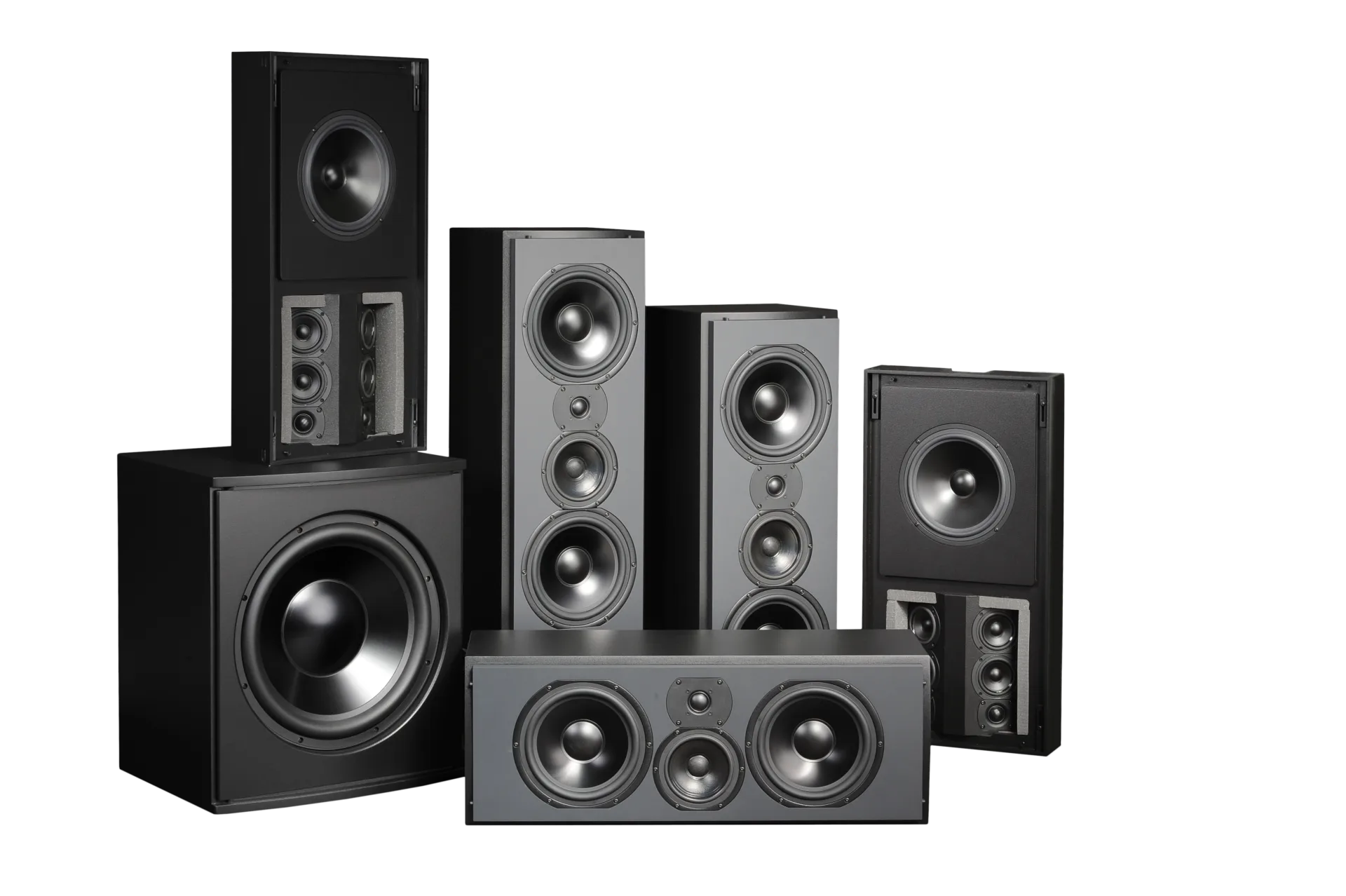
A home theater begins with the room and the seats. Whether it is a dedicated cinema or a shared media room, the viewing angles, speaker geometry, bass response, ambient light, noise isolation and ventilation should be decided before shopping by brand.
This guide follows the order Denali Tech uses for a serious planning conversation: room goals, layout, construction, system design, controls, calibration and long-term service.
💡 Quick Answer: Lock the seat locations, screen geometry, speaker/subwoofer layout, acoustic plan, lighting and HVAC first. Select equipment after those constraints are known, then verify the result with video and audio calibration.
A theater is a room system, not an equipment list
Screen size, sightlines, speaker layout, bass, acoustic treatment, ventilation, lighting and control all affect the result.
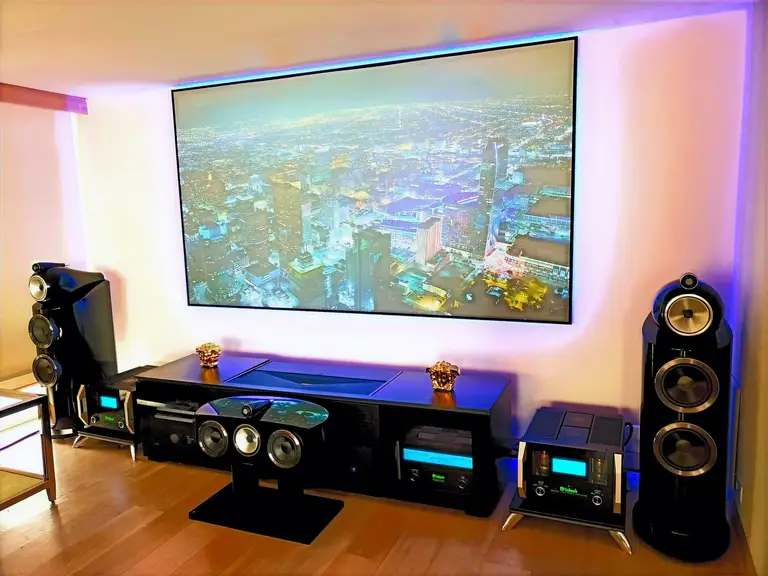
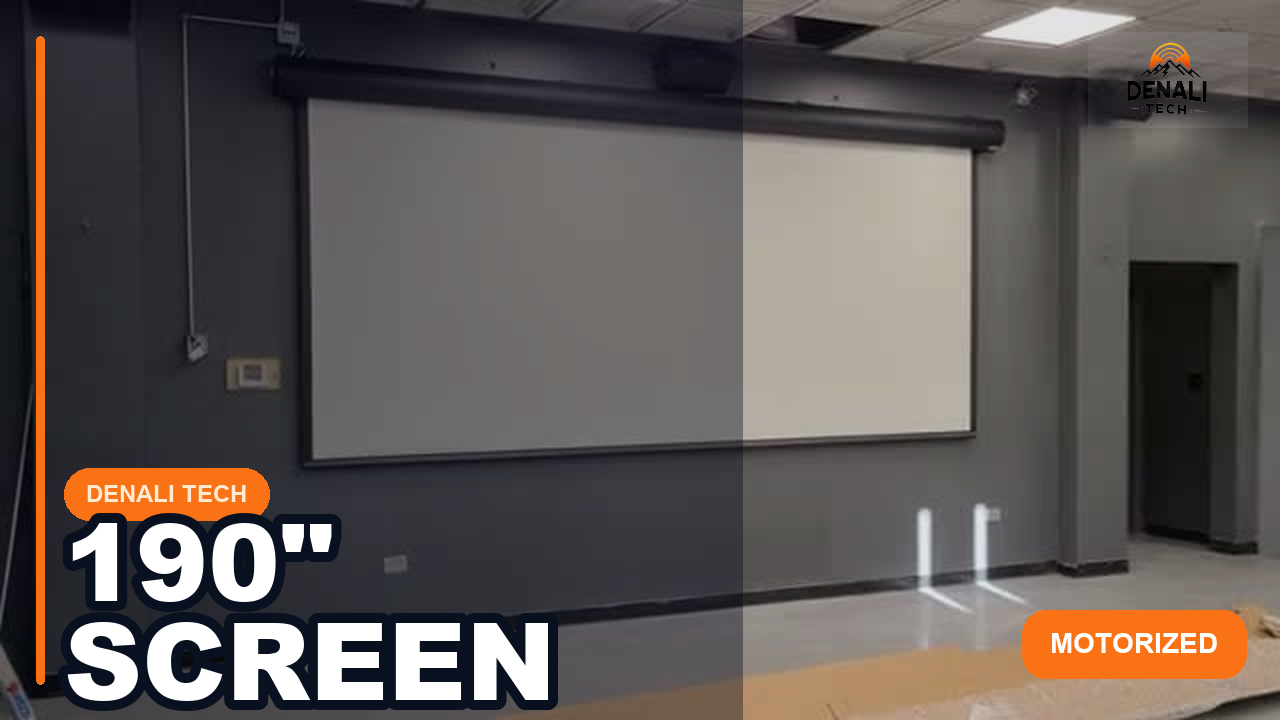
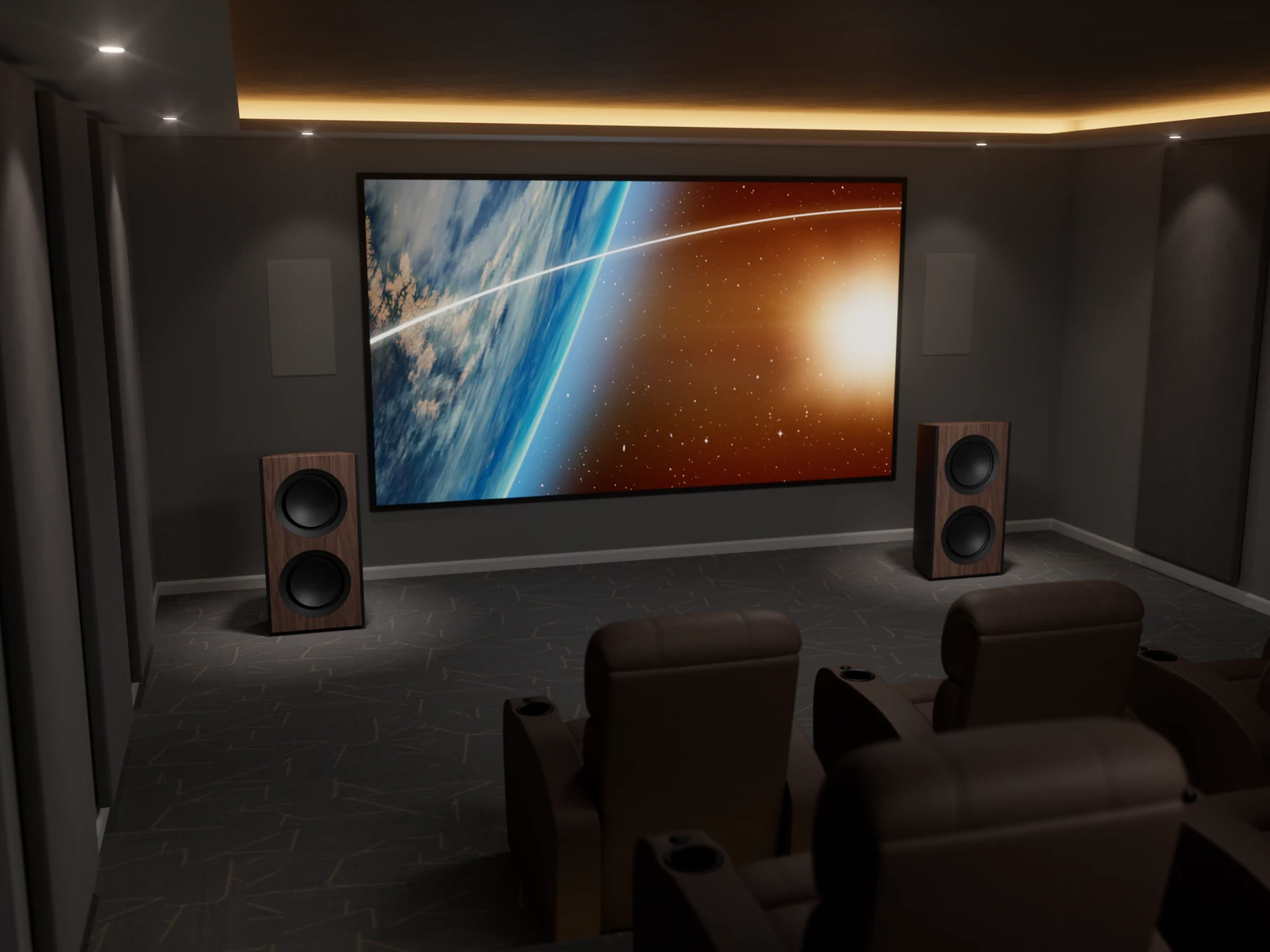
Planning sequence: room and seats → screen geometry → speaker/subwoofer layout → acoustics → lighting/HVAC → equipment and control → calibration.
What is a Home Theater?
A home theater is a dedicated or multi-purpose room designed to recreate the movie theater experience in your home. It typically includes:
- Large Display: Projector and screen, or large-screen TV
- Surround Sound: Multiple speakers positioned around the room
- Comfortable Seating: Theater-style seating optimized for viewing
- Lighting Control: Dimmable lights for optimal viewing
- Acoustic Treatment: Sound-absorbing materials for better audio
- Media Equipment: Blu-ray players, streaming devices, gaming consoles
Home Theater Installation Process
Here's what to expect during professional home theater installation:
Step 1: Consultation & Design
We visit your home, assess your space, understand your needs, and design a custom theater system.
- Room Assessment: Measure room dimensions, check for obstacles
- Budget Discussion: Understand your budget and priorities
- Needs Analysis: Movies? Gaming? Sports? Music?
- Equipment Selection: Choose components that fit your space and budget
- Design Plan: Create a layout showing where everything goes
Step 2: Room Preparation
Before installation, we prepare the room:
- Wiring: Run speaker wires, HDMI cables, power outlets
- Acoustic Treatment: Install sound-absorbing panels if needed
- Lighting: Install dimmable lighting or lighting control
- Ventilation: Ensure proper airflow for equipment
Step 3: Equipment Installation
We install all components:
- Display: Mount projector or TV, install screen
- Speakers: Install in-wall, in-ceiling, or freestanding speakers
- Audio Equipment: Install AV receiver, amplifiers, subwoofer
- Media Equipment: Install Blu-ray players, streaming devices
- Seating: Install theater seating if included
Step 4: Configuration & Calibration
We configure and calibrate everything for optimal performance:
- Speaker Calibration: Use professional tools to optimize speaker placement and settings
- Video Calibration: Optimize projector/TV settings for best picture quality
- System Integration: Connect everything to your smart home system if applicable
- Remote Programming: Program universal remote or smart home control
Step 5: Training & Support
We show you how to use everything and provide ongoing support:
- Training: Demonstrate how to use all features
- Documentation: Provide manuals and guides
- Warranty: Record the manufacturer and labor coverage that applies to each item and purchase channel
- Support: State the post-installation contact, included period, response expectations, and rates in writing
Key Components of a Home Theater
1. Display System
Choose between a projector and screen or a large-screen TV:
Projector & Screen:
- Pros: Can provide a large image with screen material selected for the room, projector, and viewing goal
- Cons: Ambient light, throw distance, mounting, screen choice, contrast, heat/noise, and light-source service all require planning
- Good for: Dedicated theater rooms, large screens
Large-Screen TV:
- Pros: Usually brighter for mixed-use rooms and simpler to operate than a projector system
- Cons: Very large panels affect price, delivery access, wall structure, serviceability, glare, and viewing geometry
- Good for: Multi-purpose rooms, smaller spaces
2. Audio System
The audio system is crucial for the theater experience:
Surround Sound Formats:
- 5.1: Five ear-level channels plus one low-frequency-effects channel; the room may use one or more physical subwoofers
- 7.1: Seven ear-level channels plus the low-frequency-effects channel
- Dolby Atmos: An object-based format that can use overhead or Dolby-enabled height speakers in supported layouts
Speaker Types:
- In-Wall Speakers: Hidden in walls, clean look
- In-Ceiling Speakers: For overhead/dolby atmos
- Floor-Standing Speakers: Freestanding option with performance that varies by design, placement, room, and system matching
- Subwoofer: For deep bass
3. AV Receiver
The AV receiver is the "brain" of your audio system:
- Processes Audio: Decodes surround sound formats
- Amplifies Signals: Powers speakers
- Switches Sources: Connects all your devices
- Networking: Streams music, connects to smart home
4. Seating
Comfortable seating optimized for viewing:
- Theater Seats: Reclining, cupholders, power outlets
- Sectional Sofas: More casual, family-friendly
- Riser Platforms: Stadium-style seating for multiple rows
5. Room Design
Proper room design enhances the experience:
- Acoustic Treatment: Sound-absorbing panels reduce echo
- Lighting Control: Dimmable lights for optimal viewing
- Room Color: Dark colors reduce reflections
- Sound Isolation: Prevents sound from disturbing other rooms
How to Budget for Home Theater Installation
Home theater costs vary too widely for a responsible universal package price. Use these planning levels to define scope, then quote the exact room and products:
Focused Media Room
- Display selected for the seating distance, room light, and content
- Soundbar or surround system selected for the room and performance goal
- Compatible electronics and sources
- Streaming devices
- Basic seating
Designed Theater System
- Projection or large-panel system designed from viewing geometry and room light
- Surround or Dolby Atmos layout based on the room and seating
- Electronics sized for speaker load, channel count, sources, and desired output
- Theater seating
- Acoustic treatment
- Lighting control
Construction-Integrated Dedicated Theater
- Screen and projector selected from throw, brightness, contrast, aspect ratio, and seating calculations
- Speaker and subwoofer layout modeled for the room and seating
- Electronics, power, ventilation, rack, and cabling designed as one system
- Custom theater seating
- Full acoustic treatment
- Home automation integration
- Commissioning measurements and complete documentation
DIY vs Professional Installation
You can install a home theater yourself. Professional installation should add design, trade coordination, measurement, and documentation—not a blanket guarantee:
Professional Installation Benefits:
- Measured Performance: Calibration aligns supported picture and sound settings with the room and equipment
- Proper Wiring: Clean, hidden wiring, no tripping hazards
- Field Knowledge: We know which equipment works well together
- Coordination: The proposal identifies which design, installation, programming, calibration, and trade-coordination tasks we will handle
- Warranty Support: Written manufacturer and labor coverage, with the responsible contact identified
- Problem Solving: We handle issues that come up
DIY Challenges:
- Calibration: Basic setup is possible with manufacturer tools; advanced measurement requires suitable instruments and knowledge
- Wiring: Running wires through walls is complex
- Equipment Selection: Hard to know what works well together
- Time: Can take weeks of trial and error
- Mistakes: Wrong choices cost money to fix
Common Home Theater Mistakes to Avoid
Here are common mistakes homeowners make:
- Wrong Screen Size: Too big or too small for the room
- Poor Speaker Placement: Speakers not positioned correctly
- Insufficient Acoustic Treatment: Room echoes ruin the experience
- Wrong Seating Distance: Sitting too close or too far
- Poor Lighting: Glare or too much ambient light
- Equipment Chosen by Price Alone: Compatibility, room fit, serviceability, and measured performance matter more than a price label
- Skipping Calibration: Uncalibrated systems don't perform optimally
Room Requirements for Home Theater
There is no universal minimum room size or ceiling height. Evaluate:
- Size: Seating distance, aisle clearance, speaker angles, screen size, sightlines, and bass behavior
- Ceiling Height: Speaker placement, projector clearance, riser/headroom, soffits, and HVAC
- Windows: Ambient-light control, reflections, shade details, and acoustic effects
- Doors: Solid doors help with sound isolation
- Shape: Rectangular rooms work best
How Long Does Installation Take?
Installation timeline varies with procurement, room readiness, wiring access, construction, trade coordination, programming, calibration, inspection needs, and change orders:
- Equipment setup: Confirm delivery, mounting, cabling, configuration, and testing scope
- Designed system: Include speaker and display installation, programming, calibration, and homeowner handoff
- Dedicated room: Coordinate framing, electrical, HVAC, acoustics, finishes, seating, permits or inspections, and commissioning
Maintenance & Upgrades
After installation, your home theater needs:
- Regular Updates: Firmware updates for equipment
- Calibration: Recheck after equipment, room, speaker, screen, or seating changes, or when performance concerns appear
- Maintenance: Cleaning projectors, checking connections
- Upgrades: Adding new features or upgrading components
Ready to Install Your Home Theater?
Get a project review from Chicago's professional home theater installers. We'll design a custom theater system for your space and budget.
Send Project DetailsOr message us on WhatsApp
Primary references
Dolby Atmos speaker setup · Dolby speaker-layout guides · CEDIA homeowner guidance. Reviewed August 15, 2026. Room size, speaker angles, sightlines, screen size, acoustics, isolation, ventilation, and electrical work require project-specific design. Format logos and channel counts alone do not guarantee performance.
Final Thoughts
A home theater can improve the viewing and listening experience when the room, equipment, acoustics, lighting, ventilation, wiring, control, and calibration are designed as one system. Service life and satisfaction depend on the selected products, installation, use, maintenance, and changing media requirements.
Denali Tech designs and installs media rooms and dedicated theaters in the Chicago area. The proposal should make the equipment, room work, trade responsibilities, performance goals, and support terms clear.
Remember: A good home theater is more than just equipment - it's about proper design, installation, and calibration. That's where professional installation makes all the difference.
Let's Design Your Dream Home Theater
Contact us for a project review. We'll assess your space, understand your needs, and design a home theater system that fits your budget and delivers an good experience.
Send Project Details