Smart Home Automation for Beginners: Complete Starter Guide 2026
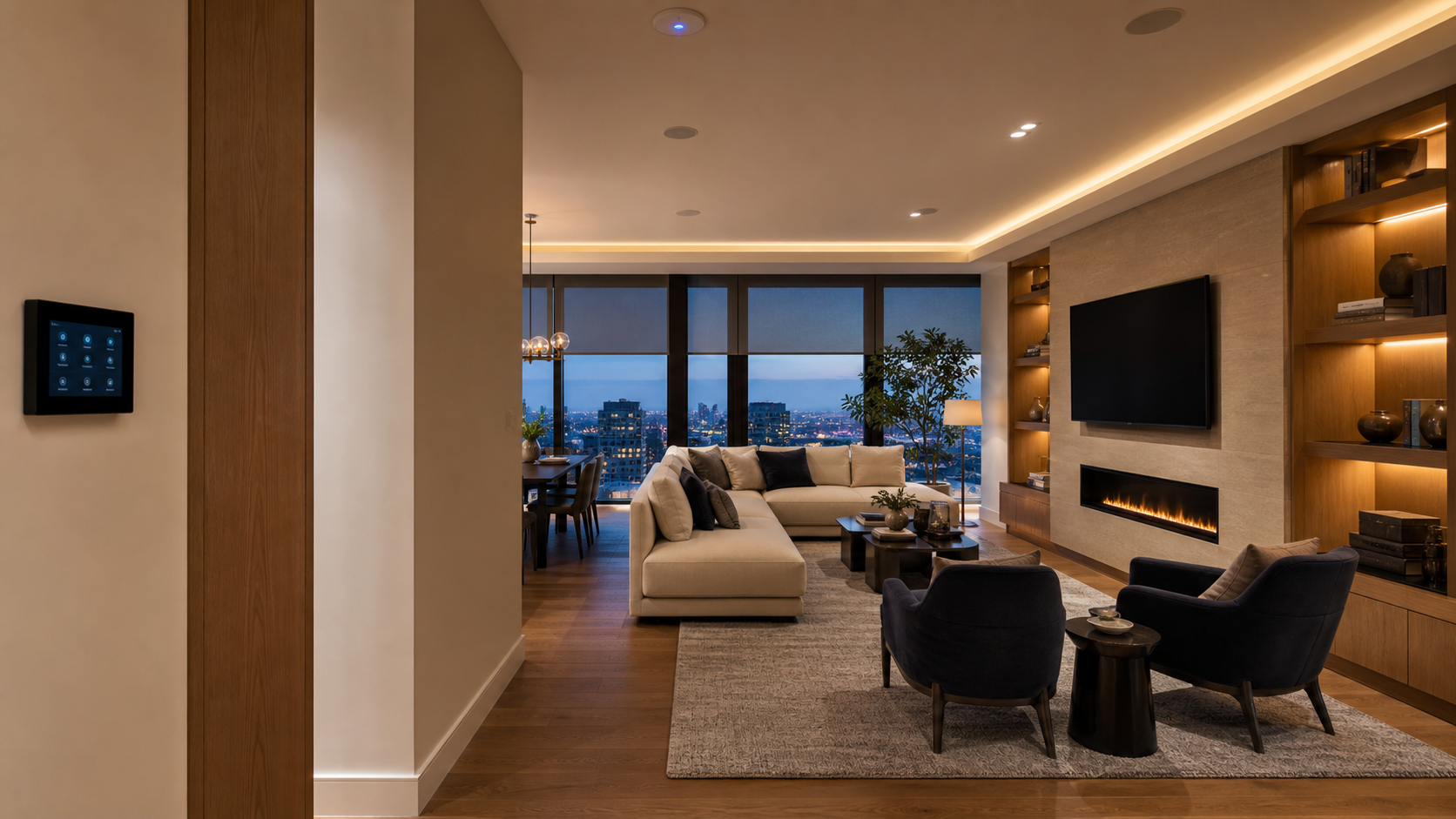
New to smart homes? Begin with the routines the household repeats every day, then identify the lighting, climate, shades, security, audio/video and network systems required to make those routines dependable.
A good starter plan reduces app switching and preserves simple physical control. It does not require automating every device on day one.
💡 Quick Answer: Start with a reliable network, one primary control platform and a small set of valuable scenes. Make sure lights, temperature and entertainment remain easy to operate locally when a phone or internet service is unavailable.
Start with three dependable layers
A useful first system needs a stable network, simple physical controls and one clear homeowner interface.
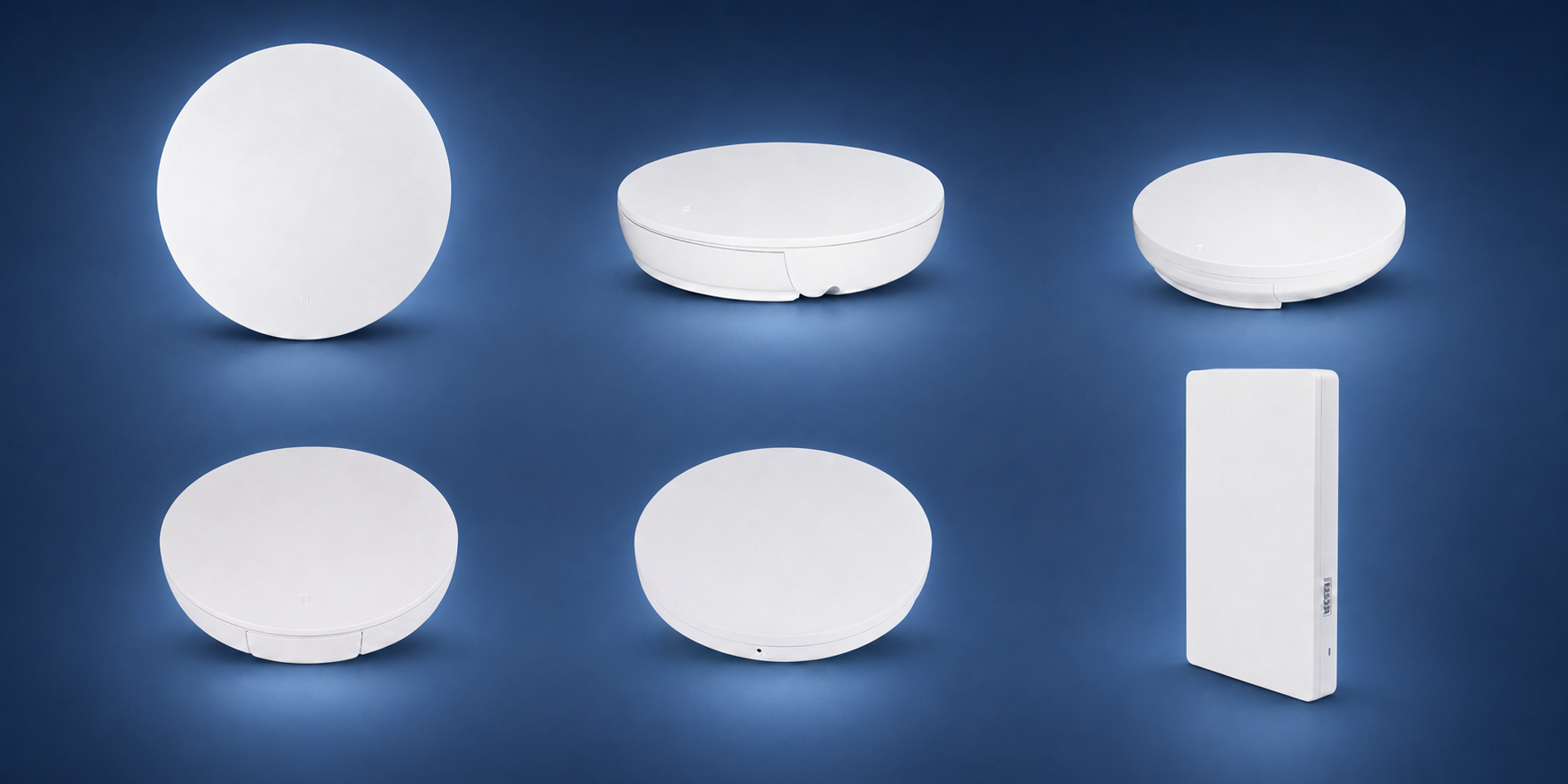

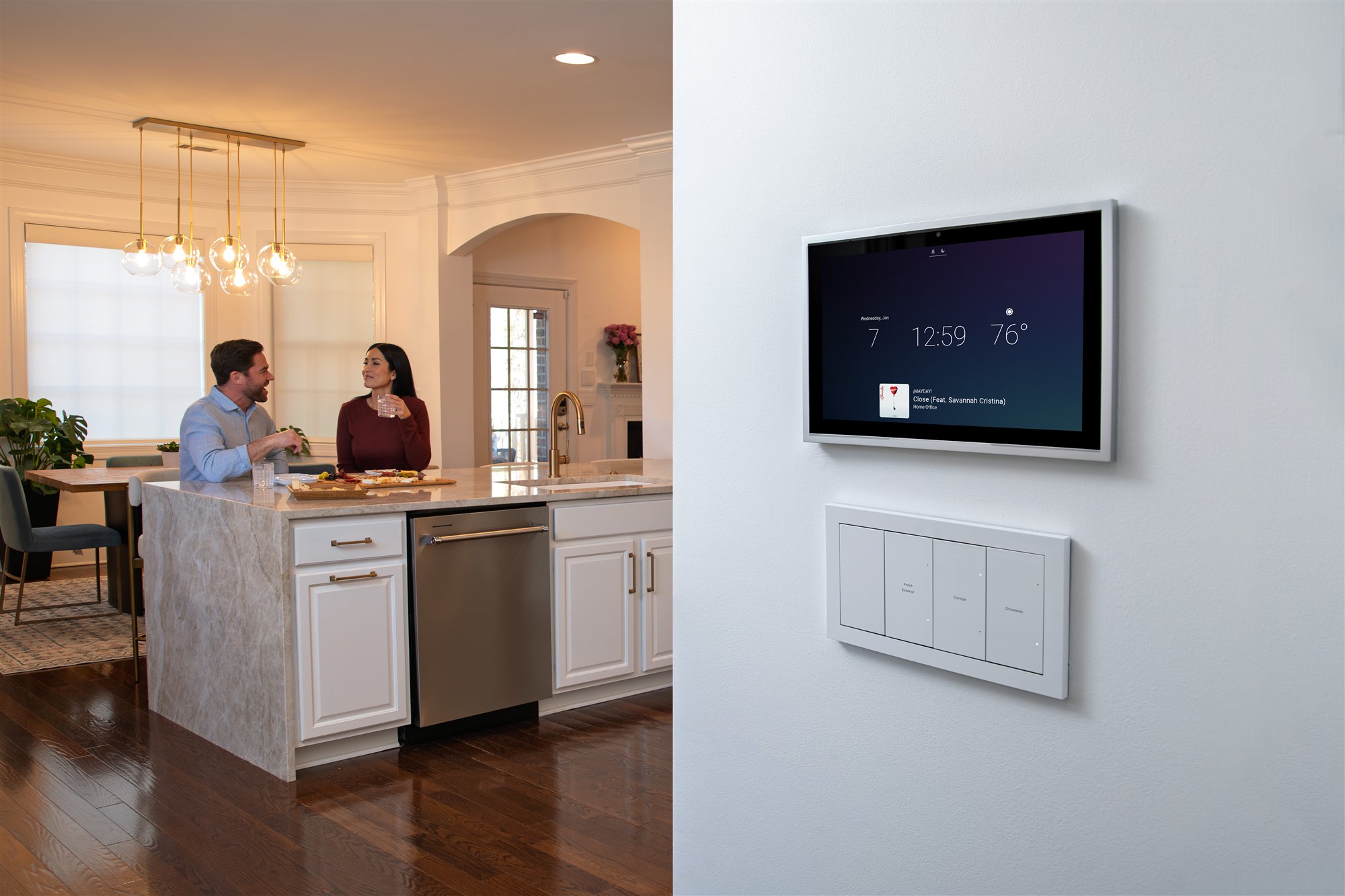
Beginner rule: automate one repeated routine well—such as Good Night or Away—before adding dozens of novelty commands.
What is Smart Home Automation?
Smart home automation is about making your home's devices "smart" - connecting them so they can:
- Be Controlled Remotely: Turn on lights, adjust thermostat, lock doors from your phone
- Work Together: Devices communicate and work as a team
- Automate Tasks: Do things automatically based on schedules, sensors, or triggers
- Learn Your Habits: Some systems learn your preferences over time
Simple example: Instead of walking around your house turning off lights before bed, you press one button (or say "Goodnight") and all lights turn off, doors lock, thermostat adjusts, and security system activates.
Common Smart Home Devices
Common smart home device categories include:
1. Smart Lights
Lights you can control from your phone, dim, change colors, and schedule:
- Smart bulbs (screw-in bulbs)
- Smart switches (replace wall switches)
- Smart dimmers
2. Smart Thermostat
A compatible thermostat can use schedules, occupancy or away settings, and supported remote controls:
- Can reduce unnecessary heating or cooling when correctly configured; savings are not guaranteed
- May support phone control through the required app, account, and service
- Can use a planned away setback when the HVAC system and household routine support it
3. Smart Security
Compatible sensors, cameras, alarms, and monitoring services can detect and report selected events:
- Security cameras
- Door locks
- Doorbell cameras
- Motion sensors
4. Smart Entertainment
Audio and video systems:
- Smart speakers (for music and voice control)
- Smart TVs
- Streaming devices
5. Smart Plugs
Make any device smart by plugging it into a smart plug:
- Control lamps, fans, coffee makers
- Schedule on/off times
- Monitor energy usage
How Smart Home Automation Works
Smart home systems work through:
1. Connectivity
Devices connect to your WiFi network or use dedicated wireless protocols (like Zigbee or Z-Wave).
2. Control Hub
Some systems use a central hub (like Control4 or URC) that connects everything. Others work through your WiFi router.
3. Mobile Apps
Many products use phone or tablet apps, but local controls, remotes, touchscreens, and voice interfaces may also be part of the system. App features can depend on accounts, internet access, and subscriptions.
4. Voice Assistants
Many systems work with Alexa, Google Assistant, or Siri for voice control.
5. Automation
You can create "scenes" or "routines" that trigger multiple devices at once.
Benefits of Smart Home Automation
Why do people automate their homes?
1. Convenience
Control everything from one place - your phone. No more running around turning things on and off.
2. Energy Savings
Schedules, setbacks, occupancy sensing, and dimming can reduce unnecessary energy use. Savings vary with the home, equipment, climate, utility rates, and previous behavior; no universal percentage is guaranteed.
3. Security
Compatible products can provide remote status, alerts, camera views, and access control when the required accounts, permissions, network, internet, and services are available. These features do not replace a complete security plan.
4. Comfort
Your home adapts to your lifestyle - lights turn on when you arrive, temperature adjusts automatically.
5. Peace of Mind
Remote status and alerts can provide useful awareness while you are away, but they depend on sensor accuracy, power, connectivity, accounts, and correct configuration.
Getting Started: Where to Begin
Don't try to automate everything at once. Start small and build:
Step 1: Start with One Device
Pick one thing to automate first. Popular starters:
- Smart thermostat (for schedules, setbacks, and remote control where compatible)
- Smart lights (most visible improvement)
- Smart speaker (for music and voice control)
Step 2: Choose a Platform
Pick an ecosystem to build around:
- Amazon Alexa: Works with many devices, voice control
- Google Home: Good integration with Google services
- Apple HomeKit: Good for Apple users
- Professional Systems: Control4, URC for whole-home automation
Step 3: Expand Gradually
Add more devices as you get comfortable. Start with one room, then expand.
Step 4: Create Automation
Once you have a few devices, create simple automations like "turn on lights at sunset."
DIY vs Professional Installation
You have two options:
DIY Approach
Pros: Lower cost, learn as you go, fun project
Cons: Can require more owner time for compatibility checks, setup, troubleshooting, updates, and support
Good for: Tech-savvy people, small setups, budget-conscious
Professional Installation
Pros: Coordinated design, installation, programming, testing, documentation, and a named support path
Cons: Higher cost, requires scheduling
Good for: Whole-home automation, busy people, reliability-focused
Common Smart Home Terms Explained
Here are terms you'll hear:
- Hub or controller: A device that coordinates supported products or automations; not every smart product requires one, and no hub supports everything
- Scene: Preset combination of actions (like "Goodnight" that turns off lights and locks doors)
- Automation: Devices acting automatically based on triggers
- Voice Assistant: Alexa, Google Assistant, or Siri
- IoT: Internet of Things - devices connected to the internet
- Integration: Devices working together
- Zigbee/Z-Wave: Wireless protocols some devices use
Budget Considerations
Smart home costs vary too much for truthful universal package prices. Build the budget from:
- Products: Exact models, quantities, accessories, licenses, and subscriptions
- Infrastructure: Network, wiring, electrical work, rack, power, mounts, and finish repair
- Professional services: Design, installation, programming, testing, documentation, training, and support
- Future costs: Maintenance, service calls, product replacement, software support, and expansion
Common Beginner Mistakes
Here's what beginners often get wrong:
- Buying Incompatible Devices: Not all devices work together - check compatibility
- Starting Too Big: Try to automate everything at once - start small
- Poor WiFi: Weak WiFi causes devices to drop offline
- Overcomplicating: Too many automations that conflict
- Forgetting Updates: Devices need firmware updates
Tips for Success
How to succeed with smart home automation:
- Start Small: Begin with one or two devices
- Strong WiFi: Ensure good WiFi coverage
- Choose Compatible Devices: Stick to one ecosystem or ensure compatibility
- Learn Gradually: Take time to understand each device
- Create Simple Automations: Start with basic automations
- Get Help: Don't hesitate to ask professionals for advice
When to Consider Professional Installation
Consider professional installation if you:
- Want Whole-Home Automation: Automating multiple rooms and systems
- Value Serviceability: Want the system documented, tested, and supported by a named provider
- Don't Have Time: Too busy to DIY
- Have Complex Needs: Advanced integrations and custom programming
- Want Support: Someone to call when things break
Ready to Get Started?
Get a project review from Chicago's smart home installers. We'll help you understand your options and create a plan that fits your needs and budget.
Send Project DetailsOr message us on WhatsApp
Primary references
Control4 Smart Home Buyer’s Guide · CEDIA guide to smart-home systems · Control4 product catalog. Reviewed August 15, 2026. Brand features, integrations, subscriptions, and compatibility change. Start with desired outcomes, then verify the current products, accounts, wiring, network, privacy settings, and long-term support plan.
Final Thoughts
Smart home automation doesn't have to be complicated. Start small, learn as you go, and expand gradually. Whether you DIY or hire professionals, the goal is making your home more convenient, secure, and comfortable.
Denali Tech designs and installs professionally supported systems in the Chicago area. The written scope should make clear which design, trade coordination, installation, programming, documentation, training, and support tasks Denali will perform.
Remember: The best smart home is one that works for you, not against you. Start simple, and build from there.
Let's Get You Started
Contact us for a project review. We'll help you understand smart home automation and create a plan that works for you.
Send Project Details