1. Confirm the symptom
Identify the affected room, service, and time of failure instead of treating every complaint as “the WiFi.”
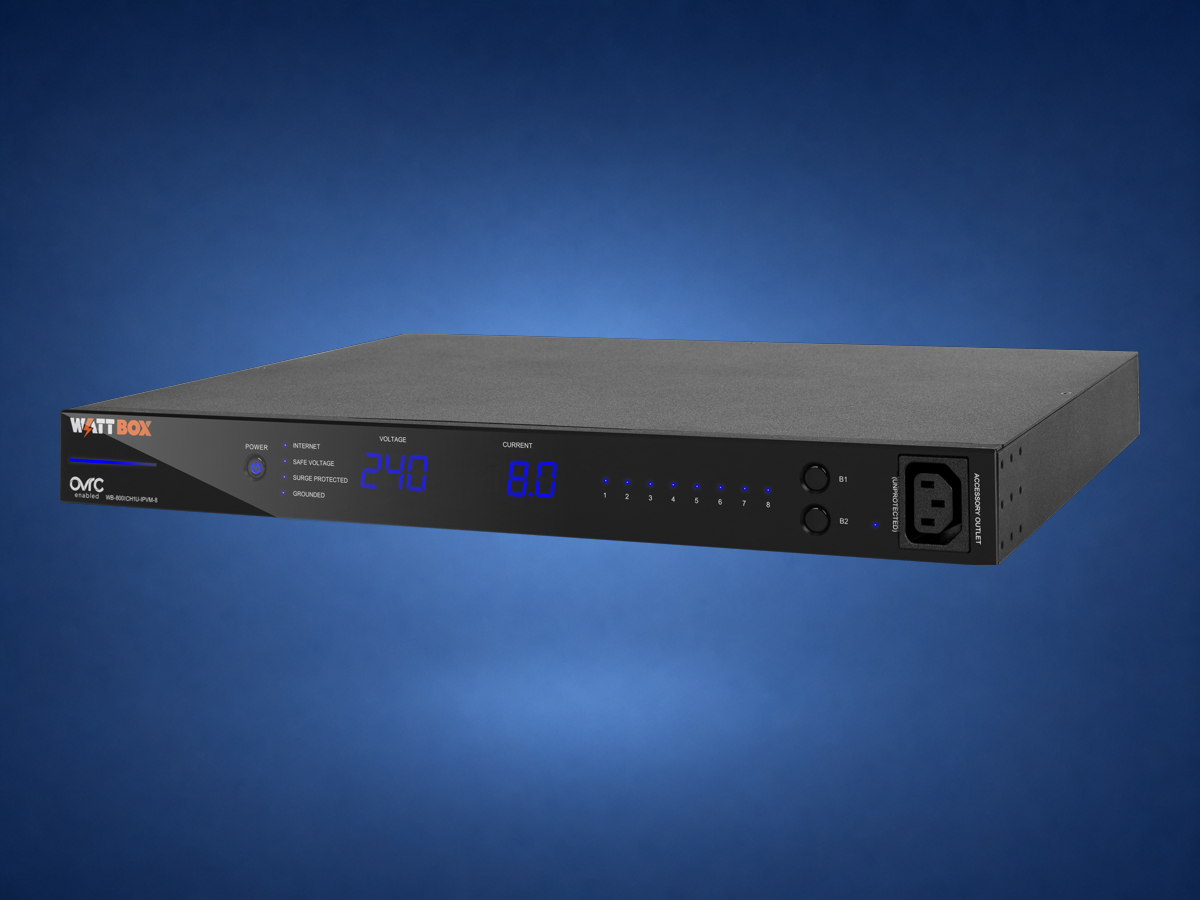
Managed rack power gives the service plan a safe, labeled place to start.
Quick answer: WattBox supplies the controllable outlets; OvrC gives the service technician a supported remote view. Together they can recover a frozen modem, router, streamer, or control device without asking the homeowner to unplug random equipment—but only when the rack was labeled and the restart order was planned correctly.
The useful feature is not “reboot everything.” It is knowing exactly which outlet feeds which device, what must stay online, and what sequence is safe.
A homeowner may report that the app is offline, the television will not start, or cameras stopped loading. Those symptoms can share a cause, but they can also come from completely different layers. The first step is checking whether the internet connection, router, switch, controller, and affected endpoint are visible.
If one supported device is unresponsive while the rest of the system is healthy, a controlled outlet reset may be appropriate. If multiple devices disappear together, the technician should investigate the common network or power path before restarting anything.
Identify the affected room, service, and time of failure instead of treating every complaint as “the WiFi.”
Review modem, router, switching, controller, and power status to find the first missing layer.
Use the documented outlet and restart order, then verify that the service actually returns.
| Power role | Typical equipment | Planning reason |
|---|---|---|
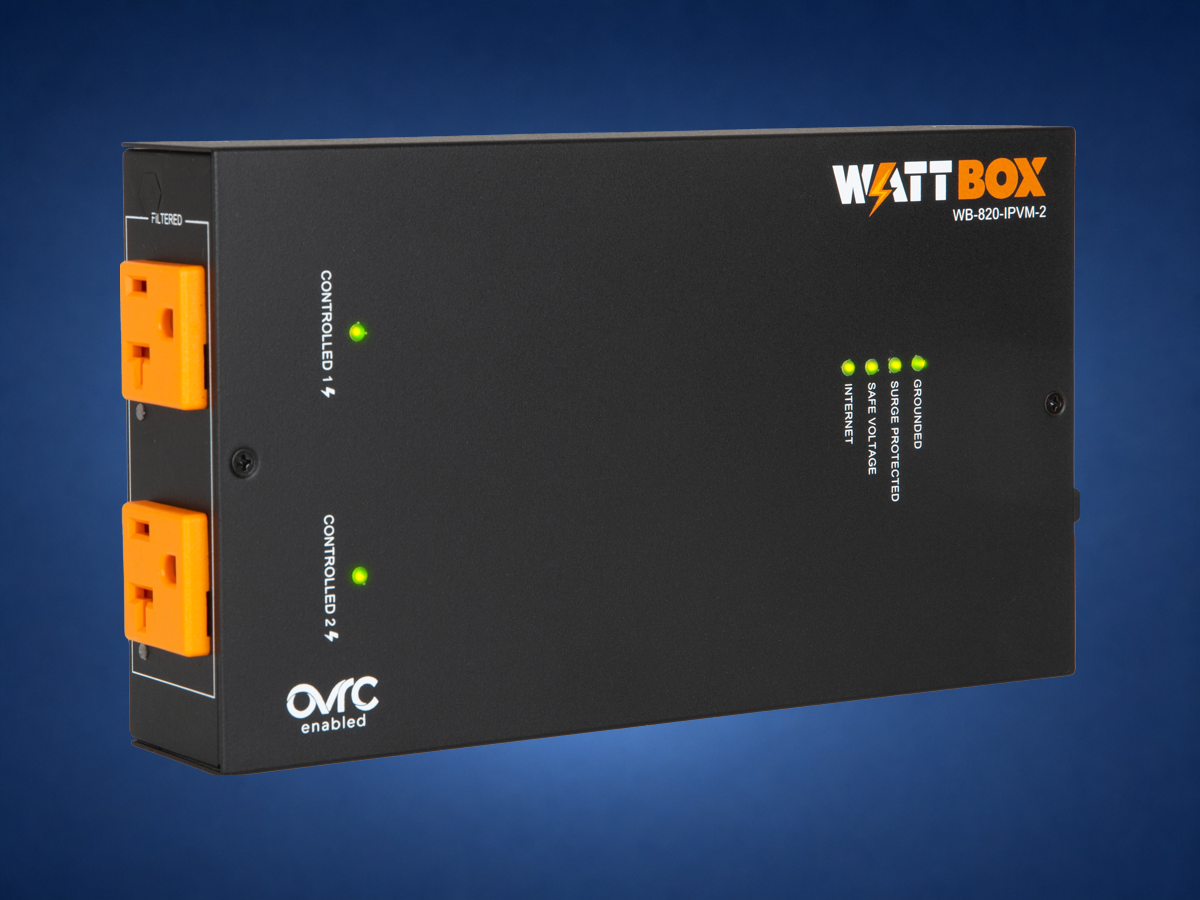
| Controlled outlet | Modem, selected streamers, selected network or AV endpoints | Allows a documented remote recovery when a device locks up. |
| Always-on outlet | Equipment that should not be casually power-cycled | Prevents an accidental reset from creating a larger outage. |
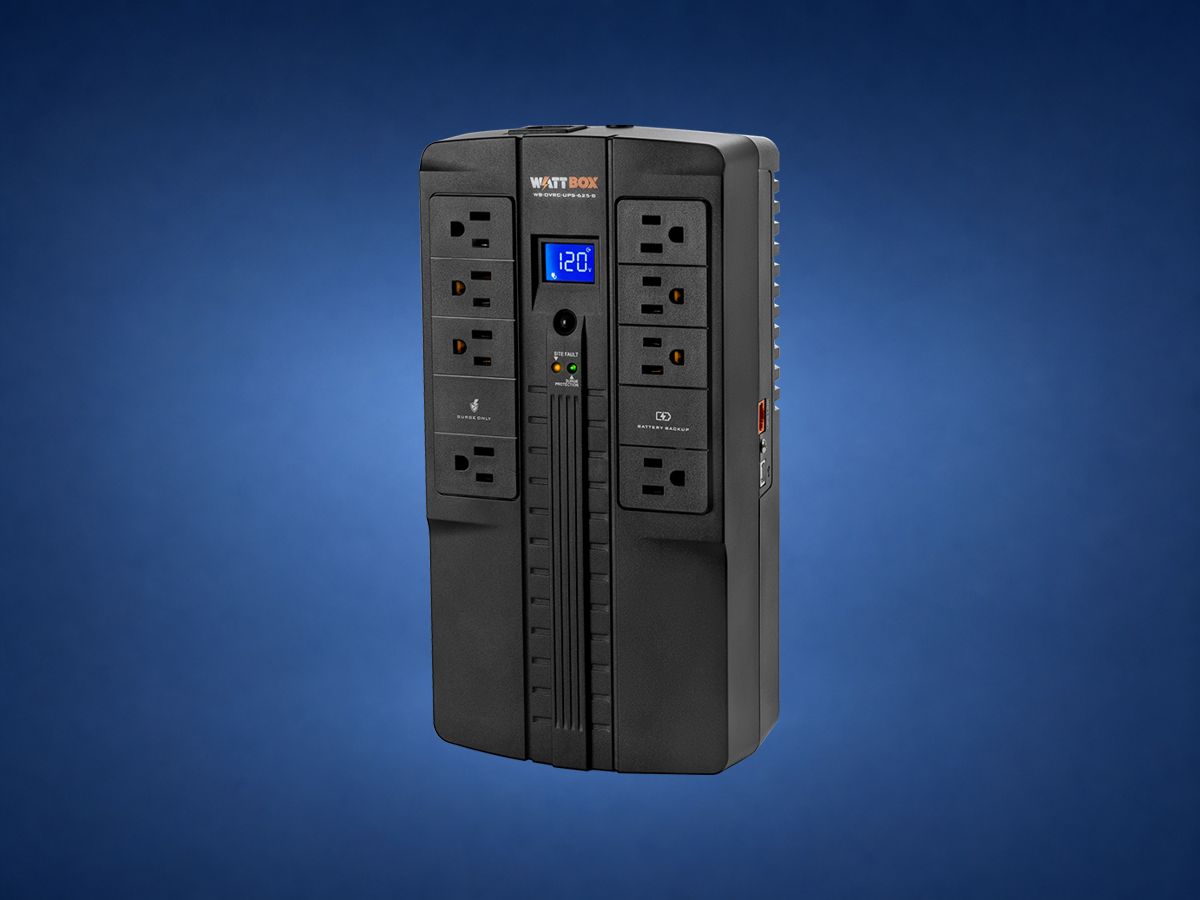
| UPS-backed outlet | Network core, controller, recorder, or other uptime-critical equipment | Provides ride-through time and orderly operation during short power events. |
Managed power is excellent for a device that is powered but no longer responding. It cannot repair weak wireless coverage, damaged cable, an overheated rack, failed programming, a dead power supply, or an internet outage outside the home.
Denali Tech service rule: if the same device needs repeated resets, the reset is evidence—not the final repair. The next step is finding why that device, outlet, network link, or software process keeps failing.
These are three different parts of a serviceable design: controlled rack power, battery backup, and a compact managed-power option for smaller equipment locations.
No. It can reduce unnecessary visits when the issue is a controllable power reset, but wiring faults, failed equipment, and programming issues still need real diagnosis.
No. Some equipment should stay always-on, and some equipment needs a controlled reset order. The outlet plan matters.
Often yes, but the rack should be audited first so power, network, heat, and labeling are not made worse.
WattBox + OvrC · OvrC remote management. Capabilities reviewed August 15, 2026. A remote reboot is a troubleshooting tool, not proof that the underlying problem is fixed. Outlet assignments, reboot order, permissions, firmware, network reachability, and equipment restart behavior must be documented and tested.
Send photos of the room, rack, wiring, TV wall, or outdoor space. Denali Tech can help decide whether the right first step is design, cleanup, prewire, replacement, or support.