Weak or uneven coverage
Dead zones, slow rooms, dropped video calls, buffering TVs, and devices that only work near the router.
Dead zones, dropped cameras, slow rooms, buffering TVs, and unreliable smart-home controls usually point to the network. Denali Tech builds reliable home networks for Chicago-area homes.
Dead zones, slow rooms, dropped video calls, buffering TVs, and devices that only work near the router.
Cameras, lighting, audio, remotes, panels, and apps that feel unreliable because the network underneath is weak.
Modems, switches, access points, and cables that are hard to understand, hard to support, or poorly placed.
Start with the symptom: weak coverage, slow speeds, poor roaming, smart-home drops, camera issues, or a messy equipment area.
We check internet service, router placement, access points, wiring, roaming, interference, and device load before selling gear.
We plan wired drops, access point locations, rack space, PoE switching, cameras, TVs, audio, and future smart-home devices.
We stabilize the network that cameras, remotes, lighting, shades, thermostats, and control processors depend on every day.
Serving Mount Prospect, Arlington Heights, Des Plaines, Park Ridge, Glenview, Northbrook, Schaumburg, Skokie, Evanston, Chicago, and nearby communities.
These product images show examples of network equipment and managed power. Placement, wiring, and power recovery are planned for your specific home.
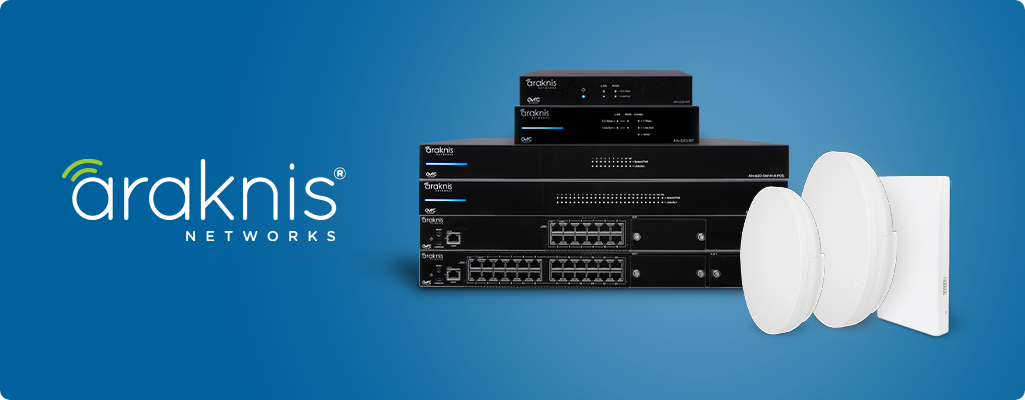
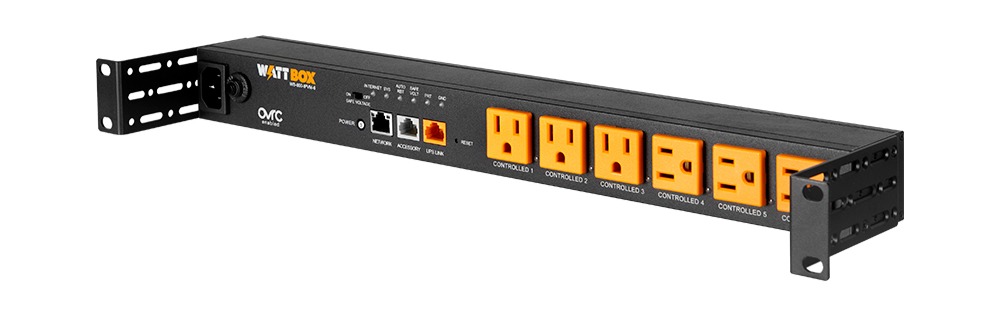
See how router, switching, access points, wiring, and support fit into one network plan.
Plan coverage around construction, room layout, wiring, roaming, and device density.
Choose the router from internet speed, client load, remote support, and network complexity.
Sometimes the answer is placement, wiring, or router cleanup. We check the backbone before adding hardware.
Yes. Dropping cameras, slow app control, unreliable lighting, and remote-control issues often trace back to network or power problems.
Send photos of the modem, router, network closet, access points, camera recorder, and the rooms or devices having problems.
A quick photo of the modem/router, network closet, rack, or problem room helps us tell you whether the next step is placement, wiring, access points, cleanup, or a full network redesign.