Home / Guides / Luma NVR Comparison
Client security recorder guide

The camera sees it. The recorder decides whether you can find it later.

Choose the NVR by final camera count, incoming bandwidth, storage target and playback experience—not by the hard drive sticker alone. Compare Luma 420 and 820 recorders before the surveillance network is built.

Published July 13, 2026By Denali Tech Team14 min read
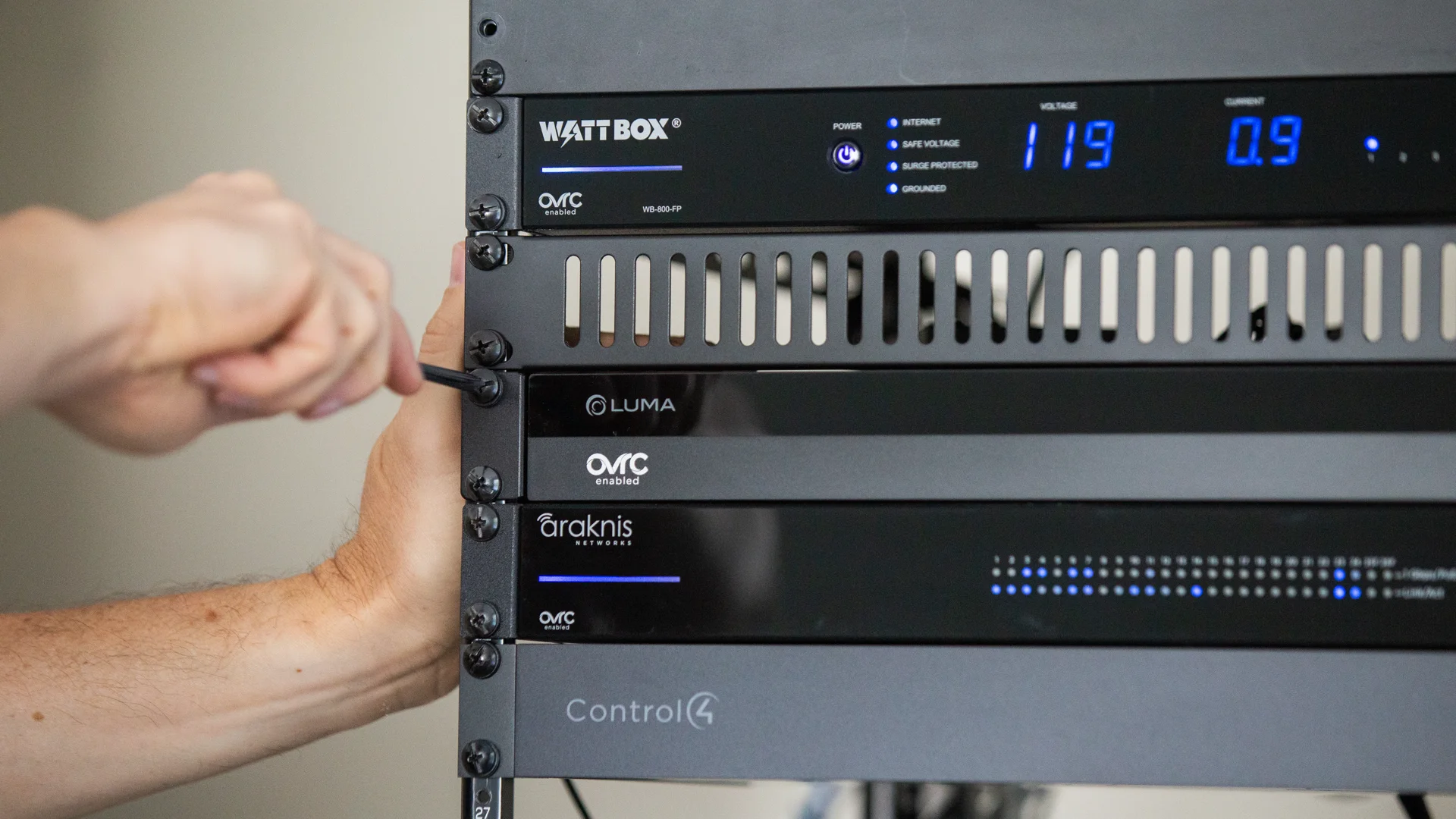
Luma network video recorder installed with WattBox, Araknis and Control4 equipment in an AV rack
The recorder belongs in a protected, ventilated, serviceable rack with managed power and a reliable network.
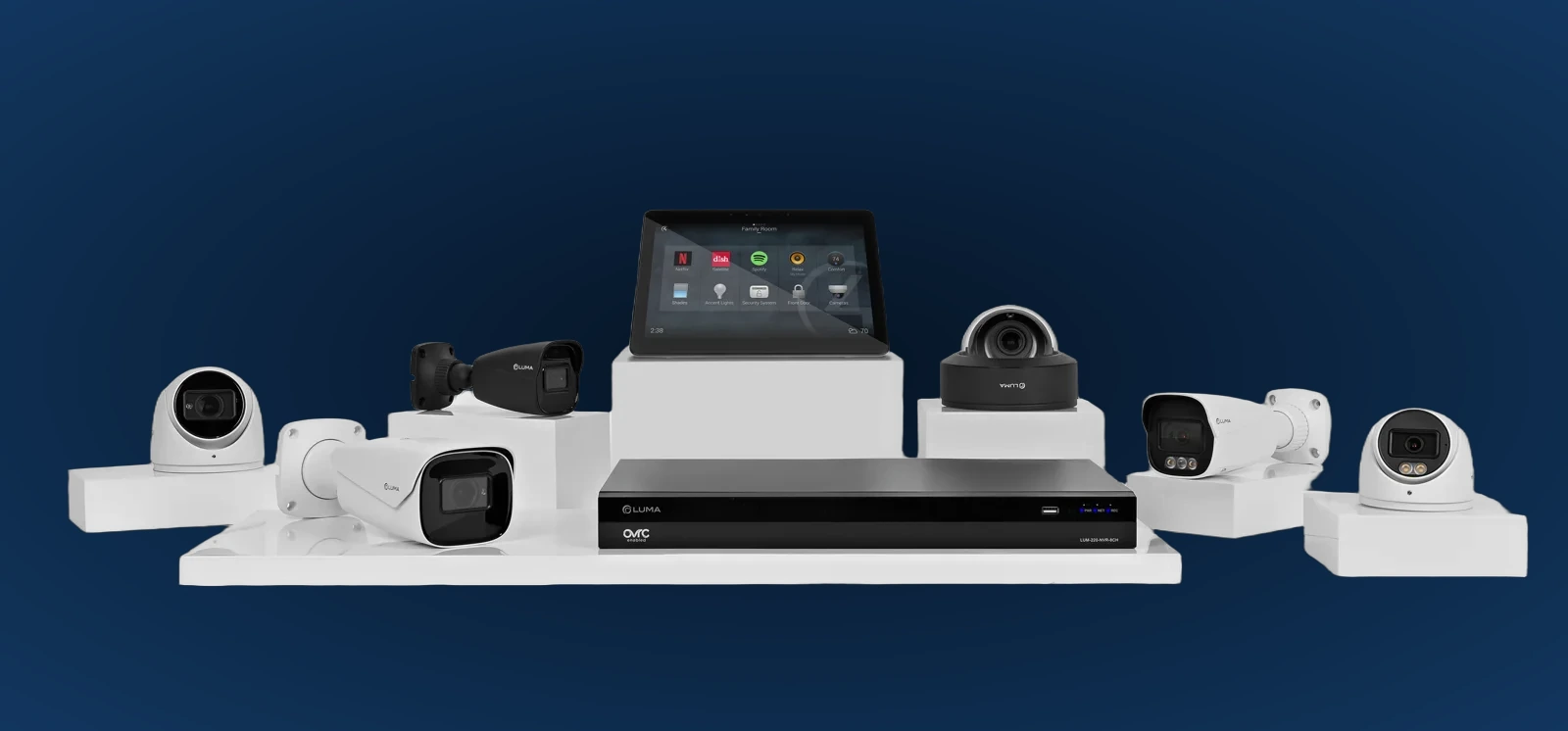
Fast answer: use the Luma 420 16-channel NVR for a residential system that fits comfortably under sixteen cameras and its 160 Mbps bandwidth ceiling. Choose an 820 16-channel NVR for the heavier-duty 820 platform at the same camera count, or the 820 32-channel NVR when the completed design exceeds sixteen cameras. Leave channels, bandwidth and disk capacity for growth.

Three current recorder choices

Channel count is the first boundary, not the whole design. Camera bitrate, drive configuration, network topology and expected retention must all fit inside the selected recorder.

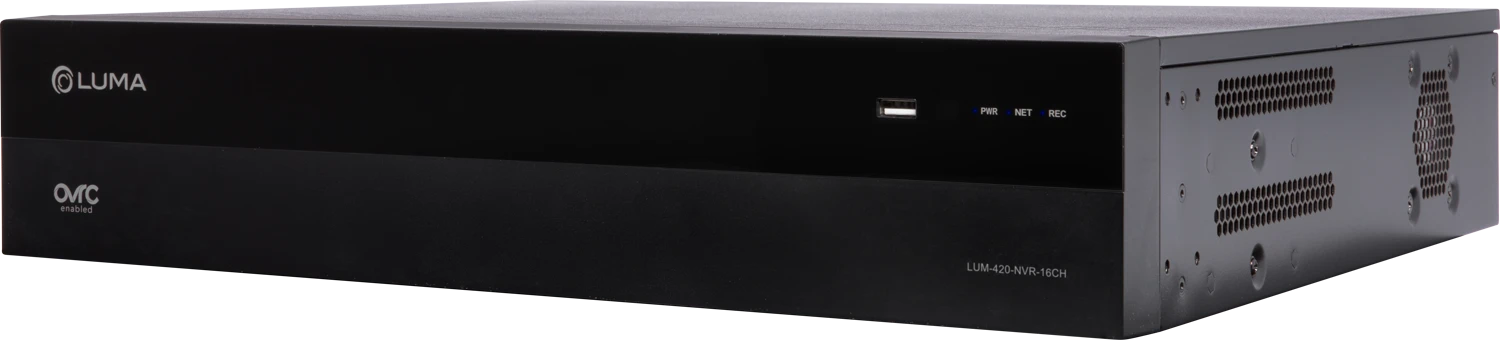
Luma 420 sixteen-channel network video recorder
16 CHANNELS

Luma 420 NVR

The practical residential starting point for up to sixteen connected camera channels.

  • Up to 160 Mbps network bandwidth
  • Dual network connections on the high-capacity chassis
  • Two independent local display outputs
  • OvrC setup and remote service support
Best fit: homes where the finished camera schedule stays well below sixteen and leaves a safe growth margin.
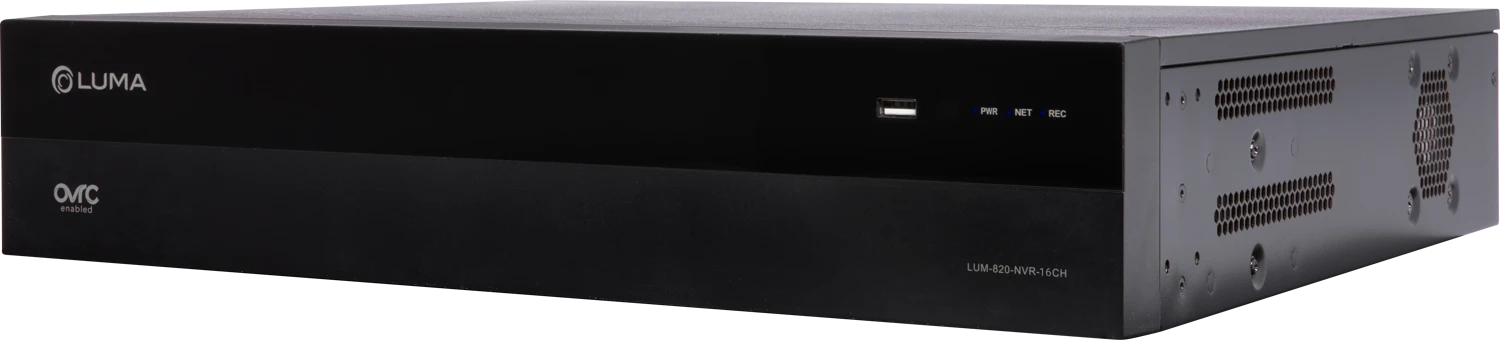
Luma 820 sixteen-channel network video recorder
16 CHANNELS

Luma 820 16CH

The higher-capacity recorder platform for a sixteen-camera design with more incoming bandwidth headroom.

  • Up to 196 Mbps network bandwidth
  • Dual Ethernet failover connections
  • Dual local display capability
  • Same Luma View and OvrC workflow
Best fit: high-resolution or active scenes where the bandwidth plan—not only channel count—pushes beyond the 420.
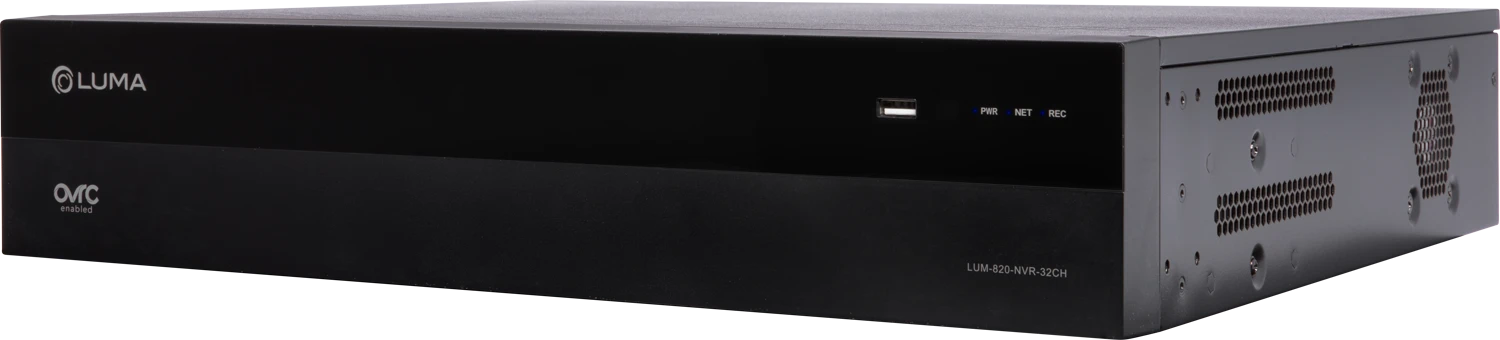
Luma 820 thirty-two-channel network video recorder
32 CHANNELS

Luma 820 32CH

The expansion choice for estates, multi-building properties and projects whose final count can exceed sixteen cameras.

  • Up to thirty-two camera channels
  • 196 Mbps platform bandwidth
  • Room for gates, detached structures and future coverage
  • Centralized search and playback
Best fit: designs where sixteen channels would be full on day one or leave no credible expansion path.

Luma 420 vs 820 NVR comparison

Decision420 16CH820 16CH820 32CHWhy it matters
Maximum channels161632Reserve channels for future cameras, a gate, garage interior or detached building
Incoming bandwidthUp to 160 MbpsUp to 196 MbpsUp to 196 MbpsTotal camera bitrates must remain below the recorder limit with operating margin
Network connectionsTwo Ethernet ports on the 420/820 high-capacity architectureTwo Ethernet portsTwo Ethernet portsOfficial guidance supports failover by connecting both to the surveillance switch
Local displaysMain and secondary outputs; up to nine channels on each displaySameSameUseful for a security desk, rack monitor or separate live-view locations
AI/event playbackSearch and filter supported motion and AI events produced by compatible camerasThe camera detects the event; the NVR stores and organizes the recording
Remote managementOvrC provisioning, linked-camera management, credentials, disk status and remote web accessRemote support can resolve many configuration and health issues without a service visit
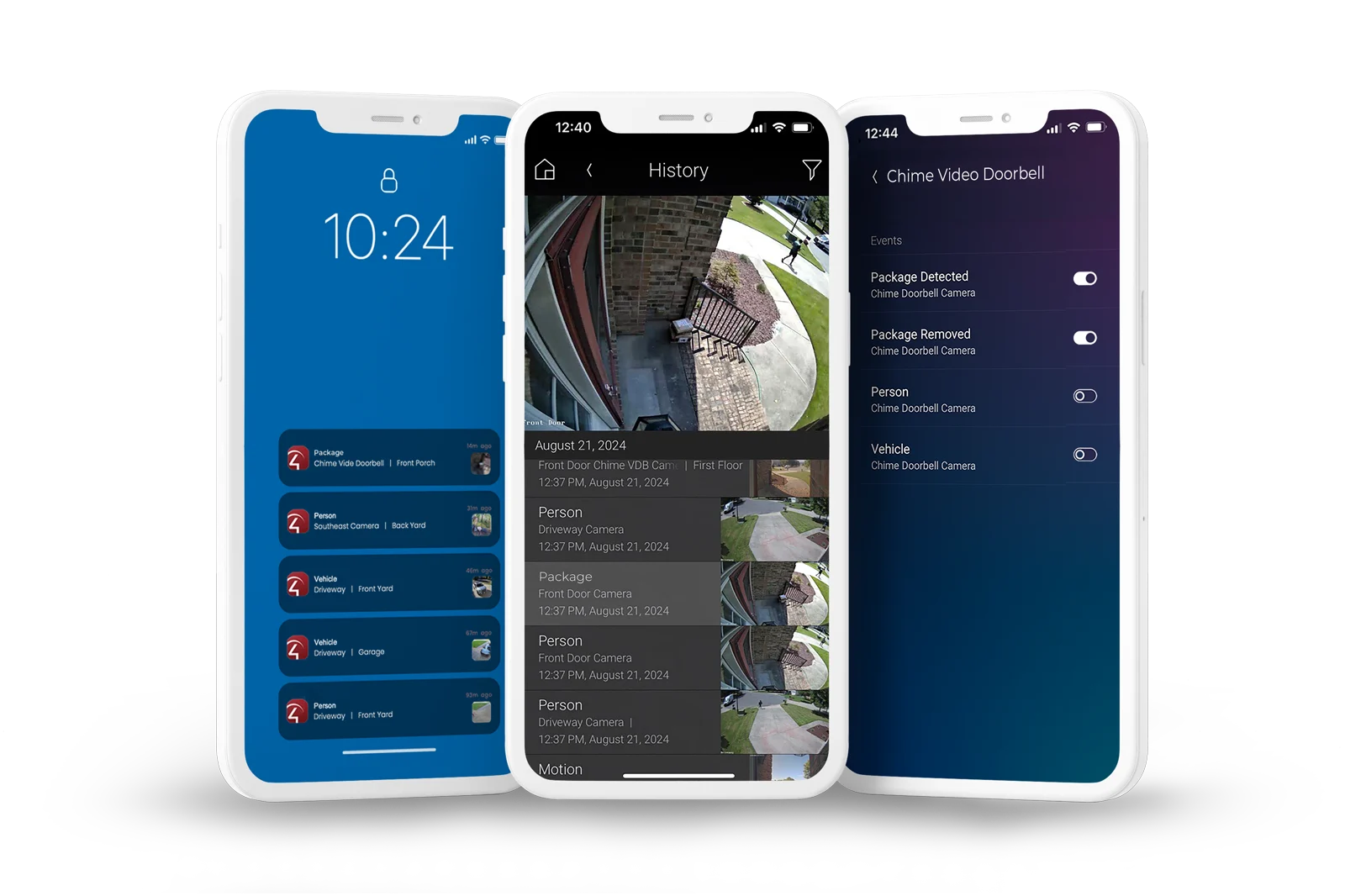
Mobile experienceLuma View live video, playback, notifications, favorites and event searchThe recorder choice should support the client’s actual review workflow, not only archive video
StorageDrive options vary by exact SKU; calculate retention from the installed disks and recording profileNever promise a fixed number of days from channel count alone

Bandwidth, dual-network and dual-display behavior were checked against the current official Luma x20 recorder documentation. Exact disk, port, chassis and accessory configurations must be verified by SKU before ordering.

Retention is math, not a guess

A camera set to 4 Mbps generates roughly 43.2 GB per day during continuous recording. Multiply that by camera count, then account for usable disk capacity and system overhead. Event recording can dramatically reduce usage, but it depends on how active each scene is.

One camera at 4 Mbps≈ 43 GB/day

Continuous recording, before overhead. Higher bitrates and frame rates require more space.

Eight cameras at 4 Mbps≈ 346 GB/day

A nominal 4 TB drive would provide roughly eleven days before formatting and operating overhead.

Sixteen cameras at 4 Mbps≈ 691 GB/day

The same nominal 4 TB would provide roughly five to six days. Storage must scale with the system.

Planning formula: bitrate in Mbps × 10.8 ≈ gigabytes per day per camera. Then multiply by cameras and desired days. Use the actual camera profiles and allow capacity for overhead, activity spikes and future additions.

Channels, PoE ports and network cameras are not the same thing

A channel is a recorder license position for one camera stream. A camera does not need to be plugged directly into the NVR to consume that channel; Luma cameras connected through the surveillance network can also be assigned in OvrC.

Direct-to-NVR camera

The camera is wired to a recorder PoE port when the exact model provides one. That can simplify a small local topology.

Camera on a PoE switch

Useful when cameras home-run to the main network rack, buildings are connected by fiber or the design needs managed switching.

Third-party camera

ONVIF devices may be added with credentials, but feature, analytics and integration parity must be verified—not assumed.

Plan the complete recorder environment

Protected location

Put the NVR in a locked, ventilated and serviceable rack—not beside the monitor where a visitor can remove it.

Managed power

Use surge protection, battery backup where required and OvrC-aware power management for orderly remote recovery.

Surveillance network

Budget camera traffic, PoE capacity, uplinks, VLANs and remote-view bandwidth with the network design.

Time accuracy

Correct time zone and synchronization are critical when recordings must establish when an event happened.

User permissions

Separate homeowner, family, staff and service access instead of sharing one administrator credential.

Export workflow

Show the client how to find, protect and export a clip before an urgent event makes the process stressful.

A simple client explanation

“The channel count tells us how many cameras the recorder can accept. Bandwidth tells us how much video it can ingest. Disk capacity and recording settings tell us how many days we can keep. We choose all three from the completed camera schedule and the evidence window you actually want.”

Want the camera count and retention calculated before installation?

Send the floor plan, desired camera locations, important evidence window, continuous-recording priorities, rack location and any future buildings or gates. Denali Tech can create the camera, network, recorder and storage schedule before wire or equipment is committed.

Official Luma references

Related planning guides