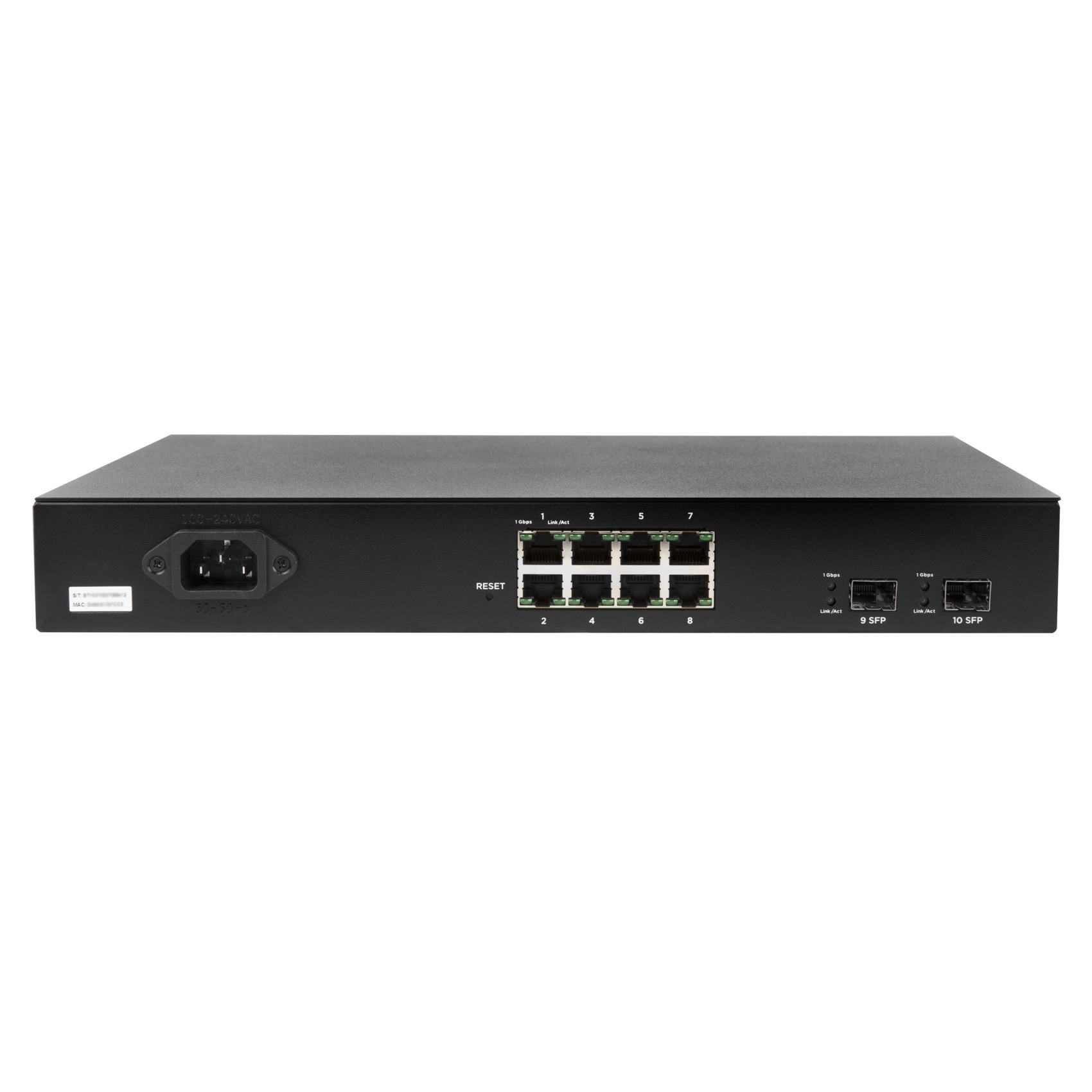
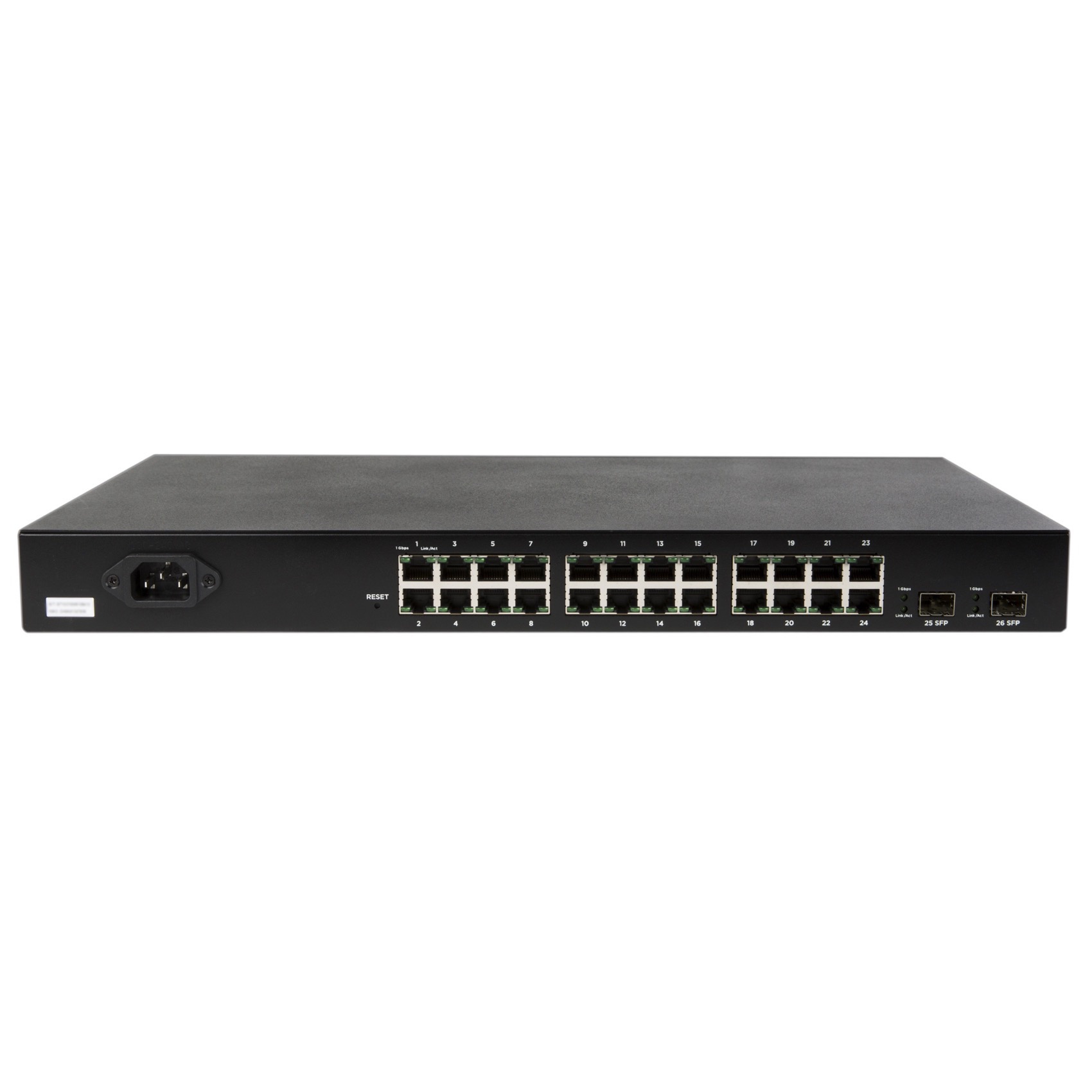
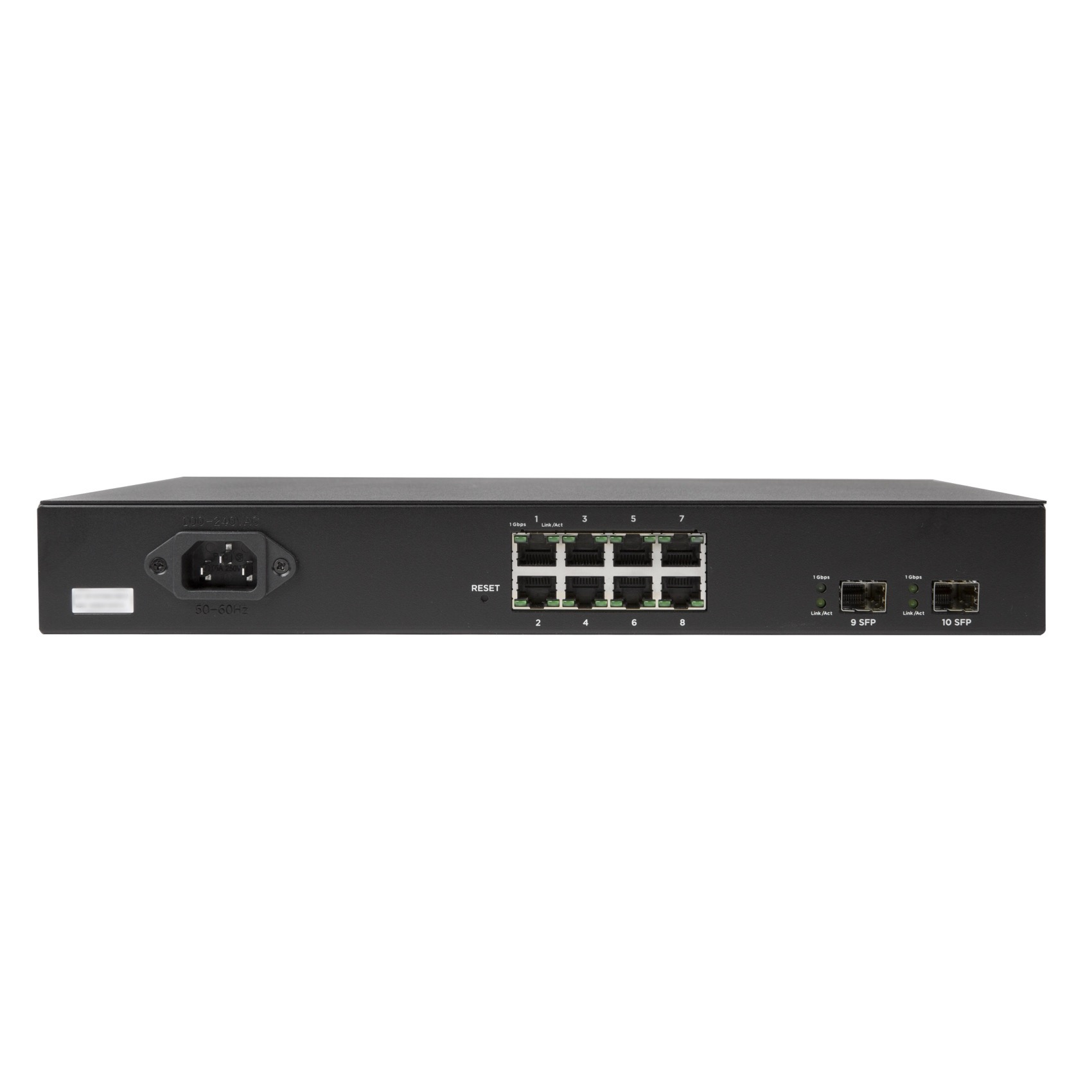
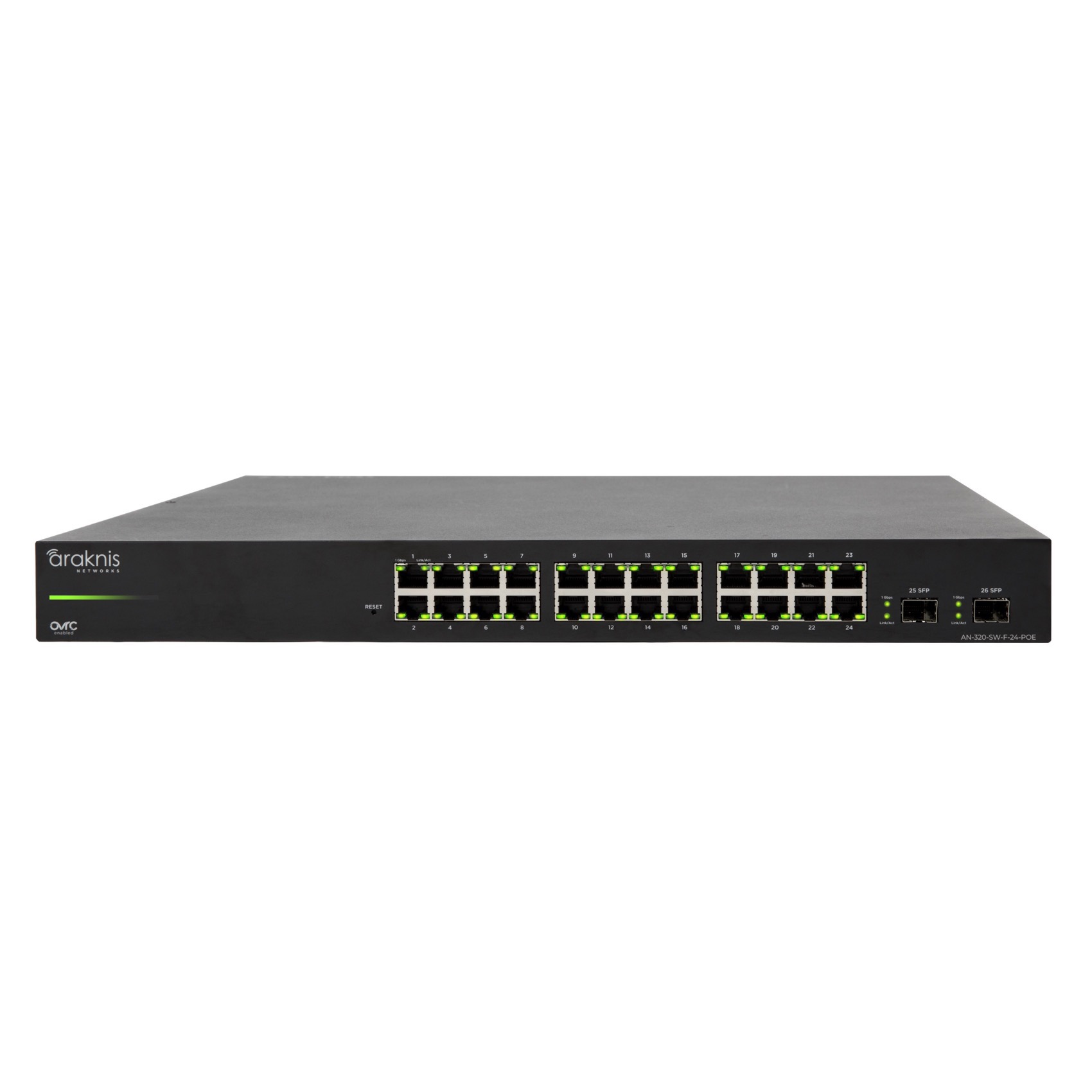
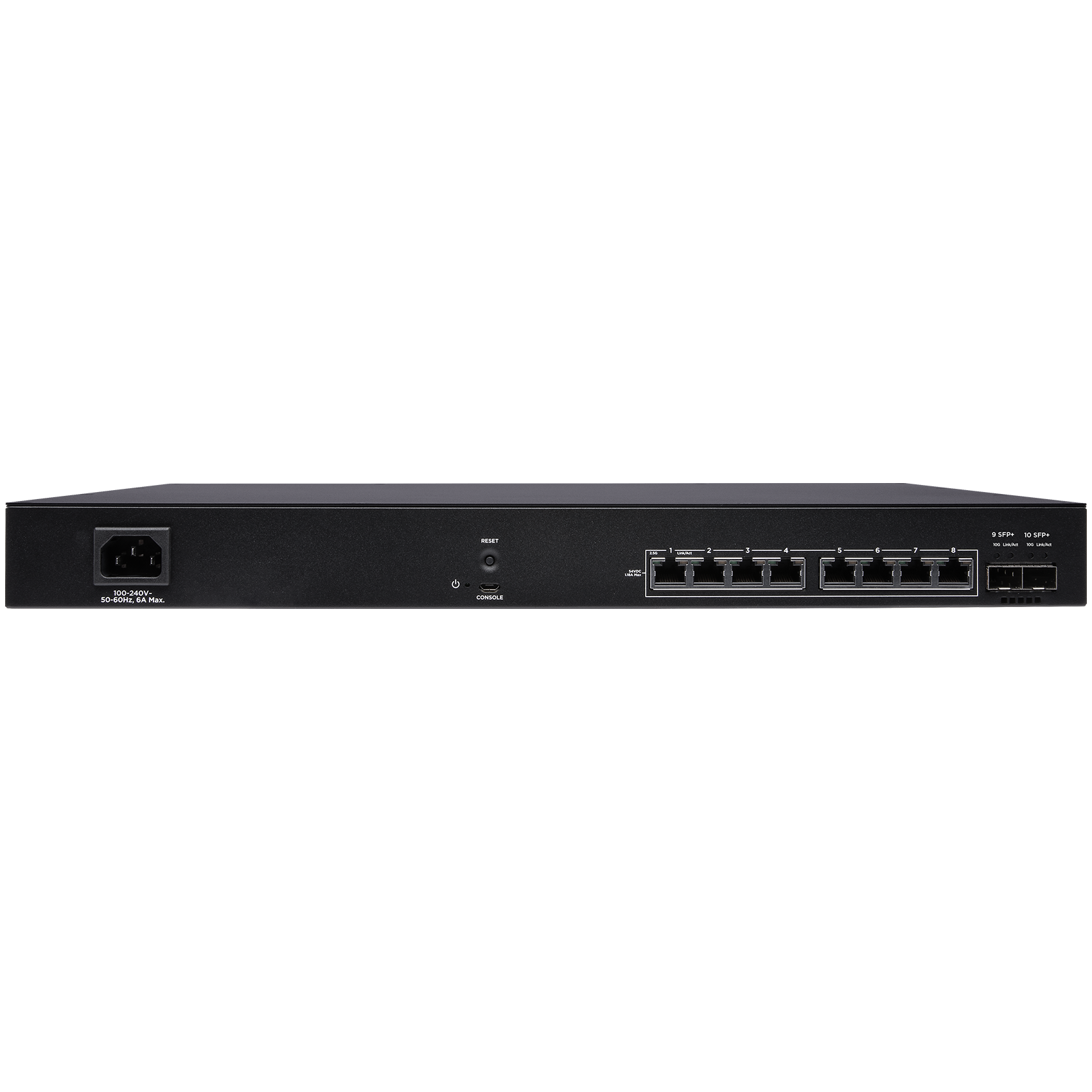
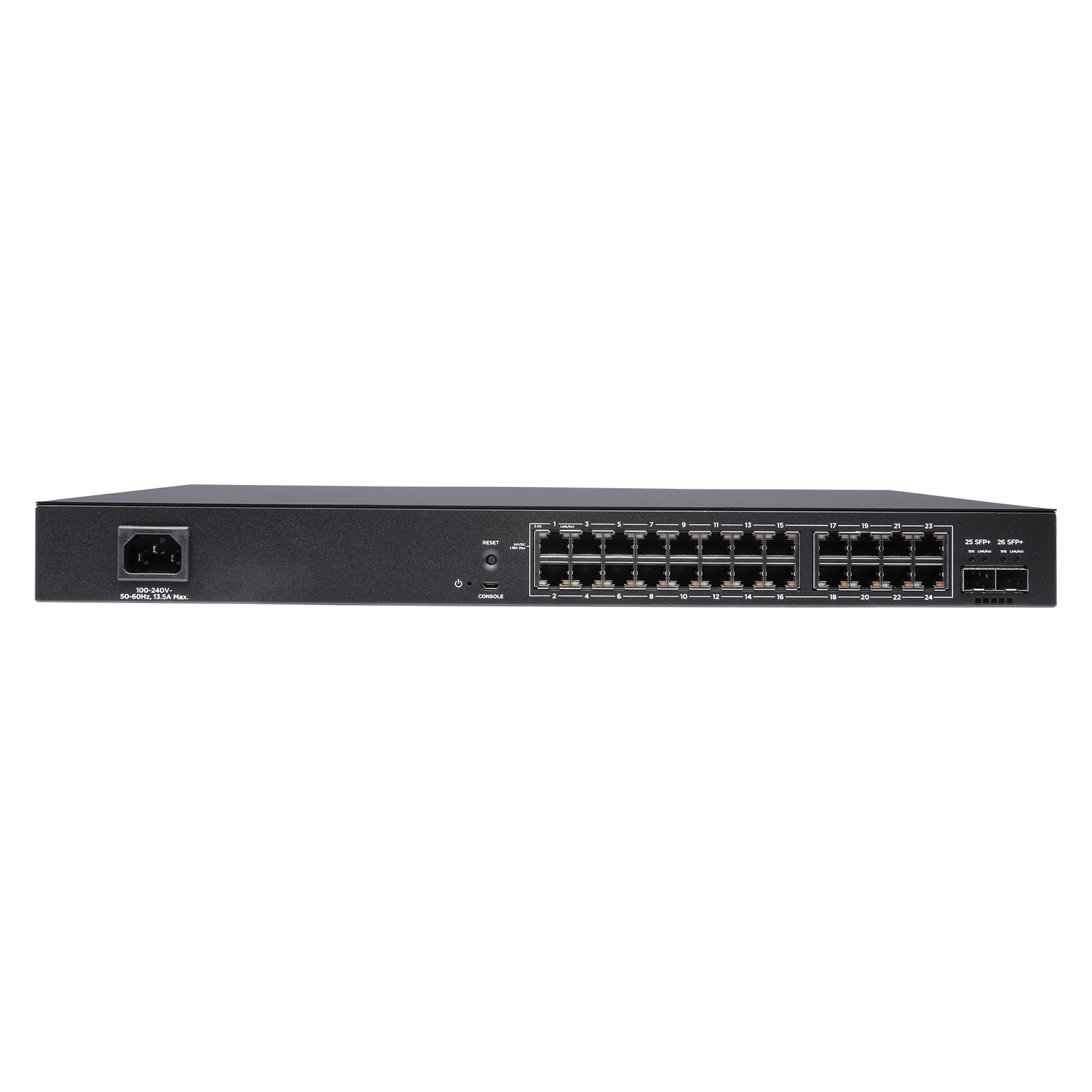
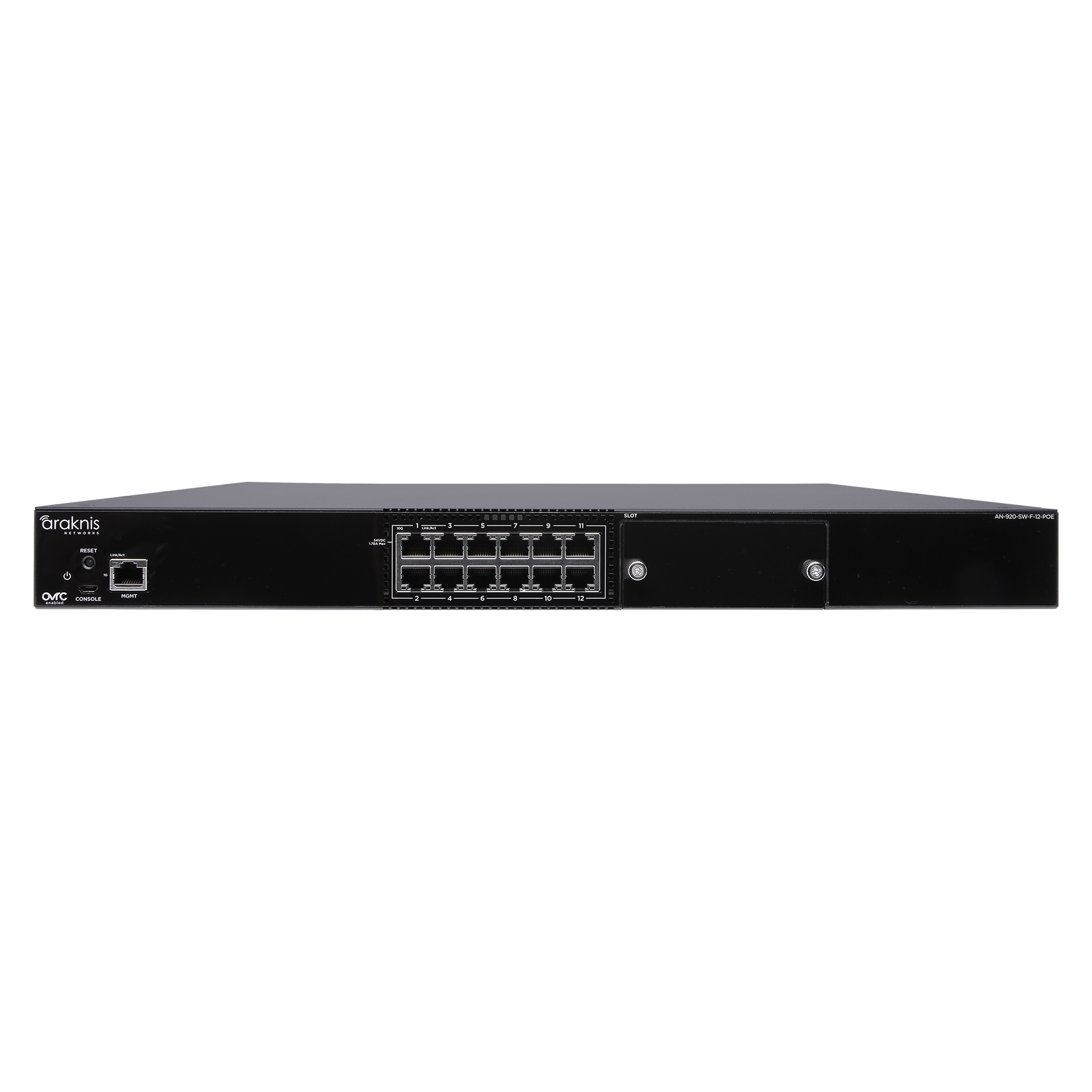
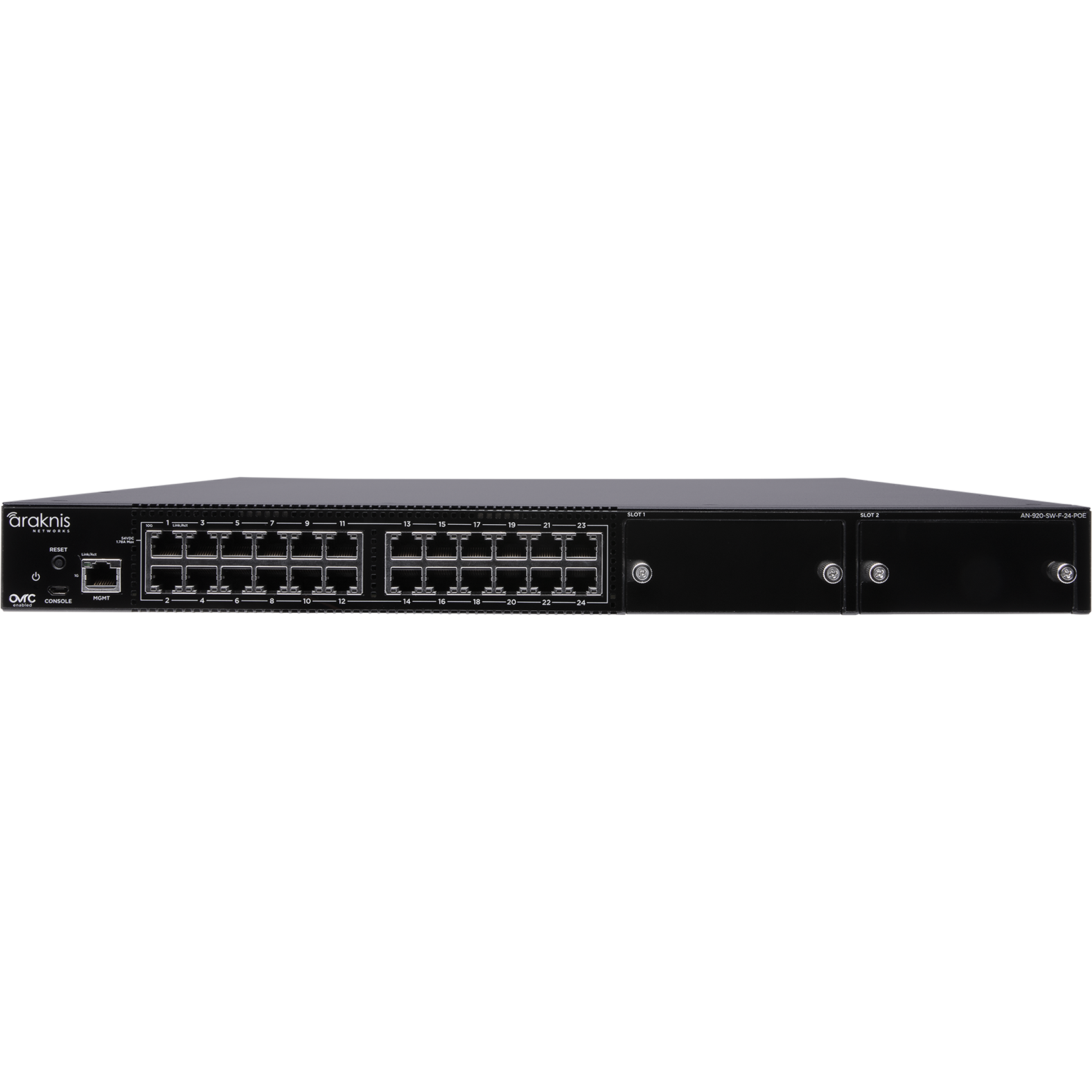
The right switch has enough connections, enough shared power and the speeds your devices actually use. Compare eight models across the 220, 320, 620 and 920 families.
Manufacturer connection-panel views of the 24-port examples. Not shown at the same physical scale.
Fast answer: Start with 220 or 320 when Gigabit connections meet the need; choose between them by the powered-device list. Consider 620 for 2.5G connections and higher-power devices, or 920 when the design needs 10G. A higher series number does not automatically improve WiFi coverage or internet speed.
In this guide
See the switch families side by side
Count wired devices and the connection back to the router or another switch. Then check each powered device's PoE standard and maximum demand. PoE budget means shared power—not the maximum output multiplied by the number of ports.
Araknis 220 Series
Managed Gigabit switching with a smaller shared power budget. Both examples below have rear-facing connections. Allow room to reach the cables and power lead.
Layer 2 · 1G · PoE+
220 8-Port PoE
AN-220-SW-R-8-POE
8 Gigabit RJ45 ports; 2 × 1G SFP uplinks.
Up to 30W per PoE+ port; 65W shared budget.
Front-port version: AN-220-SW-F-8-POE.
Consider it for: A smaller wired network with modest PoE demand. Check enclosure dimensions and ventilation before choosing a mounting location.
220 24-Port PoE
AN-220-SW-R-24-POE
24 Gigabit RJ45 ports; 2 × 1G SFP uplinks.
Up to 30W per PoE+ port; 190W shared budget.
Front-port version: AN-220-SW-F-24-POE.
Consider it for: More wired devices without a large combined power requirement. Having 24 PoE-capable ports does not provide 24 × 30W simultaneously.
Araknis 320 Series
Still Gigabit, with larger shared PoE budgets on the models shown. “Full PoE” is a product-family label, not a promise of 30W on every port at once.
Layer 2 · 1G · Higher shared PoE budget
320 8-Port PoE
AN-320-SW-R-8-POE
8 Gigabit RJ45 ports; 2 × 1G SFP uplinks.
Up to 30W per port; 130W shared budget.
Front-port version: AN-320-SW-F-8-POE.
Consider it for: A smaller system whose powered devices exceed the 220 8-port model's budget. It does not increase Gigabit link speeds.
320 24-Port PoE
AN-320-SW-F-24-POE
24 Gigabit RJ45 ports; 2 × 1G SFP uplinks.
Up to 30W per port; 375W shared budget.
Rear-port version: AN-320-SW-R-24-POE.
Consider it for: A larger Gigabit system with cameras and access points. Add their demands before assuming all 24 devices can be powered together.
Araknis 620 Series
2.5G copper connections, 10G SFP+ uplinks and higher per-port power. Layer 3 Lite adds static and inter-VLAN routing; it is not a replacement for the internet router or firewall.
Layer 3 Lite · 2.5G · PoE++ Type 3
620 Multi-Gig 8-Port
AN-620-SW-R-8-POE
8 × 2.5G RJ45 ports; 2 × 10G SFP+ uplinks.
Up to 60W per port; 240W shared budget.
Four 60W allocations use that entire budget.
Consider it for: A limited group of multi-gig devices. Check the exact access point's Ethernet and PoE requirements—not just its WiFi generation.
620 Multi-Gig 24-Port
AN-620-SW-R-24-POE
24 × 2.5G RJ45 ports; 2 × 10G SFP+ uplinks.
Up to 60W per port; 720W shared budget.
720W supports twelve 60W allocations, not twenty-four.
Consider it for: More multi-gig connections or a higher combined PoE load. The connected devices, cabling and uplink still determine usable performance.
The model-specific 620 datasheet specifies 240W for the 8-port model and 720W for the 24-port model. The quick-start guide agrees. The general comparison sheet lists a different 24-port budget; this guide uses the model-specific figures.
Araknis 920 Series
10G copper ports and PoE++ Type 4 for designs that need them, including demanding AV-over-IP systems. Power-module capacity, fan noise, cooling and rack depth matter as much as the port count.
Up to 90W per port; a second power module is optional.
Up to two 100G QSFP28 uplinks with optional modules.
Consider it for: A larger 10G system whose traffic plan justifies it. AV-over-IP still needs the correct multicast and bandwidth configuration.
920 power budgets: why the documents differ
The linked 920 quick-start guide lists 750W with one power module for either model, then 1080W for the 12-port or 1650W for the 24-port with two. The older 2023 datasheet and product-page table give different figures. These are published planning references, not a verified limit for your installed unit. Confirm its hardware, firmware and power modules before ordering or allocating power.
QSFP28 and additional power modules are sold separately. More total capacity does not increase the 90W per-port limit or guarantee that the same load stays powered if a supply fails.
Product photos belong to the manufacturer and show the labelled models, not Denali installations. Open a product picture to inspect the complete original. Empty canvas is framed out for readability; the device is kept intact. This is a selected comparison, not the entire Araknis catalogue. The 420 family also offers mixed Gigabit / 2.5G ports.
Family comparison
Choose the needed link speed first, then size the ports and shared power budget. Existing Gigabit cameras or controllers do not become faster because the switch supports 10G.
Open the family comparison table
Selected families; exact connections and power depend on the SKU above.
Family
RJ45 port speed
PoE limit per port
Uplink approach
220
RJ45 port speed1G
PoE limit per portUp to 30W; shared budget varies
Uplink approach1G SFP ports
320
RJ45 port speed1G
PoE limit per portUp to 30W on PoE models; non-PoE versions also exist
Uplink approach1G SFP ports
620
RJ45 port speedUp to 2.5G
PoE limit per portUp to 60W; 240W or 720W shared
Uplink approach2 × 10G SFP+ ports
920
RJ45 port speedUp to 10G
PoE limit per portUp to 90W; confirm power-module configuration
Uplink approachUse a network port, or fit optional QSFP28 module(s)
SFP/SFP+ optics or copper adapters and QSFP28 modules must match the equipment and cable. A port's advertised speed is a link capability, not a guaranteed internet download speed. PoE output at the switch and power available at the device are not identical because the cable has losses.
Three decisions that matter more than the series number
Count connections
Include access points, cameras, TVs, controllers and uplinks. Leave room for likely additions rather than buying the largest switch by default.
Check power
Match each device's PoE standard and maximum demand, then total the load. Leave headroom for startup, expansion and the actual installation conditions.
Check the whole path
A faster switch cannot remove a slower router uplink, cable or device connection. Plan local traffic separately from the internet service.
Front ports, rear ports or compact?
F and R identify front- and rear-facing connections. They do not identify a faster switch. Compact products from other Araknis families are a separate choice; check the exact SKU and dimensions rather than assuming an 8-port switch fits a small wiring enclosure. Keep connections reachable and allow the manufacturer's required cooling and rack space.
A managed switch can support VLANs and configured remote diagnostics through OvrC. Those features still need a network plan, secure configuration and a working management path. They are not a guarantee that every problem can be fixed remotely.
Want the switch sized from your device list?
Send a rack photo and the models you want to connect. We can help decide what should stay, where more speed or power is useful, and what the network actually needs.
Reviewed October 19, 2026. Model-specific documentation takes priority over a general family chart; the 920 source discrepancy is explained above. Availability and installed hardware limits need confirmation for the final design.