Motorized Shades with Lutron Pico Control: What a Clean Smart Shades Setup Looks Like
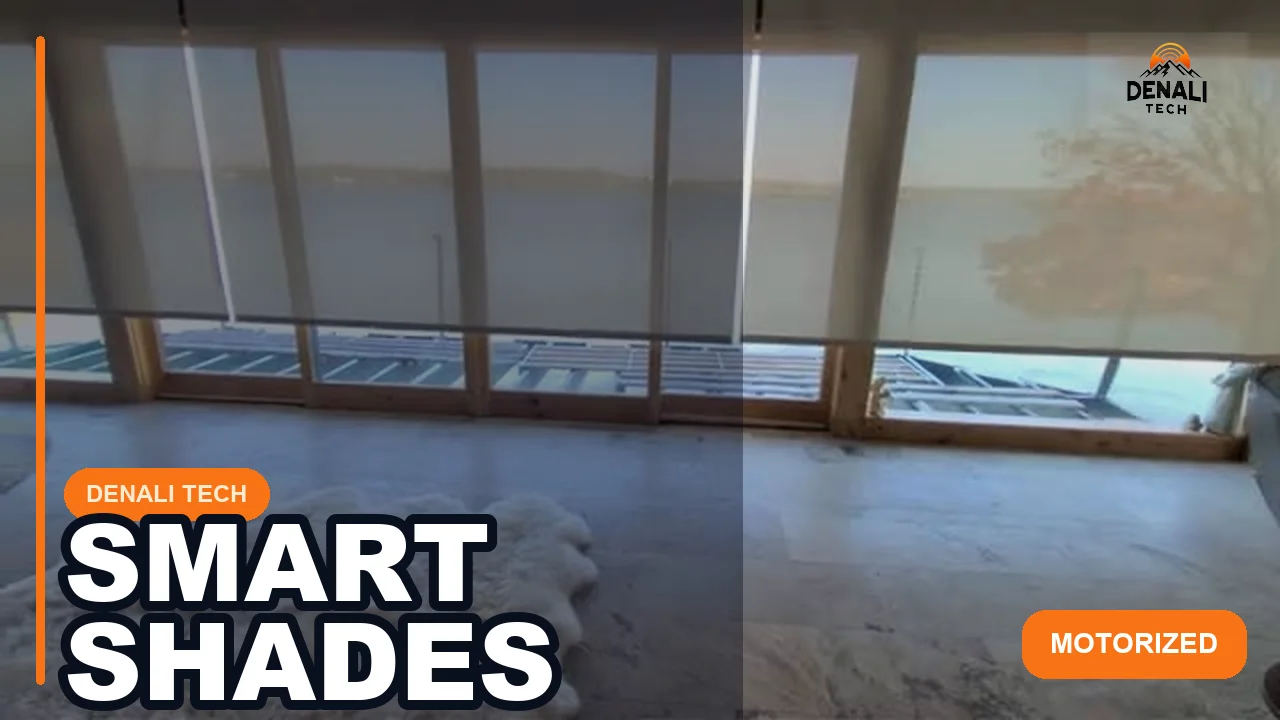
Motorized shades only feel higher-end when the control experience is simple and dependable.
This Lutron Pico demo shows a simple control approach for compatible motorized shades. The final experience depends on the selected shade system, programming, radio design, power, and installation.
Quick takeaway: A practical look at how motorized shades and Lutron Pico control fit into a polished smart home installation. This post is tied directly to the real project shown in the video, so homeowners can see what the install actually looked like.
What This Project Involved
This project focused on integrating motorized shades with Lutron Pico control.
The point is not just remote control. It is a clearly labeled control method that fits naturally into the room. Response time and sound level depend on the exact shade drive, fabric, dimensions, power, radio path, and programming.
When the hardware, power, limits, control, and handoff are planned together, shading can become part of a useful home routine.
Why It Matters for Homeowners
Homeowners want privacy, glare control, and comfort without fighting apps or unreliable remotes.
A well-integrated smart shading setup should make those adjustments understandable and repeatable. The installer should demonstrate every shade and explain manual operation, limits, and service access.
What to decide before ordering shades
- Room goal: Decide whether the priority is privacy, glare reduction, heat management, room darkening, or a combination. That choice affects fabric openness and lining.
- Power and access: Confirm wired or battery power, where service access will remain, and how charging or battery replacement will work after the room is finished.
- Control method: Identify which walls need a Pico or keypad and which daily actions should also be available from schedules, scenes, or an app.
- Compatibility: Verify the exact shade drive, Lutron system, bridge or processor, Pico model, mounting accessory, and programming path before equipment is ordered.
- Handoff: Test every opening, stop position, label, and manual procedure with the homeowner before the project is closed.
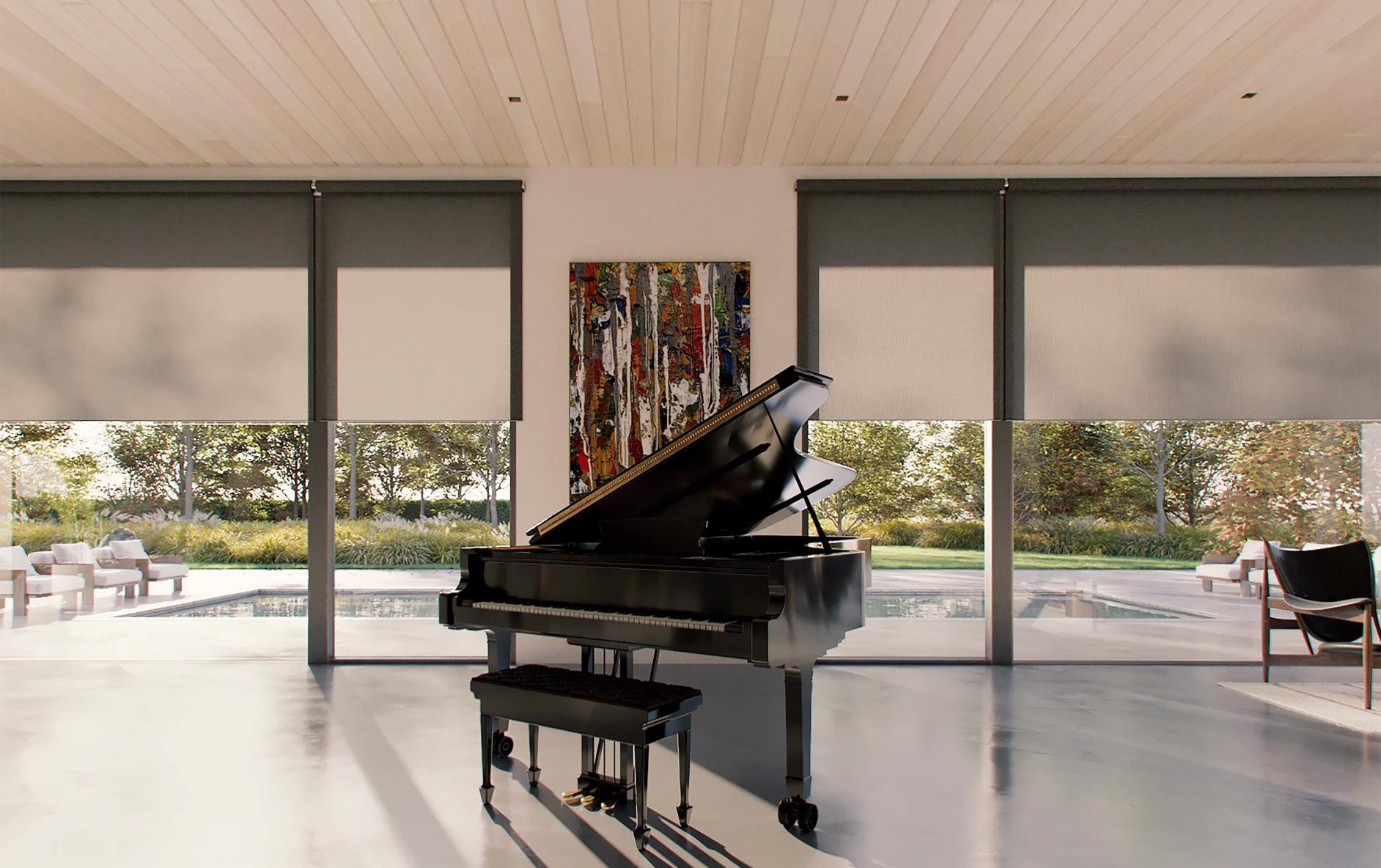
Fabric and room context matter

Key Takeaways
- Good smart shading is about control quality as much as shade hardware.
- Simpler control methods usually get used more often.
- Motorized shades work best when they are part of a broader smart home plan.
Official References
Official Lutron guidance: Pico wireless controls, the current Pico specification, and shade pairing guidance.
Lutron resources support the control, range, battery, and compatibility facts. The placement and usability observations come from Denali Tech’s project work. Reviewed August 28, 2026. Exact shade compatibility, button engraving, system bridge, RF design, mounting accessory, and programming depend on the selected Lutron system and model.
When to Call Denali Tech
If you want motorized shades that feel clean, intuitive, and properly integrated, Denali Tech can design the right setup.
That includes shading, smart home control, and the low-voltage work behind the scenes.
Related Links
Need Help With a Similar Project?
Denali Tech designs and installs whole-home Wi-Fi, smart home control, AV racks, home theaters, and low-voltage systems across the Chicago area.
Schedule a ConsultationOr message us on WhatsApp