Smart Home Buyer's Guide: Everything You Need to Know Before Investing
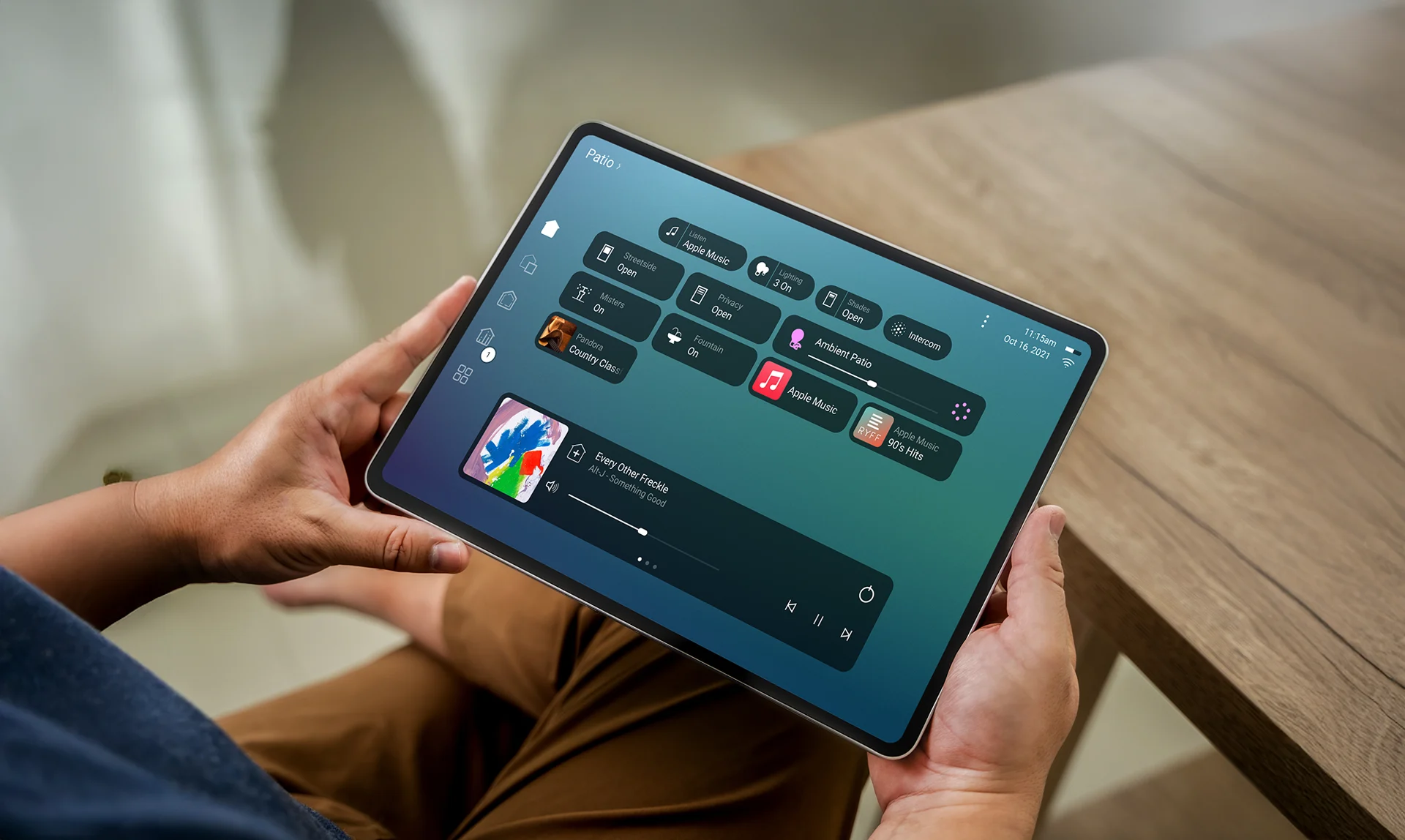
Thinking about investing in smart home technology? Home automation can add convenience, security awareness, and energy-management tools, but the outcome depends on the products, design, installation, accounts, network, and support. Plan those pieces before buying devices or hiring an installer.
Denali Tech designs and supports connected-home projects in the Chicago area. This guide focuses on decisions a buyer can verify in a proposal instead of popularity claims or generic package prices.
💡 Key Takeaway: The best smart home isn't the one with the most gadgets - it's the one that solves your specific problems and fits your lifestyle. Take time to plan before you buy.
1. Start With Your Goals, Not the Technology
Before you start shopping, ask yourself: What problems do I want to solve? Common goals include:
- Convenience: "I want to control everything from my phone"
- Security: "I want to monitor my home when I'm away"
- Energy Savings: "I want to reduce my utility bills"
- Entertainment: "I want a better home theater experience"
- Comfort: "I want my home to adjust automatically"
Once you know your goals, you can choose the right technology. Don't buy smart lights just because they're cool - buy them because they solve a specific problem you have.
2. Understand the Real Costs
Smart home technology isn't just about the sticker price. Here's what you need to budget for:
Initial Costs
- Devices: Smart lights, thermostats, cameras, speakers, etc.
- Professional Installation: Most systems work better when professionally installed
- Infrastructure: WiFi upgrades, networking equipment, hubs
- Programming & Setup: Making everything work together
Ongoing Costs
- Maintenance: Updates, troubleshooting, repairs
- Subscriptions: Some services require monthly fees
- Expansion: Adding new devices over time
- Support: Having someone to call when things break
Build the budget from these scope levels:
- Focused upgrade: One defined problem or subsystem, its required infrastructure, installation, configuration, and testing
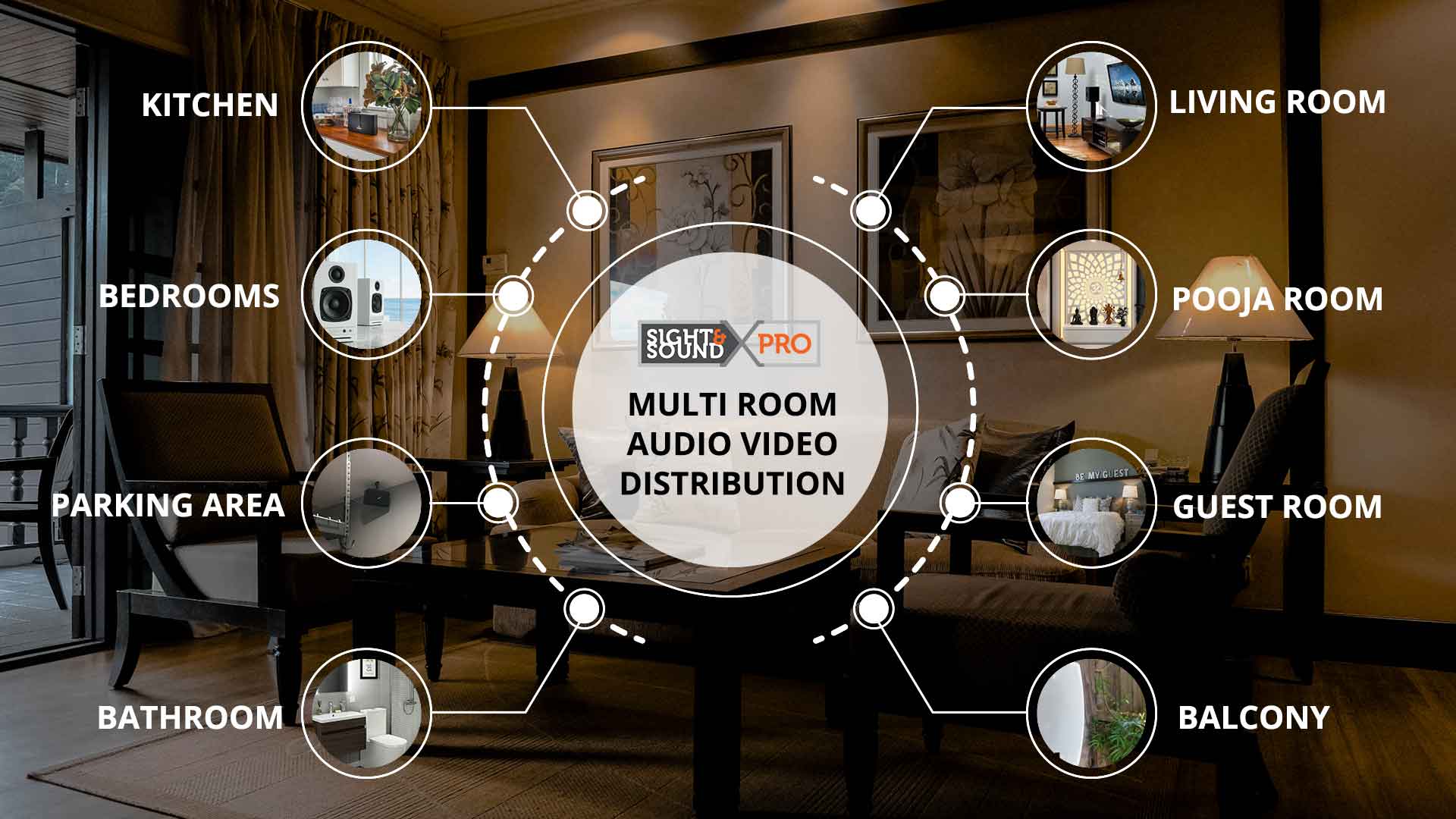
- Multi-system project: A room-by-room scope covering the selected control, lighting, climate, shade, audio/video, or security functions
- Construction-integrated project: Drawings, prewire, rack and power, finish selections, equipment schedules, programming, commissioning, documentation, and service
💰 Budget Tip: Start small and expand over time. You don't need to automate everything at once. Many homeowners start with WiFi and lighting, then add more features as they see the value.
3. Choose the Right Platform
Not all smart home devices work together. You'll need to choose a platform or ensure compatibility:
Platforms commonly considered:
- Control4: Professionally configured whole-home platform; verify drivers, controller, software, subscriptions, and service
- URC: Professional control families for focused AV and broader automation; verify the exact platform and interface
- Lutron: Residential lighting and shade platforms with different capacities and professional requirements
- Apple Home: Consumer platform centered on compatible Apple Home accessories and Apple accounts
- Google Home / Amazon Alexa: Consumer platforms with model-, account-, cloud-, and region-dependent compatibility
Selection rule: Use a professional platform when the project benefits from coordinated programming, dealer service, and several integrated systems. A supported consumer platform may be sufficient for a smaller scope. Compare exact compatibility, subscriptions, local behavior, account ownership, and support.
4. Don't Skimp on WiFi
Check the network early. Many connected devices rely on Wi-Fi or the wired network, while others use dedicated radios or local wiring. Diagnose coverage, capacity, interference, cabling, power, and internet service before blaming or replacing the automation platform.
Signs you need a WiFi upgrade:
- Dead zones in your home
- Slow internet speeds
- Devices disconnecting frequently
- Can't stream video in some rooms
A well-designed network should provide:
- Measured coverage in the rooms and outdoor areas included in scope
- Capacity sized from connected devices, traffic, applications, wired links, and radios
- Documented router, switch, access-point, cabling, and power choices
- Reasonable growth room without promising permanent future compatibility
5. Plan for the Future
Your smart home needs will change. Here is how to plan for later changes:
- Choose Scalable Systems: Start with a platform that can grow
- Invest in Infrastructure: Good WiFi and networking pay off long-term
- Think Integration: Choose devices that work together
- Consider Upgrades: Technology changes - plan for updates
6. Professional Installation vs. DIY
Some smart home projects are DIY-friendly. Others really need a professional:
DIY-Friendly:
- Single smart light bulbs
- Smart plugs
- Basic smart speakers
- Simple WiFi cameras
Professional Recommended:
- Whole-home lighting systems
- Motorized shades
- Home theater systems
- Security systems
- Complex automation
- Multiple device integration
What Professional Installation Should Add:
- A compatibility and integration plan tied to exact models
- Installation, programming, testing, documentation, and training
- Written manufacturer and labor warranty terms
- A clear support owner and rates or plan for future service
7. Ask the Right Questions
Before hiring an installer, ask:
- Are you authorized dealers for the brands you install?
- What warranty do you provide?
- Do you offer ongoing support?
- Can you show me examples of your work?
- What happens if something breaks?
- Do you provide training?
8. Common Mistakes to Avoid
Learn from others' mistakes:
Mistake #1: Buying Without Checking the Exact Product
Price alone does not prove quality. Check compatibility, update policy, account requirements, privacy controls, warranty, local behavior during outages, and the support path for the exact model.
Mistake #2: Not Planning Integration
Buying devices that don't work together defeats the purpose. Plan for integration from the start.
Mistake #3: Ignoring Security
Connected devices add accounts, software, and network access that must be managed. Use unique passwords, multi-factor authentication where offered, supported software, appropriate network segmentation, and documented remote access.
Mistake #4: Over-Automating
Not everything needs to be smart. Focus on what adds real value to your life.
Mistake #5: No Plan for Support
Things break. Updates cause problems. Have a plan for getting help when you need it.
9. Start Small, Think Big
The best approach is often to start with a small, high-impact project and expand from there:
Phase 1: Fix your WiFi and add basic smart lighting
Phase 2: Add climate control and security
Phase 3: Expand to whole-home automation
Phase 4: Add more features like home theater
This approach lets you see value quickly while building toward your large vision.
10. Work With the Right Partner
Your smart home installer becomes a long-term partner. Choose someone who:
- Understands your goals
- Offers quality products
- Provides ongoing support
- Has experience and credentials
- Makes you feel comfortable
Ready to Start Your Smart Home Journey?
Let's discuss your goals and create a documented plan that fits your home, budget, and service expectations.
Message us on WhatsApp or schedule a project review.
Send Project DetailsPrimary guidance
Control4 Smart Home Buyer’s Guide · CEDIA guide to smart-home systems. Reviewed August 15, 2026. Costs, compatibility, subscriptions, privacy, warranty, and product life vary by platform and project. Any price or scope example is planning guidance, not a quote; compare proposals using the same rooms, functions, wiring, equipment, programming, documentation, and support assumptions.
Final Thoughts
Investing in smart home technology can transform how you live in your home. But success comes from planning, choosing the right products, and working with the right installer.
Take your time. Ask questions. Start small. And most importantly, focus on solving real problems rather than just adding gadgets.
Your smart home should make your life easier, not more complicated. With the right approach, it will.
Let's Talk About Your Smart Home Goals
Schedule your project review and we'll help you create a plan that works for you.
Send Project DetailsOr message us on WhatsApp