URC remote programming: identify the system first
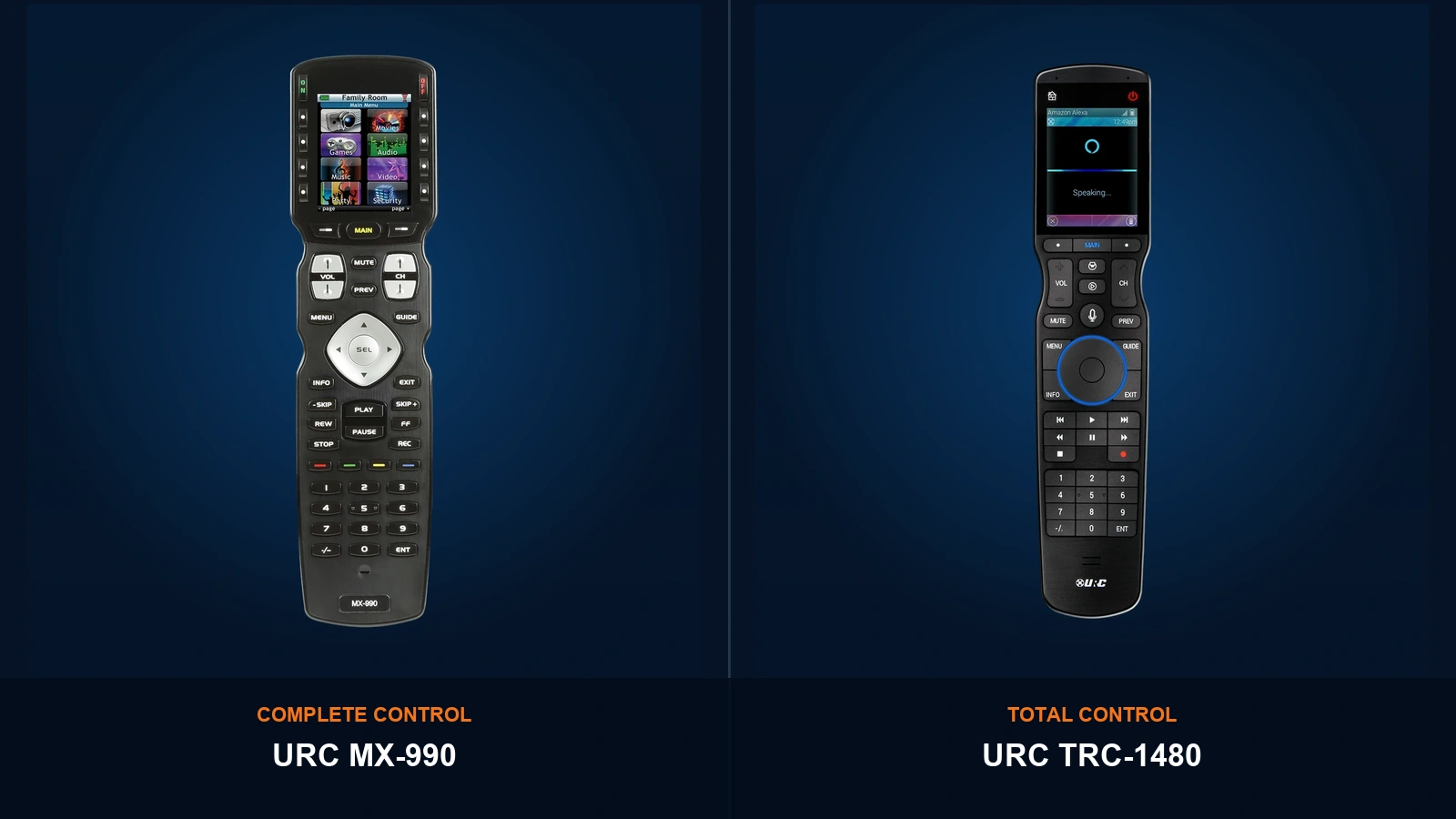
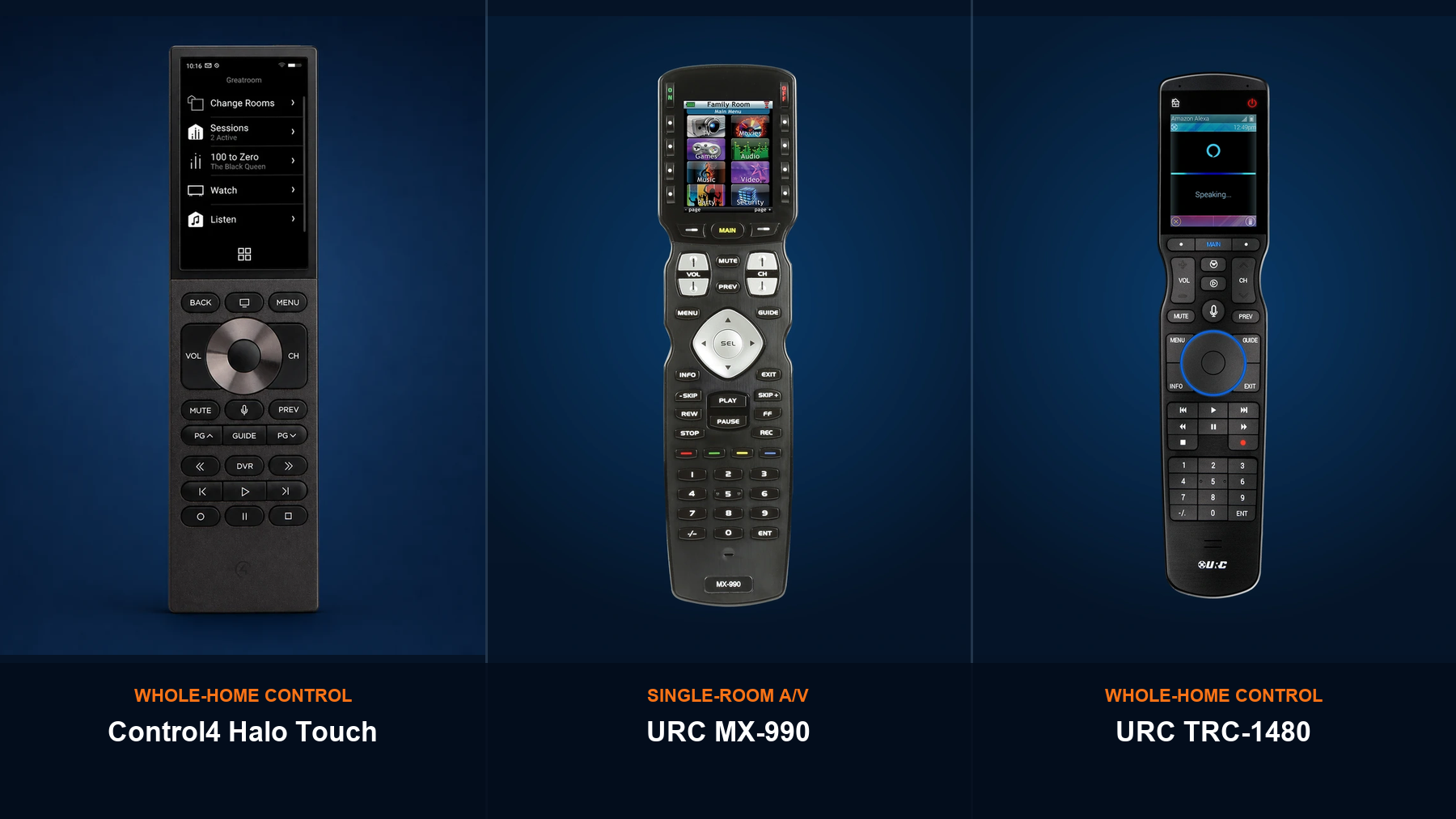
The model number matters before any programming promise is made. URC Complete Control and URC Total Control are different platforms. One is built mainly for single-room A/V control; the other is designed for two-way, whole-home automation.
This guide helps you identify which system is in the home, understand what it can realistically control, and prepare the information a programmer needs before a service visit.
Start here: photograph the front and back of the remote, the equipment rack, and any URC base station or controller. A remote that looks similar on the outside may require different software and a different service path.
Complete Control and Total Control are not the same
URC Complete Control
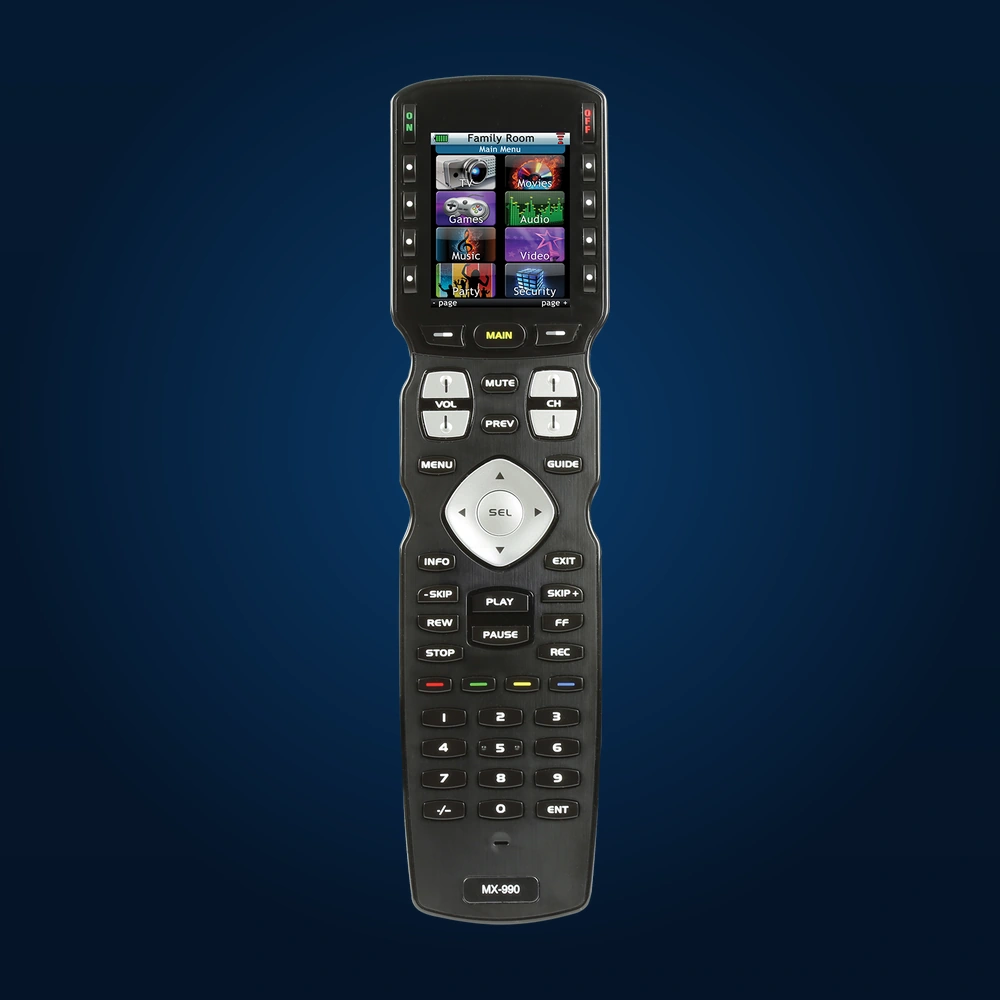
MX-series handheld remotes are primarily designed to operate the television, receiver, cable or satellite box, streaming player, disc player, and other A/V equipment in one room. A compatible MRF base station can relay commands to equipment hidden in a cabinet or rack.
URC Total Control
TRC remotes and other Total Control interfaces communicate with an MRX controller. With compatible devices and drivers, the system can provide two-way control of A/V, lighting, climate, shades, cameras, locks, and other connected systems.
Important: an MX remote does not automatically become a whole-home controller because it has custom buttons or an RF base station. Lighting, shade, thermostat, and security features depend on the actual URC platform and the integrations installed in the home.
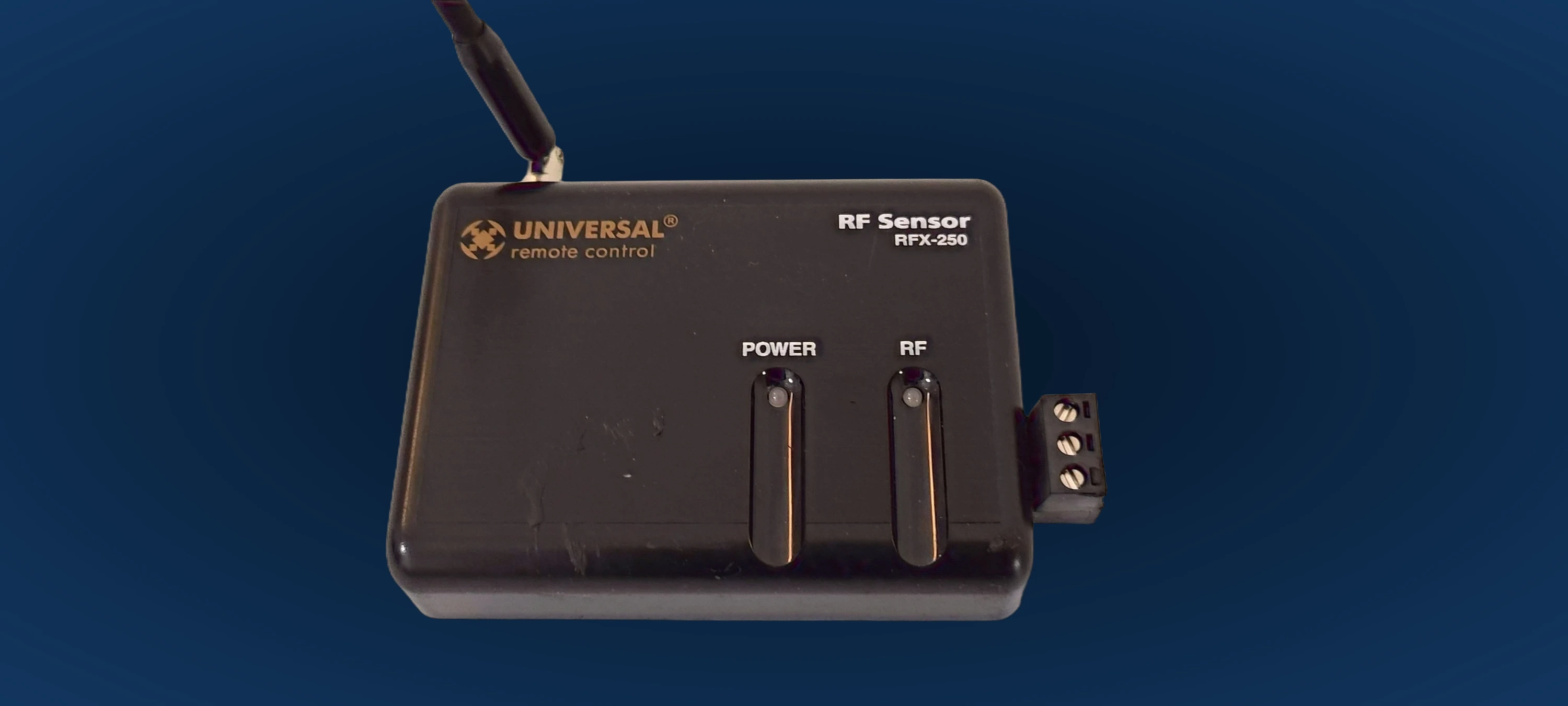
The equipment behind a Complete Control remote
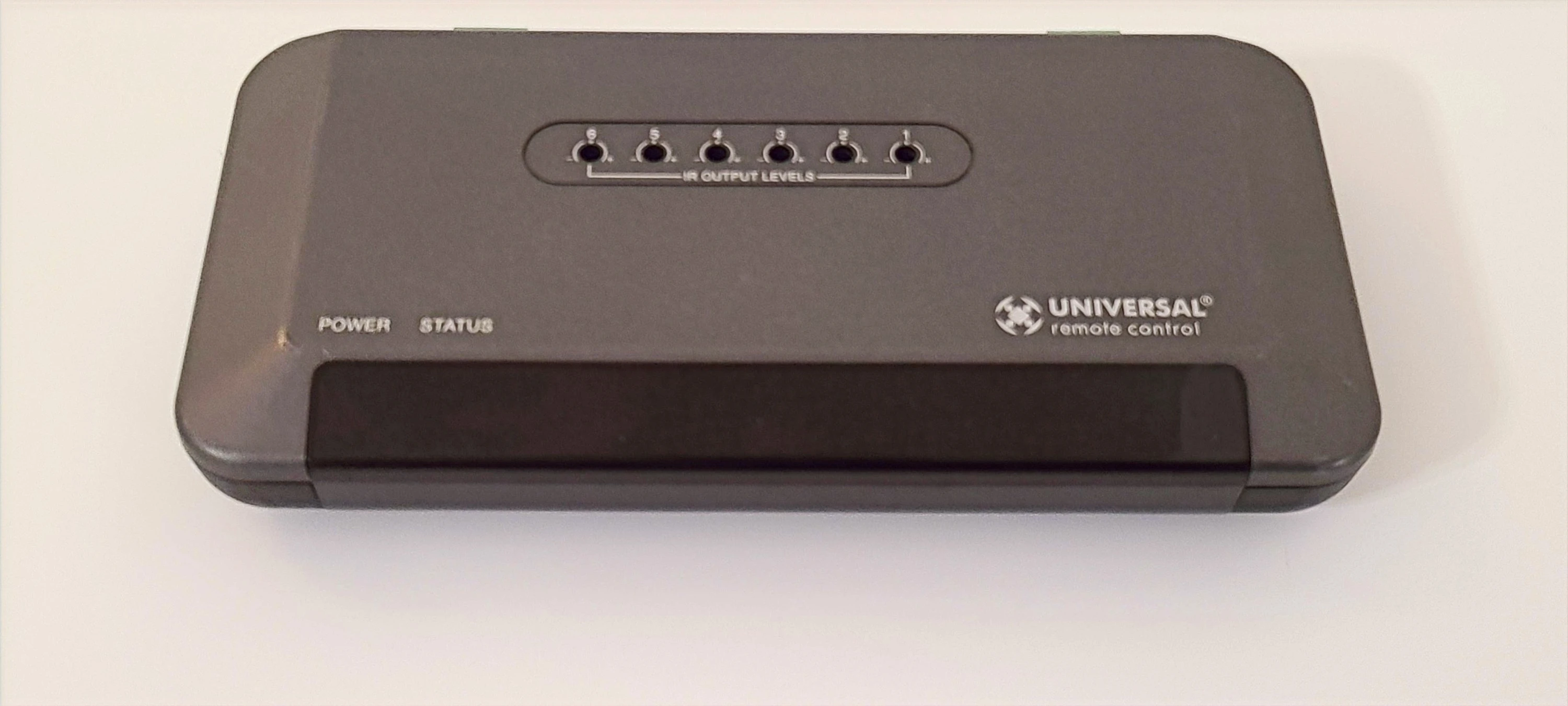
For many MX-series systems, reliable operation depends on more than the handheld remote. The base station and RF receiver determine how commands reach equipment that is out of sight.
What can be programmed realistically?
Complete Control
Common jobs include replacing an old TV or receiver, adding a streamer, correcting device codes, rebuilding Watch TV or Watch Movie activities, improving power tracking, and fixing RF or IR routing to hidden components.
Total Control
Programming may include A/V plus compatible lighting, climate, shades, cameras, locks, and other subsystems. The MRX controller, software generation, drivers, network, and existing project file all affect what can be changed.
Why the original project file matters
URC programming software is distributed through authorized channels, and most URC remotes are not intended to be programmed directly by the homeowner. An existing system is easiest to service when the correct project file and system credentials are available.
If the file is missing, a technician may need to document the system and rebuild part or all of the program. That is not always necessary, but it should be discussed before promising a quick update.
- Simple update: the current project opens correctly and only one device or activity needs adjustment.
- Troubleshooting visit: the file exists, but the symptom may involve IR placement, RF interference, networking, or equipment behavior.
- Possible rebuild: the project file is unavailable, corrupted, or does not match the hardware now installed.
- Legacy limitation: an older or discontinued product may have restricted software, parts, or support options.
What a careful service visit should include
- Identify the platform. Confirm whether the system is Complete Control or Total Control before discussing features.
- Inventory exact models. Record the remote, controller or base station, displays, sources, receiver, and any connected subsystems.
- Confirm the communication path. Test direct IR, wired emitters, RF reception, IP control, and network health as applicable.
- Inspect the project. Open the correct programming file and confirm it matches the equipment in the home.
- Program and test activities. Verify power, input, volume, transport, favorite-channel, and room-off behavior from a known starting state.
- Hand off the system. Show the homeowner the final button layout and explain any equipment or legacy limitations that remain.
Common symptoms and what they can mean
The remote works only when pointed a certain way
This may be a direct-IR problem, a missing or failed emitter, poor RF reception, interference, or an incorrect routing assignment. Reprogramming is only one possible fix.
A new TV, receiver, or streamer was installed
The device commands, power behavior, inputs, and activity sequence may all need to change. A quick model substitution without full testing can leave the system in the wrong state.
An activity stops halfway through
The macro may need different command timing, but the cause can also be a component that missed a command or uses toggle-only power. The correct repair starts by reproducing the failure.
The homeowner wants lighting, shades, or climate on the remote
First confirm the platform. Total Control may support those functions through compatible integrations. A typical Complete Control system should not be represented as the same kind of whole-home automation platform.
Need help identifying your URC system?
Send photos of the remote, the equipment rack, and every URC box you can find. We can start by identifying the platform and the most sensible next step.
See URC Service OptionsWhat to send before scheduling
- A clear photo of the remote's front and model label.
- Photos of the A/V rack or cabinet, including the back if it is safely accessible.
- The model numbers of the TV, receiver or soundbar, and source devices.
- A photo of any MRF base station, RFX receiver, MRX controller, or network switch.
- A short description of what changed and which buttons or activities now fail.
- The existing programming file or original installer's contact information, if available.
This information helps separate a programming change from a wiring, network, emitter, hardware, or compatibility problem before the appointment.
Official URC references
For current platform descriptions, supported models, software policy, and legacy-product guidance, use URC's own documentation:
- URC Complete Control product overview
- URC MRX-15 Total Control system controller
- URC TRC-1480 Total Control remote
- URC consumer support and programming policy
Plan the service visit with the facts first
Denali Tech serves Chicago-area homeowners with URC programming, troubleshooting, A/V replacement planning, and system takeovers. We will identify the platform before recommending work.
Send Your URC Project Details