Smart Home Takeover Service: When an Existing System Needs a Reset
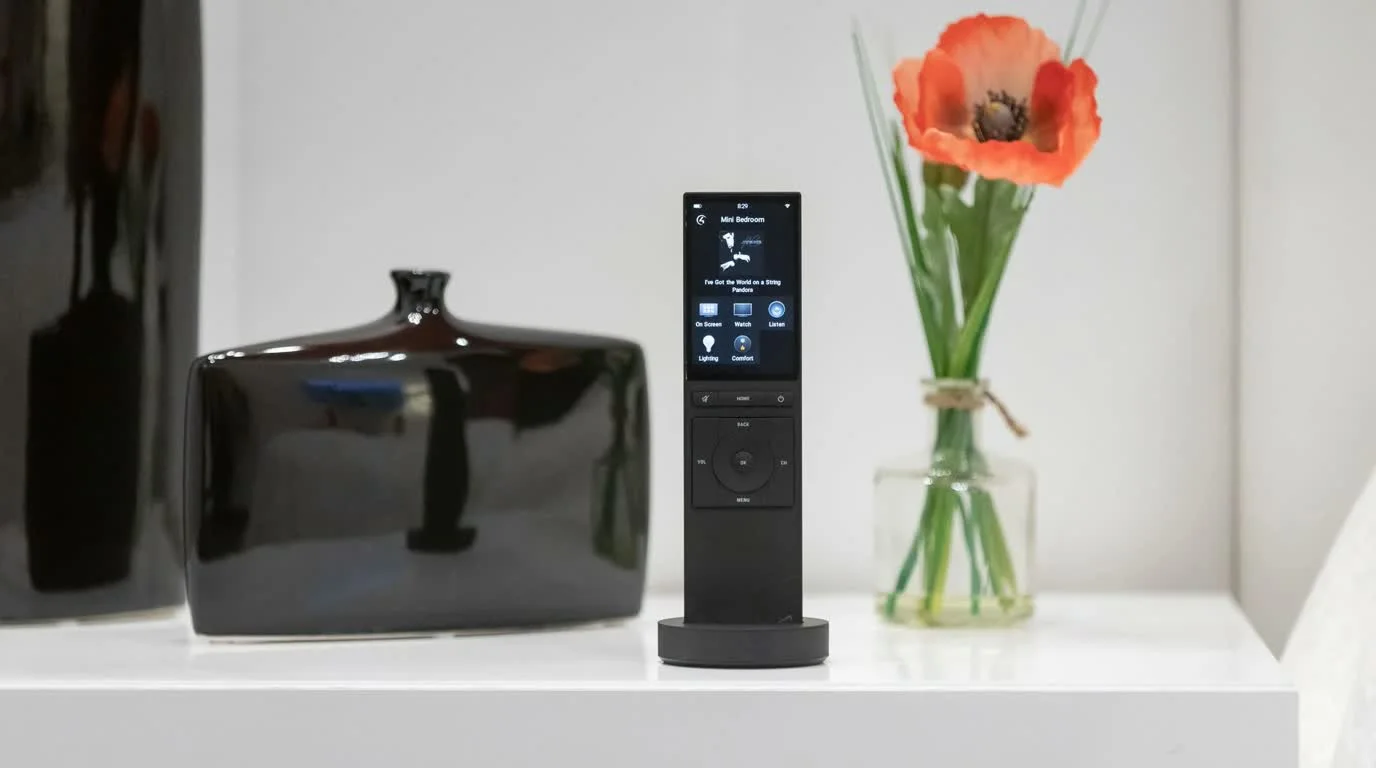
A broken smart home does not always need a full replacement. Many systems need a careful takeover: audit, cleanup, reprogramming, network repair, and better documentation.
This matters for homeowners who bought a house with existing technology or inherited a system from another installer.
Quick answer: A homeowner guide to taking over an existing Control4, URC, lighting, AV, WiFi, or theater system without tearing everything out first.
A takeover is an evidence-gathering project
Before replacing hardware, document the rack, network, control database, room endpoints, power and cabling.
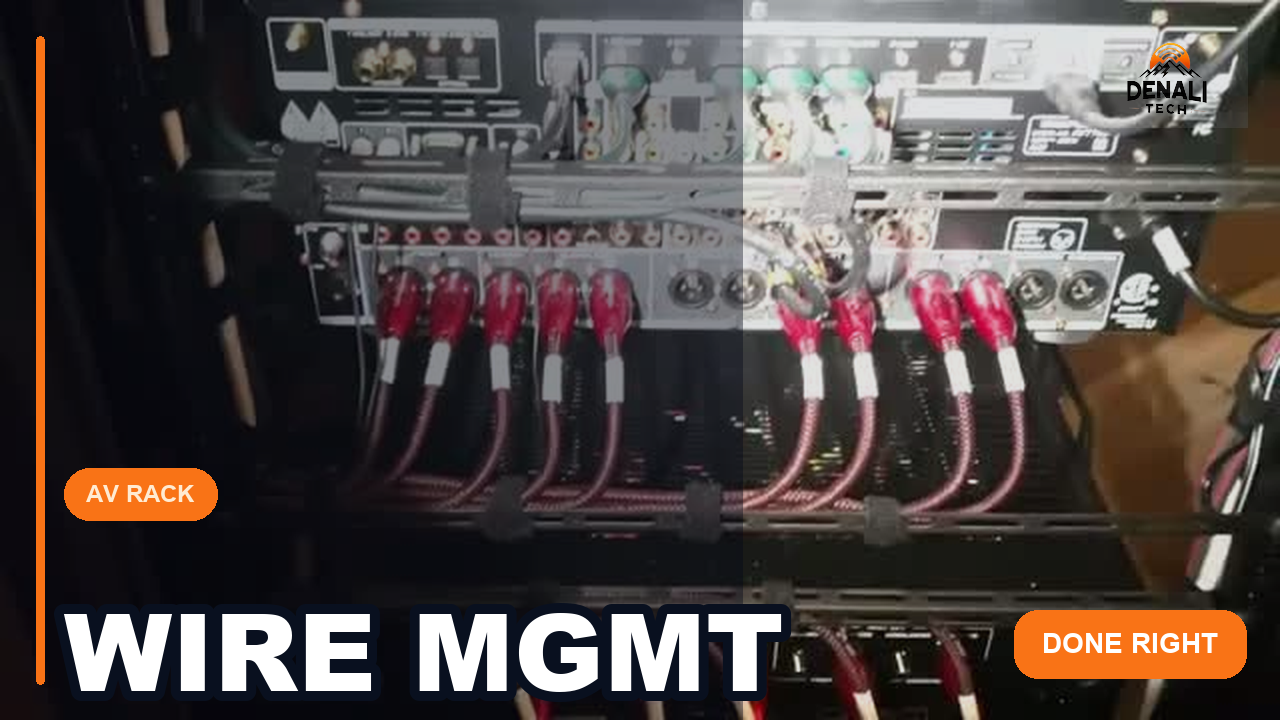
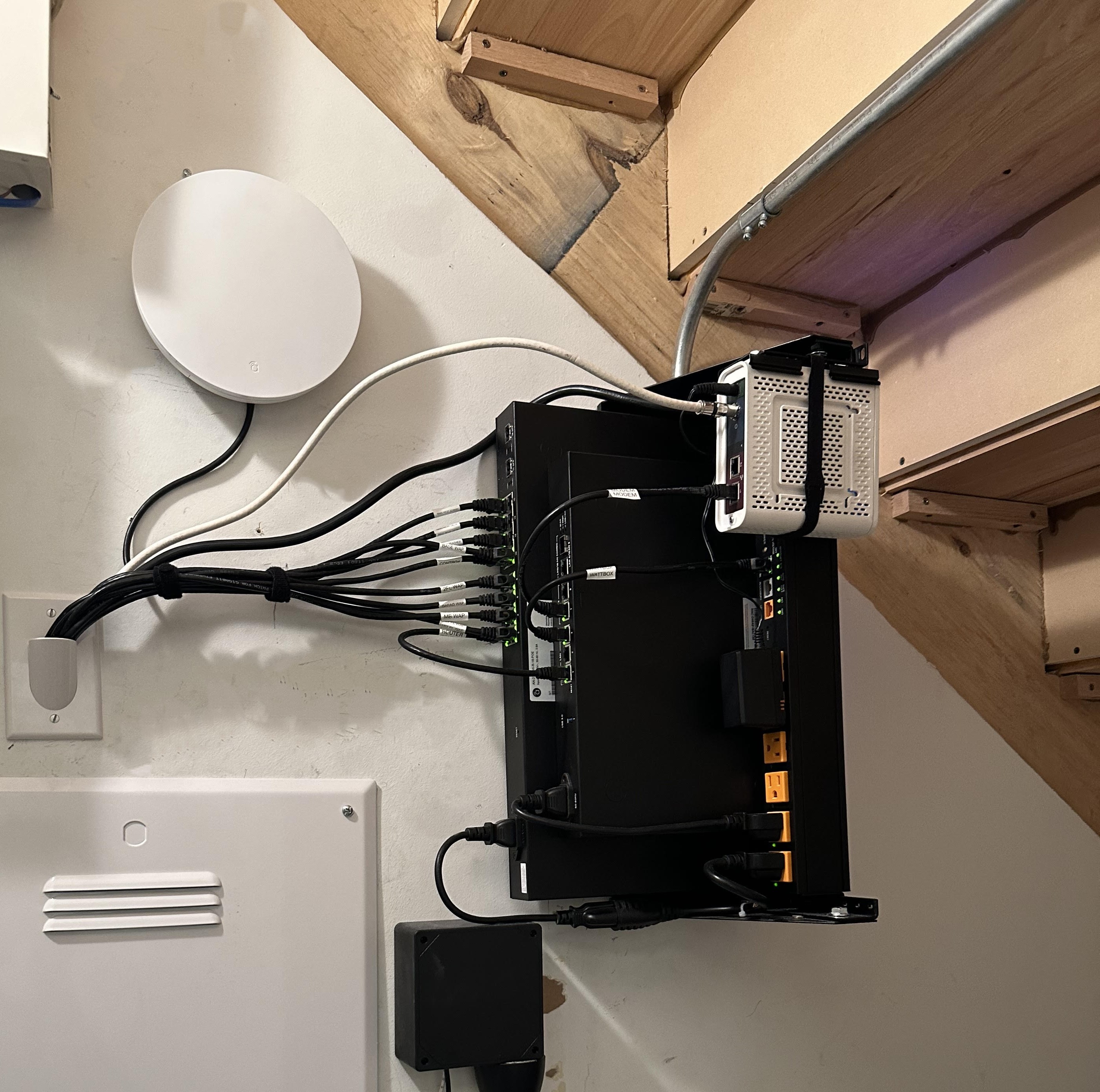
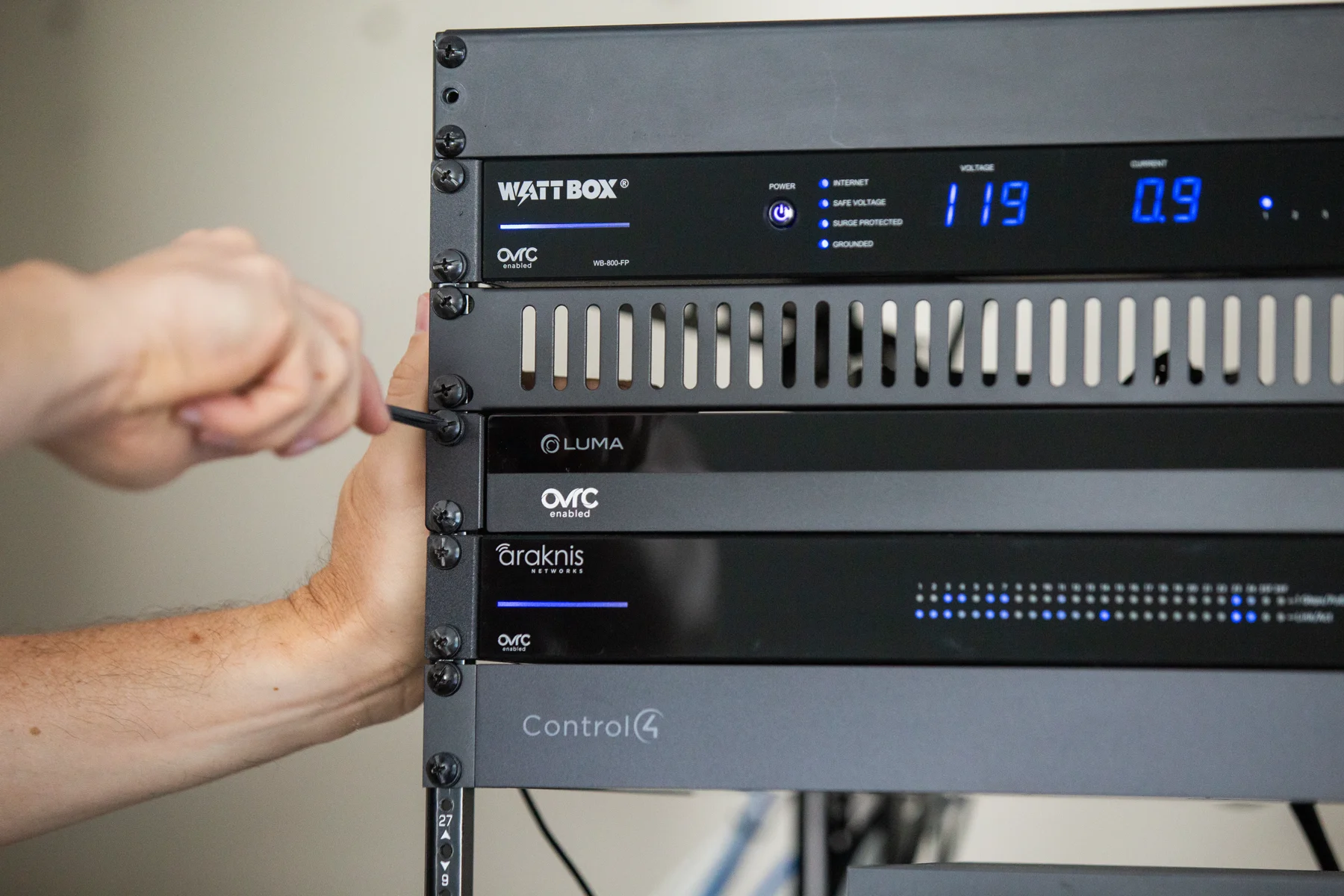
First deliverable: an inventory labeled keep, repair, reprogram, replace or investigate—with dependencies and account-access risks noted.
A takeover starts with discovery
The first job is to understand what is already there. That means identifying the control system, network gear, rack equipment, remotes, touchscreens, lighting processors, camera recorders, and hidden wiring.
Without that step, every fix becomes guesswork.
- Make a device inventory.
- Find login and admin access where possible.
- Document rooms and zones.
- Check power, network, and firmware basics.
- Separate broken equipment from bad programming.
Do not buy new gear before the real issue is known
A system can feel broken because of a weak network, a failed power supply, a changed streaming box, or messy programming. Replacing the visible remote may not fix the real problem.
A good takeover protects the money already spent before recommending upgrades.
What a clean handoff should include
After service, the homeowner should understand what changed and what remains. A clean handoff is part of the job.
Denali Tech focuses on clear scope, serviceable wiring, named devices, and simple next steps so the home does not fall back into the same confusion.
What should I gather before a takeover visit?
Send wide and close-up rack photos, visible model labels, the apps and remotes you use, and a short list of failures by room. Note when the problem began and whether the internet provider, router, streaming box, passwords, or electrical equipment recently changed. Include existing drawings and invoices if available, but do not send passwords in an ordinary inquiry or photo.
Ownership and authorized access come first. Ask what can be backed up, which accounts belong to you, and whether the previous installer must transfer anything. Missing project files or third-party licenses can limit what is recoverable; an assessment should identify those constraints before promising a full repair.
Build an existing-system service brief to organize equipment, symptoms, and recent changes before contacting us.
Should the first visit include a complete software update?
Not automatically. Record what currently works and preserve available configuration backups before making changes. Check the installed controller, software, drivers, and dependent equipment against the proposed change. A broad update can introduce a second problem while the original fault is still unexplained.
Agree on a small set of acceptance tests, such as starting the living-room TV, using a lighting scene, and reconnecting after an ordinary internet interruption. Ask for findings separated into repairable faults, access limitations, optional improvements, and equipment that truly needs replacement. The homeowner should also know what remains unresolved and the approved next step.
Want this planned the right way?
If you have an existing system that nobody wants to touch, send Denali Tech the room photos, rack photos, and what is not working. We can tell you the right first step.
Send Project DetailsOr message us on WhatsApp
Official support references
Control4 owner resources · OvrC diagnostics · CEDIA standards and best practices. Reviewed August 15, 2026. A takeover assessment does not guarantee access to dealer accounts, source code, passwords, cloud services, discontinued parts, or third-party licenses. Ownership, authorization, backups, and system condition must be established before changes are made.
Final thought
A good takeover leaves fewer unknowns: identified equipment, clear account ownership, protected configurations, and specific room functions that have been tested. Replace equipment because the assessment shows a limitation, not simply because the system has a new service provider.