Luxul Epic 5 Router and PoE Switch Setup for a Reliable Smart Home Network
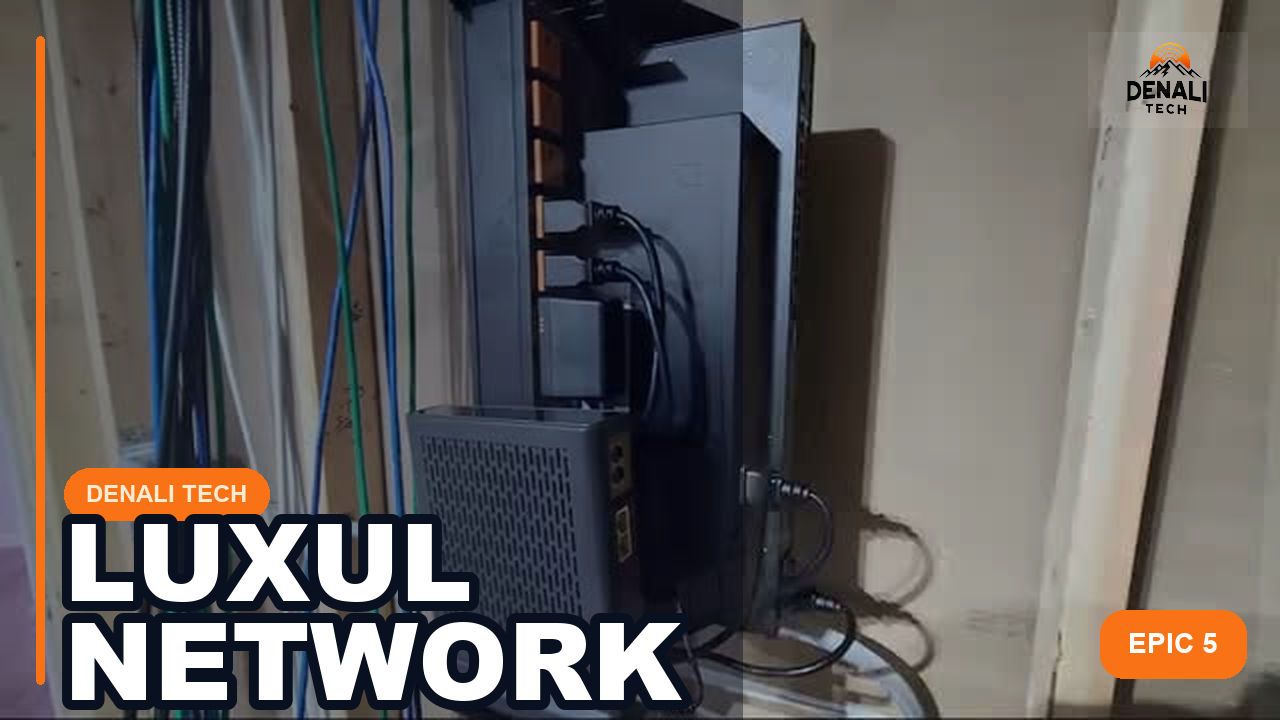
A clean router and PoE switch installation improves labeling, airflow, cable access, and serviceability. Reliability still depends on the equipment condition, configuration, cabling, power, RF environment, clients, and internet service.
This Luxul project shows a structured network layout intended to support Wi-Fi, streaming, cameras, and smart home control; it does not prove coverage or performance without commissioning measurements.
Quick takeaway: See how a clean Luxul router and PoE switch install improves serviceability for Wi-Fi, cameras, AV, and smart home control systems. This post is tied directly to the real project shown in the video, so homeowners can see what the install actually looked like.
What This Project Involved
This installation centered on a Luxul Epic 5 router and a managed PoE switch.
The goal was to create a clean, serviceable network foundation for the rest of the home technology stack.
That means proper equipment layout, clean termination, organized power, and enough switching capacity for access points, cameras, and control hardware.
Why It Matters for Homeowners
Homeowners feel network problems everywhere: buffering TVs, unreliable cameras, laggy control systems, and poor Wi-Fi coverage.
A documented network rack can make those issues easier to diagnose and reduce avoidable cabling, power, and configuration problems. It cannot correct weak internet service, radio interference, or incompatible connected devices by itself.
What should be verified before handoff
- Internet baseline: Record the service-plan speed and test the wired connection at the router so an ISP problem is not confused with a Wi-Fi problem.
- PoE budget: Confirm the switch can supply the required power for the exact access points, cameras, phones, and other powered devices—both per port and in total.
- Network map: Document the router, switch, access points, important wired devices, management addresses, VLANs if used, and which port serves each critical endpoint.
- Wi-Fi validation: Test the actual rooms and outdoor areas where reliable service is expected. A clean rack cannot compensate for poor access-point placement or radio interference.
- Updates and backup: Check firmware support by exact model, save the configuration securely, and document how the system is restored if hardware must be replaced.
- Owner access: Leave the homeowner with the credentials, network names, support path, and a clear explanation of what should—and should not—be restarted.
Important for an older Luxul system: A working Epic 5 installation is not automatically current or secure. Reuse decisions should be based on the exact model, available firmware, required throughput, current security settings, controller limits, and the needs of the connected equipment.
Key Takeaways
- Network hardware layout affects serviceability and long-term reliability.
- PoE switching matters when cameras, access points, and smart home gear all depend on the same infrastructure.
- A proper network install supports the whole home instead of just the internet modem.
Official References
Official Luxul guidance: current Luxul networking products, Luxul firmware releases, and the Luxul Easy Setup app.
Legrand AV resources support the current product and firmware facts. The topology and troubleshooting observations come from Denali Tech’s project work. Reviewed August 28, 2026. Legacy Luxul models may remain serviceable, but firmware support, security settings, controller limits, and replacement options must be checked by exact model before recommending reuse.
When to Call Denali Tech
If your Wi-Fi, cameras, AV, or control system all depend on a messy or underbuilt network, it is time to redesign the backbone.
Denali Tech handles structured networking, Wi-Fi upgrades, rack layout, and clean low-voltage installation for Chicago-area homes.
Related Links
Need Help With a Similar Project?
Denali Tech designs and installs whole-home Wi-Fi, smart home control, AV racks, home theaters, and low-voltage systems across the Chicago area.
Schedule a ConsultationOr message us on WhatsApp