Real Denali Tech Project
From Eero Mesh to a Managed Araknis Network
A real smart-home network rescue: loose consumer mesh gear replaced with wired access points, managed power, clear labeling, and a rack built for long-term support.
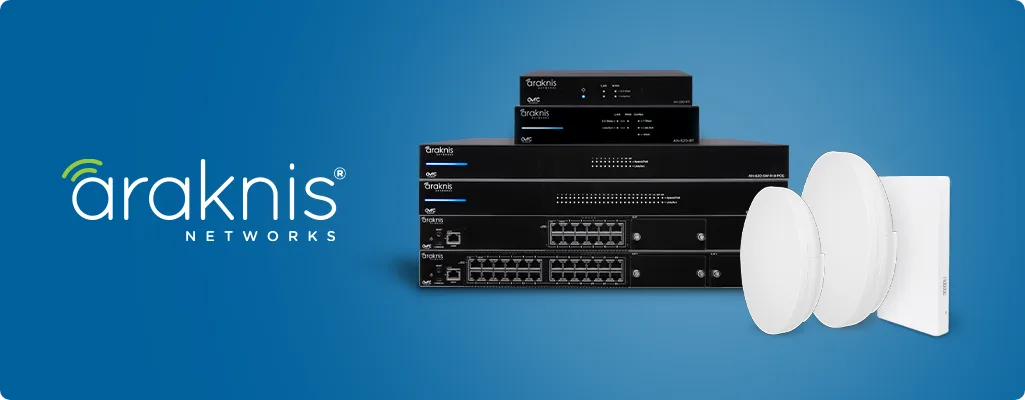
This home did not have one bad WiFi device. It had a network that had grown one emergency fix at a time. Denali Tech rebuilt the foundation so every important device had a clear job, connection, and service path.
31-second project walkthrough
See the real network before and after.
The opening frames show the original consumer-mesh equipment and loose stack. The finished frames show the same network reorganized around managed hardware and clean service access.
- 01Multiple Eero units and stacked power strips
- 02Dedicated routing, PoE switching, and wired WiFi
- 03Managed power and labeling for faster support
Diagnosis before equipment
The real problem was bigger than “slow WiFi.”
More mesh nodes do not fix weak cabling, crowded radio channels, unstable power, or equipment that cannot be identified. In a connected home, those problems spread to cameras, televisions, remotes, streaming, lighting control, and service access.
What we found
- Several mesh devices repeating weak signals
- Loose network and power connections
- No clean separation between routing, switching, and WiFi
- No practical way to restart or diagnose one component
What we built
- Dedicated Araknis routing at the network edge
- PoE switching for wired access points
- WattBox managed power and surge protection
- Clear labels in one serviceable rack
The network foundation
One rack. One clear system.
The rack is not just visual cleanup. It makes the network understandable. A technician can see which device performs each job, trace a cable, restart one component, and add future equipment without taking the entire home offline.
That structure is what turns a pile of equipment into a system that can be supported.
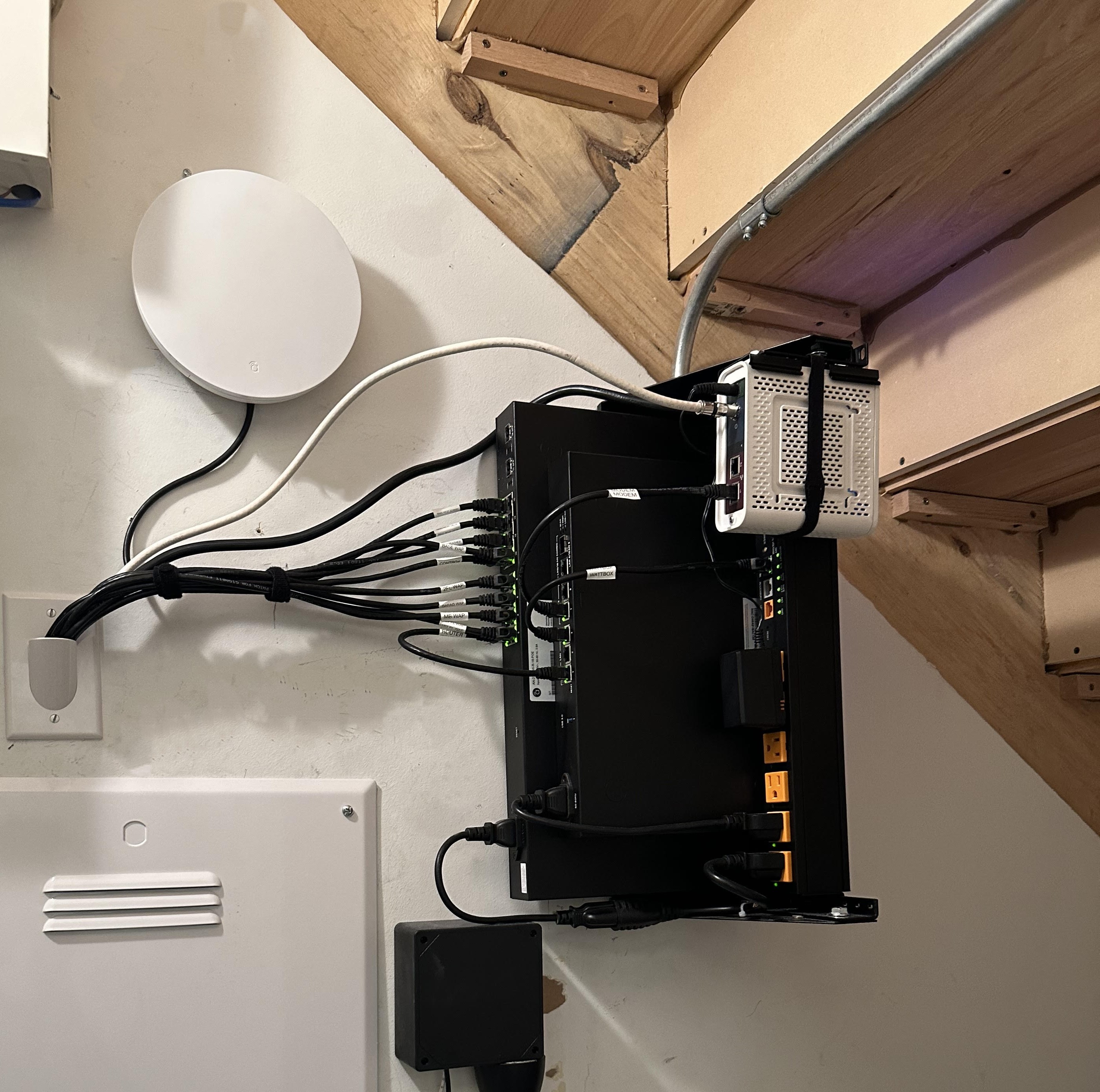
The complete customer rack
The full, uncropped installation shows the router, switch, managed power, patching, and nearby wireless access point together.
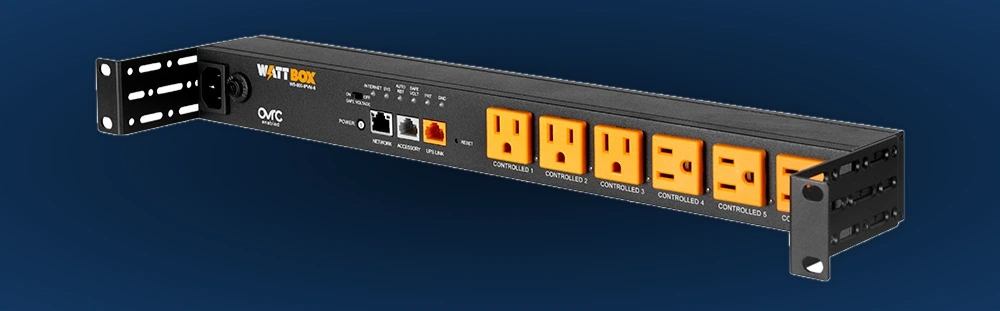
WattBox managed power
Protected, individually controlled outlets let support restart one device without unplugging the rack.
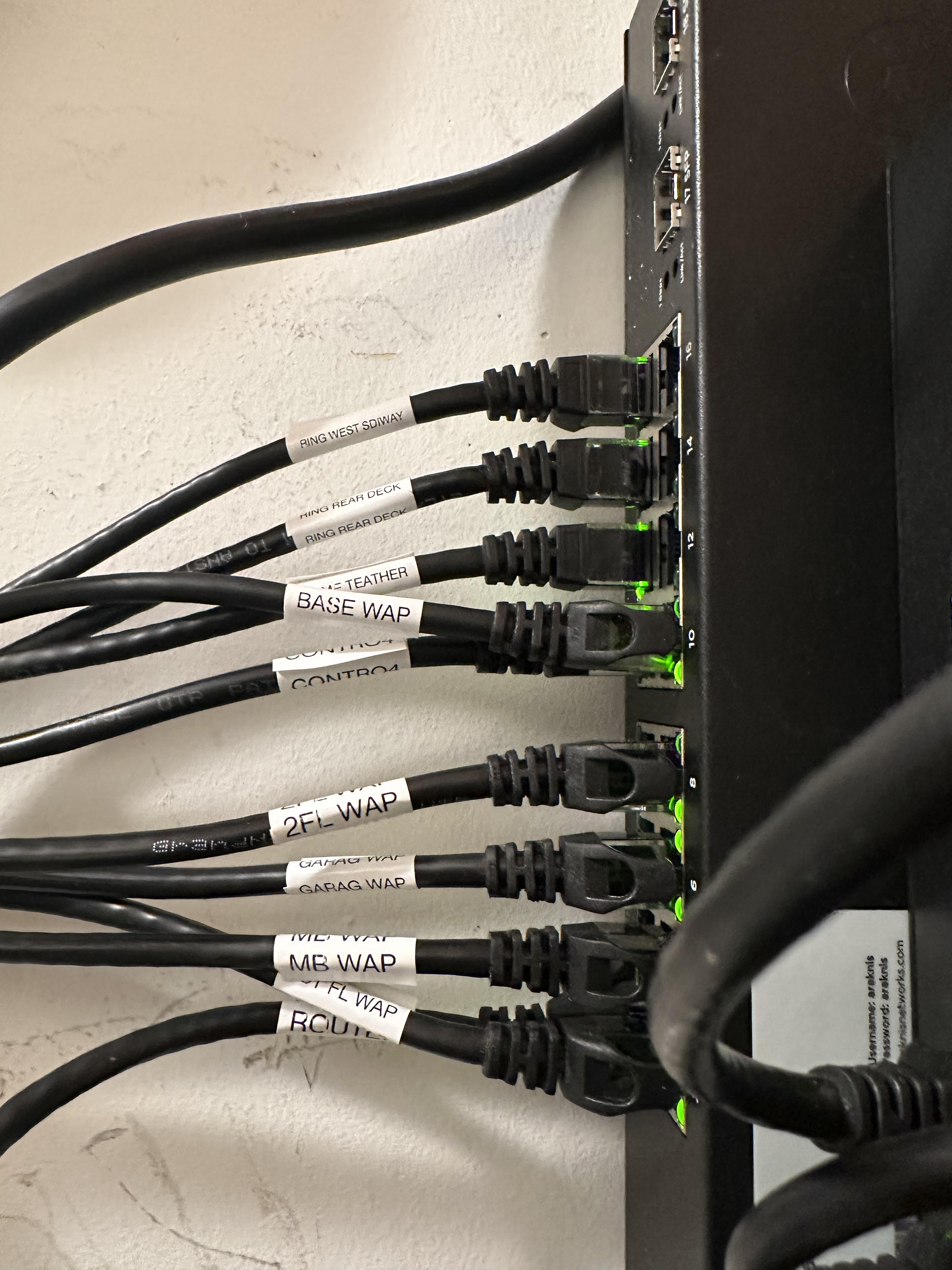
Labeled switch connections
Each cable can be identified and tested without disconnecting unrelated devices.
What each component does
Four parts working as one network.
Araknis router
Handles the connection between the home and the internet.
PoE switch
Carries data and power to wired access points and connected devices.
WattBox power
Protects equipment and enables controlled remote restarts.
Clear labels
Makes every important connection traceable during future service.
Wired WiFi coverage
Access points replace repeated weak signals.
Ethernet carries traffic from each access point back to the switch. The radios can focus on the rooms they serve instead of spending airtime repeating another weak wireless connection. Placement is based on construction, floor plan, device density, neighboring networks, and the spaces where coverage matters.
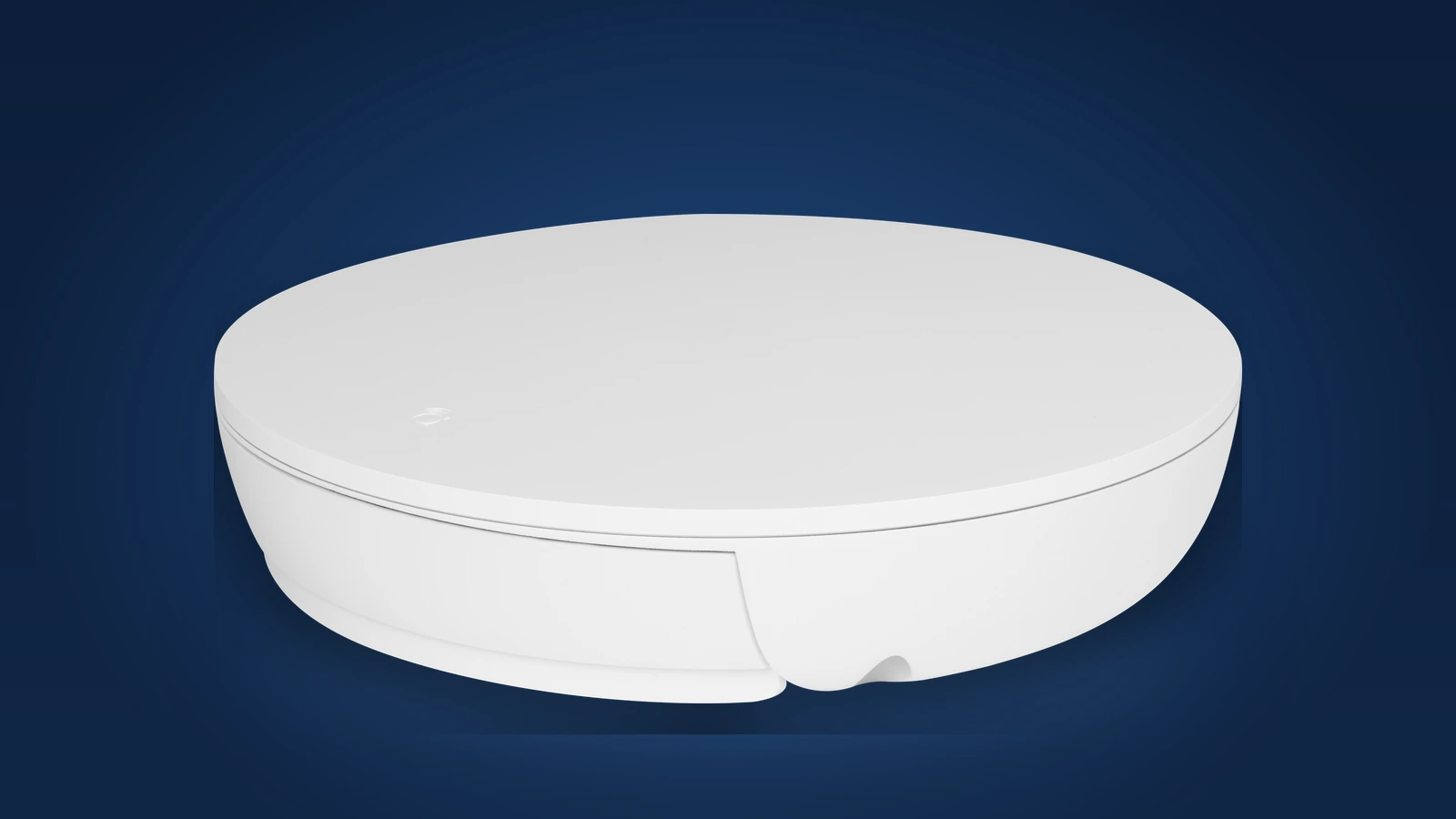
Managed WiFi 6 hardware
PoE power and a wired path back to the rack create a predictable foundation.
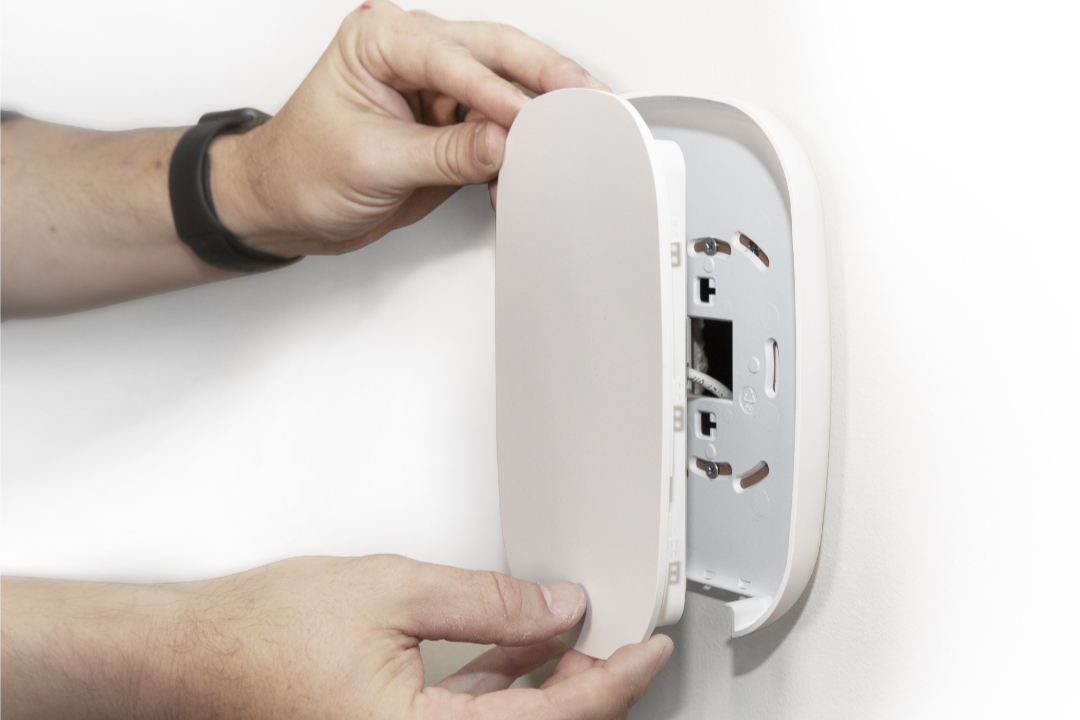
Placement that works and stays quiet
A high, open location avoids furniture and floor-level obstructions without dominating the room.
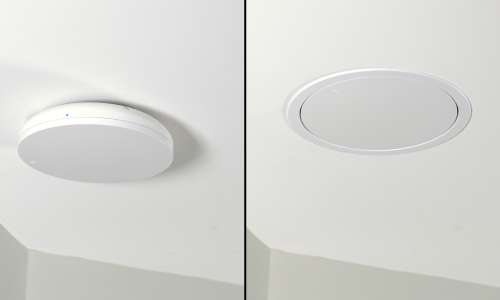
The homeowner result
A network that is easier to live with—and easier to support.
Start with photos
Does your network look like the “before” video?
Send Denali Tech photos of the modem, router, mesh units, network panel, and rooms with weak coverage. We will help identify the next useful step before you buy another extender.