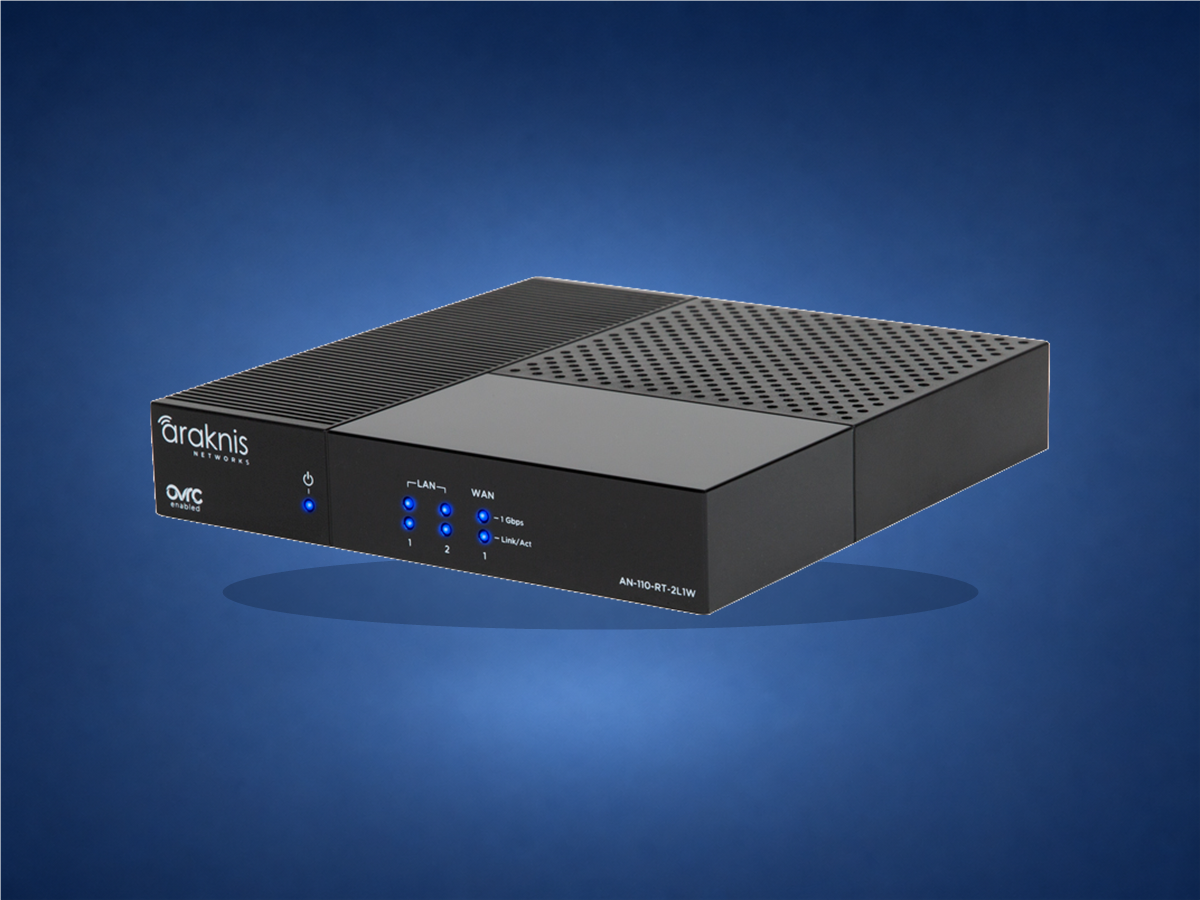
Fast answer: 110 Wired is the compact basic router; 110 Wi‑Fi fits a small standalone space; 220 is the modern single-WAN multi-gig choice; 310 brings dual WAN to an established gigabit design; and 520 is the strongest multi-gig, dual-WAN rack solution.
Five choices, side by side
Every model includes OvrC Pro. The real differences are WAN count, internet speed, mounting, VPN capability and whether the project needs built-in Wi‑Fi or separate access points.
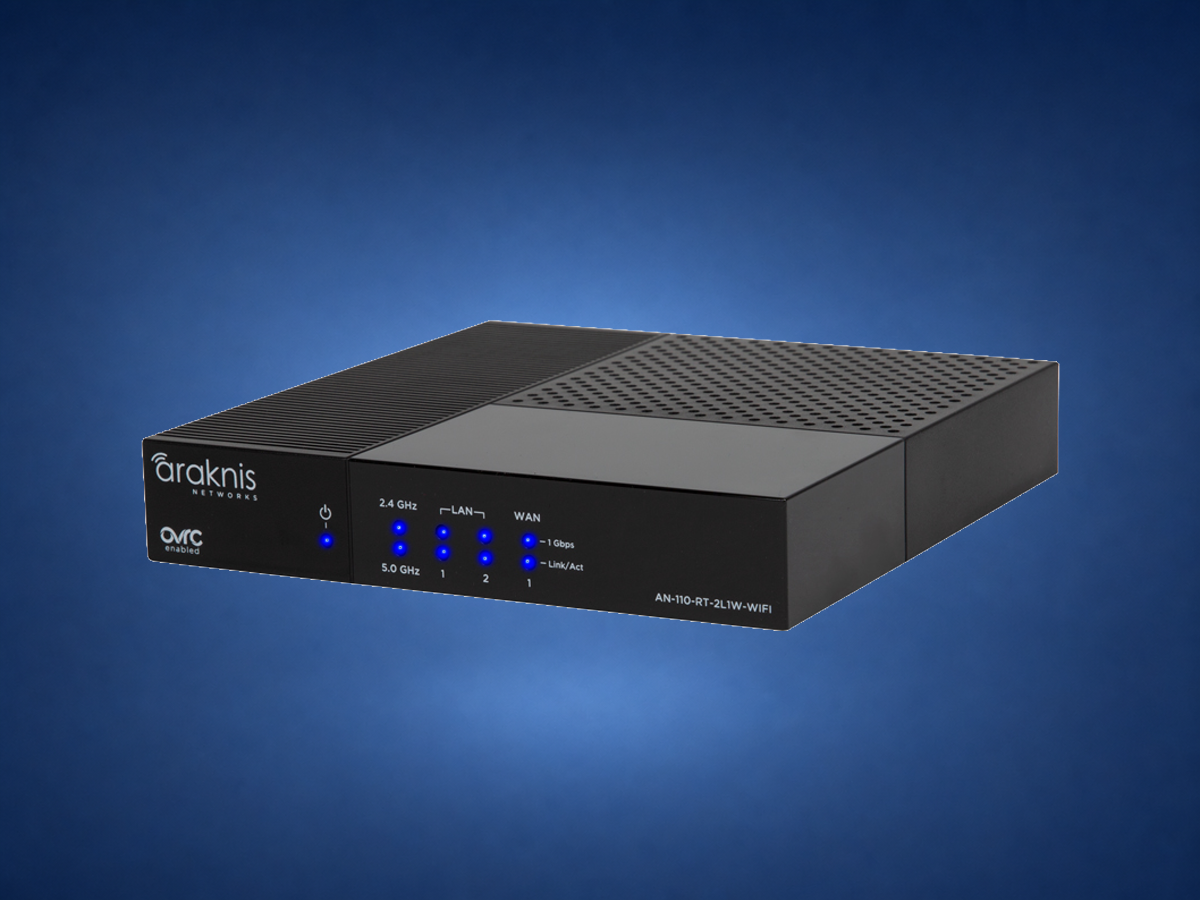
Araknis 110 Wired
AN-110-RT-2L1W
Best for: smaller networks using separate professional access points.
- Single Gigabit WAN and two Gigabit LAN ports
- Compact installation flexibility
- OpenVPN and embedded firewall
What this means: A serviceable foundation when multi-gig speed and a second ISP are unnecessary.
Araknis 110 Wi‑Fi
AN-110-RT-2L1W-WIFI
Best for: a condo, townhome or small standalone network.
- Single Gigabit WAN and two Gigabit LAN ports
- Built-in 2×2 Wireless-AC Wave 2
- Compact all-in-one design
What this means: The simple all-in-one choice—not the plan for a large multi-AP home.
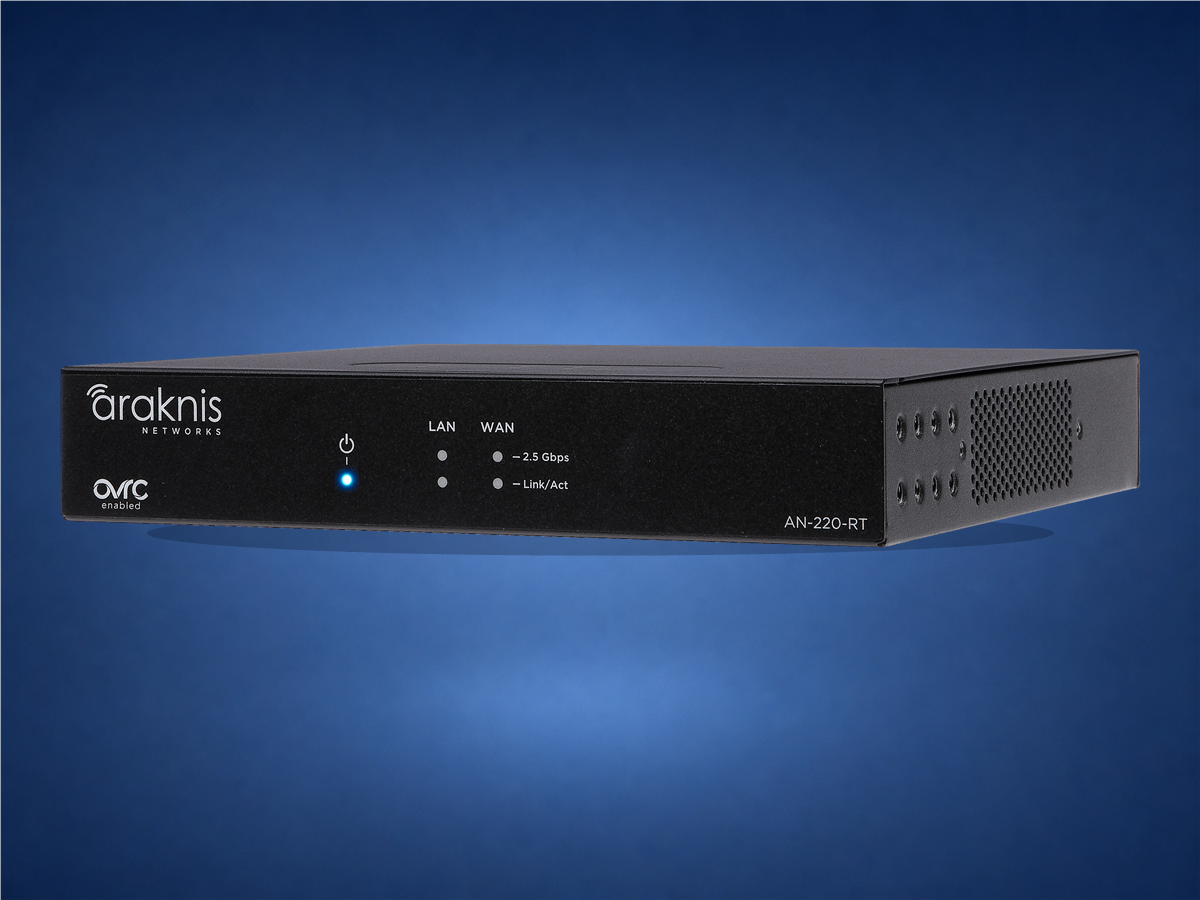
Best for: most modern homes with one internet provider.
- Single-WAN routing up to 2.5Gbps
- Compact, fanless multi-mount design
- Rack, wiring can, wall or shelf placement
What this means: Multi-gig headroom without paying for dual-WAN capability.
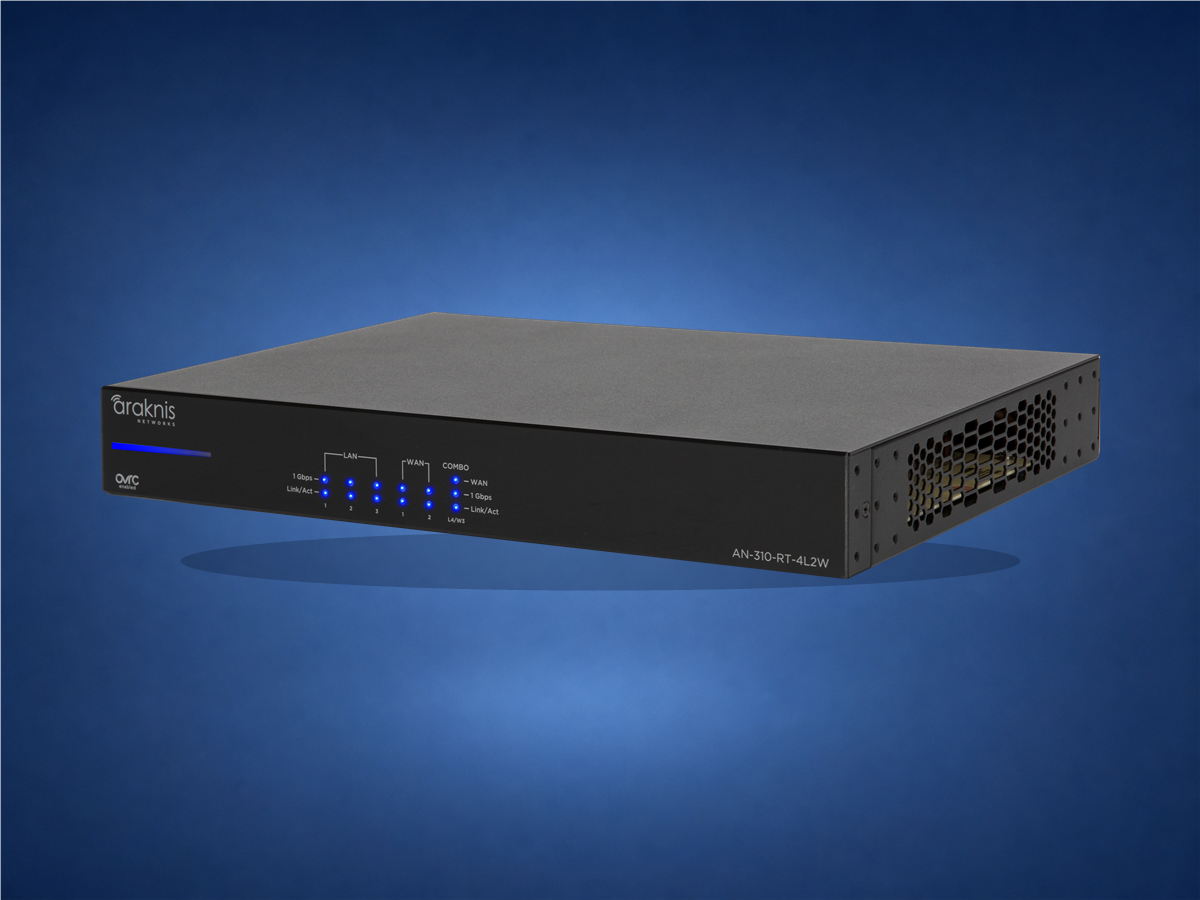
Araknis 310
AN-310-RT-4L2W
Best for: established gigabit networks needing two ISP connections.
- Dual-WAN failover or load balancing
- Four Gigabit LAN ports and 1U rack design
- IPSec, ACL and OpenVPN support
What this means: Gigabit redundancy; verify availability before choosing it over the newer 520.
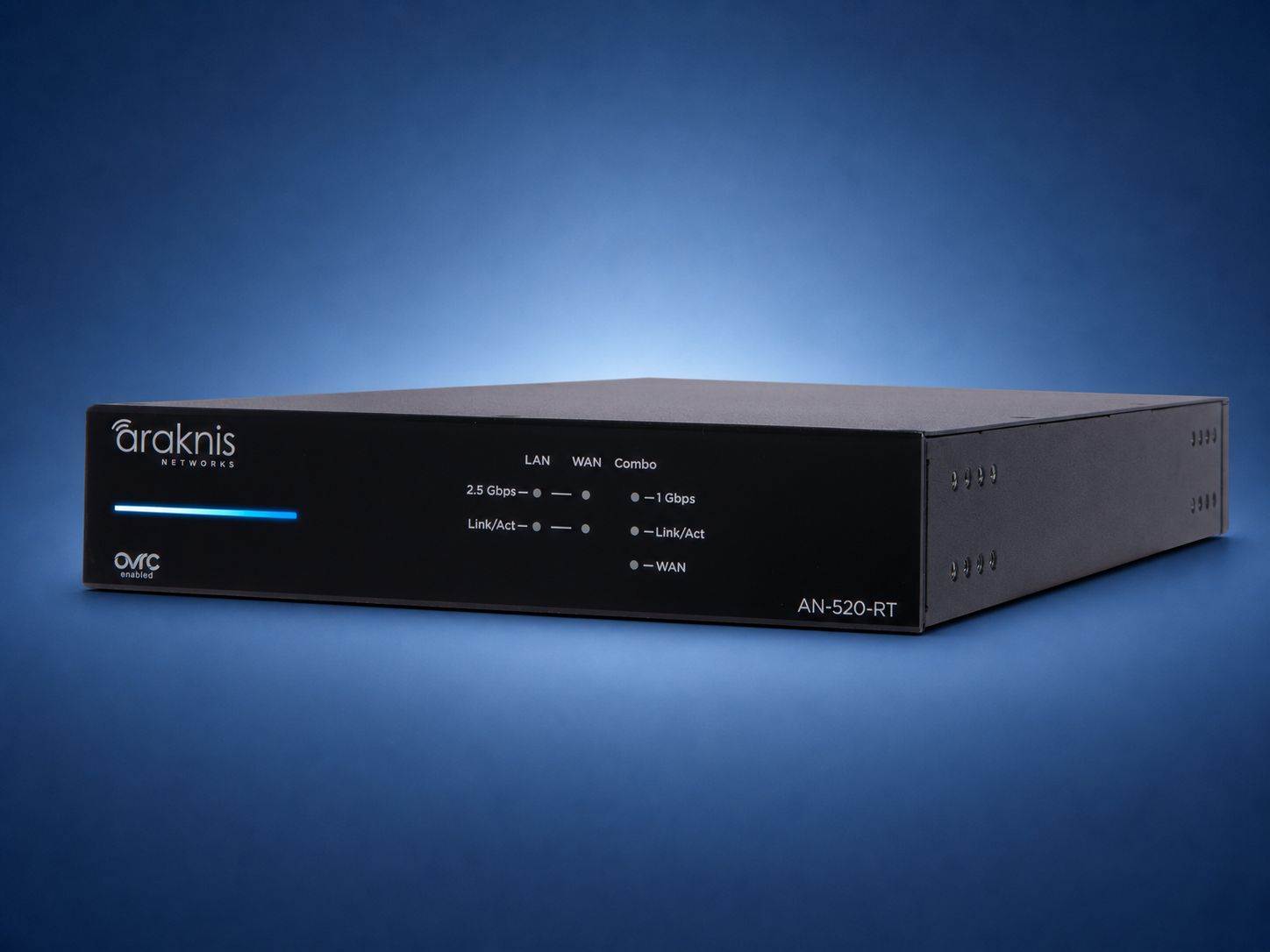
Best for: larger homes, demanding systems and high-uptime networks.
- Multi-gig WAN-LAN routing up to 2.5Gbps
- Dual WAN for failover or load balancing
- RJ45/SFP combo, IPSec site-to-site VPN and 1U rack mount
What this means: The premium choice for speed, redundancy, VPN and clean rack integration.
Technical comparison
| Model | Speed | WAN | Form | Built-in Wi‑Fi | Best fit |
|---|
| 110 Wired | Gigabit | Single | Compact | No | Small system with APs |
| 110 Wi‑Fi | Gigabit | Single | Compact | 2×2 Wi‑Fi 5 | Small standalone space |
| 220 | Up to 2.5Gbps | Single | Multi-mount | No | Modern residential network |
| 310 | Gigabit | Dual | 1U rack | No | Gigabit ISP redundancy |
| 520 | Up to 2.5Gbps | Dual + combo | 1U rack | No | Premium multi-gig network |
Official references: Araknis router family and the 520 router data sheet. Specifications reviewed August 15, 2026. Availability, firmware, VPN performance, and configurations can change; verify the exact model before ordering.
Three decisions that matter most
Single or dual WAN?Dual WAN adds value only when the home has or plans a second internet service.
Gigabit or multi-gig?220 and 520 add headroom beyond 1Gbps, but switches, APs and cabling must support it too.
Router Wi‑Fi or separate APs?110 Wi‑Fi fits a small space. Larger homes need properly placed wired access points.
Important: a faster router does not repair weak Wi‑Fi. The router manages the internet connection; access-point count, placement, wiring and channel planning determine coverage.
A simple way to compare the options
“The 110 handles a smaller gigabit system. The 220 is the everyday multi-gig choice with one ISP. The 310 adds dual-WAN to a gigabit platform. The 520 combines dual-WAN, multi-gig speed and rack integration for demanding homes. Large homes use separate wired access points instead of relying on router Wi‑Fi.”
OvrC Pro comes with every choice
Every Araknis router includes OvrC Pro for professional network visibility, diagnostics and remote support. It complements—not replaces—good wiring, managed power, documentation and a properly sized switch and access-point plan.
Want the router matched to your home?
Send the internet speed, floor plan and rack photos. Denali Tech can recommend the router, switch, access points, WattBox power and wiring as one serviceable system.