The Wi-Fi 7 family is one option. Compare it with the Wi-Fi 6 and outdoor models below before deciding.Jump to a section
Six Araknis models, side by side
These are access points: they provide wireless access to your network, rather than replacing its router. The suggestions below are starting points, not fixed room-size or coverage promises.
Wi-Fi 6 · Indoor
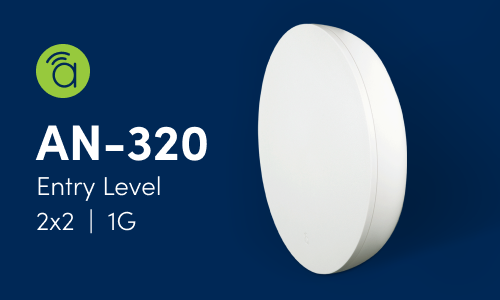
Araknis 320
AN-320-AP-I
2.4 and 5 GHz; 2×2 radios
One 1GbE Ethernet port
PoE+ for full operation
Consider it for: a wired location with modest capacity needs, where a multi-gigabit connection is not a priority.
Wi-Fi 6 · Indoor
Araknis 520 Indoor
AN-520-AP-I
2.4 and 5 GHz; 2×2 radios
One 2.5GbE plus one 1GbE port
PoE+ for full operation
Consider it for: general living areas where a faster wired uplink is useful without moving to Wi-Fi 7.
Wi-Fi 6 · Indoor
Araknis 820
AN-820-AP-I
2.4 and 5 GHz; 4×4 radios
One 2.5GbE plus one 1GbE port
PoE+ per its model data sheet*
Consider it for: a busy area where simultaneous device demand warrants more radio capacity. It does not automatically double one phone's speed.
Wi-Fi 7 · Indoor
Araknis 530
AN-530-AP-I
2.4, 5 and 6 GHz; 2×2 on each band
One 10GbE Ethernet port
60W PoE++ for full operation
Consider it for: a Wi-Fi 7 upgrade with compatible clients, without the 830's larger radio configuration.
Wi-Fi 7 · Indoor
Araknis 830
AN-830-AP-I
2×2 on 2.4 GHz; 4×4 on 5 and 6 GHz
Two 10GbE Ethernet ports
60W PoE++ for full operation
Consider it for: higher simultaneous demand when the client devices, wired network and power supply can make use of the extra capacity.
Wi-Fi 6 · Outdoor
Araknis 520 Outdoor
AN-520-AP-O
2.4 and 5 GHz; 2×2 radios; IP55 enclosure
One 2.5GbE plus one 1GbE PoE-out port
Power depends on heater and PoE-out use
Consider it for: a patio or yard that needs an exterior access point. Its outdoor rating does not mean it is submersible or can cover any yard from any position.
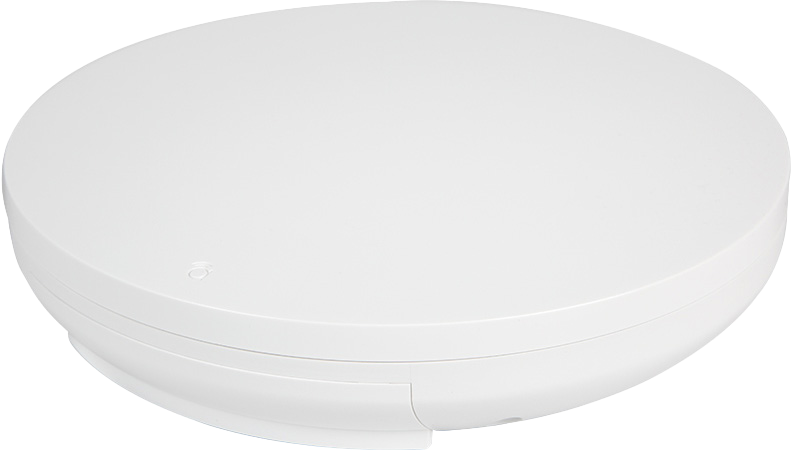
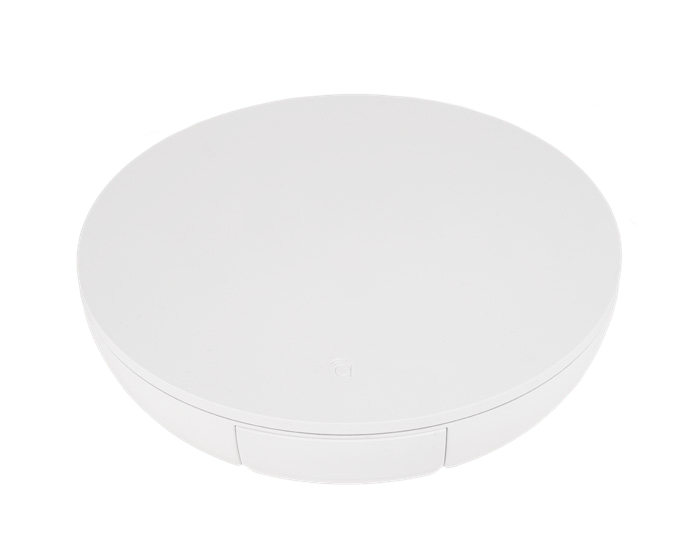
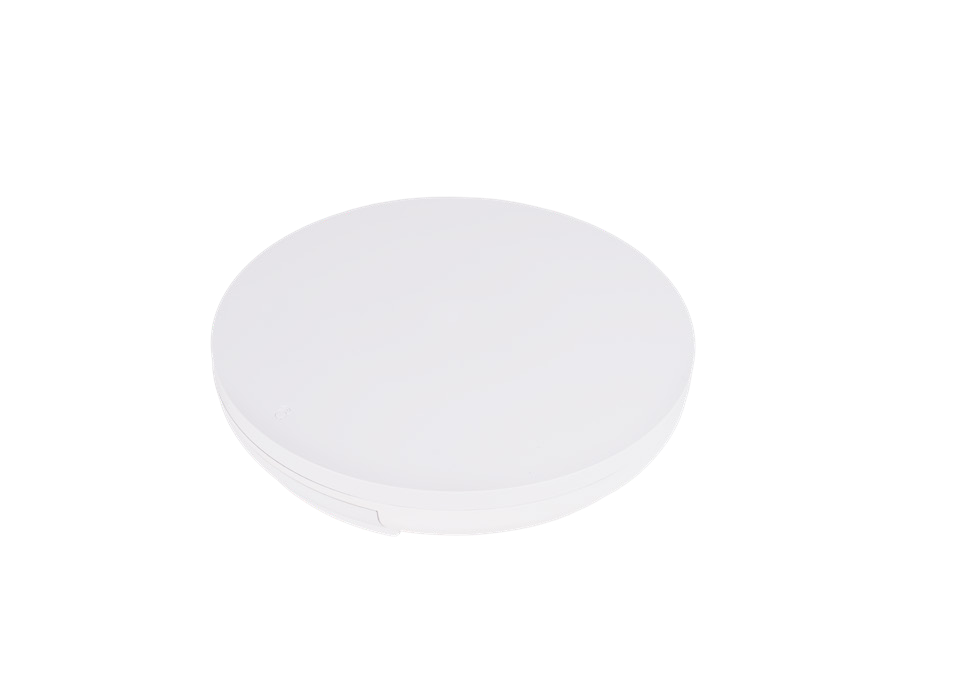
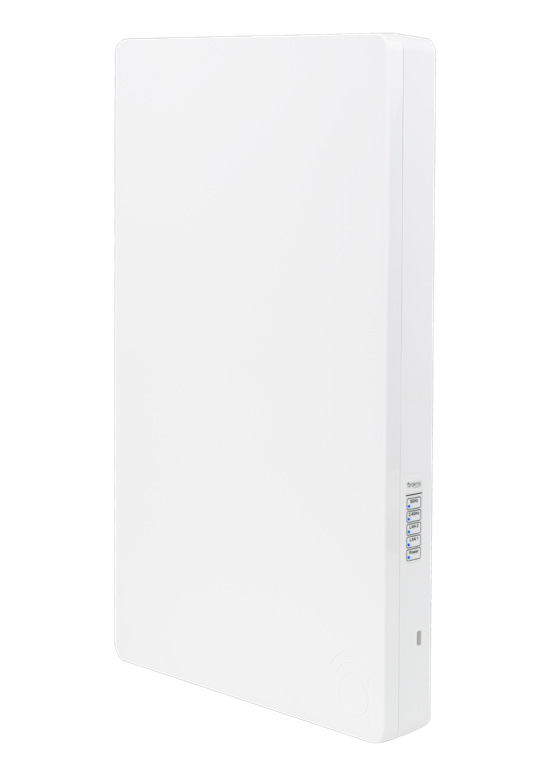
Manufacturer product images and artwork; not Denali Tech installation photographs. Full image frames are retained. Views and product sizes are not to scale. Similar-looking housings do not mean identical performance.
Compare the connections and power
Ethernet figures describe wired port capability, not a promised internet or Wi-Fi speed. Check the connected switch port, cabling and power budget as part of the same decision.
Radio bands and Ethernet ports
Manufacturer specifications for the six exact models above.
Model
Wireless radios
Ethernet ports
320
Wireless radiosWi-Fi 6: 2×2 on 2.4 and 5 GHz
Ethernet ports1 × 1GbE
520 Indoor
Wireless radiosWi-Fi 6: 2×2 on 2.4 and 5 GHz
Ethernet ports1 × 2.5GbE + 1 × 1GbE
820
Wireless radiosWi-Fi 6: 4×4 on 2.4 and 5 GHz
Ethernet ports1 × 2.5GbE + 1 × 1GbE
530
Wireless radiosWi-Fi 7: 2×2 on 2.4, 5 and 6 GHz
Ethernet ports1 × 10GbE
830
Wireless radiosWi-Fi 7: 2×2 on 2.4 GHz; 4×4 on 5 and 6 GHz
Ethernet ports2 × 10GbE
520 Outdoor
Wireless radiosWi-Fi 6: 2×2 on 2.4 and 5 GHz
Ethernet ports1 × 2.5GbE + 1 × 1GbE with PoE-out
“2×2” and “4×4” describe transmit and receive radio chains. Your phone or laptop also has its own limits; a 2×2 client does not become a 4×4 client when the access point changes. The second Ethernet port is not, by itself, a promise that both port speeds combine.
Power requirements and reduced-power limits
PoE supplies power through the network cable. Match the exact model and intended functions.
Model
Full-operation source
Important limit
320 / 520 Indoor
Full-operation sourcePoE+ (802.3at)
Important limitOlder 802.3af power has documented limitations.
820*
Full-operation sourcePoE+ (802.3at), per its model sheet
Important limitConfirm the hardware revision and source discrepancy noted below.
530
Full-operation source60W PoE++ (802.3bt Class 6)
Important limitOn PoE+, 2.4 and 6 GHz have a 50% transmit duty cycle; 5 GHz remains at 100%.
830
Full-operation source60W PoE++ (802.3bt Class 6)
Important limitOn PoE+, the 6 GHz radio is disabled and other radios and ports are reduced.
520 Outdoor
Full-operation source60W PoE++ for full Wi-Fi with heater and PoE-out
Important limitPoE+ supports normal Wi-Fi with heater off, but not PoE-out.
530: a 50% transmit duty cycle is not the same as disabling that band or halving every speed-test result. The data sheet specifies the radio operating limit.
830: with PoE+, 2.4 GHz reduces to 1×1, 5 GHz to 2×2, Ethernet port 1 to 2.5Gbps, and port 2 is disabled. Do not assume the 530 has these same limits.
520 Outdoor: with PoE+ and the heater on, radio performance is limited. The full-power 60W PoE++ mode also supports up to 15.4W PoE-out. Plan for cold-weather operation, not only a summer test.
*820 source discrepancy: its exact-model data sheet and product page list PoE+ for full operation, while the family comparison chart lists 60W PoE++. This guide follows the model sheet. Confirm the supplied hardware revision and required source with the supplier before ordering a switch or injector.
A “60W” source specification is not a claim that the access point continuously consumes 60 watts. Confirm both per-port capability and the switch's total available PoE budget.
What Wi-Fi 7 changes—and what it does not
Another band for compatible devices
The 530 and 830 add 6 GHz alongside 2.4 and 5 GHz. A device needs 6 GHz support to use that band. Older devices can still use supported older bands; they do not gain Wi-Fi 7 capabilities.
Wired speed is not phone speed
A 10GbE port gives the wired connection more capacity. It does not make a phone download at 10Gbps or increase your internet plan. Actual results depend on the client, signal, interference and the rest of the network.
Placement still matters
A newer generation does not guarantee longer range through walls. More access points or wider channels are not automatically better either. Design coverage and simultaneous capacity for the actual home.
A simple way to choose around your home
Working Wi-Fi 6 already? Keep it if it meets your needs. A placement, interference or wired-link problem may need attention before an access-point replacement.
Planning new indoor coverage? Compare the 320's gigabit connection with the 520 Indoor's 2.5GbE uplink first. Consider the 820 when its extra radio capacity suits the simultaneous workload—not because every busy room needs it.
Buying for newer devices? Compare the 530 and 830 against the clients you actually own or plan to add. Include suitable PoE power and switch connections in the cost, rather than pricing only the access point.
Extending Wi-Fi outdoors? The 520 Outdoor is designed for an exterior location, with an IP55 enclosure. Its instructions require vertical installation with ports facing down. Have the installer coordinate mounting, weather protection, surge protection and the power mode; do not treat it like an indoor model behind a window.
Before you replace equipment
A useful plan starts with where the connection fails and what you need to do there. There is no reliable access-point count based only on square footage.
Mark the real locations: work desks, TVs, doorbells, patio seating and any rooms with weak service.
Check the wired path: existing cables, router, switch ports and the power available to each access point.
Account for the building: masonry, floors, metal, exterior walls and nearby networks can change the result.
Test the finished network: use the actual phones, video calls, streaming devices and smart-home controls, including movement between coverage areas.
Want help with the weak spots in your Wi-Fi?
Tell us where the connection drops and what you use there. Photos of the existing router, switch and access points help us review what can stay and what needs attention. Do not send Wi-Fi passwords.
Sources checked October 19, 2026. Facts above use the exact-model specifications where available; the 820 power discrepancy is disclosed in the expandable power comparison. Product availability, hardware revisions and firmware can change. Confirm the exact SKU and installation instructions before buying. The home-use suggestions are Denali Tech planning advice, not manufacturer coverage or speed guarantees.
Product imagery and artwork: Araknis / Snap One by ADI. Trademarks and images belong to their respective owners.