A game console, streaming player or local receiver connected to one nearby display.
Best fit: one source → one TV
Compare a fixed Binary 660 HDMI matrix, scalable 900-series MoIP and premium 960-series MoIP—plus the point-to-point extenders and fiber HDMI paths that finish the system.
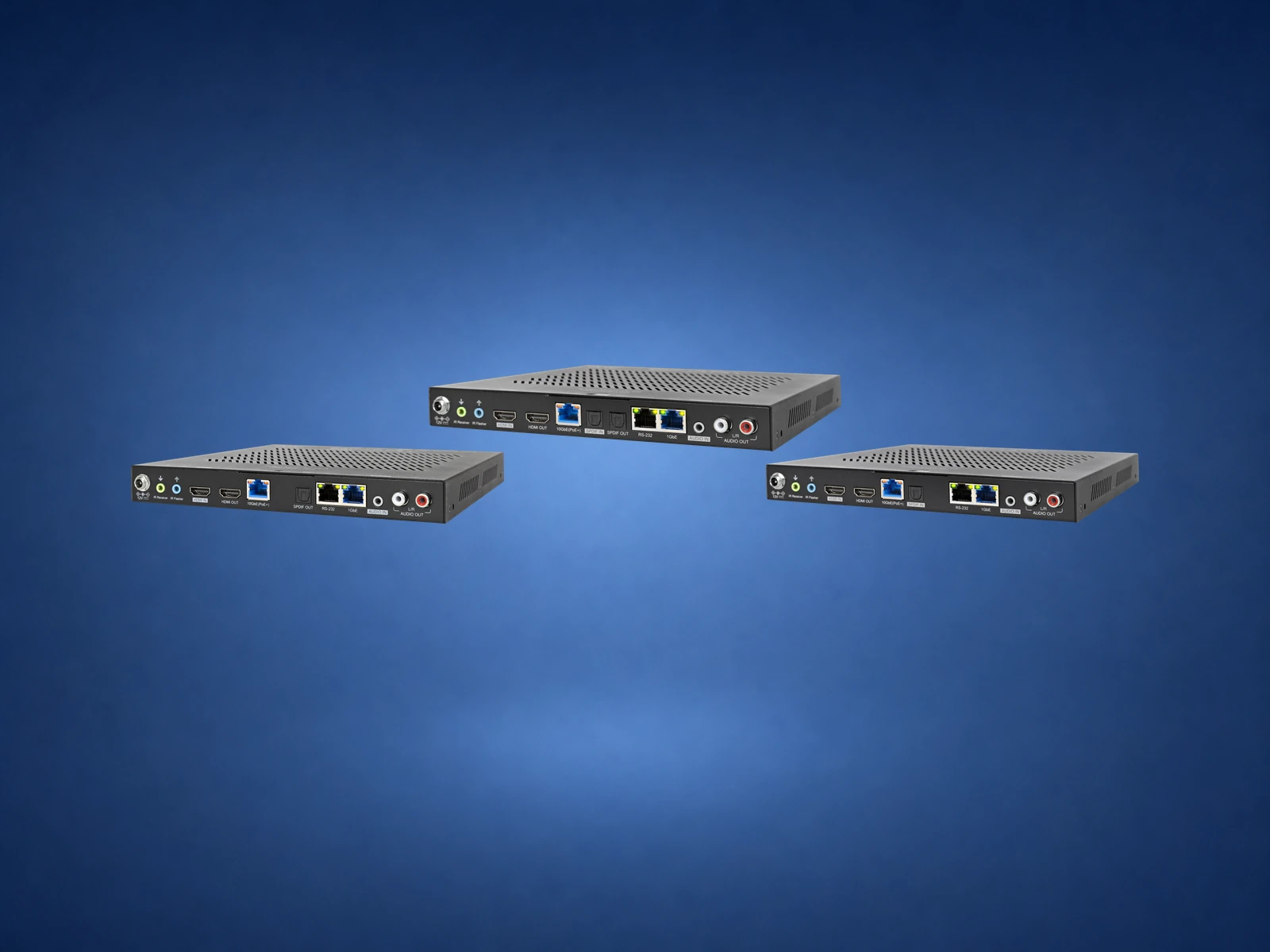
The first question is not “Which model?” It is how many sources and displays must operate independently today, how many may be added later, and what video and audio formats must survive the complete path.
A game console, streaming player or local receiver connected to one nearby display.
One centralized source sent over category cable to one distant display, with control and selected audio-return options.
A known number of rack sources and displays, with every display able to select any source.
One transmitter per source, one receiver per display and a managed network that can expand endpoint by endpoint.
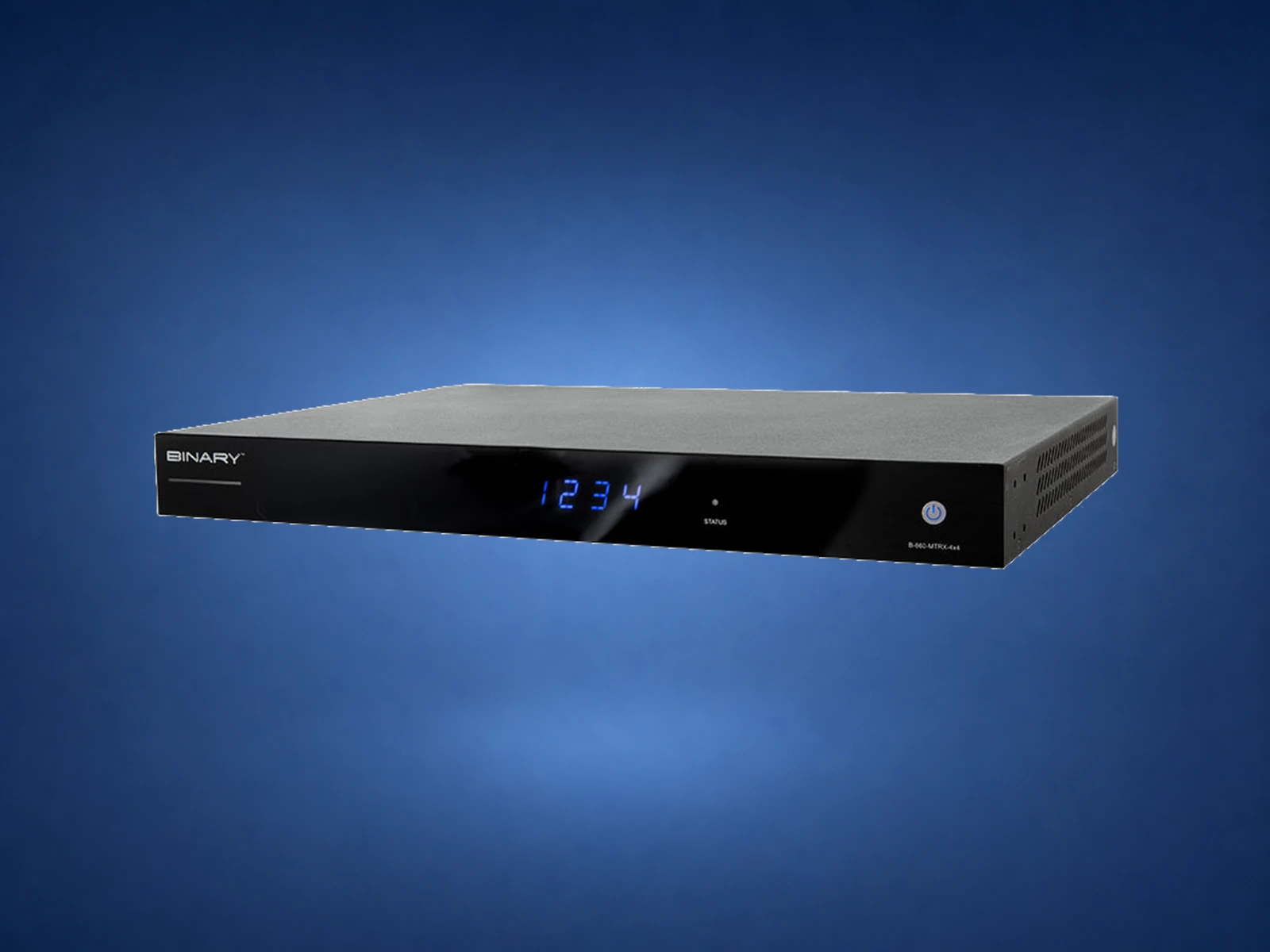
A matrix is one rack-mounted switcher with a fixed number of HDMI inputs and outputs. A 4×4 can route any of four sources to any of four displays; an 8×8 does the same for eight and eight.
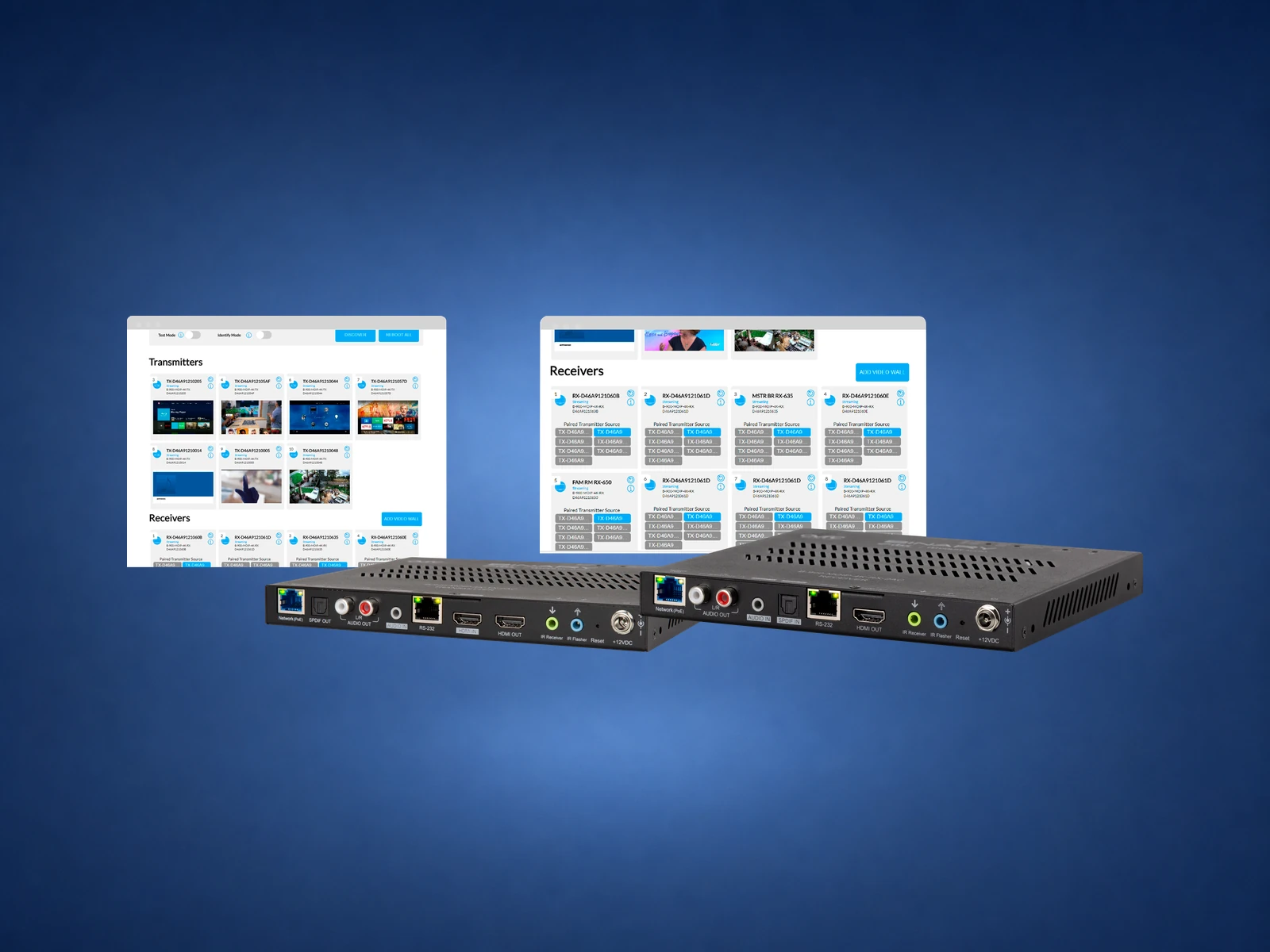
The 900 Series moves visually lossless 4K HDR video across an approved gigabit Layer 2 PoE network. It is often the practical middle ground for a larger residential project that needs flexible source and display counts without the 10-gigabit requirements of 960.
The 960 Series is Binary’s next-generation 10-gigabit MoIP platform. It carries visually lossless 4K60 4:4:4 HDR video and adds stronger display-processing options. The system still uses one MoIP controller, but endpoint and switch design must be planned as a 10-gigabit system.
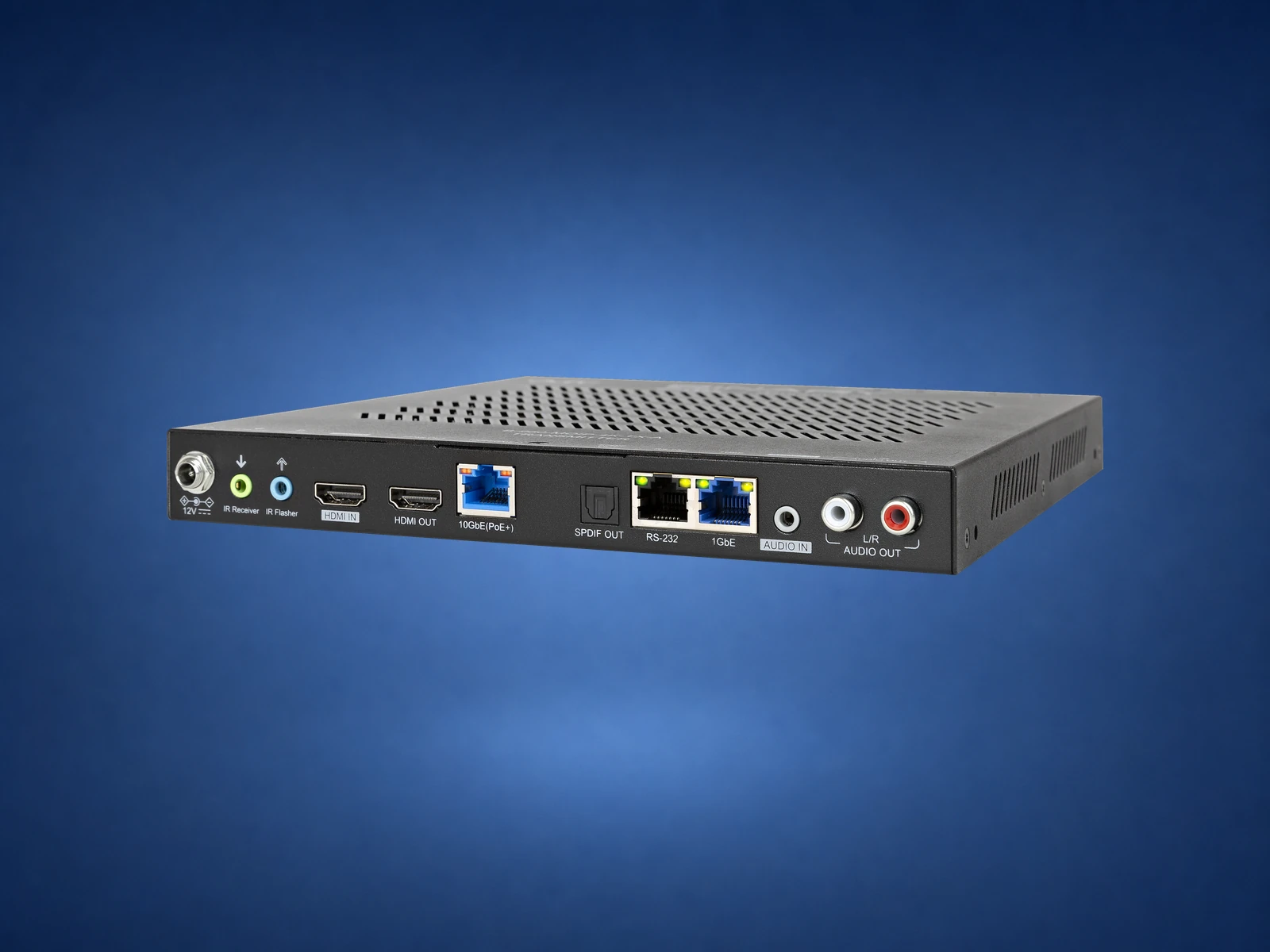
Encodes a rack source for the MoIP network. The audio-downmixing model adds HDMI loop-out, injection and breakout tools for theater and distributed-audio designs.
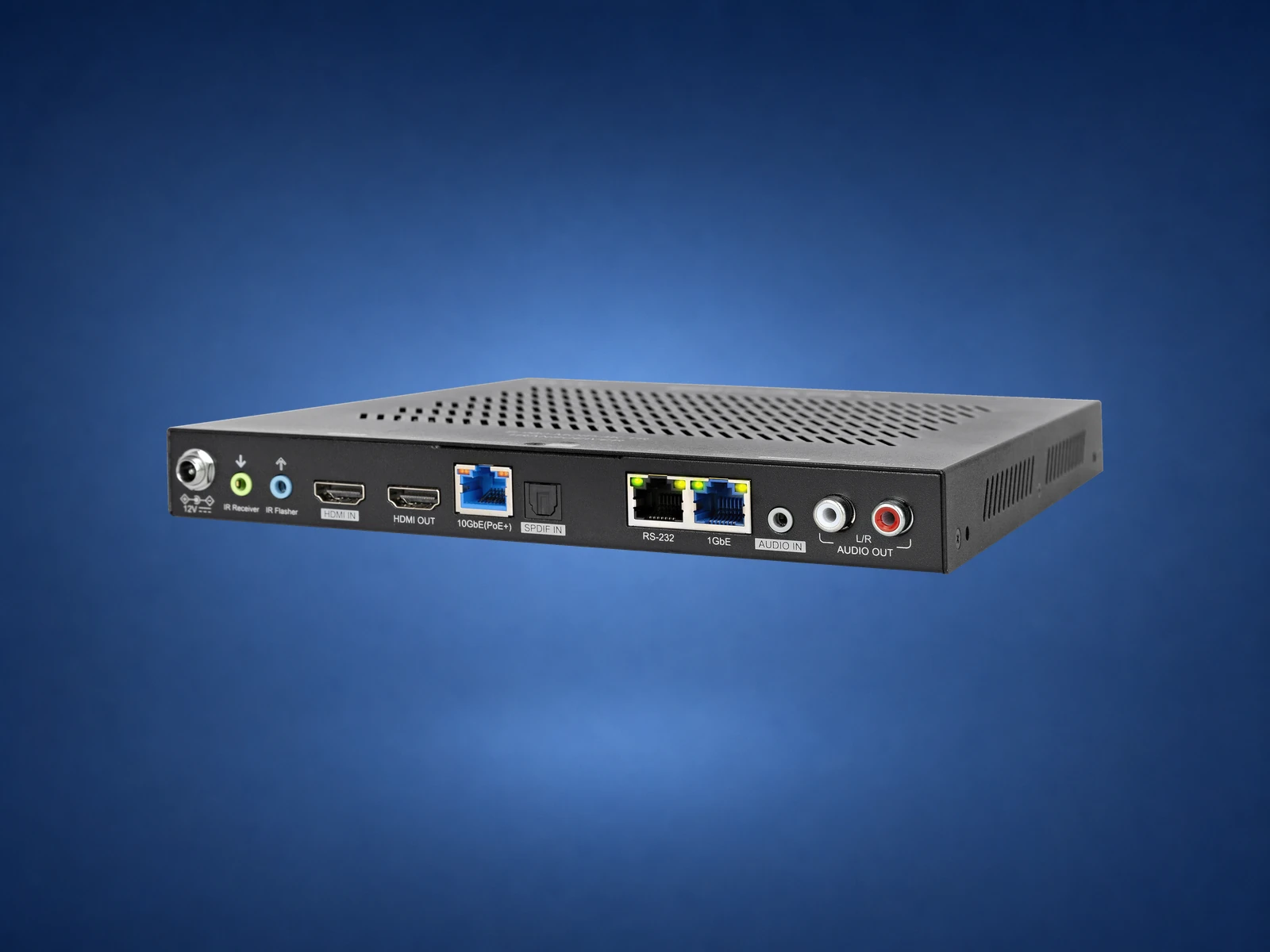
Decodes the selected source at a TV or projector. Its processing supports mixed resolutions, camera picture-in-picture and multi-source tiling.
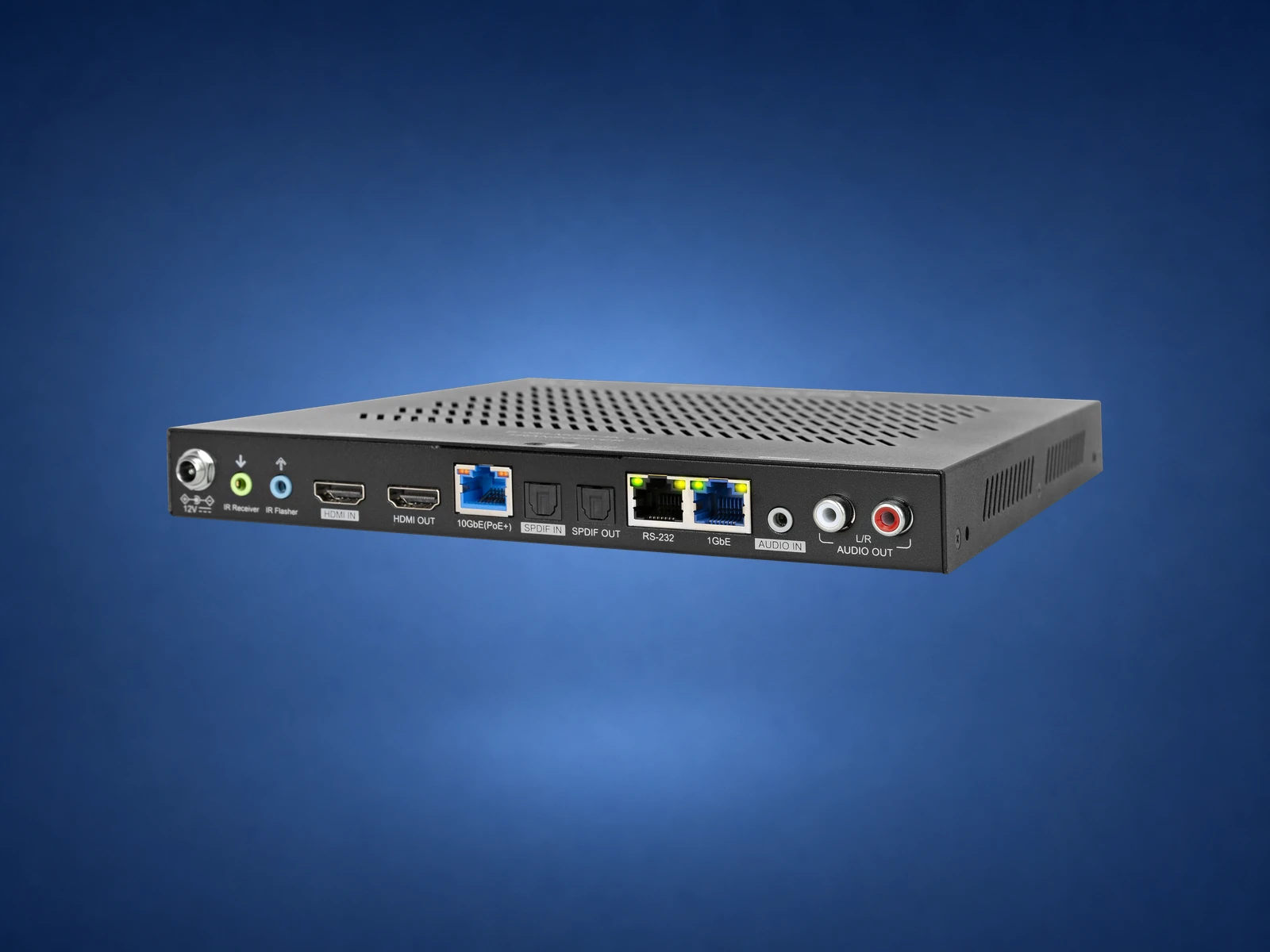
A flexible endpoint that can transmit and receive simultaneously. It lets a local game console or player enter the central system from a room away from the rack.
| Design | Network | Video target | How it grows | Signature advantage | Best fit |
|---|---|---|---|---|---|
| 660 matrix | Network used for control, not video transport | Up to 4K60 4:4:4, 18Gbps on current chassis | Fixed input/output count | Simple, predictable rack architecture | Known 4×4 or 8×8 system |
| 900 MoIP | Approved gigabit Layer 2 PoE switch | Visually lossless 4K HDR platform | Add a TX or RX endpoint | Flexible routing, scaling and remote service | Scalable residential multiroom video |
| 960 MoIP | Approved 10Gb-capable design; Araknis 920 integration | 4K60 4:4:4 HDR10 / Dolby Vision | Add TX, RX or transceiver endpoints | Fast switching, tiling, PiP and decentralized sources | Premium video, sports walls and advanced Control4 projects |
Official references: Binary matrix switchers, the Binary MoIP ecosystem, and the MoIP data sheet. Reviewed August 15, 2026. Exact HDR, chroma, audio, cable-distance, switch, control, and interoperability support depends on every endpoint, the network design, and firmware combination.
A clean design uses the simplest reliable transport for each path. Some rooms need whole-home source access; others need only one local source or one long point-to-point extension.
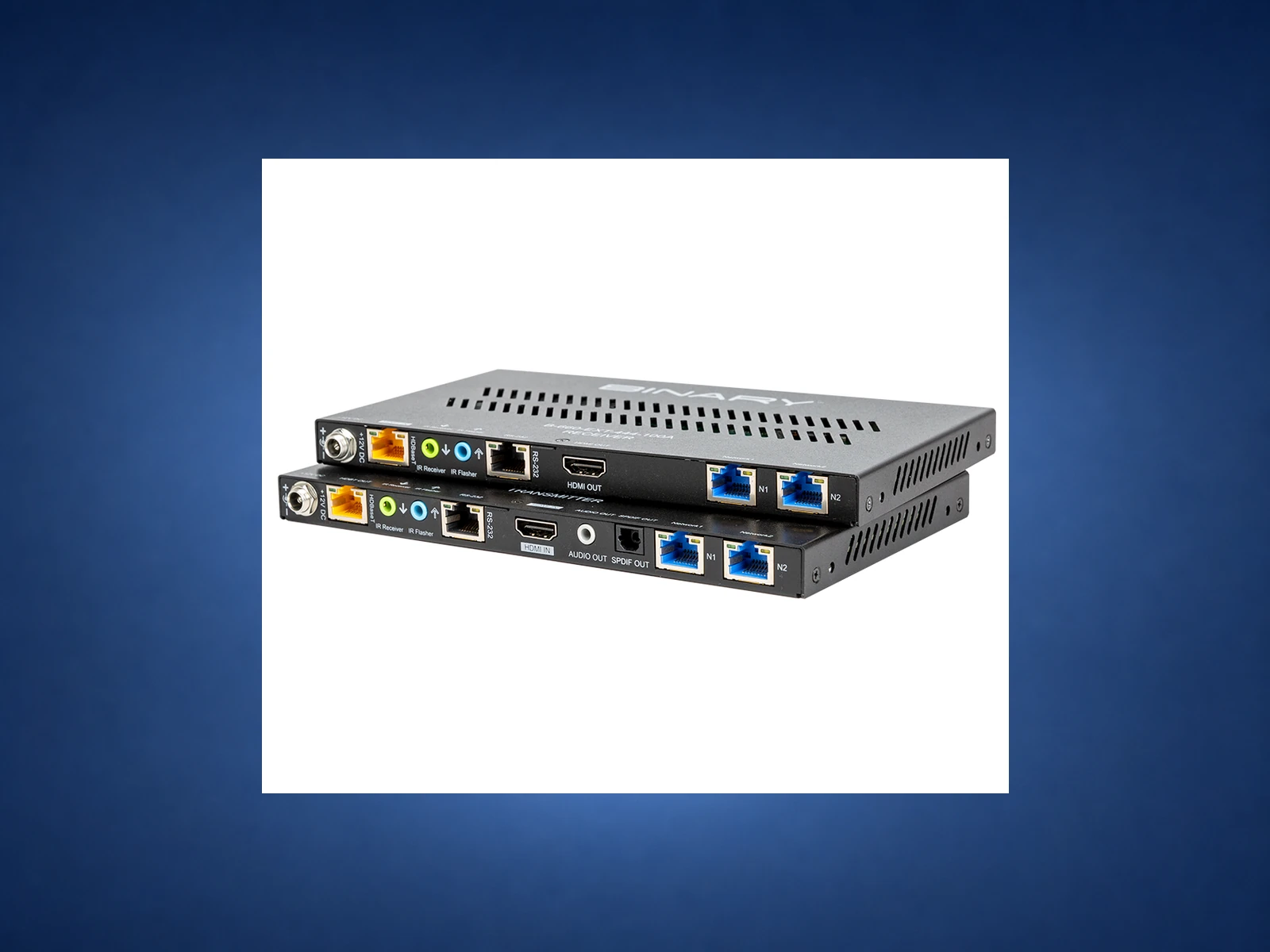
Current 660 extenders can carry 4K60 4:4:4 HDR up to 330 feet over category cable, with bidirectional power and selected IR, RS-232, Ethernet and audio-return features. Confirm the exact model and cable distance before the walls close.
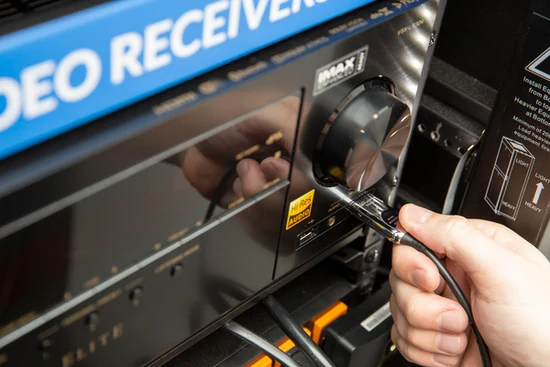
Binary’s current cable family reaches up to 48Gbps for appropriate direct HDMI paths. Long active and fiber cables are directional, so conduit, bend radius, pull protection and a serviceable replacement path matter as much as the bandwidth label.
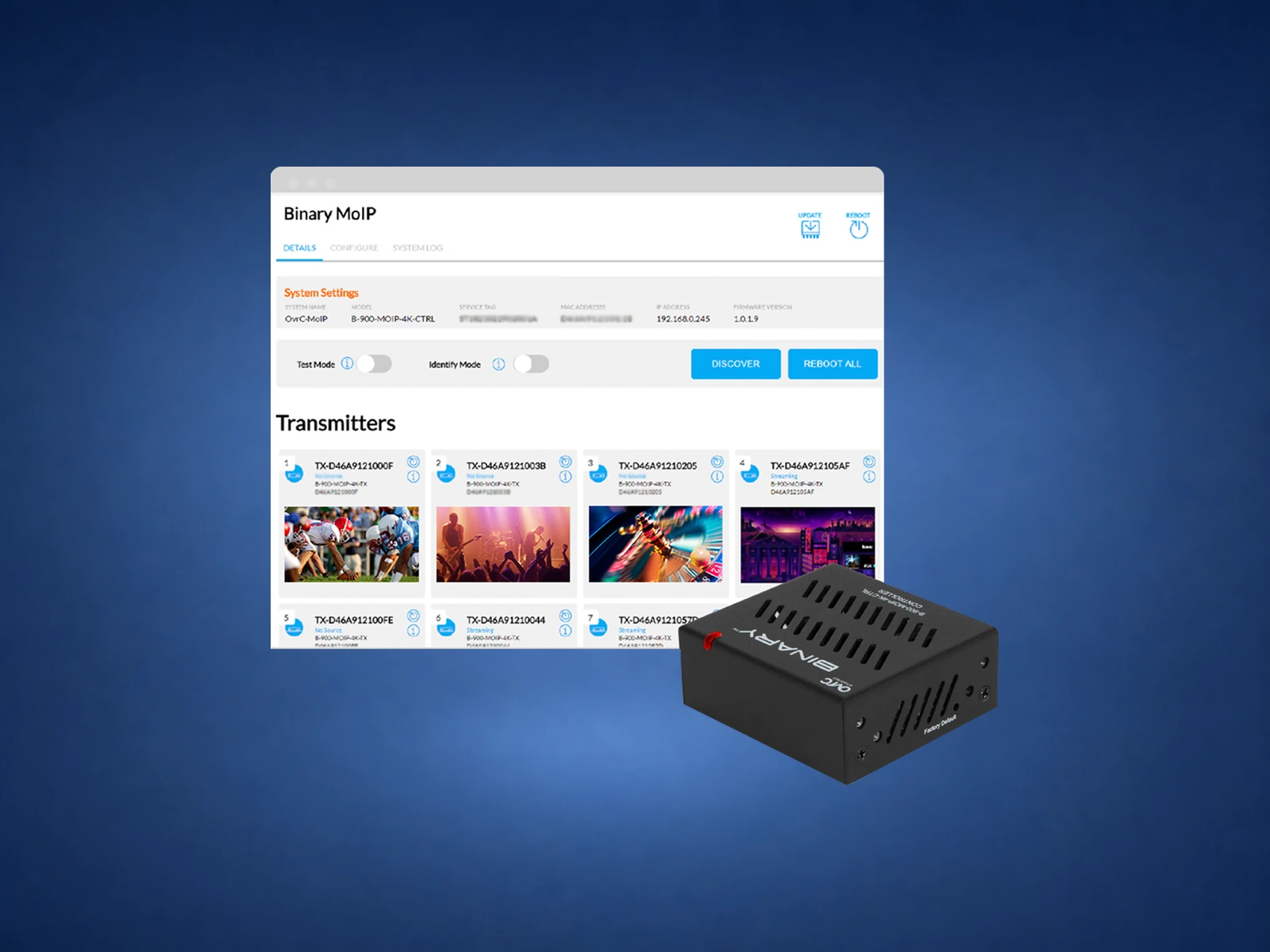
One controller discovers endpoints, coordinates switching and exposes the system to Control4 and OvrC. The current controller works with both 900- and 960-series systems.

MoIP is only as stable as its managed switch, cabling, ventilation and power. Label every source and display, reserve switch capacity and place the controller, endpoints, WattBox and UPS strategy where they remain serviceable.
Cable-management example. Choose the switch from the compatibility requirements for the exact MoIP system.
List cable boxes, streamers, players, game consoles, cameras and future inputs.
Count TVs and projectors, then reserve realistic expansion—not imaginary capacity.
Confirm how many rooms must watch different sources at the same time.
Document 4K, HDR, Dolby Vision, frame rate, chroma, HDCP, VRR and gaming needs.
Decide where Atmos, stereo downmixing, ARC/eARC and whole-home audio must go.
Measure every run and design the approved switch, uplinks and category-cable grade.
Plan Control4 drivers, IR, RS-232, CEC behavior and room-level source selection.
Provide conduit, spare cable, rack access, remote management and recoverable power.
“A matrix is a fixed highway with a set number of entrances and exits. MoIP turns every source and TV into an endpoint on a managed network, so we can expand one connection at a time. The 900 Series is the practical scalable 4K choice; the 960 Series adds the premium 10-gigabit video features. We keep a source local when that is the cleanest way to preserve gaming or specialty HDMI performance.”
Send the floor plan, rack location, TV and projector locations, source list, audio zones and gaming requirements. Denali Tech can map the matrix or MoIP architecture, cable routes, switch capacity, control and service access before the equipment is ordered.