Control4 and Apple HomeKit: What Homeowners Should Understand
Use Apple Home and Siri as convenient ways into a working Control4 home—not as a promise that every device and feature will move between the two systems.
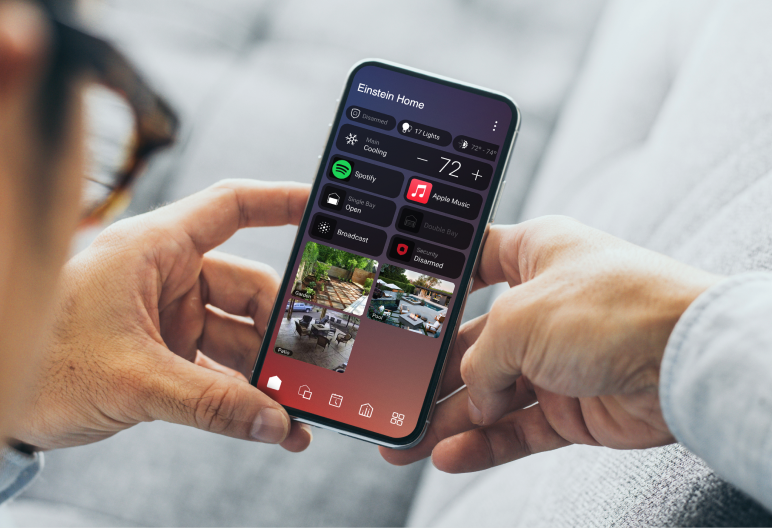
Does Control4 work with Apple HomeKit? Yes. X4 offers an official integration for supported Control4 functions. Check your controller, software, account entitlement and exact devices first. It does not mean every Apple Home accessory can be imported into Control4.
In this guide
Give each interface a useful job
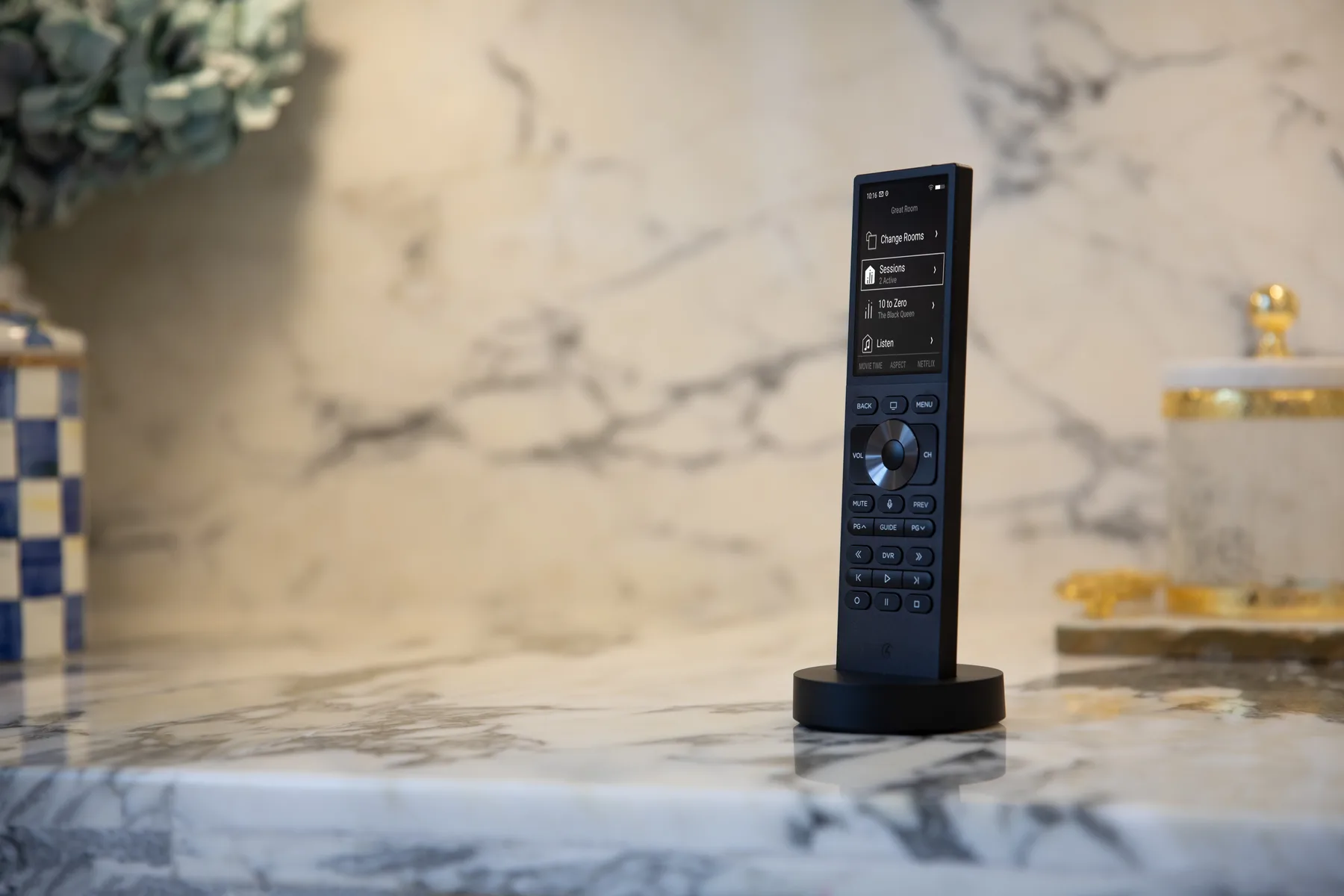
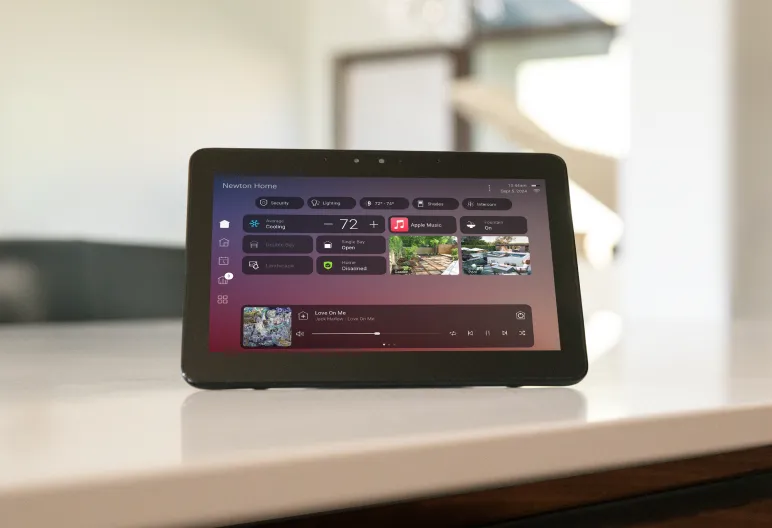
Start with a few things you would actually use: a light from your phone, a shade by voice, or a familiar evening scene. Keep remotes, keypads and Control4 screens available for the room actions you already know.
One primary control layer keeps the home calmer
A movie scene can involve the receiver, source, lights and shades. Keep that room sequence in one clearly understood place, then decide whether a voice trigger should call it. Avoid creating competing schedules or nearly identical scene names in both apps.
Make the result easy to recognize. A Siri request should mean the same thing to everyone in the home, while the remote and wall controls remain usable if a phone is unavailable.
What does the built-in integration actually support?
Control4's public X4 (OS 4.0) documentation describes sharing selected Control4 devices with Apple Home, with room mapping and in-app setup on iOS. It is a release-specific reference—not a guarantee for every model, driver or later release.
View the documented device categories
| Function | Documented scope |
|---|---|
| Lights | Includes color and tunable-white lighting. |
| Lighting scenes | Appear as switches in Apple Home. |
| Thermostats | Native Control4 thermostats in this reference—not every third-party thermostat. |
| Shades | Open, close and percentage positioning. |
| Fans | On/off and speed. |
| Sensors | Contact sensors and smoke detectors are listed. |
| Voice scenes | Composer-created scenes can be triggered through Siri. |
Read Control4's public HomeKit reference. The list does not establish camera, lock or complete A/V interface support. Ask for the commands and feedback you need to be demonstrated on your exact system.
The direction matters. Sharing a supported Control4 light with Apple Home does not prove that an unrelated HomeKit or Matter accessory can be added to Control4. That accessory still needs its own supported integration path.
Do I need a subscription or an Apple home hub?
Control4 Connect
Control4 currently includes Apple integration among Connect's premium features. Local Control4 operation without Connect is a separate question. Confirm the entitlement for your account and system; see our Connect guide.
Apple home hub
Apple uses a supported HomePod or Apple TV as a home hub for away-from-home control, sharing and automations. This is not the Control4 controller, and it does not replace a Control4 subscription. Check Apple's current home-hub requirements before choosing hardware.
Your Apple Home ownership, invitations and account setup also matter. Keep the home under the appropriate household account; do not share passwords to give someone access.
What to ask before connecting systems
- Confirm the starting point. Identify the Control4 controller, software version, drivers and account. Review compatibility and make a backup before any upgrade.
- Choose a small first set. Name the rooms and select only the devices you want exposed to Apple Home.
- Use the supported setup route. The documented iOS route is Control4 app → Settings → Smart Assistant Setup → Apple HomeKit. Menu labels may differ with the app version.
- Try the actions you requested. Check the real light or shade, its reported state, Siri naming and the original Control4 controls. Test away-from-home use separately if you need it.
- Agree on support. Know who handles Control4 programming, Apple account permissions and network faults. Keep the normal room controls and a recovery plan.
Common questions
Do I need Homebridge or another third-party bridge?
Do not assume one is required: X4 has an official integration. If your existing system uses an additional bridge, identify its purpose, compatibility and maintenance responsibilities before changing or removing it. A legacy setup may need a different plan.
Can Siri run a full movie scene?
A configured voice scene can trigger programmed Control4 actions. That is different from receiving a complete A/V control panel in Apple Home. Ask for your exact scene, source, volume and feedback expectations to be demonstrated rather than assuming they all transfer.
What if Apple Home stops responding?
First check whether the same device still responds through Control4. Record which app, device and command failed. If Control4 still works, the Apple Home connection, hub, account or network may need checking. Do not factory-reset controllers or delete the home as a first step.
The practical takeaway
Keep what works. Add a few useful Apple Home controls, test them with the people who will use them, and keep a clear plan for the underlying Control4 system. Convenience should remove steps—not create another set of controls to manage.
Want Apple Home to fit your Control4 home?
Send your controller model, software version if known, and the actions you want. We can help check the practical next step for your Chicago-area home.
Send Project DetailsOfficial references
Reviewed October 19, 2026. The category list is scoped to the linked X4 (OS 4.0) reference. Account entitlements, hardware, app versions and drivers must be checked for the actual installation. This is not an upgrade procedure.