Control4 X4 Guide: What Homeowners Should Know
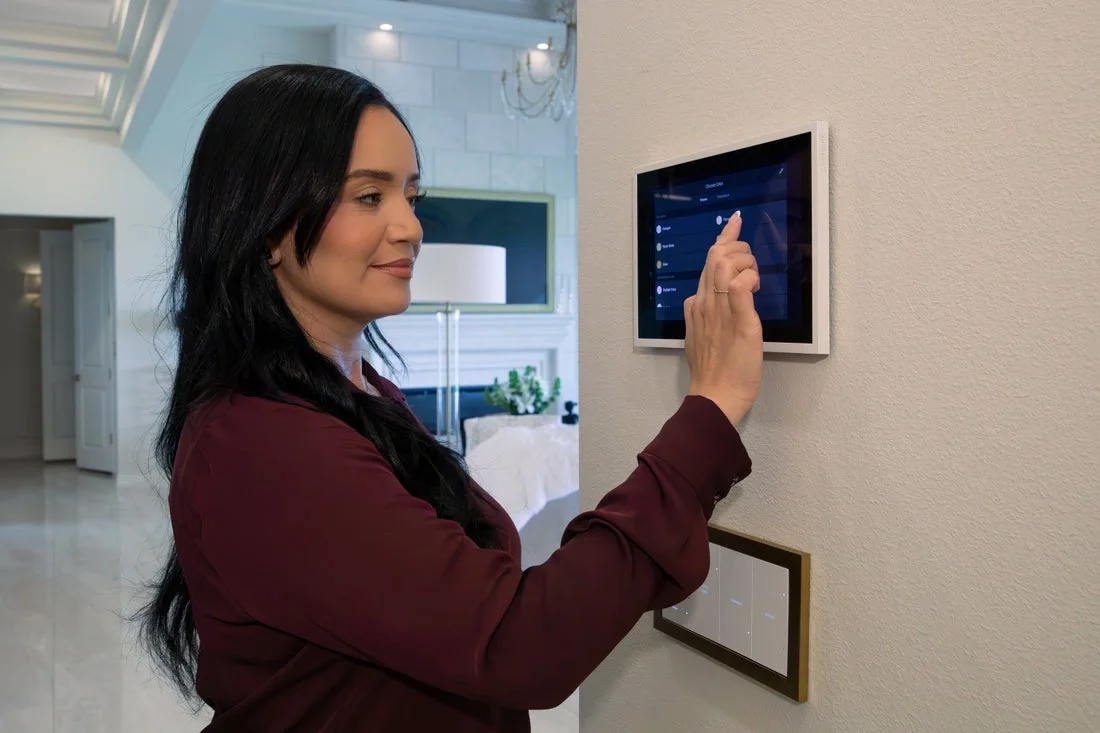
A wall touchscreen and keypad keep everyday room controls within reach.
When homeowners ask if a smart home system is worth it, they are usually not asking about hardware. They are asking whether the whole experience feels smooth, clear, and worth living with every day.
That is where a modern Control4 experience matters. The point is not just that your home can control lights, music, TVs, shades, and climate. The point is that it should feel intuitive enough that your family actually enjoys using it.
Quick answer: X4 is Control4's newer software experience, with a customizable home screen, widgets, homeowner Routines and supported Apple Home integration. Your available features depend on the installed equipment, software and services. Updating the phone app alone does not upgrade the home.
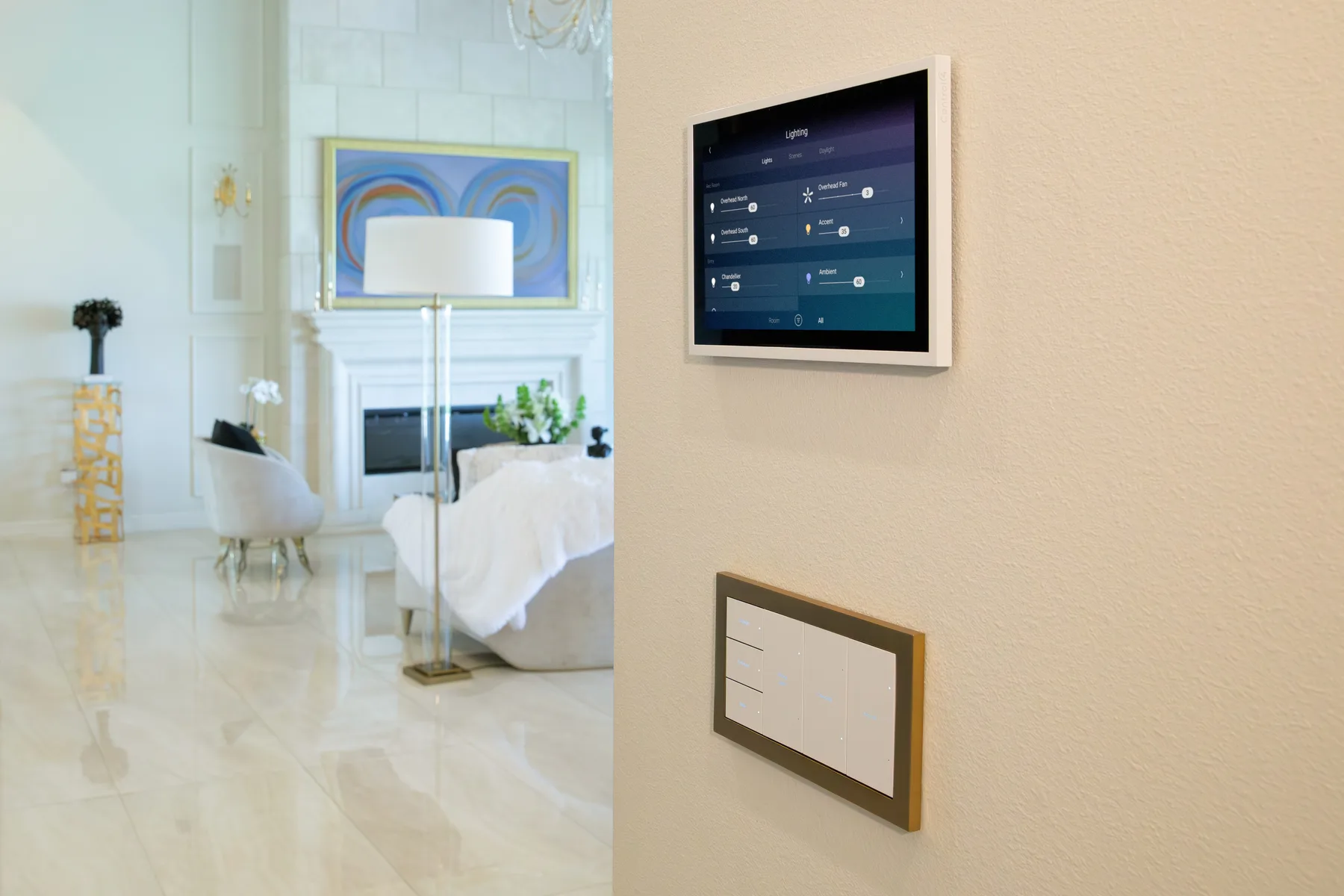
Choose controls by room: a keypad for familiar scenes, a touchscreen for a shared overview, and an app or remote where it is convenient.
Why interface quality matters so much in a smart home
People often underestimate this. The best gear in the world can still feel disappointing if daily control is clunky. A smart home becomes part of normal life. That means the design of the experience matters almost as much as the hardware behind it.
A strong control platform should help you:
- get to the room or device you need quickly
- launch common actions without hunting through menus
- make routines feel useful instead of complicated
- give family members confidence instead of confusion
What homeowners really want from Control4
One clean place to run the home
Control4 is at its best when it becomes the one organized layer that ties the home together. Instead of juggling disconnected apps for lighting, audio, TV control, and climate, the goal is a single experience that feels coherent.
Routines that save time
X4 Routines let you personalize supported actions and schedules, such as dimming the living-room lights in the evening. Start with one useful routine and test it before adding more. Available actions depend on your connected devices, permissions and active services.
Confidence for everyone in the home
A well-designed control experience should work for more than the "tech person" in the family. Guests, kids, and less technical users should still be able to understand the basics without anxiety.
Why professional setup still matters
Even the best interface will not fix a weak foundation. A better control experience depends on solid support underneath it:
- stable networking
- clean device integration
- reliable AV control
- proper lighting and shading programming
- thoughtful room organization
That is why Denali Tech does not treat Control4 as a box to install. We treat it as the top layer of a system that has to be designed correctly underneath.
Where homeowners notice the difference most
Entertainment spaces
Living rooms, media rooms, and theaters benefit when TV, audio, lighting, and shades are all simple to control from the same place.
Whole-home comfort
When the home is set up well, lighting scenes, audio favorites, and room-based control feel natural. You stop thinking in terms of separate gadgets and start thinking in terms of moments.
Remote access and everyday convenience
Away-from-home control needs an eligible active service and a working internet connection at the home. It does not replace local controls or repair a network fault. See our Control4 Connect guide for the service distinction.
How Denali Tech approaches Control4 projects
We care about two things at the same time:
- The homeowner experience. The system should feel easy, polished, and calm.
- The technical foundation. The network, power, programming, and hardware support need to be right.
That is also why we pair control projects with proven supporting brands. Strong networking, clean rack work, and reliable power management make the polished control layer much easier to trust.
When Control4 is a strong fit
Control4 is especially compelling for homeowners who want:
- one system to bring lighting, music, TV, and smart home features together
- a cleaner experience than juggling separate apps
- room-by-room control
- automation scenes that match real routines
- professional setup and a clear support plan for the connected equipment
Questions to ask before upgrading
Ask for a written compatibility review before approving an upgrade. It should answer:
- Which X4 version is proposed, and which existing devices and drivers support it?
- Will any touchscreen, lighting control or TV on-screen interface need to change?
- Which subscription and ongoing charges apply to my account?
- Is the project backed up, and what are the recovery limits if something goes wrong?
- How much downtime should I expect, and which everyday functions will be tested afterward?
Want a cleaner smart home experience?
If you are exploring Control4 or want to improve how your current system feels day to day, Denali Tech can help design the right setup for your home, your rooms, and your routine.
Schedule a ConsultationOr message us on WhatsApp
Official references
Control4 owner resources and X4 user guide · X4 features and Routines · Control4 services. Feature overview checked September 27, 2026. Upgrade eligibility depends on the target release, controller, drivers, connected products, account and region. Your integrator should check the release notes and known issues for that exact version before work begins.
Final thought
A smart home should not feel like a project you have to manage. It should feel like your home got easier to live in. That is the real point of a polished Control4 experience, and that is the standard Denali Tech aims for when we build these systems.