Choose PoE or Wi-Fi, place the camera for the visitor and package zone, decide where calls should ring, and plan the lock, lights, network and touchscreen behavior as one front-door experience.
Fast answer: use the PoE Chime when a Cat6 cable can reach the door. One wired network-and-power path is the cleanest choice for new construction and major renovation. Use the Wi-Fi Chime when suitable 16–24V doorbell power already exists and running Ethernet is impractical—but verify at least a strong, stable outdoor Wi-Fi signal before committing to it.
PoE or Wi-Fi: the decision that comes first
Both models need a compatible Control4 system and professional setup; Chime is not a standalone doorbell that works with only a phone app. PoE and Wi-Fi share the camera and two-way audio features. The main difference is how power and network reach the door.
NEW CONSTRUCTION
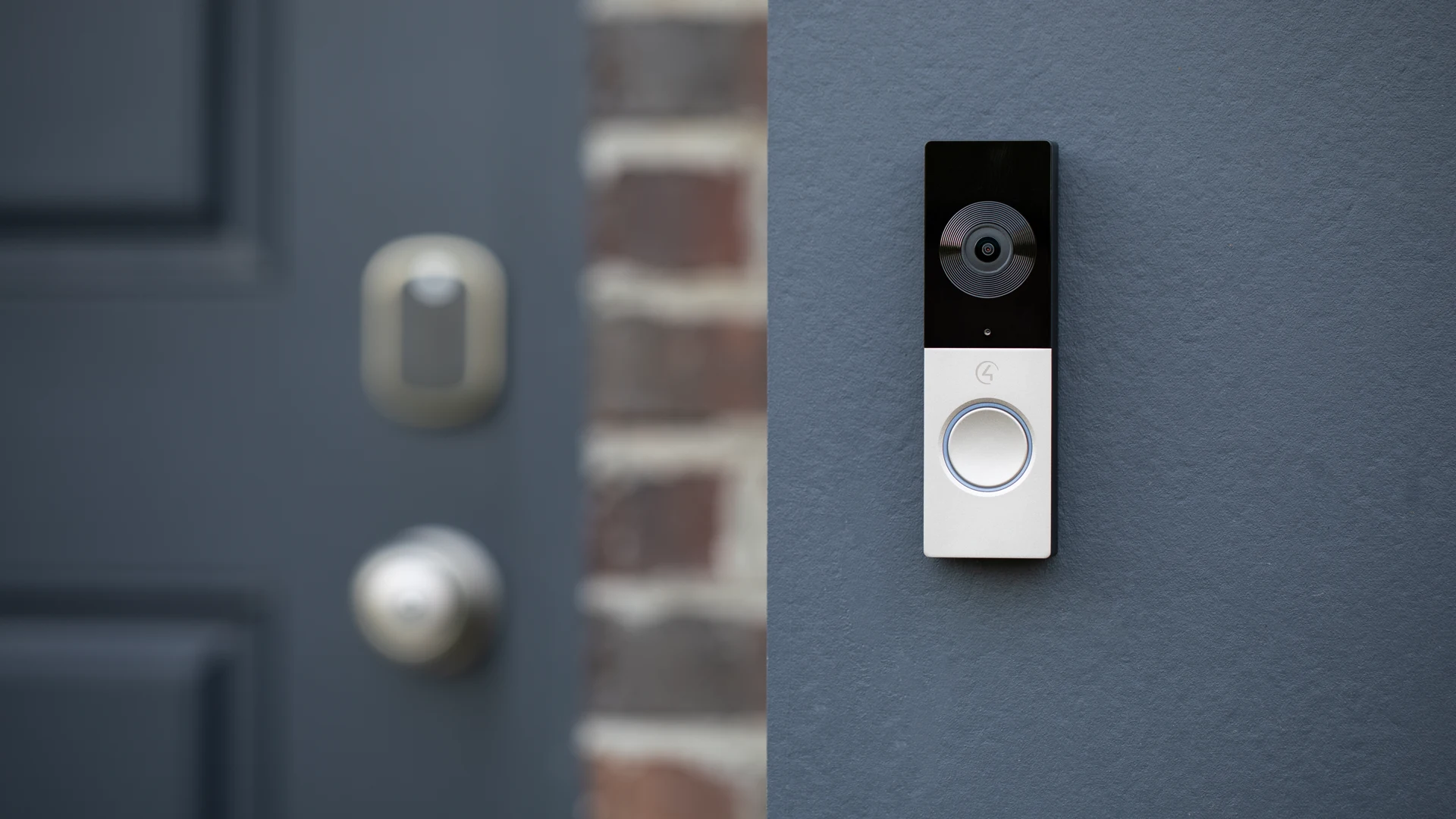
Chime PoE — C4-VDB-E
Powered and networked through one Cat5e/6-or-better cable connected to an 802.3af PoE switch or injector.
Hardwired data path avoids front-door Wi-Fi dependency
Best choice when the wall is open or cable access is practical
Supports a mechanical chime and optional junction box
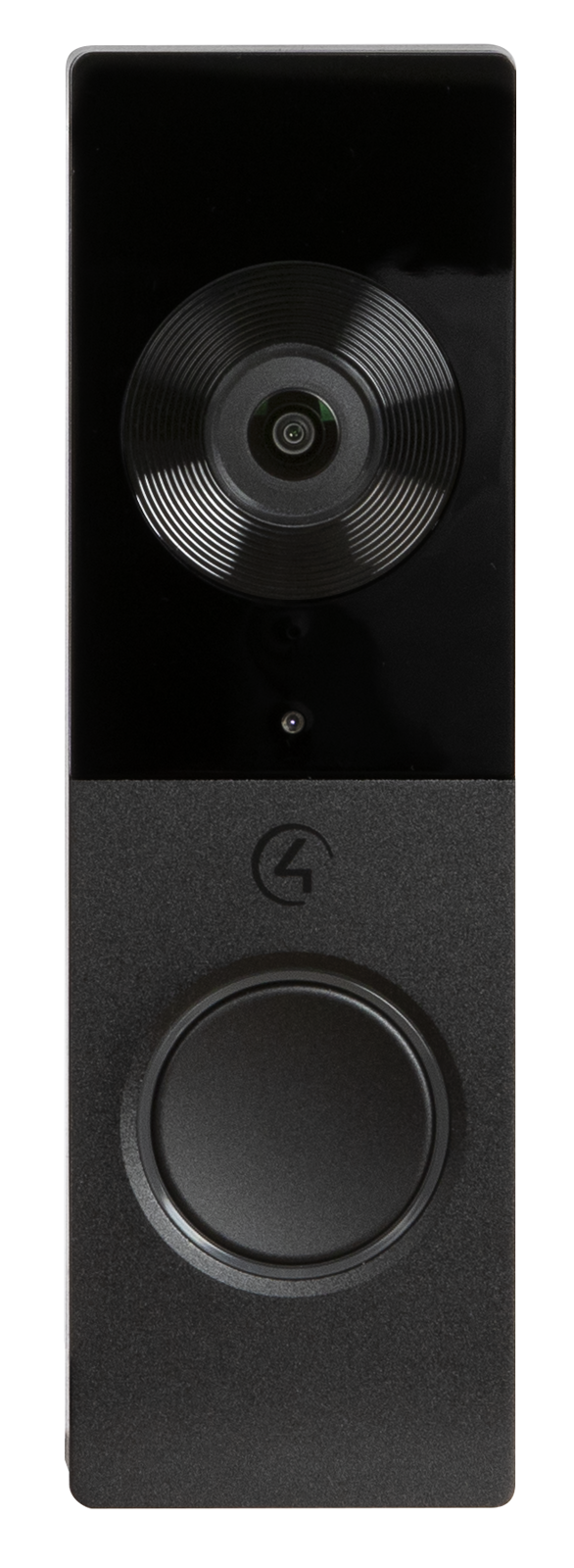
Available in black or satin nickel
Plan early: the waterproof connector needs wall depth and a one-inch cable passthrough.
RETROFIT
Chime Wi-Fi — C4-VDB-W
Uses a 16–24V AC doorbell transformer rated at least 10VA and connects through the home Wi-Fi network.
Useful when existing doorbell wiring is serviceable
Requires roughly −65 dBm or better Wi-Fi at the exterior location for best results
Mechanical chime support requires the proper adapter and wiring
Digital doorbell chimes are not supported
Test first: measure the signal with the exterior wall, closed door and seasonal conditions in mind.
Chime PoE vs Wi-Fi specifications
Decision
PoE Chime
Wi-Fi Chime
Planning impact
Model family
C4-VDB-E
C4-VDB-W
Confirm the exact power and wall preparation before ordering
Power
802.3af PoE
16–24V AC transformer
PoE needs Ethernet; Wi-Fi needs suitable doorbell power
Network
Wired Ethernet
Wi-Fi
Wi-Fi quality must be verified outdoors at the final location
Camera
5MP sensor; main stream up to 1600 × 1200
Same
Camera height and aiming matter more than the connection type
View
Nearly 180° horizontal, 4:3
Same
Check side walls, steps, packages and bright backlighting
Motion
Five configurable zones
Same
Exclude streets, trees and busy sidewalks where possible
Outdoor rating
IP65; −40°F to 140°F operating
IP65; −40°F to 131°F operating
Still protect cable entries, wall penetrations and service access
Finish
Black or satin nickel
Black or satin nickel
Coordinate with door hardware and exterior finishes
Specifications checked September 28, 2026 against Control4’s Chime data sheet and installation prerequisites. The 5MP sensor does not mean a 5MP video stream: the documented main stream is up to 1600 × 1200. Have a qualified installer confirm power, wiring and system compatibility before installation.
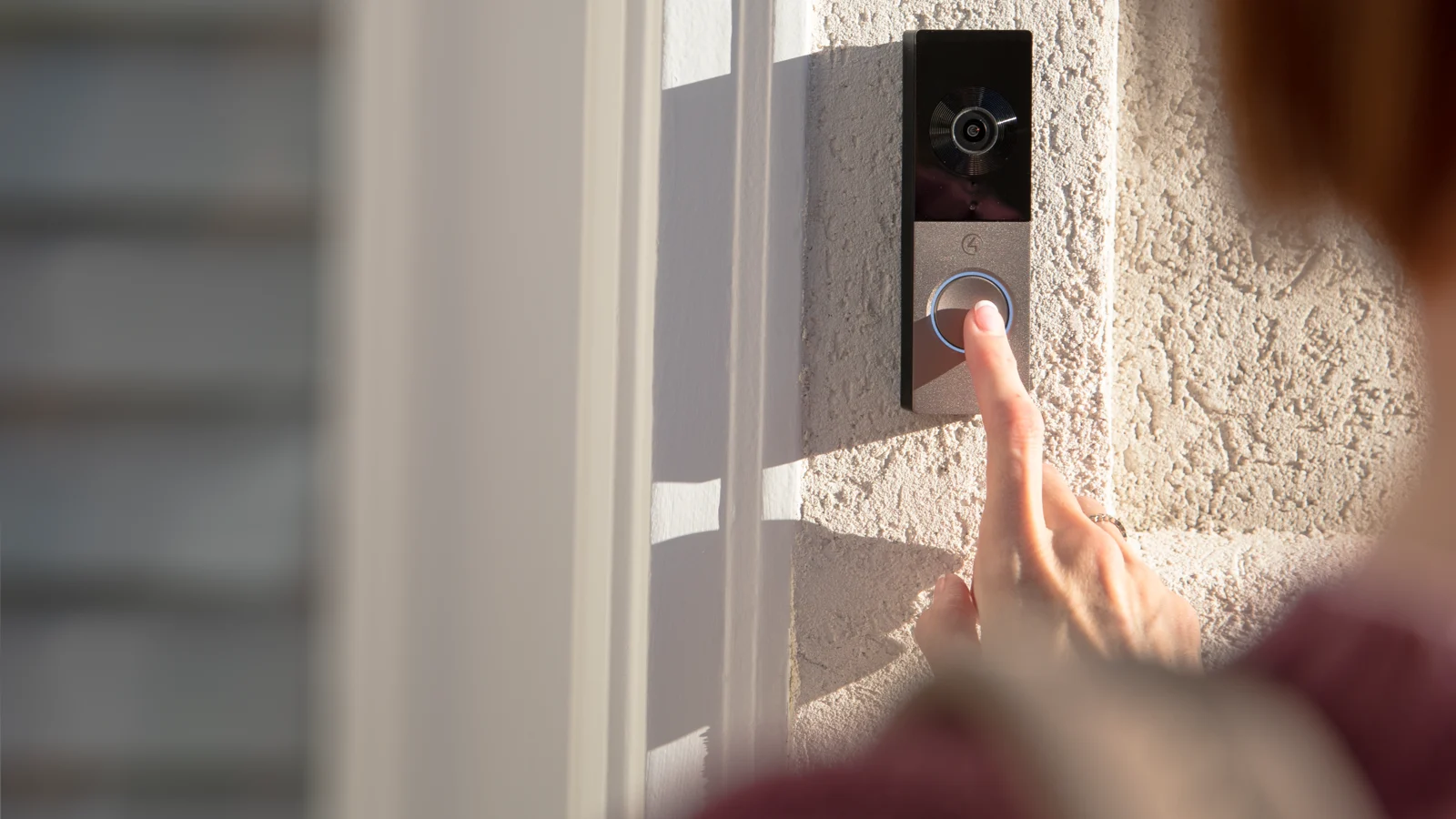
Mounting height and angle should capture the visitor’s face and the package area without wasting the wide field of view.
CAMERA PLACEMENT
A wide lens does not fix a bad location
Chime’s nearly 180-degree horizontal view can see far beyond the person at the button. That is useful only when the wall, trim and approach are considered before the hole is cut.
Keep the visitor’s face inside the useful center of the image
Check the doorstep and likely package location
Avoid placing the camera directly against a deep return wall
Review morning and afternoon sun, porch lights and IR reflection
Use the 15-degree wedge when the camera needs to look across the entry
Design the full front-door experience
The doorbell is only the outside endpoint. A polished system defines what happens inside the home and what a homeowner can safely do while speaking with a visitor.
Answer locations
Choose which Control4 touchscreens ring, which stay quiet and how bedrooms or offices handle Do Not Disturb.
Mobile answering
Mobile answering needs a compatible app, account and active cloud service. We check Connect or eligible existing 4Sight service for your system.
Door access
If a lock or gate can be released, confirm status feedback, permissions and a safe relock routine.
Porch lighting
Use time, motion and doorbell events to bring light to a useful level without blasting the camera at night.
Existing chime
Decide whether the mechanical chime should remain, be bypassed or be replaced by touchscreen and audio notifications.
Recording path
Chime cloud history keeps seven days of event clips—not seven days of continuous video. For longer or continuous recording, confirm a compatible NVR and storage plan.
TOUCHSCREEN + APP
T4 turns the doorbell into an in-home intercom
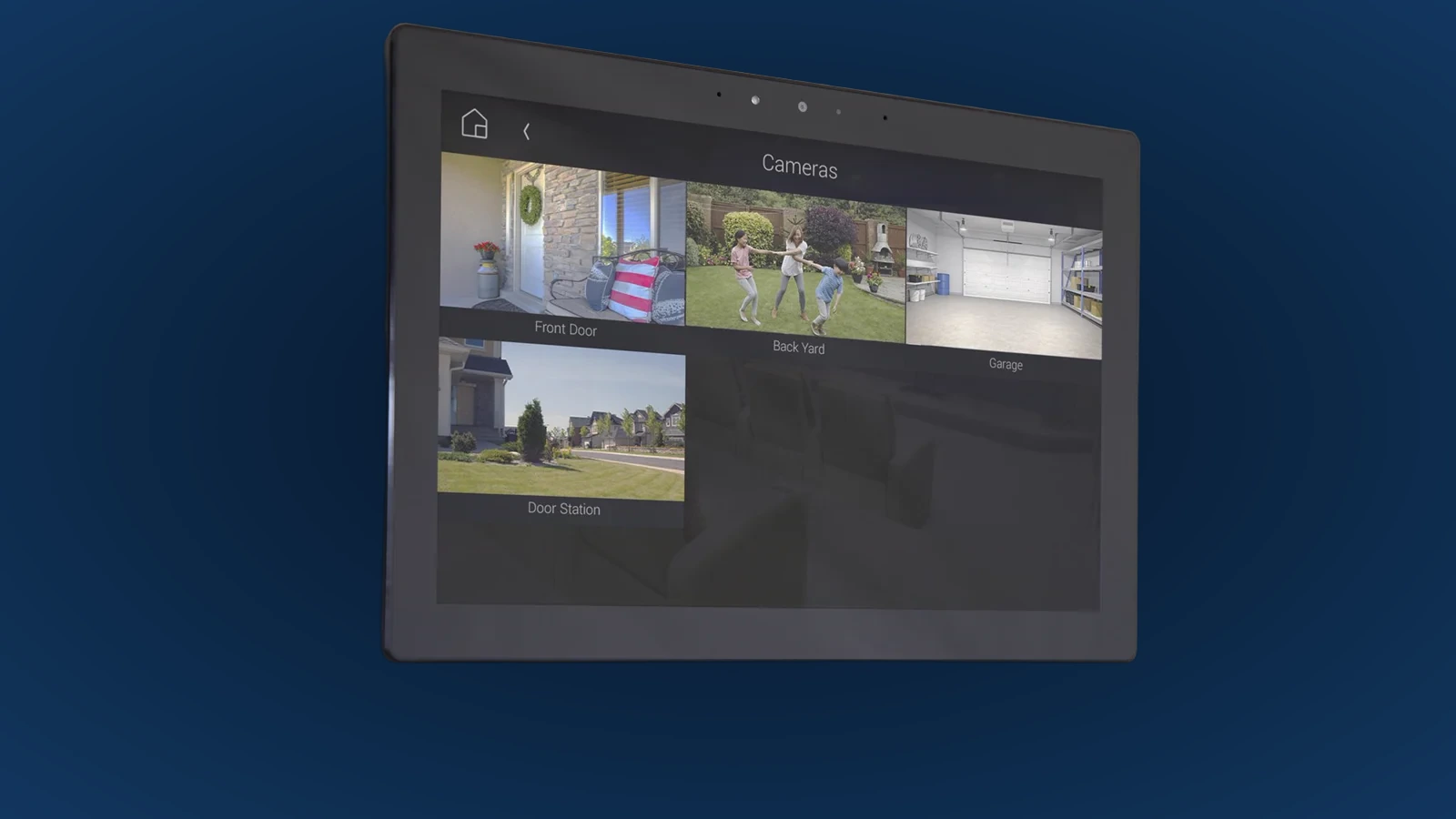
A wall or tabletop touchscreen makes the front door visible without searching for a phone. The same interface can show other security cameras and expose programmed actions while the visitor is on screen.
See and speak with the visitor from selected rooms
View Chime and other cameras from one interface
Program safe actions for lights, locks, gates or garage doors
Confirm mobile intercom support and cloud-service requirements for your system
Set call groups and Do Not Disturb room by room
Placement rule: put answering screens where people actually spend time—not only where a wall looks convenient on the plan.
A dedicated touchscreen makes the front door part of the same security and home-control interface.
Motion zones, alerts and Luma Insights
More alerts are not better alerts. Chime supports five configurable motion zones and sensitivity controls; current Control4 offerings can add Luma Insights for AI-based person, package and vehicle detection.
Useful motion
Prioritize the porch, walkway and package area. Exclude traffic, flags, trees and neighboring activity wherever the scene allows.
Notify when action matters
Record quietly for secondary zones
Turn on lights after dark
Link directly to live or recorded video
AI-assisted detection
Luma Insights adds person, package, vehicle and animal detection in selected areas. It needs a Luma Bridge, compatible Control4 software and active cloud services—not just the Chime doorbell. Alerts can link to an event clip or live view.
Better context than generic motion
Useful for packages and driveway events
Visible from the Control4 app or touchscreen
Detection can miss events or create false alerts; it does not replace a monitored alarm
Privacy rule: aim and zone the system around your property and legitimate security needs. Do not treat a 180-degree view as permission to monitor everything it can see.
Existing DS2 door station: keep it or move to Chime?
DS2 and Chime overlap, but they were designed for different front-door problems. DS2 remains the stronger physical door-station concept when a large flush or surface station, optional keypad and direct gate/door relay functions are central to the entry.
Keep DS2 when
The keypad, gate relay, metal finish, flush box and intercom programming still fit the property and work reliably.
Choose Chime when
The priority is a compact residential video doorbell, wider view, five motion zones, cloud history and current Control4/Luma services.
Do not assume a same-hole swap
DS2 is much larger than Chime. A change may require an adapter, exterior finish work, new cable handling and a revised access-control design.
Prewire checklist before the exterior is closed
Run Cat6
Even if Wi-Fi is planned today, Ethernet to the door preserves the cleanest future path.
Confirm power
Document PoE source or transformer voltage/VA, mechanical chime wiring and any adapter.
Reserve wall depth
Check waterproof connector, junction box, wedge, backplate, trim and service loop.
Coordinate the finish
Choose black or satin nickel alongside lockset, lighting, house numbers and door hardware.
Plan the camera view
Photograph the approach and test the intended height, angle, package zone and sunlight.
Map the answer path
Name each touchscreen, mobile user, call group, quiet room and programmed door action.
A simple way to compare the options
“PoE is the preferred Chime when we can run a network cable. Wi-Fi is the retrofit choice when the existing doorbell power and outdoor signal are both solid. The real design is not only the button—it is where the call rings, what you can see, and which safe actions you can take while answering.”
Want the front door planned before trim and masonry?
Tell us whether you are building, renovating or replacing a doorbell, and where you would like to answer visitors. An entry photo is a useful start. We’ll check the wiring, Wi-Fi and Control4 system with you.