EA‑1
→ CORE 1
CORE 1 is usually the closest current starting point. CORE Lite is reserved for especially small, bundle-style designs.
See every EA and CORE model in one place. Compare the project size, audio paths, control connections and practical reasons to keep, expand or upgrade a Control4 system.
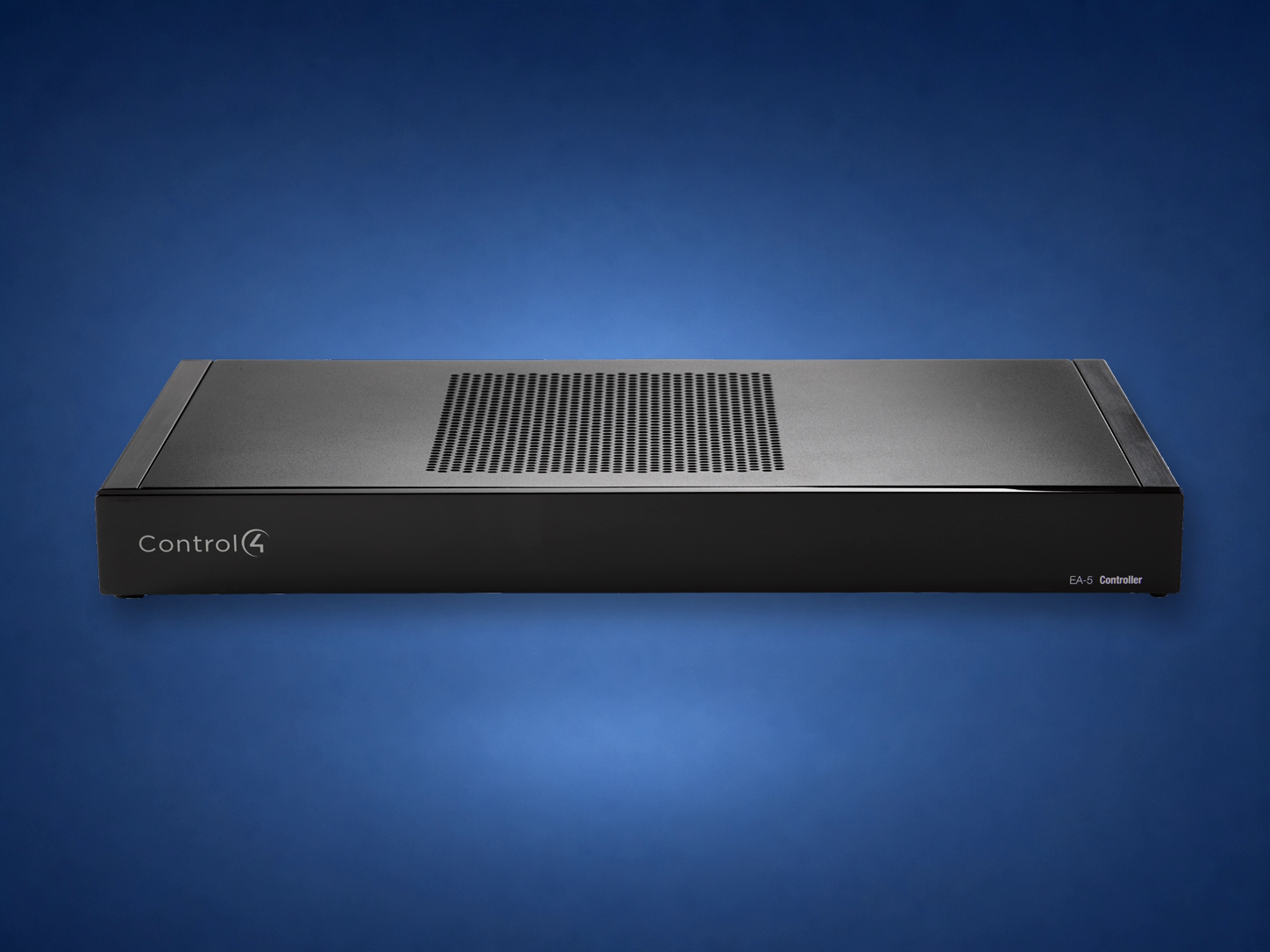 EA‑5 · Legacy
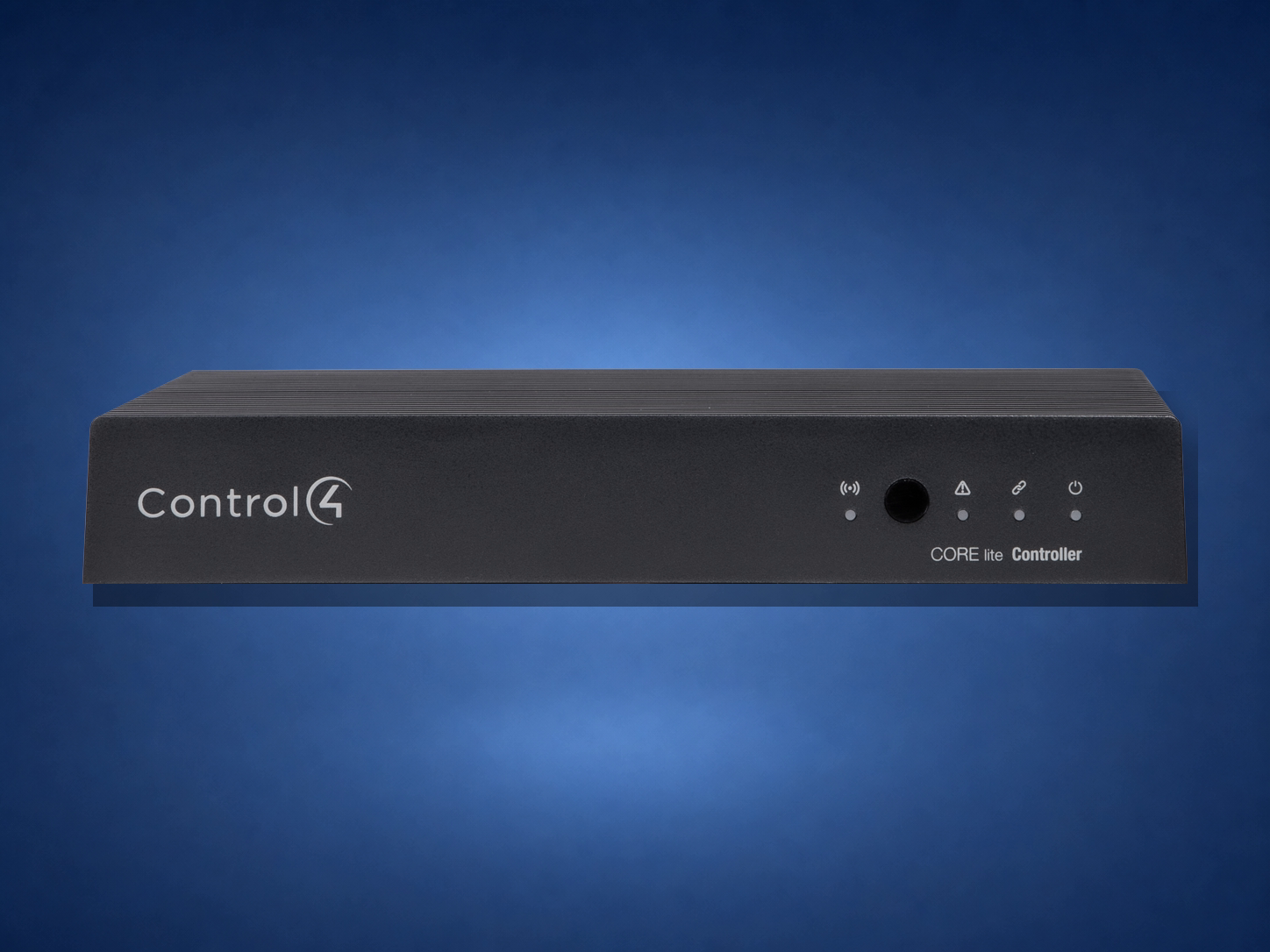 CORE Lite · Small
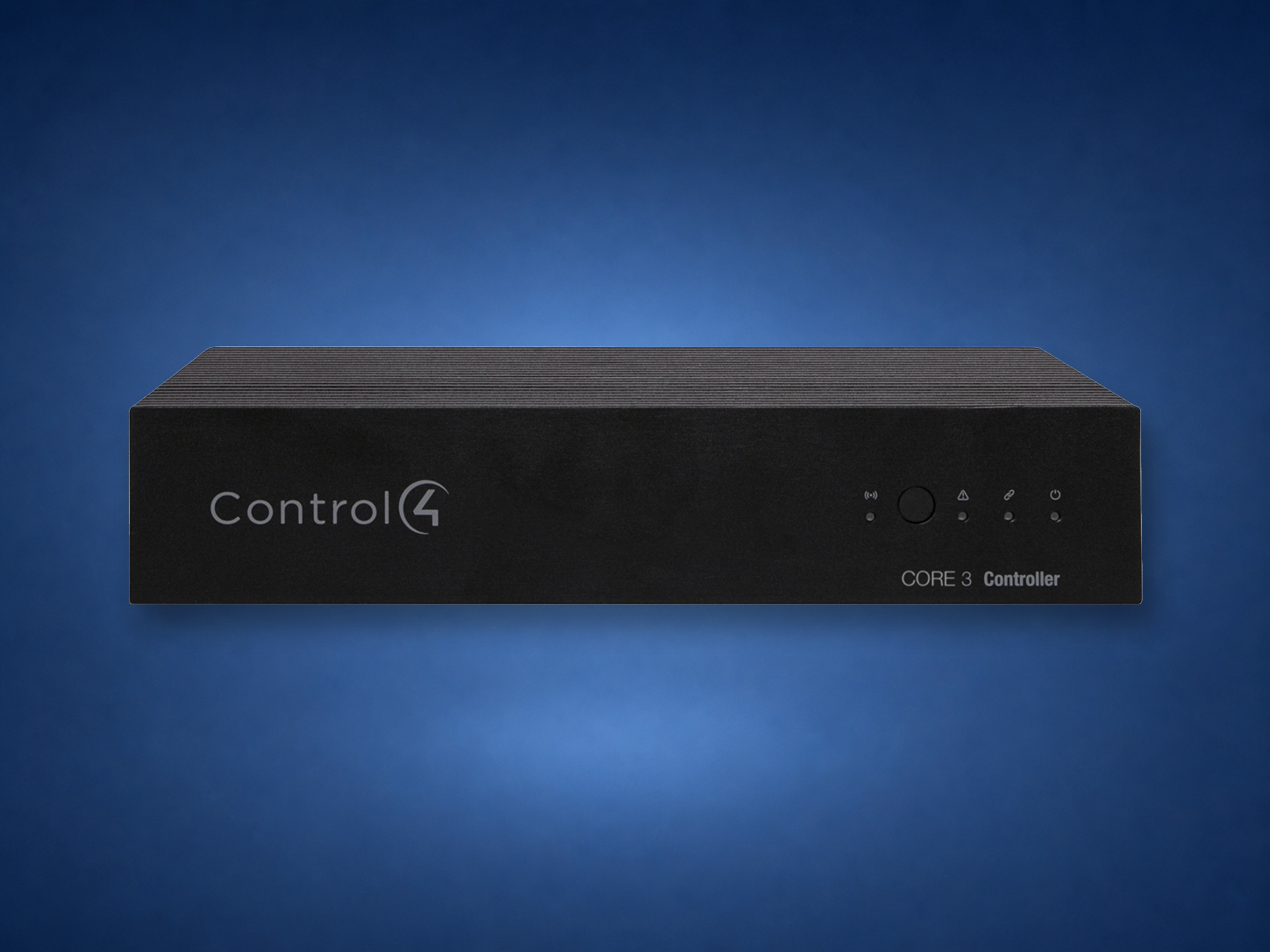 CORE 3 · Mid-size
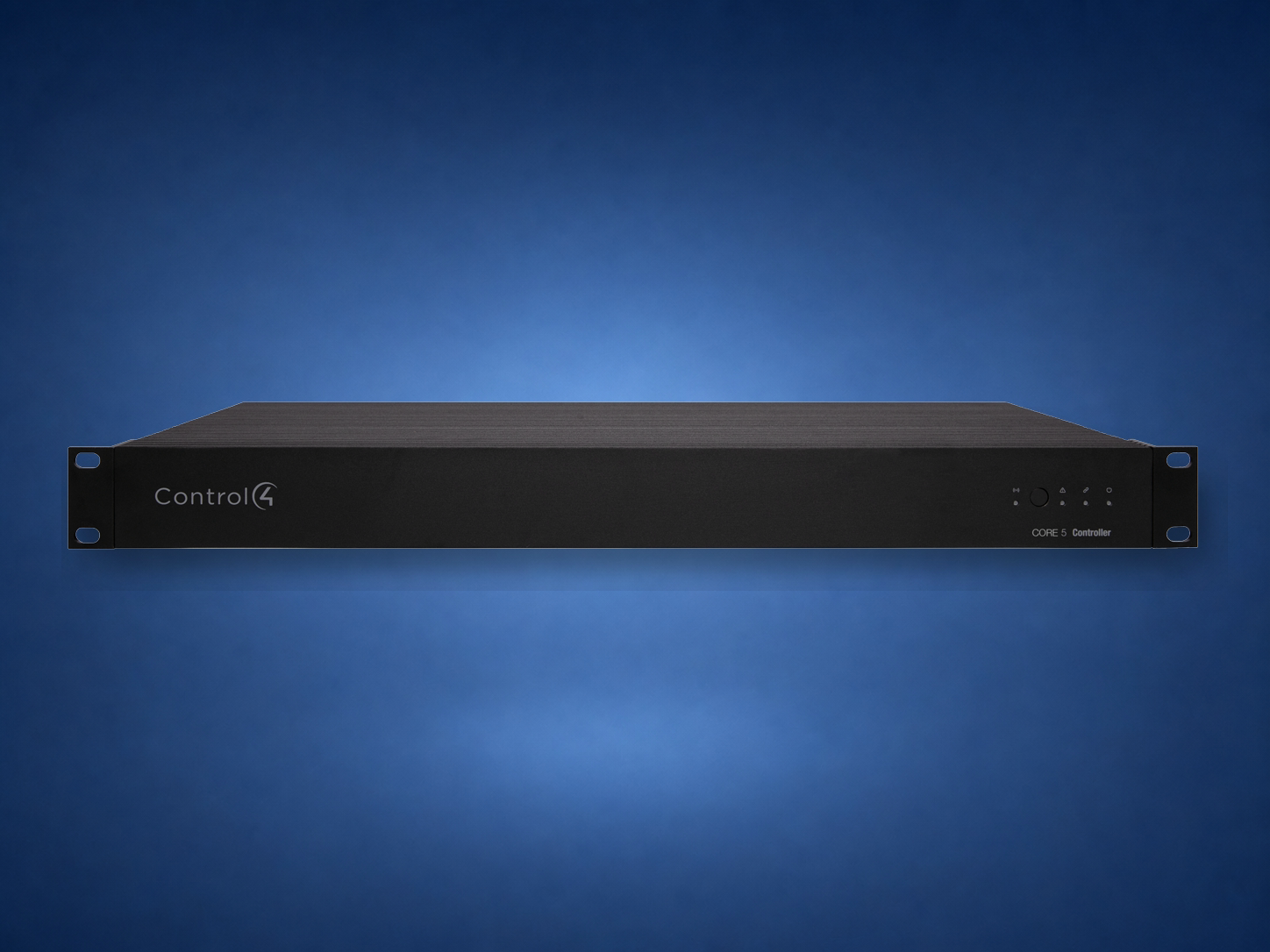 CORE 5 · Large
These are planning equivalents—not automatic one-for-one replacements. A dealer must audit the project file, drivers, audio routes and physical connections before selecting the new controller.
CORE 1 is usually the closest current starting point. CORE Lite is reserved for especially small, bundle-style designs.
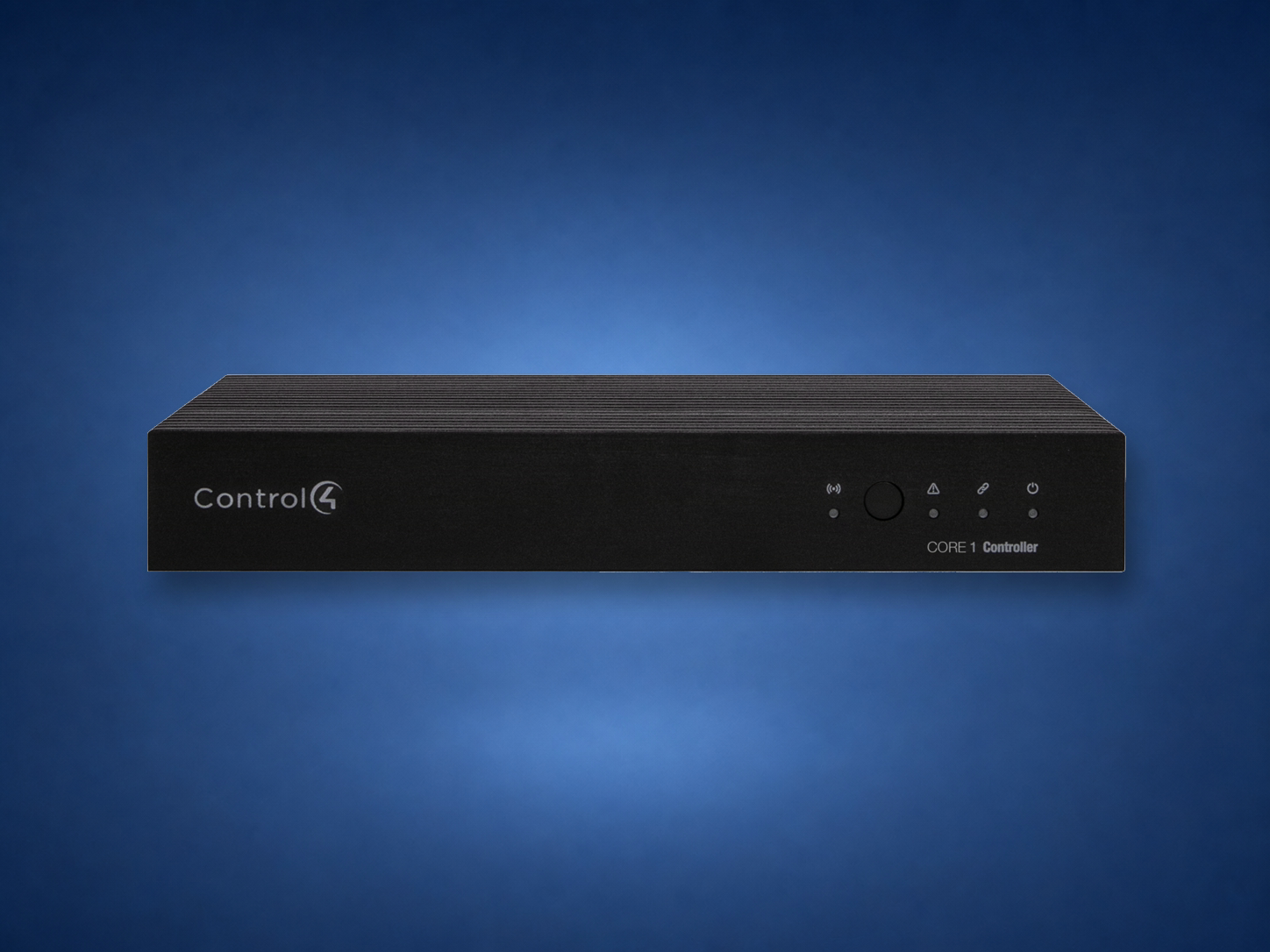
The closest family match when the system uses multiple audio paths and a moderate mix of IR, serial, contact and relay control.
The rack-mount option in this comparison for more audio streams and physical control connections. Larger systems may need a different controller architecture.
EA controllers are the previous Control4 Entertainment and Automation generation. They can still appear in working systems, but they are no longer the current controller family.
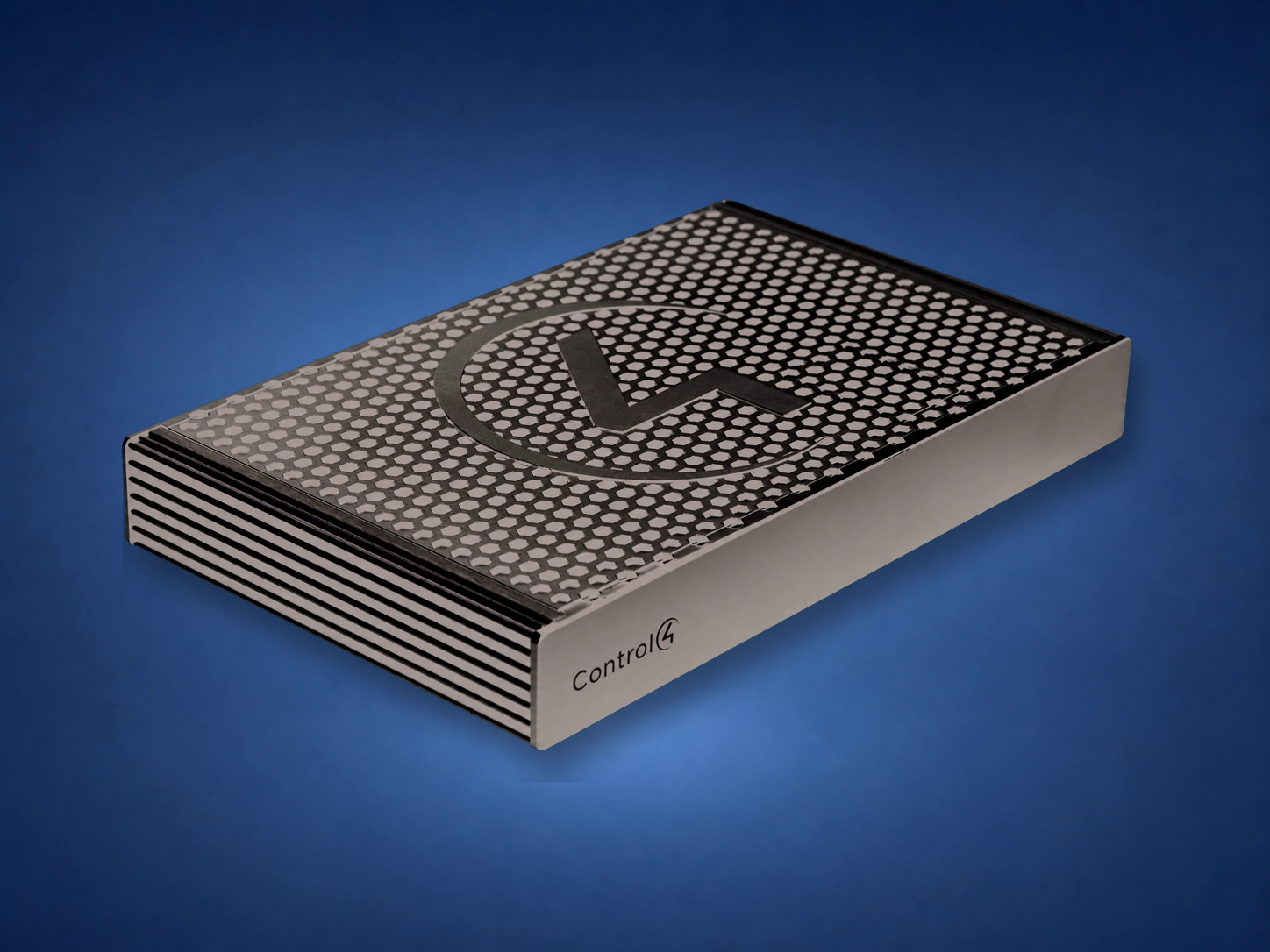
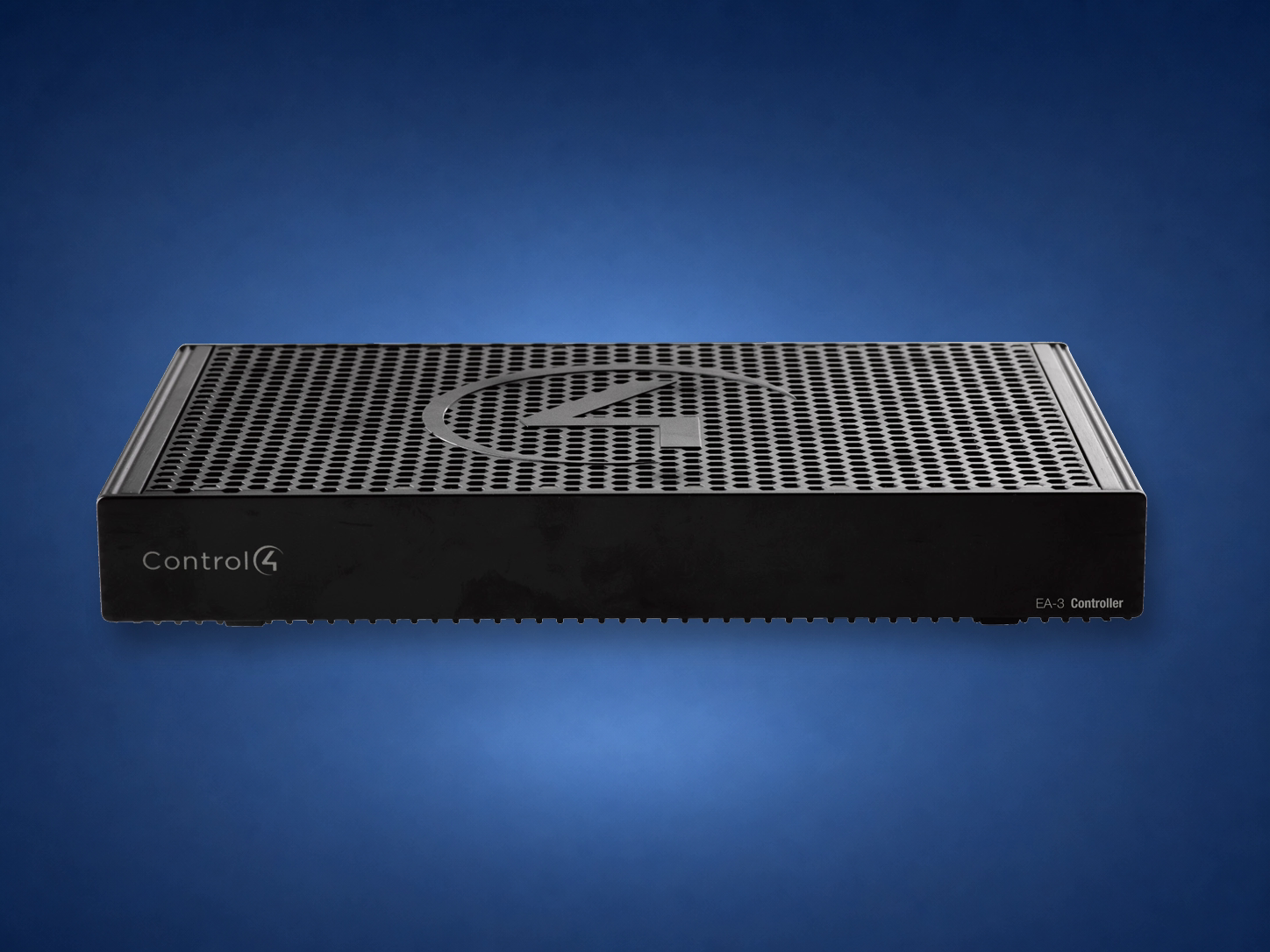
CORE offers newer processing, Ryff audio and secure boot, with 4K on-screen navigation on CORE 1/3/5. OvrC Pro supports remote diagnostics; it is also available on supported EA controllers with compatible software, so remote support alone is not a reason to replace working hardware.
| Model | Status | On-screen video | Audio | Control I/O | Best planning fit |
|---|---|---|---|---|---|
| EA‑1 | Legacy | 1080p | 1 out | 4 IR / 2 serial | Existing small or one-room system |
| EA‑3 | Legacy | 1080p | 3 out / 2 in | 6 IR / 3 serial / 1 contact / 1 relay | Existing mid-size system |
| EA‑5 | Legacy | 1080p | 5 out / 4 in | 8 IR / 4 serial / 4 contact / 4 relay | Existing large rack system |
| CORE Lite | Current | 1080p | 1 HDMI zone | 3 IR / 1 serial | Single-room system or remote-area extension |
| CORE 1 | Current | 4K @ 60 Hz | 2 out | 4 IR / 2 serial | One room or smaller whole-home project |
| CORE 3 | Current | 4K @ 60 Hz | 4 out / 1 in | 6 IR / 3 serial / 1 contact / 1 relay | Mid-size whole-home project |
| CORE 5 | Current | 4K @ 60 Hz | 7 out / 2 in | 8 IR / 4 serial / 4 contact / 4 relay | Large custom project and main rack |
Official references: Control4 controller family, CORE 3 data sheet, and CORE 5 data sheet. Hardware comparison checked September 27, 2026. EA models are legacy hardware. Audio counts include HDMI where listed; some serial and IR connections share terminals. Confirm software support, migration scope, subscription requirements, and exact hardware availability for the project.
New rooms, lighting, shades, security, audio or video can push an older controller beyond the role it was originally sized to perform.
Intermittent restarts, storage problems or repeated instability should be diagnosed before replacement—not ignored or blamed on age alone.
A need for 4K on-screen navigation, more processing capacity, additional audio paths or model-specific radio features can justify a planned upgrade.
Document the controller, OS version, licenses, drivers, Zigbee role, audio routes and every physical connection.
Select the CORE model from the real workload, move the project and reconnect IR, serial, contacts, relays, audio and networking.
Verify lights, shades, locks, thermostats, AV, remotes, touchscreens, scenes, app access, notifications and remote service.
“EA is the older controller family and CORE is the current family. We do not replace an EA controller just because it is older. We first check whether it is healthy, compatible and large enough. If the system needs more performance, newer features or long-term serviceability, we choose the CORE model from the actual audio, control and device plan.”
Send the current controller model, rack photo, project symptoms and planned additions. Denali Tech can review the system and explain whether the right answer is service, expansion or a planned CORE migration.