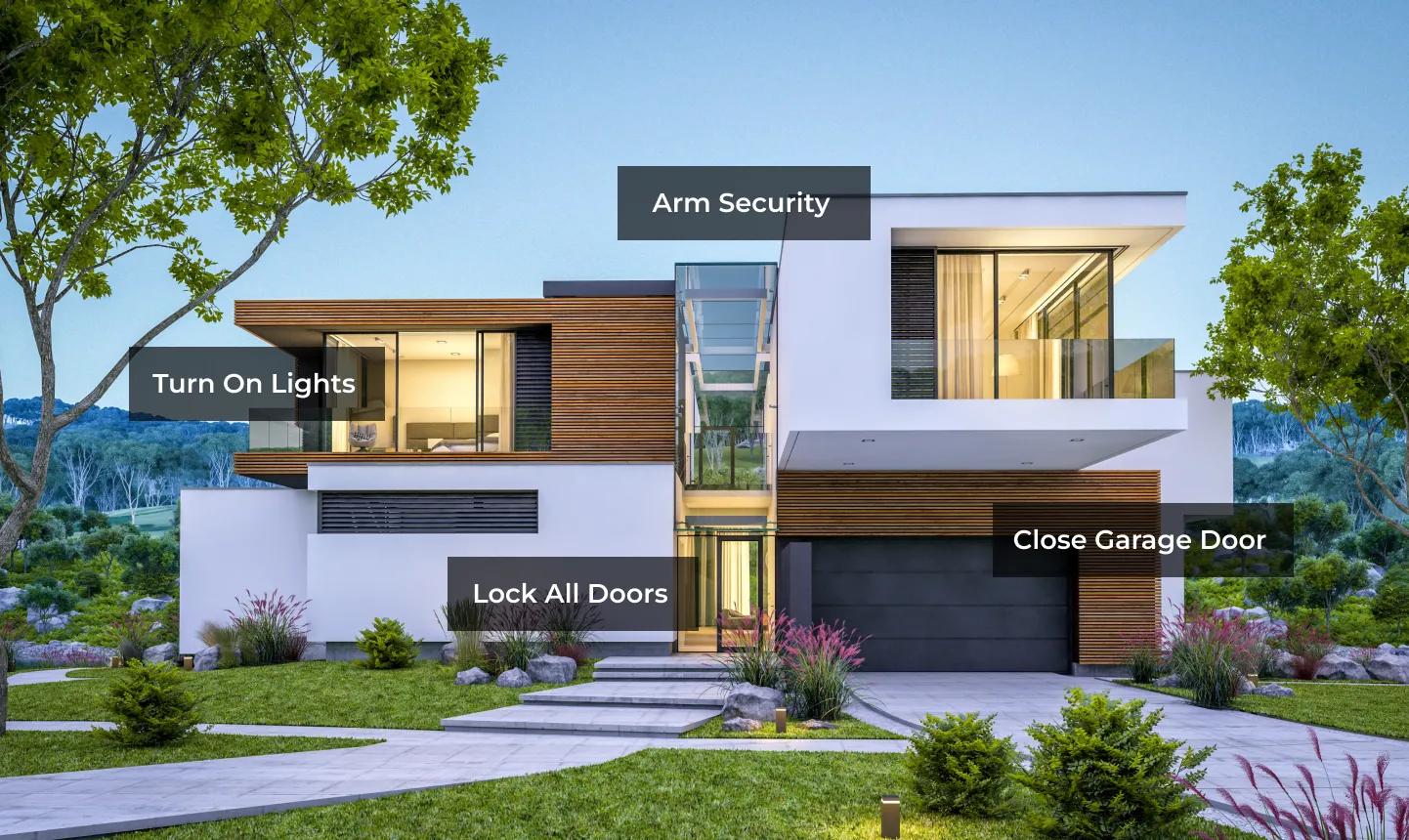
Supervises perimeter and interior zones, entry/exit delays, sirens, partitions, arming states and panel communication.
Detect + superviseThe six layers of a complete system
Each layer should have one clear job. That makes your security system easier to understand, test and service.
Receives supported alarm signals and follows an approved response protocol when the homeowner may not respond.
Escalate + respondReport doors, windows, motion, glass, water, temperature and other physical states to the appropriate system.
Tell the truthProvide live views, recorded evidence and—on supported platforms—intelligent person, vehicle or package events.
Verify visuallyControl who can enter through doors, gates and garages while providing lock and opening status where supported.
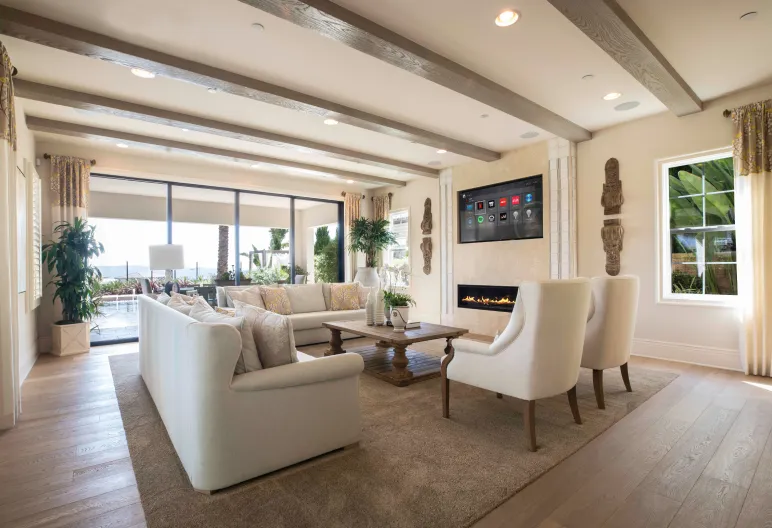
Control entryBrings selected status, controls, alerts and scenes to touchscreens, the app, remotes and keypads.
CoordinateWhat each security layer can—and cannot—do
| Layer | Best at | Can provide | Does not replace | Failure question | What to verify |
|---|---|---|---|---|---|
| Alarm panel | Supervised intrusion/fire interfaces | Zones, arming, delays, siren, panel events | Cameras or access-control hardware | What works if Control4 or internet is offline? | Arm, violate a zone, verify alarm path |
| Monitoring | Human alarm response | Signal handling and approved call/dispatch process | Local sensors, panel or homeowner awareness | What path carries the signal during an internet outage? | Place account on test and verify receipt |
| Sensors | Physical facts | Open/closed, movement, leak, temperature and other states | Response, recording or entry control | How is low battery, tamper or trouble reported? | Trigger every device and confirm its exact name |
| Cameras | Live/recorded visual context | Views, clips and supported analytics | Alarm supervision or physical security | What records if internet, switch or NVR power fails? | Review day/night image and retrieve a test event |
| Locks/access | Authorized entry | Codes, lock state and entry actions where supported | Door-position sensing or alarm monitoring | How does the occupant enter during power/battery failure? | Test credentials, position and mechanical override |
| Control4 | Unified experience and automation | Selected commands, views, alerts, scenes and history | Listed life-safety, gate safety or monitoring functions | What remains independently safe if automation is offline? | Run every scene and verify exceptions |
Capabilities were checked against current Control4 product and user documentation on July 13, 2026. Exact functions depend on the security panel, drivers, camera platform, locks, monitoring provider, Control4 software and subscriptions.
SYSTEM OF RECORD
The alarm panel should remain independently capable
Control4 can present panel status, arm/disarm supported partitions, display zones and incorporate those states into scenes. The alarm panel should still supervise its sensors, operate its siren and communicate with its monitoring path according to the security design—even if Control4 or the home network is unavailable.
- Name every partition and zone in plain language
- Choose Home, Away, Night and specialty modes from actual panel capability
- Keep entry/exit delays and alarm verification with the security professional
- Test trouble, tamper, low-battery and communication-failure reporting
- Document which interface is authoritative during an alarm
VISUAL VERIFICATION
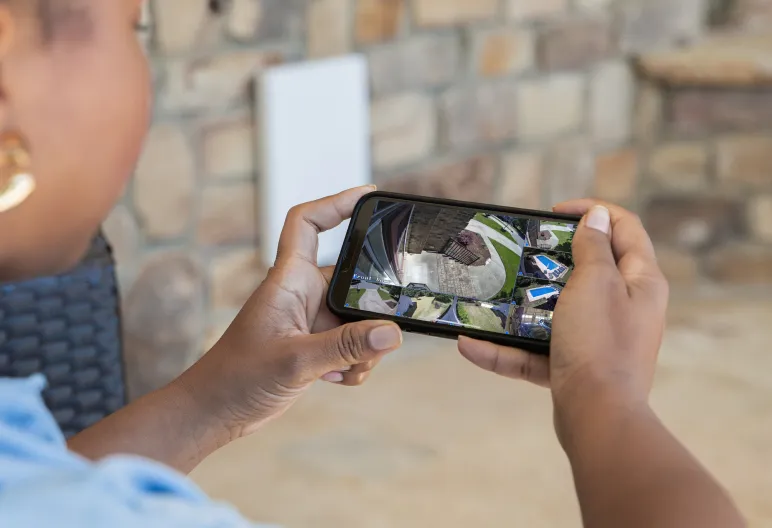
Cameras add context before and after an event
Use cameras to identify who or what caused activity, view blind spots and retrieve recordings. Camera placement, lens choice, night lighting, recording retention, network capacity and privacy matter more than simply counting cameras.
- Capture faces at entries—not only the tops of heads
- Use overview cameras and identification views for different jobs
- Test nighttime exposure, reflections and landscape lighting
- Confirm local/cloud retention and retrieval workflow
- Keep private spaces and neighboring property out of unnecessary views
Design alerts by urgency
If every event is urgent, people eventually ignore all of them. Build a short hierarchy with a clear recipient and action.
Confirmed alarm, smoke/CO signal, active water leak, panic or another event requiring immediate attention. Use the proper monitoring and emergency path.
Door left open, garage failed to close, low lock battery, camera offline or security-panel trouble. The homeowner or service team needs to correct something.
Child arrived, cleaner used a scheduled code, system armed, package detected or gate opened during expected hours. Useful without sounding like an emergency.
ALERT + ACTION
Send the fact and the next step
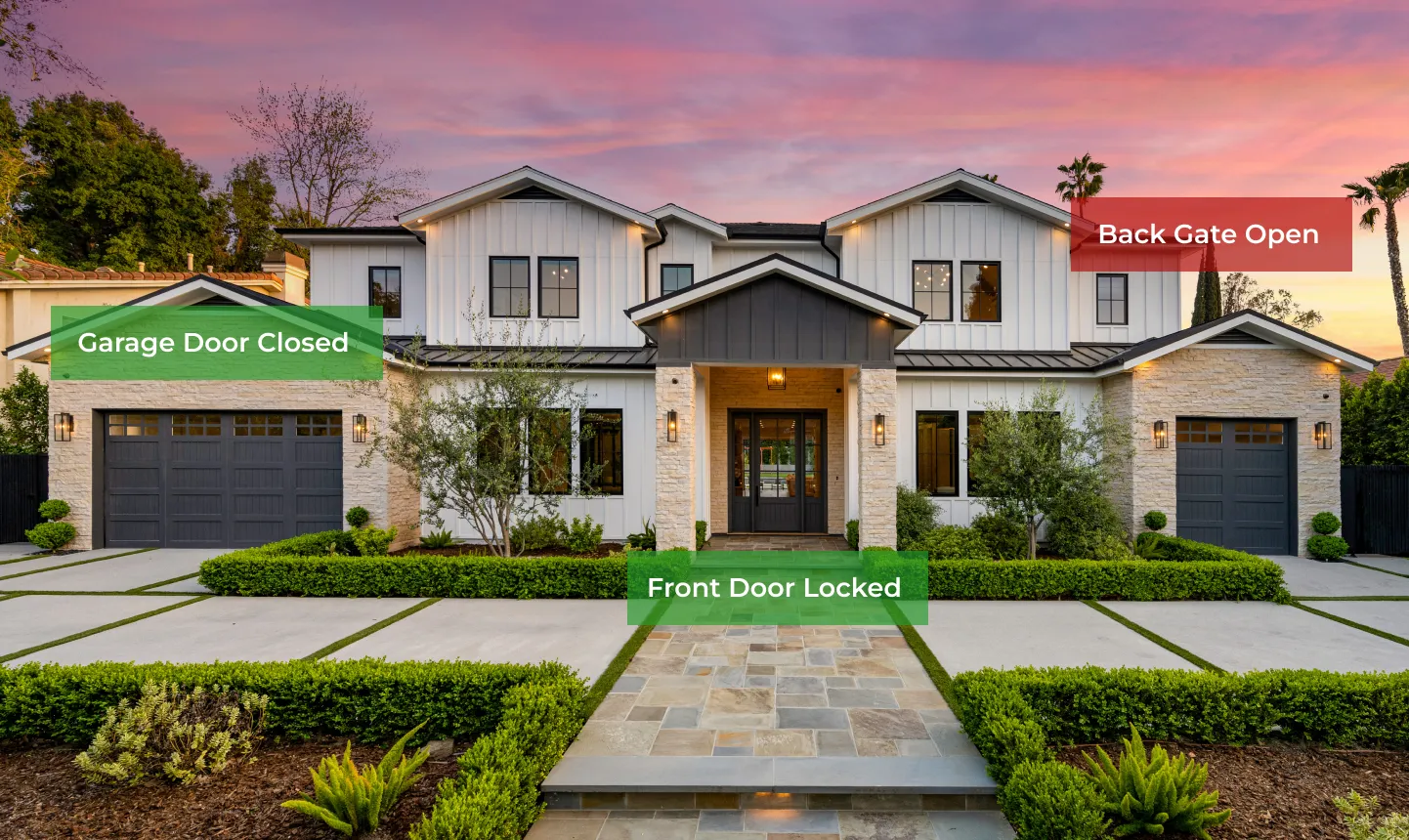
“Back gate has been open for 10 minutes” is better than “sensor alert.” A useful message names the device, reports the state, adds time/context and—when safe—offers the right view or action.
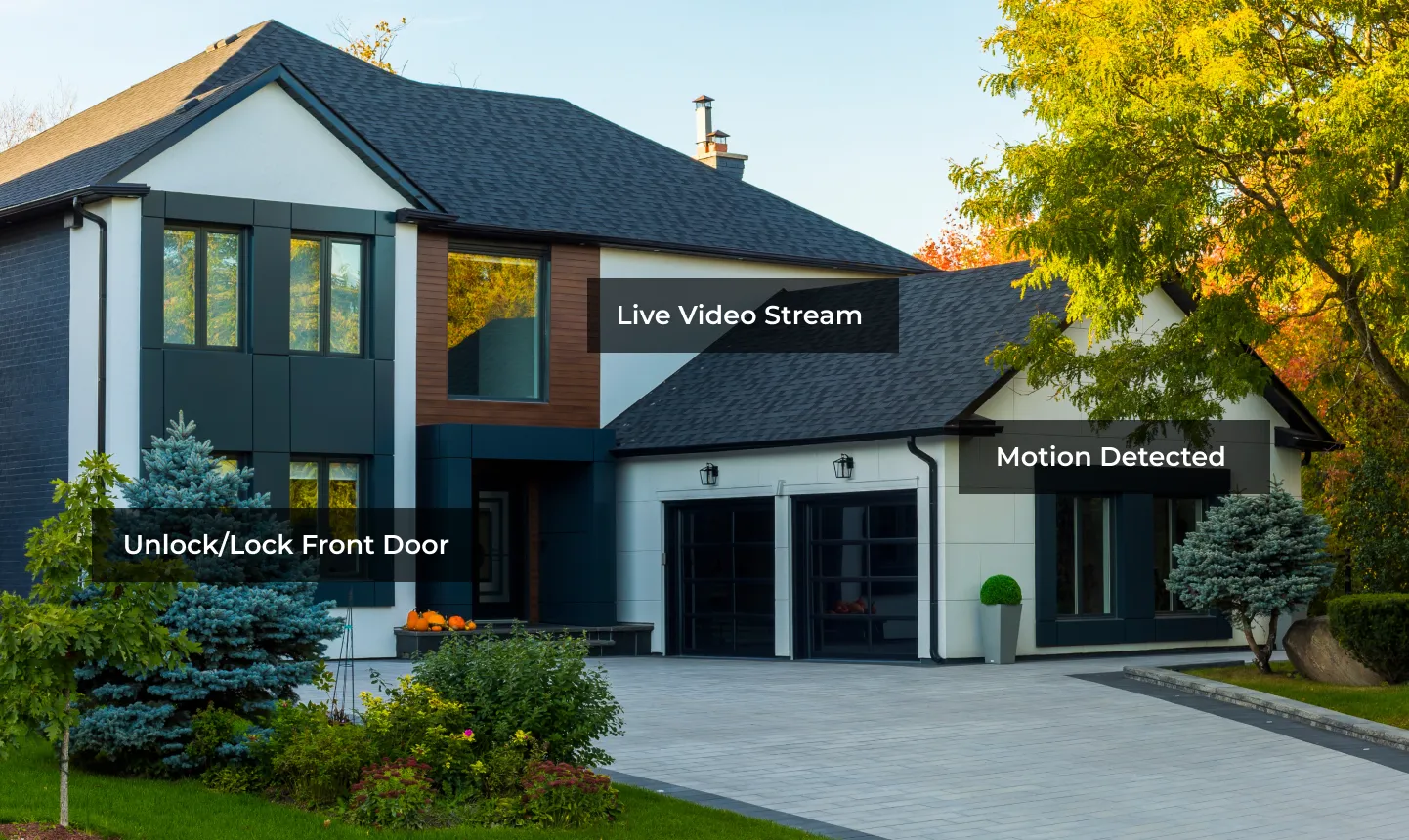
App awareness and professional monitoring are different services
Control4 app alerts
Best for status, convenience and rapid personal awareness.
- Door, gate and lock status
- Supported camera and sensor notifications
- Remote views and approved actions
- Depends on device, internet/mobile service, account and subscription
Limitation: the homeowner may be asleep, on a flight, without service or unable to respond.
Professional alarm monitoring
Best for handling true alarm signals according to the account's response plan.
- Receives supported signals from the security system
- Uses documented contacts and verification steps
- Can involve emergency services when appropriate
- Requires a separate alarm/monitoring design and active service
Limitation: monitoring does not replace good sensors, cameras, maintenance or homeowner procedures.
NON-NEGOTIABLE BOUNDARYFire, smoke and CO Gates and garages Locks and egress
Life safety and moving-equipment safety stay independent
Control4 may display or react to supported states, but automation must not defeat listed fire/CO systems, required egress, alarm-panel supervision, gate entrapment protection or garage-door safety devices.
Use code-compliant listed detection, notification and monitoring designed by the responsible professionals. Control4 is a supplemental experience layer.
Photo eyes, loops, edge sensors, obstruction reversal and emergency release remain functions of the approved operator and safety design.
Never create an automation that traps occupants or conflicts with required free egress, fire alarm release or access-control code.
Security modes should change the whole-home posture
Secure perimeter zones while allowing approved interior movement. Keep normal occupied lighting, doorbell and comfort behavior.
Use the panel's supported night logic, quiet noncritical notifications, secure locks/garage and preserve safe path lighting.
Arm the approved full-away mode, verify exceptions, lock doors, close compatible openings and set cameras/alerts for an empty property.
Add long-duration water, temperature, sump, power and equipment alerts; use carefully designed occupancy simulation and escalation contacts.
Time-limit credentials, preserve camera/entry history, avoid broad alarm privileges and notify only the responsible homeowner.
Make panic, fire and medical actions unmistakable. Confirm the interface and provider behavior; canceling locally may not recall dispatched help.
WHOLE-HOME STATUS
Exceptions are more useful than a wall of “all good” icons
The interface should surface what needs attention: an open gate, unsecured door, bypassed zone, low battery, camera offline or water sensor in alarm. Group devices by area and name them so a homeowner can act without decoding installer labels.
What the screen should tell you: at a glance, you can answer “Is the house armed? Is anything open? Is every critical system online? What needs my attention?”
Prewire and commissioning checklist
List what you want to detect, see, control and escalate—burglary, deliveries, water, freeze, sump, equipment rooms, gates and more.
Name every sensor, type, panel zone, location, normal state, power source, supervision method and Control4 purpose.
Design identification and overview views, cable routes, PoE, switch capacity, recording storage, night lighting and privacy.
Put the alarm communicator, network, Control4 controller, NVR and critical power supplies on appropriate backup power and service them regularly.
Separate homeowner, child, guest, caregiver, cleaner and service access. Do not expose panic, unlock or disarm actions casually.
Place monitoring on test, trigger every zone, retrieve video, verify alerts, run scenes and document behavior during internet, AC power and device failure.
A simple way to compare the options
“The alarm panel detects and supervises. Monitoring follows its response protocol. Sensors report selected physical conditions. Cameras provide views and recordings. Locks control entry. Control4 coordinates supported information and actions. We keep those jobs clear and document what still works when power, internet, cloud service, or one device is unavailable.”
Want one security plan instead of six disconnected apps?
Send Denali Tech the floor plans, entry schedule, alarm proposal, camera goals, gate/garage details, monitoring requirements and family routines. We can coordinate the security integrator, network, Control4 programming, interfaces, alerts and commissioning.