Chime or a compatible door station starts the call.
How one visitor call moves through the house
The hardware is only one part. A clean intercom design decides the call path, the authorized actions and the privacy rules before installation.
Only the chosen touchscreens and users should ring.
Talk from a touchscreen or authorized mobile device.
Programmed buttons can control a light, gate or compatible lock.
The entry is relocked, lights reset and the event ends predictably.
Four parts of a complete Control4 intercom plan
PRIMARY ENTRY
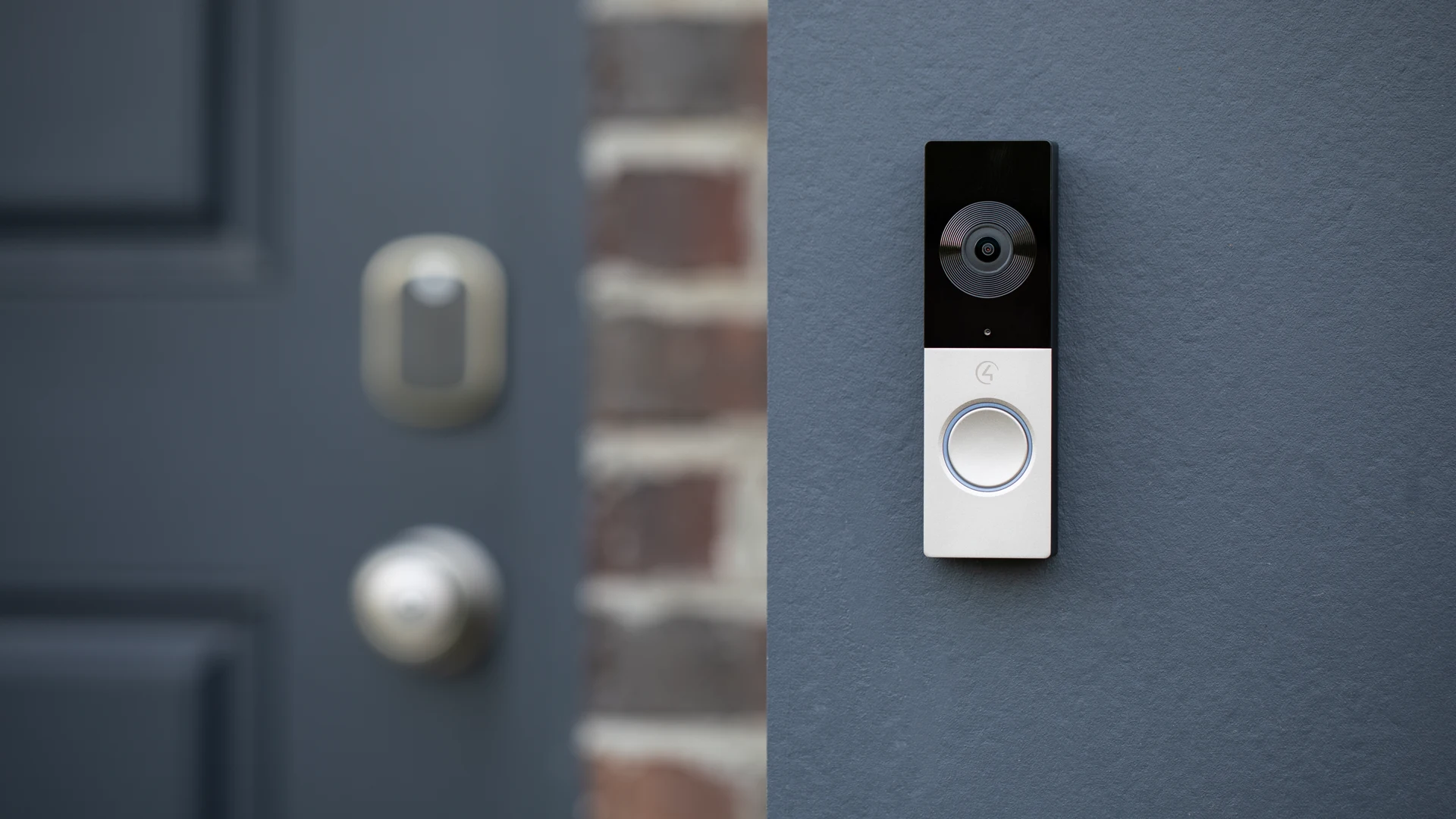
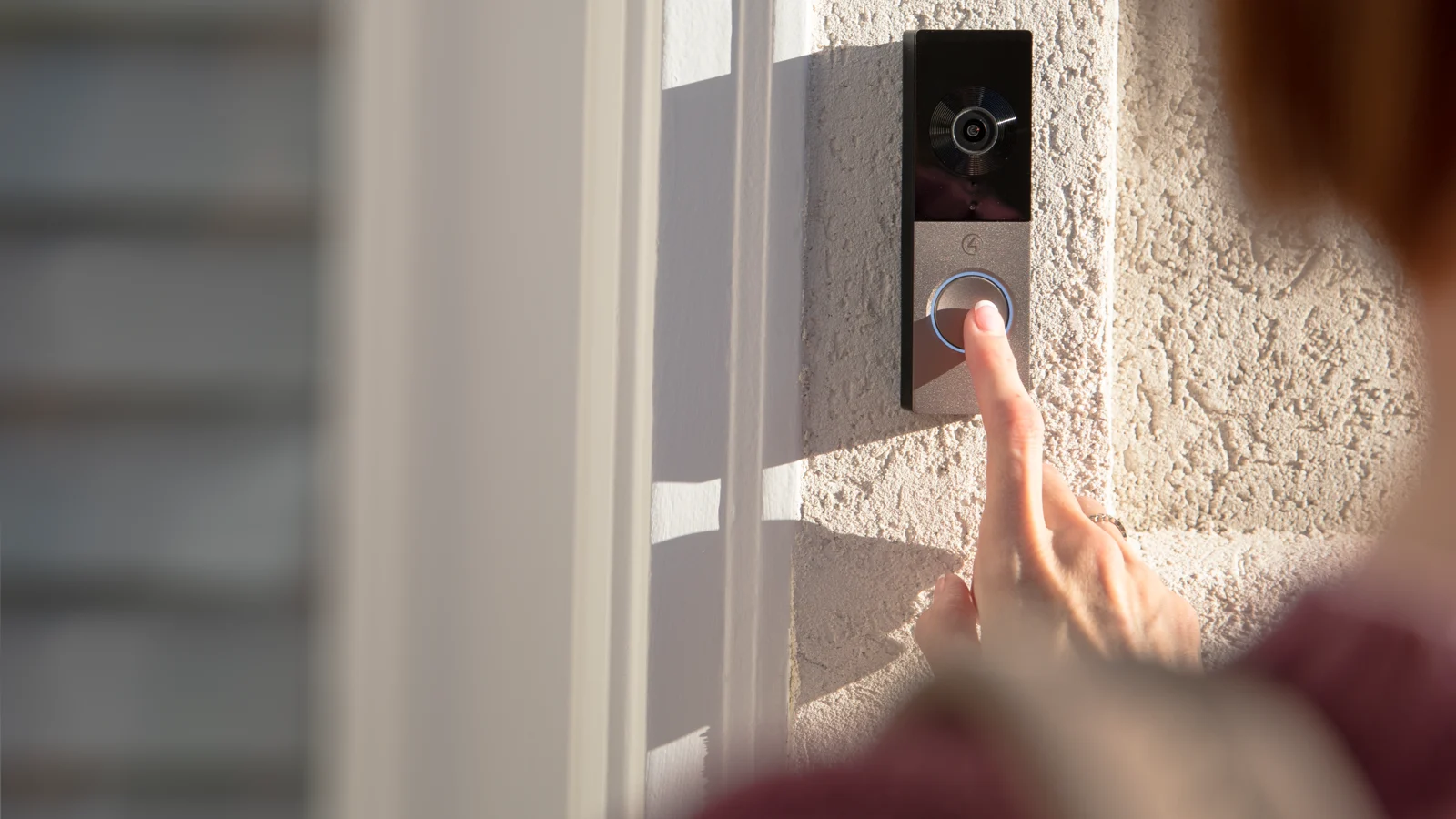
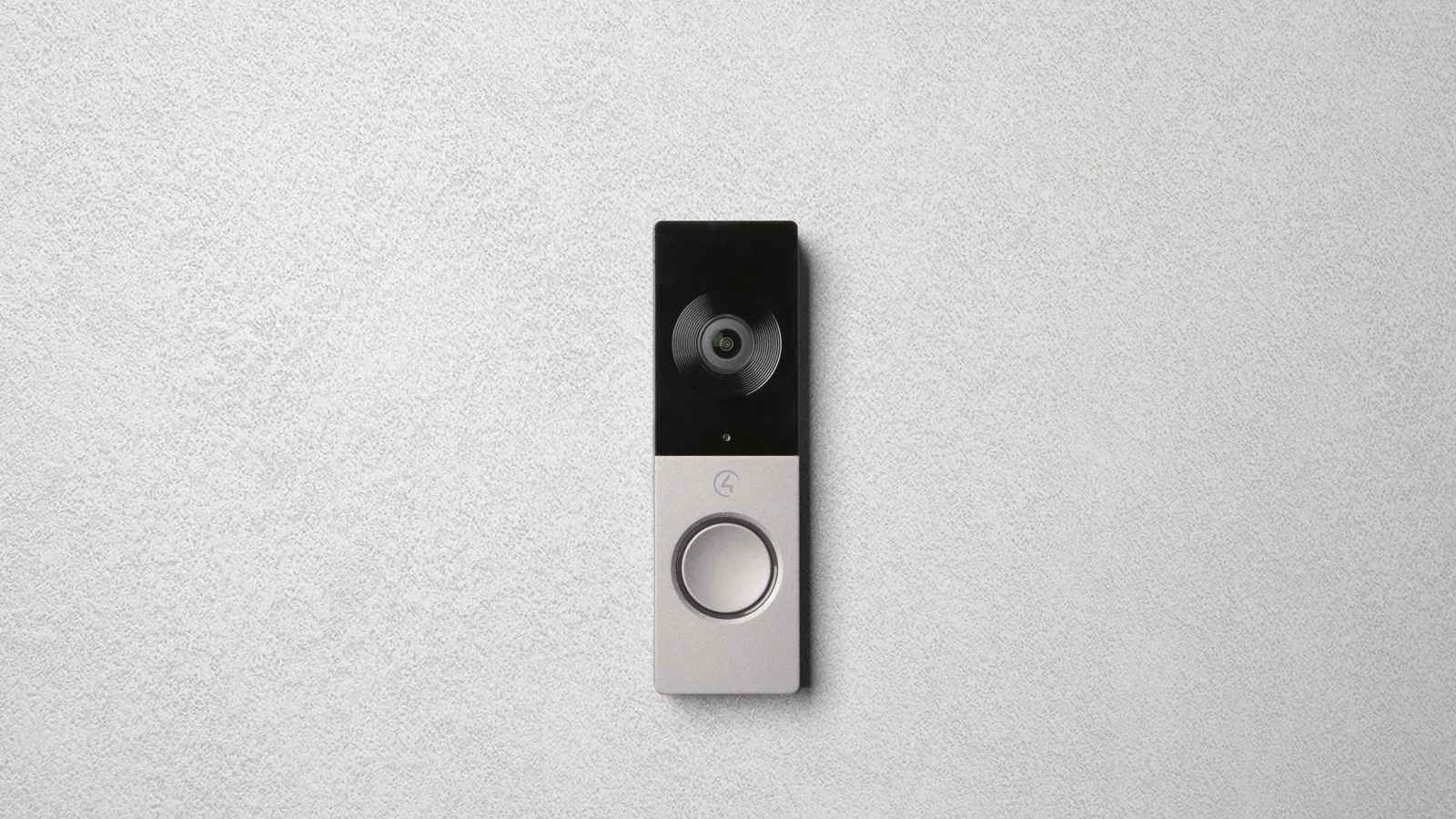
Control4 Chime video doorbell
Video + two-way audioDoorbell callControl4 actions
Best for a familiar residential front-door form factor. Choose the exact power and network version for the site, confirm field of view, mounting height and Wi-Fi or Ethernet quality, and test nighttime lighting.
Best fit: front and service doors where an integrated video doorbell is the right physical format.
DEDICATED ROOM STATION
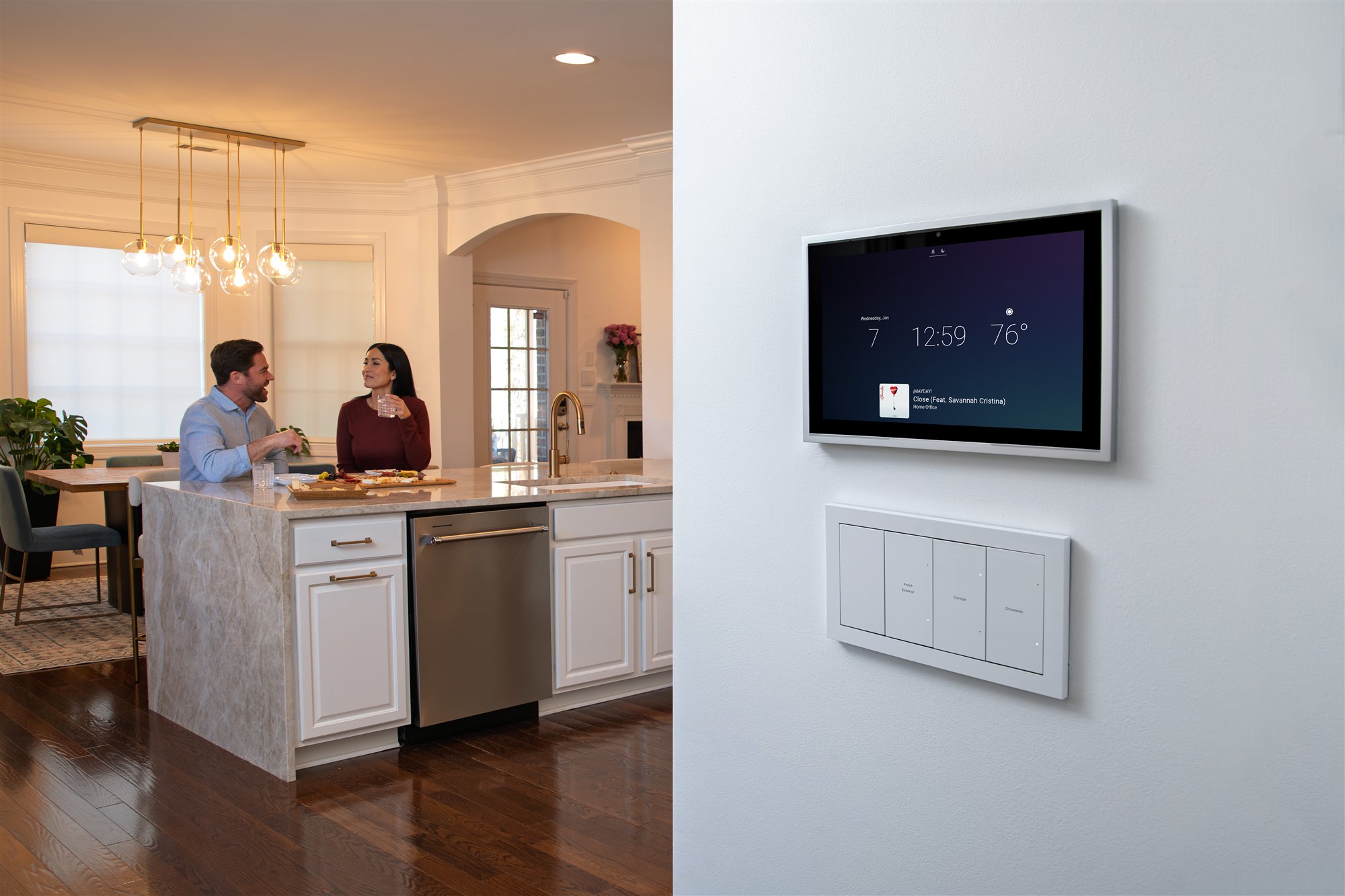
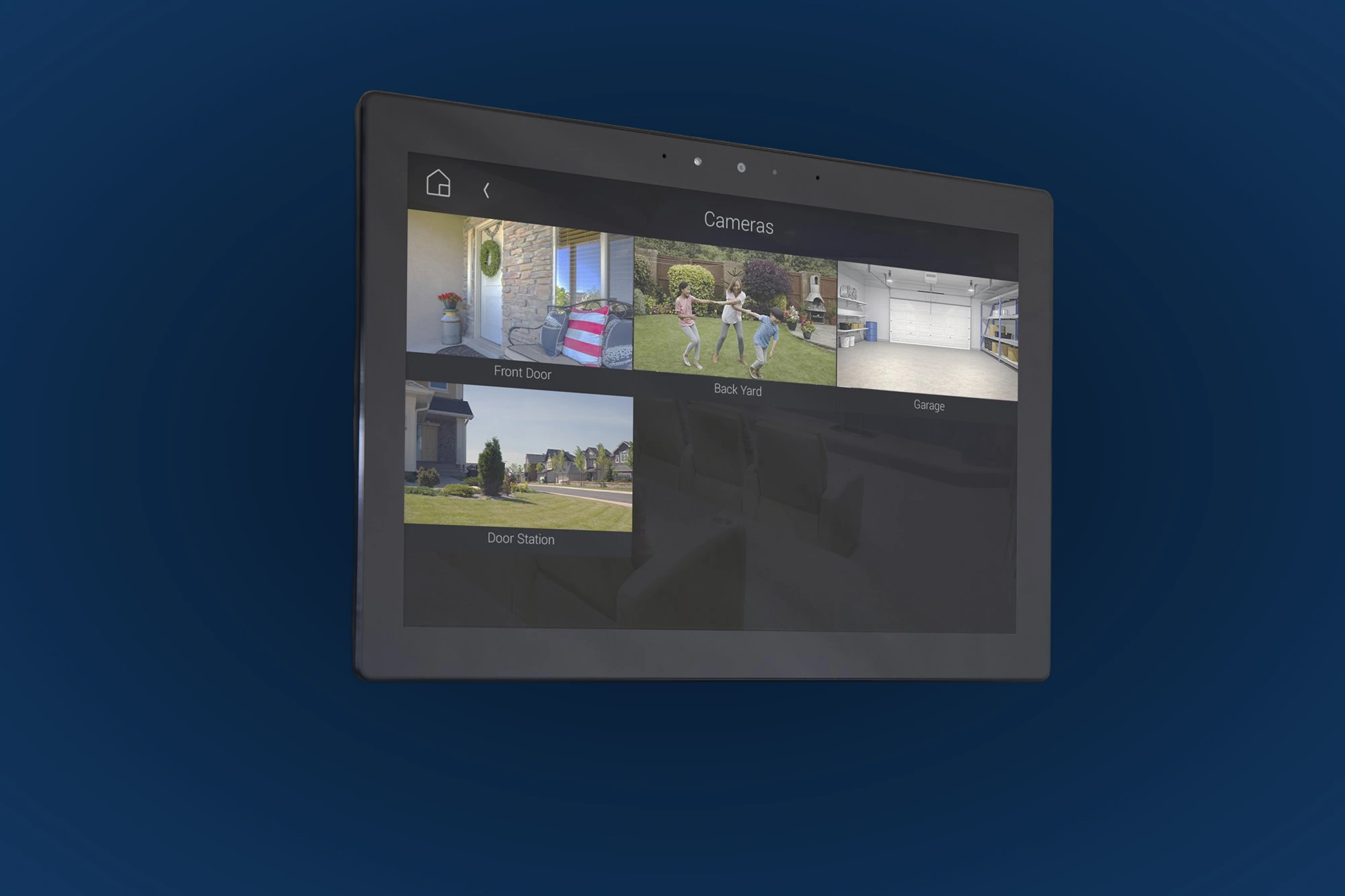
T5 touchscreen
In-wall or tabletopRoom callsCamera view
A dedicated interface does not depend on finding a charged phone. When the touchscreen, Control4 system and network are operating, it can receive door calls, contact other rooms and provide home control.
Best fit: kitchen, primary suite, office and central circulation spaces.
WHOLE PROPERTY
Door station or gate entry
Entry communicationAccess optionsTouchscreen + app
For gates, multi-entrance properties or projects needing keypad/access features, the current Control4 door-station family offers a more architectural entry platform than a standard doorbell.
Best fit: gates, formal entries and projects with designed access control.
MOBILE + AUTOMATION
Control4 app and programmed actions
Answer awayUser permissionsCustom buttons
Authorized users can receive intercom calls on compatible mobile devices. A dealer can expose approved actions during the call—such as entry lights, a gate, garage or compatible lock—without making every user an administrator.
Best fit: homeowners, caregivers and family members who need carefully permissioned remote access.
Compare the ways you can answer
| Endpoint | Main job | Dedicated endpoint? | Network + power | Important decision | Best location |
|---|---|---|---|---|---|
| Chime | Residential doorbell call, video and audio | Yes; service depends on power, system and network health | Exact Wi-Fi/PoE model requirements must be confirmed | Field of view, lighting, mounting and call route | Front or service door |
| Door station | Entry communication and compatible access features | Yes; service depends on power, system and network health | Structured network/power and approved mounting detail | Gate/door hardware, finish, keypad and access workflow | Gate, formal entry, multi-residence entry |
| T5 touchscreen | Answer calls, call rooms, view cameras, control home | Yes; dedicated room interface | Approved power plus reliable wired or wireless network | In-wall/tabletop, room name, ring and privacy behavior | Kitchen, suite, office, circulation |
| Mobile app | Answer and call while moving or away | No; depends on phone, notifications and connectivity | Internet/mobile data and applicable subscription | Separate user accounts, permissions and notification testing | Personal device |
| Intercom group | Call or broadcast to multiple rooms | Uses participating touchscreens | Same healthy Control4 system/network | Which rooms belong and when Do Not Disturb applies | Whole floor, family rooms, kids' wing |
Features were checked against current Control4 product and user documentation on July 13, 2026. Capabilities vary by controller, OS, door hardware, device generation, subscription and programming.
DEDICATED INTERFACE
Put touchscreens where a call can actually be answered
A touchscreen should be visible, audible and comfortable to use—not hidden behind an open door, blasted by window glare or mounted beside a noisy appliance. It also needs a reliable connection and a deliberate privacy mode.
- Kitchen or family hub for the main daytime answer point
- Primary suite with scheduled Do Not Disturb
- Home office where mobile phones may be muted
- Mudroom or service entry when deliveries arrive there
- Tabletop unit when furniture placement is stable and flexible access matters
Planning rule: two thoughtful answer points usually outperform five badly located screens that all ring at full volume.
Connect versus 4Sight: use the right language
Control4 Connect
Control4 states that systems installed after April 23, 2024 use Control4 Connect, which replaced 4Sight for new installations. Connect enables remote access and Intercom Anywhere when the system and devices are compatible.
In plain English: “Your current Control4 service enables the cloud and mobile features; we will confirm the active plan on your account.”
4Sight
4Sight remains available for eligible systems installed before Control4's cutoff date. Older projects still need a controller, OS, driver and touchscreen review before Intercom Anywhere is promised.
For an existing system: “We need to audit the existing system and subscription before we know which mobile intercom path is supported.”
Do not decide from the subscription name alone. Verify the system installation date, controller generation, software version, user account, touchscreen/doorbell compatibility and active service. A subscription cannot correct weak Wi-Fi, poor doorbell power or obsolete hardware. See the full Control4 Connect homeowner guide.
Privacy settings belong in the design
Decide which rooms stop ringing overnight, during meetings or when a child is sleeping.
Use selectively. It is valuable for an approved monitored room, but should never be enabled everywhere by default.
Choose whether a call begins with audio only or audio and video for each compatible interface.
Control4 supports configured monitoring between compatible intercom devices. Discuss consent, camera angle and who may initiate it.
Create useful names such as Main Floor or Kids' Rooms. Mobile devices are not managed exactly like touchscreen groups.
Give each mobile user a separate account and only the entry actions they genuinely need.
Network, power and entry checklist
Mark doorbells, gate stations, in-wall screens, tabletop screens and authorized mobile users on the plan.
Document which door rings which rooms, during what hours, and what happens when no one answers.
Confirm the exact device wiring, power method, PoE budget, Wi-Fi coverage, internet resilience and switch ports.
Set camera height and view, weather exposure, trim, masonry box, gate conduit, door hardware and nighttime lighting.
Approve who can unlock, open or disarm, how the door relocks and what remains possible during an outage.
Test notifications, microphone permissions, cellular answering, audio quality and each user's exact permissions before handoff.
A simple way to compare the options
“Chime handles the front door. Dedicated Control4 touchscreens give selected rooms a fixed place to answer. The mobile app can reach authorized homeowners when connectivity and notifications are working. We decide where calls ring, which actions appear, who has permission and what happens at night—then we test the network, power and call paths under the conditions the home will actually use.”
Want the doorbell, touchscreens and entry actions planned as one system?
Send Denali Tech the floor plans, reflected ceiling plans, entry elevations, door/gate hardware and family communication goals. We can coordinate devices, wiring, network, subscriptions, privacy, room groups and safe access actions before installation.