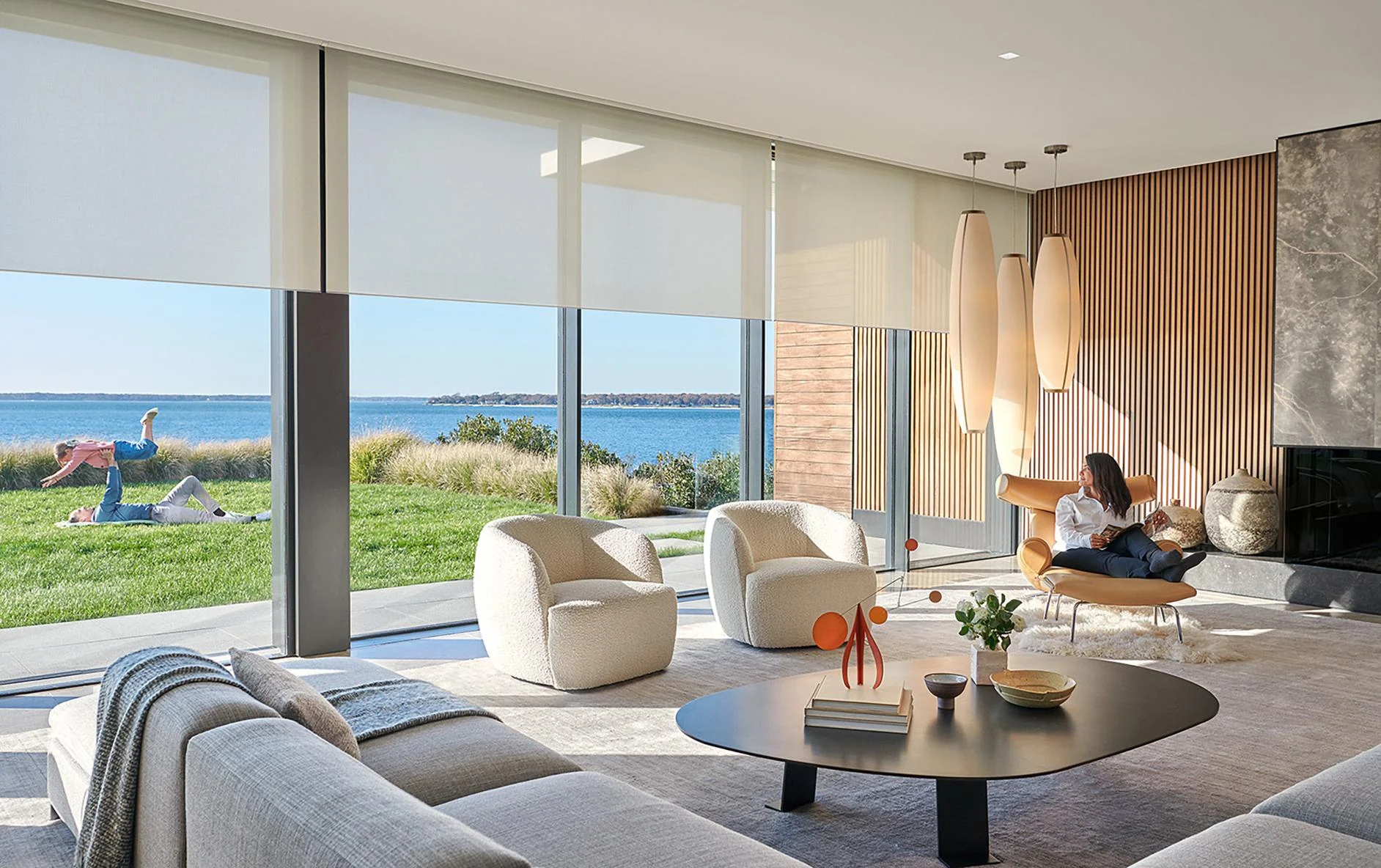
Downlights, decorative fixtures, tape light and other loads selected with compatible control methods.
One system, four visible layers
Homeowners interact with scenes and keypads. Behind that simple experience is a coordinated design that must connect the electrical plan, fixtures, shades and control system.
Roller shades, drapery and other compatible treatments planned with power, pockets, fabric and window conditions.
Premium keypad families, engraving and finishes chosen to support the room without creating wall clutter.
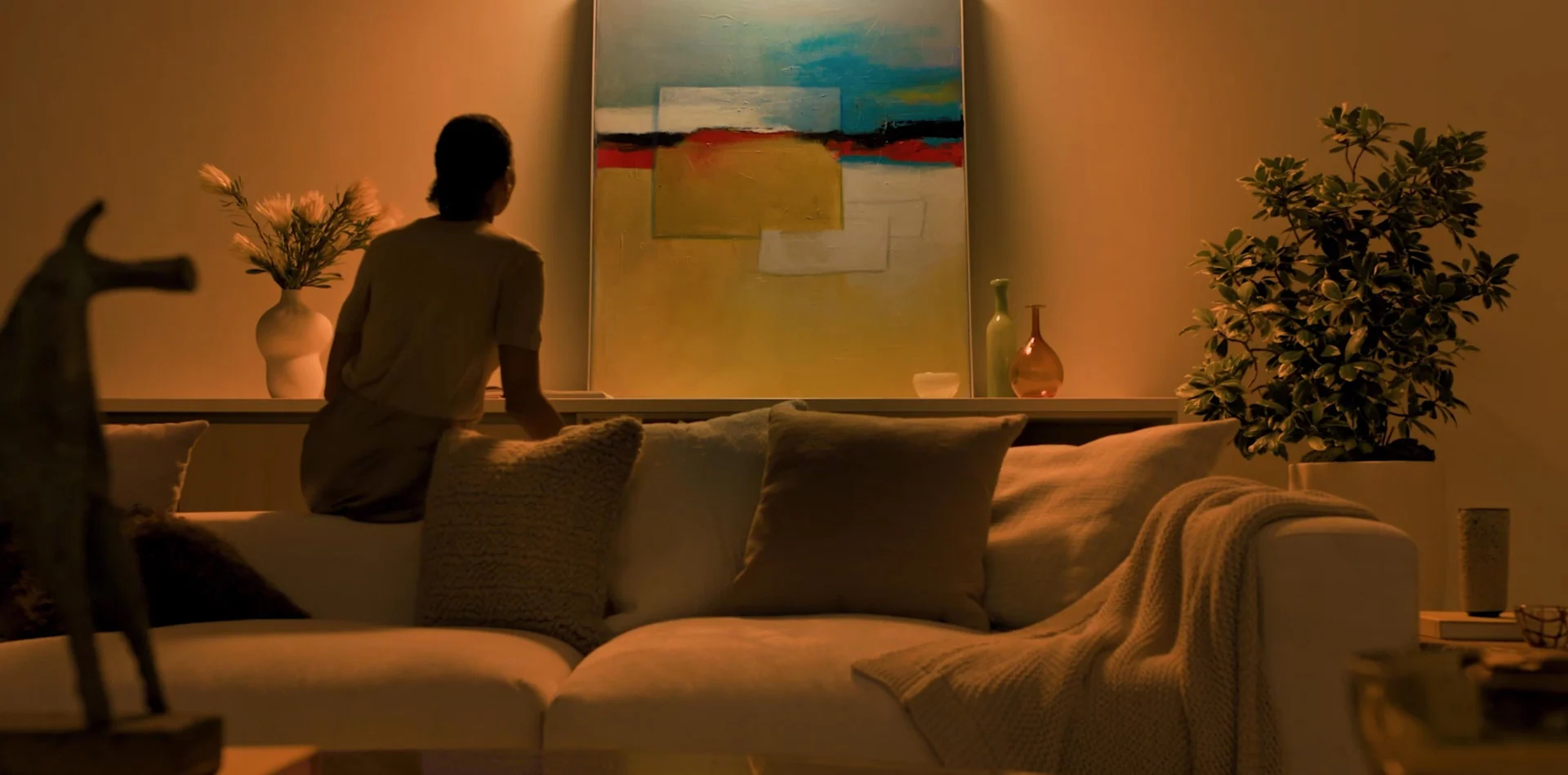
Consistent actions such as Welcome, Entertain, Away and Goodnight across keypads, app and supported integrations.
The result should feel like architecture, not technology
Entry, circulation and key living spaces come to life together instead of requiring a trail of switches.
Decorative, architectural and landscape lighting can settle into a deliberate evening composition.
Selected lights and shades move to a predictable state without walking the entire home.
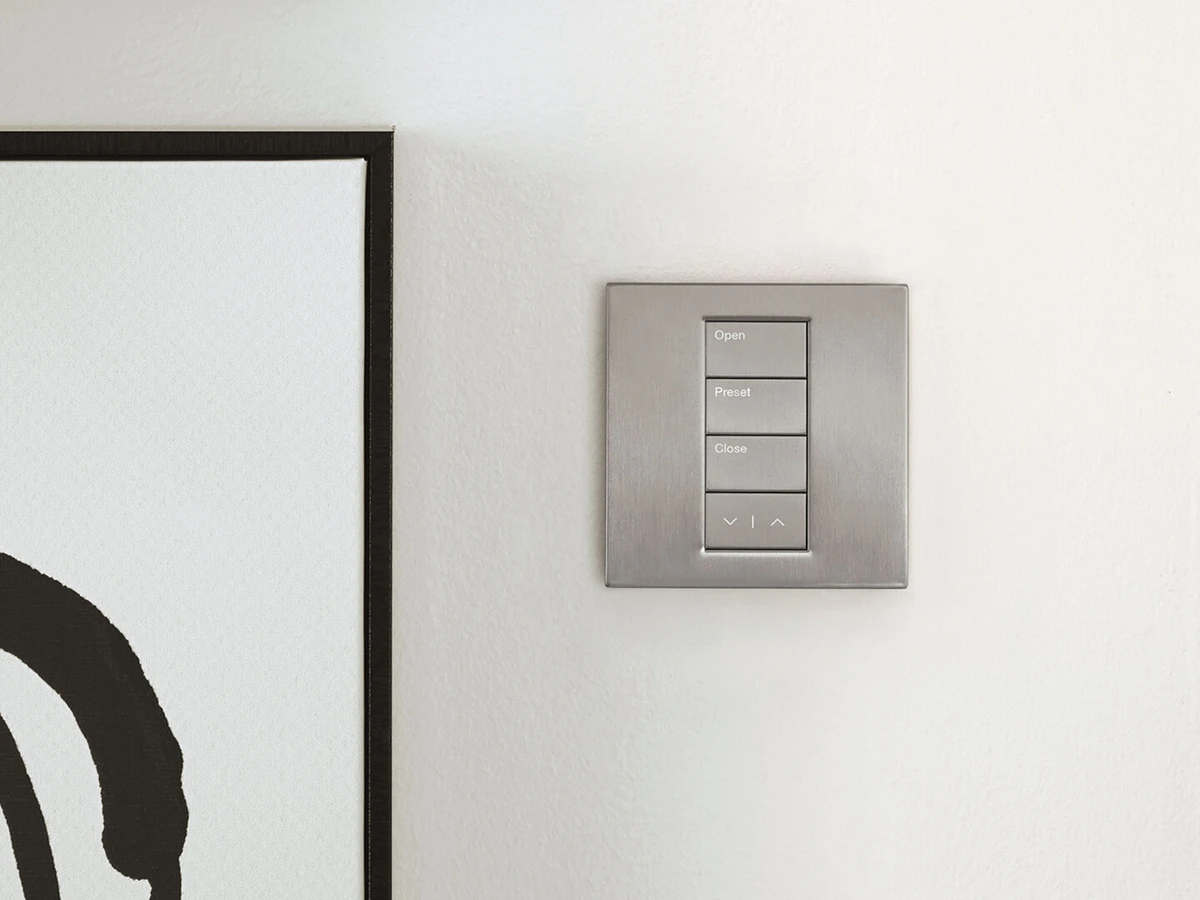
The keypad is part of the interior design
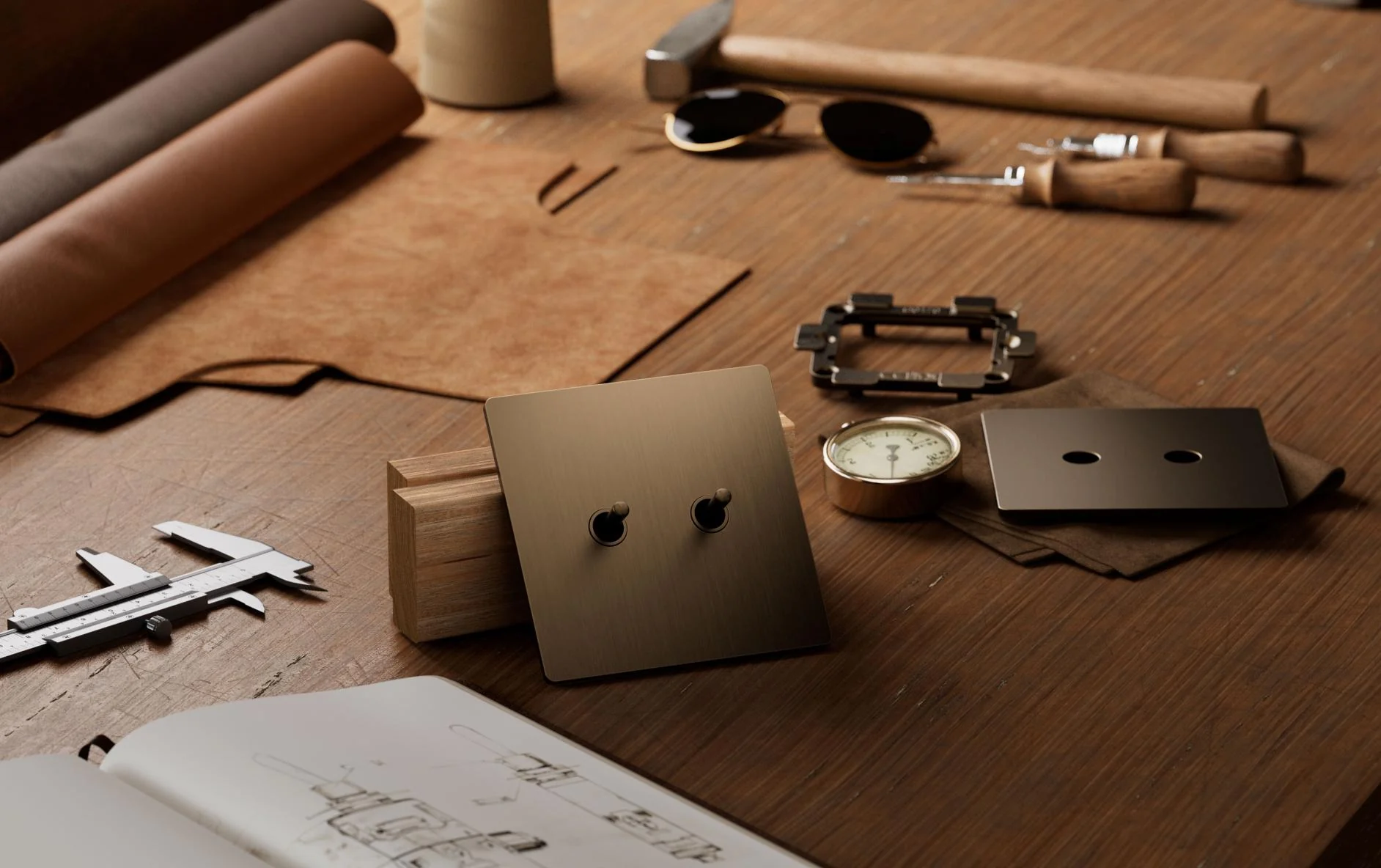
HomeWorks supports several architectural control families. The decision is visual and tactile: proportions, metal or polymer finishes, button layout, engraving, backlighting and how the control aligns with nearby devices.
What is hidden behind the finished walls
The homeowner sees a calm room. The design team must still resolve processors, panels, circuits, shade power, network connections and service access.
KeypadsAppSupported integrations
→HomeWorks processorLighting controlShades and scenes
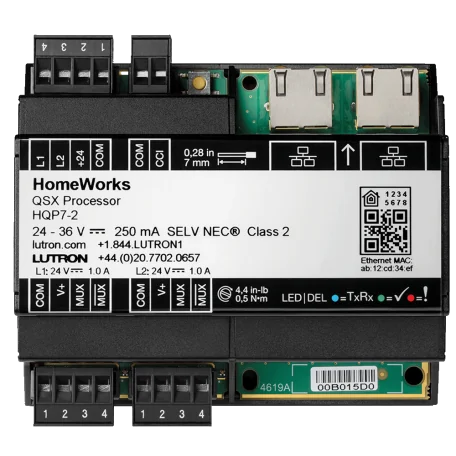
The system foundation
Processor, network and power
The exact architecture depends on the residence. A HomeWorks design may include wired panels, wireless devices or a hybrid approach. Equipment needs documented locations, reliable network access, surge protection, backup-power decisions and room for future service.
Centralized, wireless or hybrid?
Loads return to dedicated panels while low-voltage keypads remain on finished walls. This is strongest when coordinated before electrical rough-in.
Compatible local dimmers and keypads can support renovations or areas where centralized wiring is not practical.
Many substantial residences need both: centralized control where the structure allows it and wireless devices where renovation conditions demand flexibility.
Eight decisions that belong in design—not at the end
Document every lamp, driver and control method before dimming equipment is selected.
Choose centralized, local or hybrid load control while circuits and panel locations can still change.
Coordinate locations, gangs, button layouts, engraving and finish samples room by room.
Resolve power, pockets, fascia, fabric, sill conditions and furniture clearances.
Use a short, consistent vocabulary that the entire household can understand.
Reserve dependable connectivity, protected power and serviceable equipment locations.
Decide how HomeWorks will connect with Control4, security, HVAC or other supported systems.
Keep drawings, load schedules, engraving records, backups and service contacts with the home.
HomeWorks, RadioRA 3 or Control4?
| Project need | Start with | Why |
|---|---|---|
| Large custom residence with sophisticated lighting, shades and finish requirements | HomeWorks | Lutron’s broadest residential platform and architectural-control range |
| Finished home that needs a professional wireless Lutron upgrade | RadioRA 3 | A focused wireless architecture with Sunnata controls and compatible Lutron shades |
| Lighting should operate natively with entertainment, comfort and security | Control4 lighting | Lighting scenes participate directly in the broader Control4 system |
| Dedicated Lutron lighting plus one wider smart-home interface | HomeWorks + supported Control4 integration | Can combine dedicated lighting design with whole-home orchestration when compatibility and support are confirmed |
See the complete HomeWorks vs RadioRA 3 vs Control4 comparison.
What the investment should deliver
The expensive part is not the keypad
The value comes from coordinated design: fixtures that dim cleanly, shades that fit the architecture, button labels that make sense, scenes that support daily life and documentation that lets the system be serviced years later. Hardware alone does not create that result.
Official Lutron references
Lutron HomeWorks system overview · Lutron HomeWorks support · Lutron residential system selection. Reviewed August 17, 2026. Exact processors, controls, fixtures, shades, integrations and regional availability should be confirmed during the final design.
Planning a home where lighting should disappear into the architecture?
Send Denali Tech the floor plans, reflected ceiling plan, fixture schedule, shade elevations and keypad locations. We can help identify the decisions that need to be made before rough-in.