Smart Home Prewire Checklist for Builders and Remodels
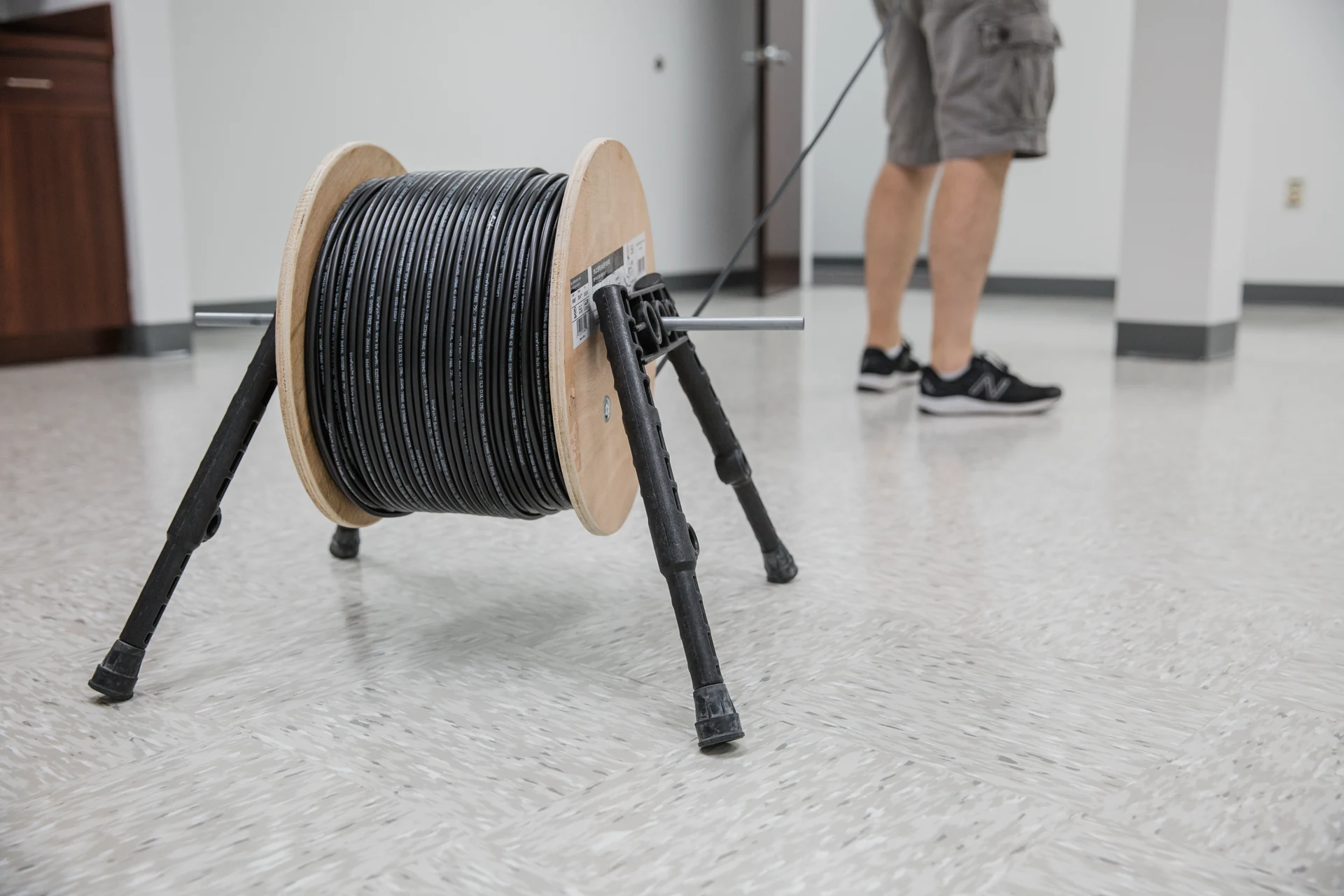
A professional prewire starts with the correct cable, a documented route and enough spare length to terminate and service it properly.
The cheapest time to prepare a home for smart technology is before the walls close. The most expensive time is after the finish work is done.
A smart home prewire plan can reduce rushed decisions later by documenting cable paths, equipment locations, power, access, and ownership before finishes close.
Quick answer: A practical prewire checklist for builders, remodels, and homeowners planning smart lighting, shades, WiFi, cameras, audio, theater, and future service.
Three views every prewire package should include
The cable-pull photo above shows where the work begins. These three official Wirepath installation views show what you should expect next: clean termination, an organized central enclosure and a finished service location.
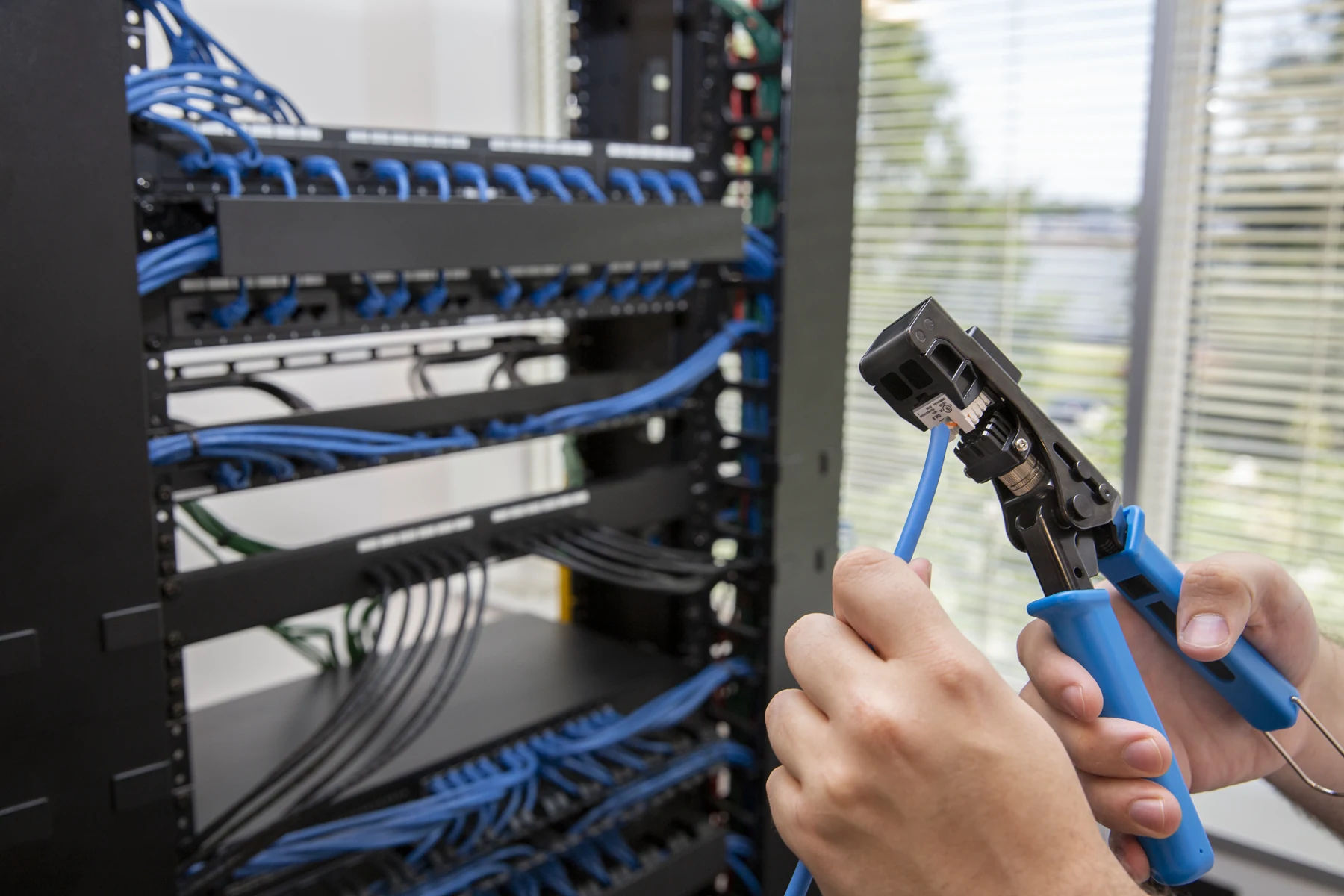
Record cable type, origin, destination and test result. Consistent terminations and labels at both ends turn a bundle of wire into a serviceable system.
Open full-size image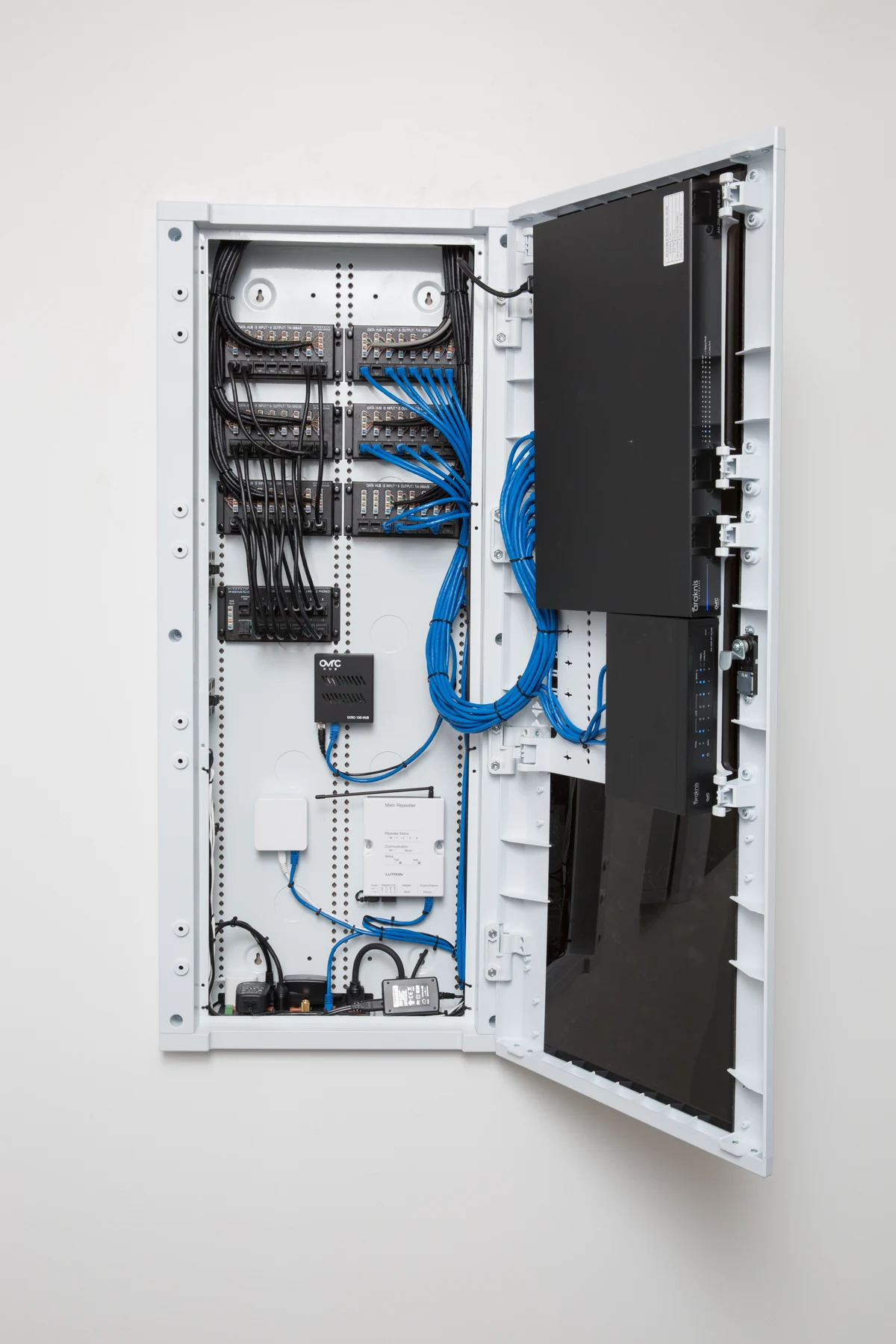
Plan patching, network equipment, power and cable management before the wall is finished. The enclosure must have enough capacity for the original scope and sensible future additions.
Open full-size image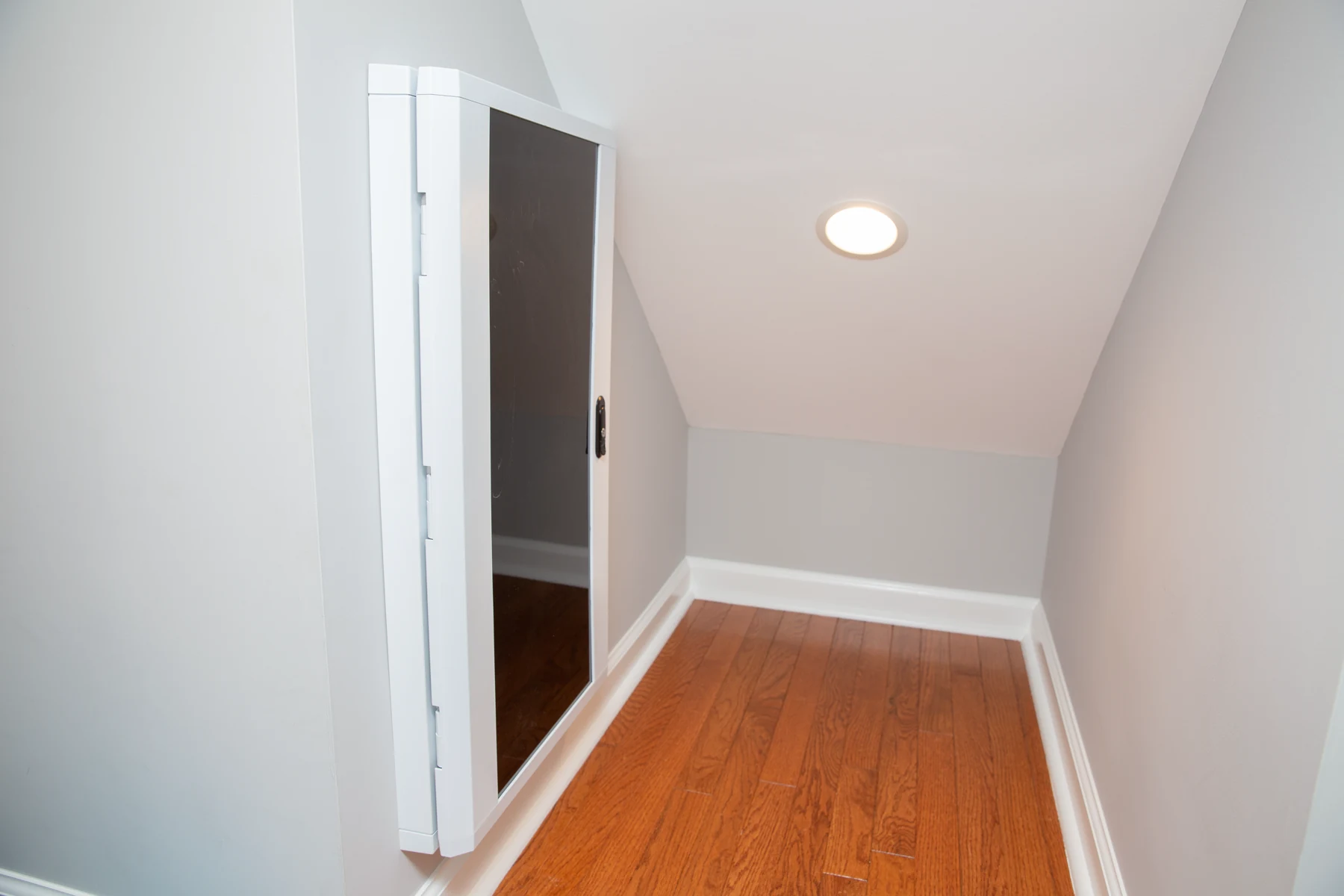
Choose a dry, accessible location with working clearance, power and ventilation. The system should remain easy to reach without competing with shelving, storage or mechanical equipment.
Open full-size imageClose-wall hold point: test and photograph every run, record measurements, verify shade and display blocking, and preserve the marked-up as-built before insulation and drywall.
Plan the infrastructure first
Smart homes need pathways: wire, conduit, rack space, power, ventilation, and service access. Without those basics, even premium equipment becomes harder to install and support.
Prewire is not only for what the homeowner wants today. Spare conduit, accessible pathways, documented cable, and planned power can preserve options for future rooms, cameras, shades, displays, and network changes.
Rooms to discuss before drywall
The important rooms are not always obvious. Mechanical rooms, closets, exterior walls, patios, ceilings, gate areas, and projector locations can all need planning.
- Network rack location
- Ceiling access point locations
- Camera locations
- TV and display walls
- Speaker zones
- Shade wiring
- Keypads and touchscreens
- Conduit to hard-to-reach areas
Use our pre-wire planner to organize room priorities and questions for your builder before the walls close.
How builders and integrators should work together
The builder should not have to guess technology requirements, and the technology company should not interrupt the project with late surprises.
A clear prewire walk, drawings, labels, and signoff keep everyone aligned.
What should be checked before the walls close?
Walk the site with the latest plans and compare each labeled cable to its intended endpoint. Confirm rack space, accessible pathways, speaker rough-in positions, display backing, shade power locations, and the routes that will become inaccessible. Photograph the routes with enough room context to find them later, and keep changes on the same marked-up plan.
Require the agreed cable verification and documentation before concealment; do not wait for final equipment installation to discover an unidentified or damaged run. Preserve test records and label both ends consistently. CEDIA emphasizes documentation, labeling, and planned pathways in its smart-home wiring guidance.
What is worth installing now if the equipment comes later?
Prioritize the work that becomes disruptive after finishes: accessible routes to display walls, ceilings, windows, exterior camera points, and the future rack. An empty pathway is useful only when its destination, access, capacity, and permitted route are understood. Have the responsible trades approve the pathway and any firestopping or structural detail.
Separate the quote into infrastructure needed now, optional cable provisions, and equipment that can wait. Shade wiring and lighting topology should follow the intended system, not a generic cable allowance. Before drywall signoff, identify who owns unresolved choices and what must be checked again after other trades finish their work.
Want this planned the right way?
Denali Tech can review plans, walk the site, and create a practical smart home prewire scope before framing and drywall decisions become expensive.
Send Project DetailsOr message us on WhatsApp
Primary guidance
CEDIA smart-home wiring guide · CEDIA design-and-build resources · Wirepath cabling and infrastructure. Reviewed August 15, 2026. This checklist is planning guidance, not a permit drawing. Cable type and rating, pathways, separation, firestopping, grounding, structural work, testing, and who may perform the work depend on the approved plans and local requirements.
Final thought
The value of prewire is not the amount of cable hidden in the walls. It is knowing where each run goes, what it can support, and how the next installer can reach it. A checked plan, labeled endpoints, photos, and test records preserve those options long after construction ends.