Home / Guides / Motorized Shades Comparison
Client window-treatment guide

The best shade plan is decided before the window pocket disappears.

Compare roller shades, dual rollers, blinds, honeycomb shades and drapery—then lock the fabric, light gaps, mounting, power and Control4 integration before millwork and drywall close.

Published July 13, 2026By Denali Tech Team15 min read
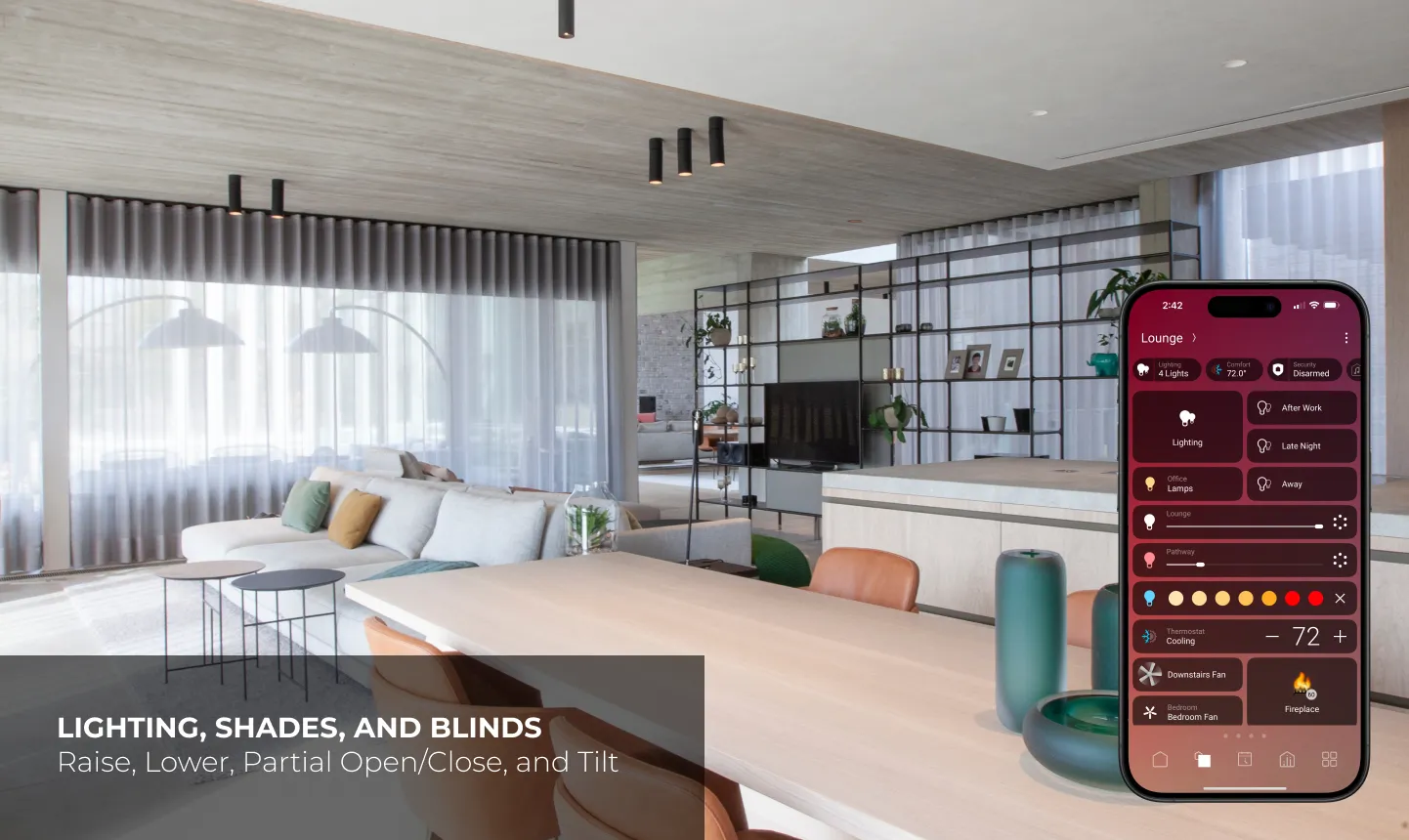
Motorized drapery and shades controlled from the Control4 app in a modern living space
Control4 can group and automate supported shades, blinds and drapery alongside lighting and climate.
Fast answer: choose a roller shade for the cleanest universal solution, a dual roller when daytime view and nighttime privacy need separate fabrics, a blind or honeycomb when tilt or insulation is the priority, and drapery for wide glass, softness and layered design. In new construction, plan low-voltage power and pockets early. Blackout fabric alone does not eliminate perimeter light gaps.

Five window-treatment choices

These simplified drawings make the movement differences clear. Final appearance depends on the chosen manufacturer, fabric, hardware and mounting condition.

CLEANEST DEFAULT

Single roller shade

Raise + lowerCompact rollMany fabrics

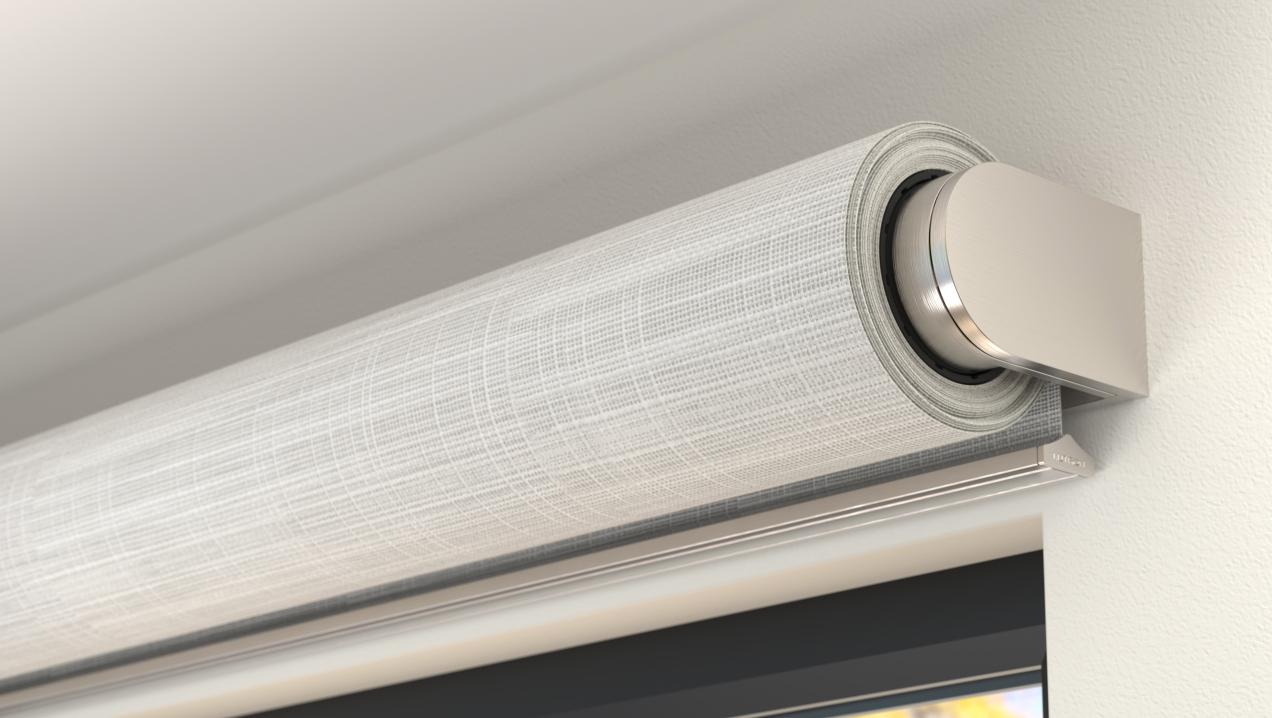
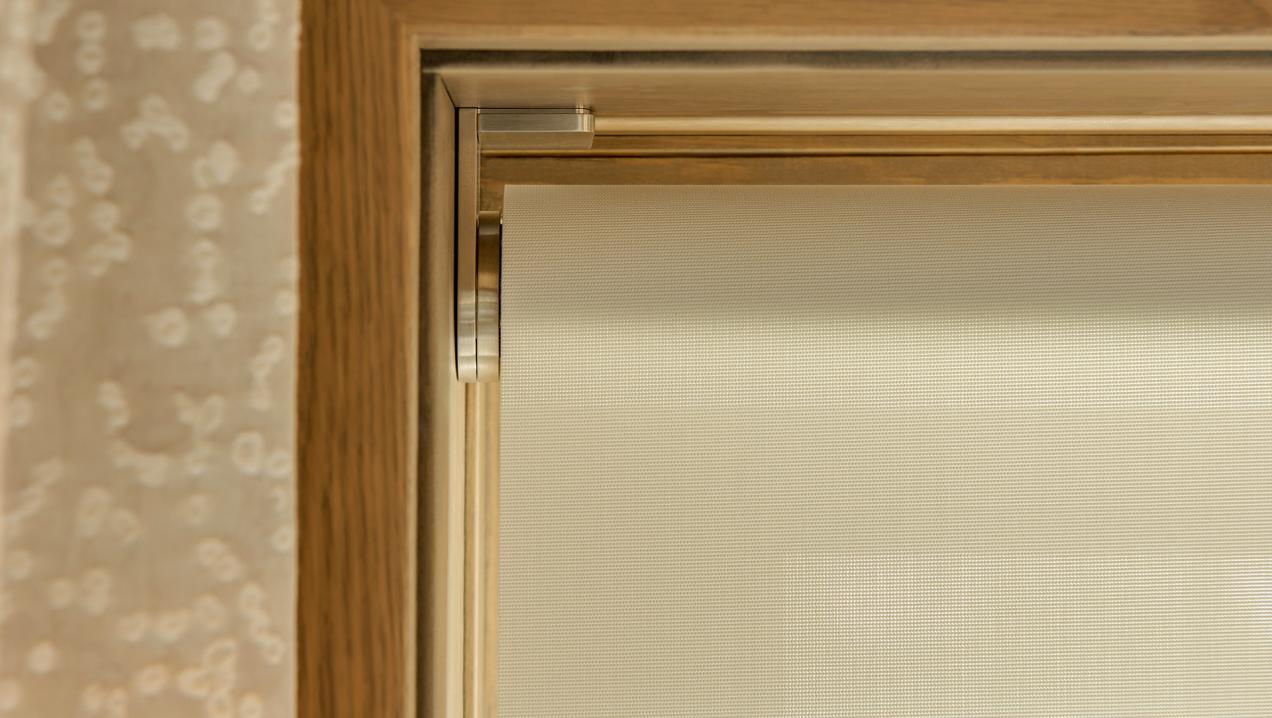
One fabric roll handles glare, privacy or blackout depending on material selection.

  • Works in modern and transitional rooms
  • Can be exposed, fascia-mounted or recessed
  • Solar fabrics preserve some daytime view
  • Blackout fabrics block light through the cloth
Best fit: most bedrooms, living rooms, offices and large window groups.
DAY + NIGHT

Dual roller shade

Two fabricsLarger pocketIndependent control

A solar or sheer shade manages daytime glare while a second blackout shade provides nighttime privacy.

  • Avoids forcing one fabric to do two jobs
  • Independent motors and preset positions
  • Requires deeper hardware and coordination
  • Ideal for bedrooms and media spaces
Best fit: rooms that need daylight and view during the day, then privacy or darkness at night.
SOFTER PROFILE

Honeycomb shade or blind

Raise + lowerInsulating cellsTilt on blinds

Honeycomb shades create a softer folded look; horizontal blinds add louver tilt for view and light control.

  • Useful for smaller and standard windows
  • Battery options can simplify retrofits
  • Blinds offer more directional light control
  • Stack size remains visible when open
Best fit: retrofit windows, traditional interiors and spaces where tilt or insulating construction matters.
WIDE OPENINGS + SOFTNESS

Motorized drapery

Center or one-way drawDecorative fabricLarge stack

Motorized tracks move finished drapery panels and can layer over a roller shade for performance and design.

  • Works across broad glass walls and doors
  • Can overlap edges to improve darkness
  • Track, carrier, stack and fabric weight matter
  • Requires clear space beside the opening
Best fit: large openings, formal rooms and projects where the treatment is a visible design feature.

Comparison for a client conversation

TreatmentPrimary movementVisual profileLight controlConstruction impactBest use
Single rollerRaise, lower, stop, positionMinimal roll; can disappear into a pocketSolar, translucent or blackout fabricBracket, fascia or recessed pocket; side gaps remainUniversal clean solution
Dual rollerTwo independently controlled rollersDeeper head conditionSolar/shear plus blackoutLarger pocket, two drives and two power pathsBedrooms, theaters and mixed-use rooms
HoneycombRaise, lower and positionSoft cellular stackTranslucent through room-darkeningInside/outside mount; maintain battery or wire accessRetrofits and smaller windows
Horizontal blindRaise/lower plus louver tiltArchitectural slatsDirectional daylight and viewMore complex mechanics and stackOffices, studies and traditional rooms
DraperyCenter-open or one-way traverseFull fabric stack at sideSheer through lined/blackoutTrack support, stack-back and fabric clearanceWide openings and layered interiors

Treatment types and planning principles were checked against current Control4 and Lutron documentation on July 13, 2026. Exact sizes, fabrics, pockets, wiring, motors and control features vary by the selected system.

Fabric is a performance choice

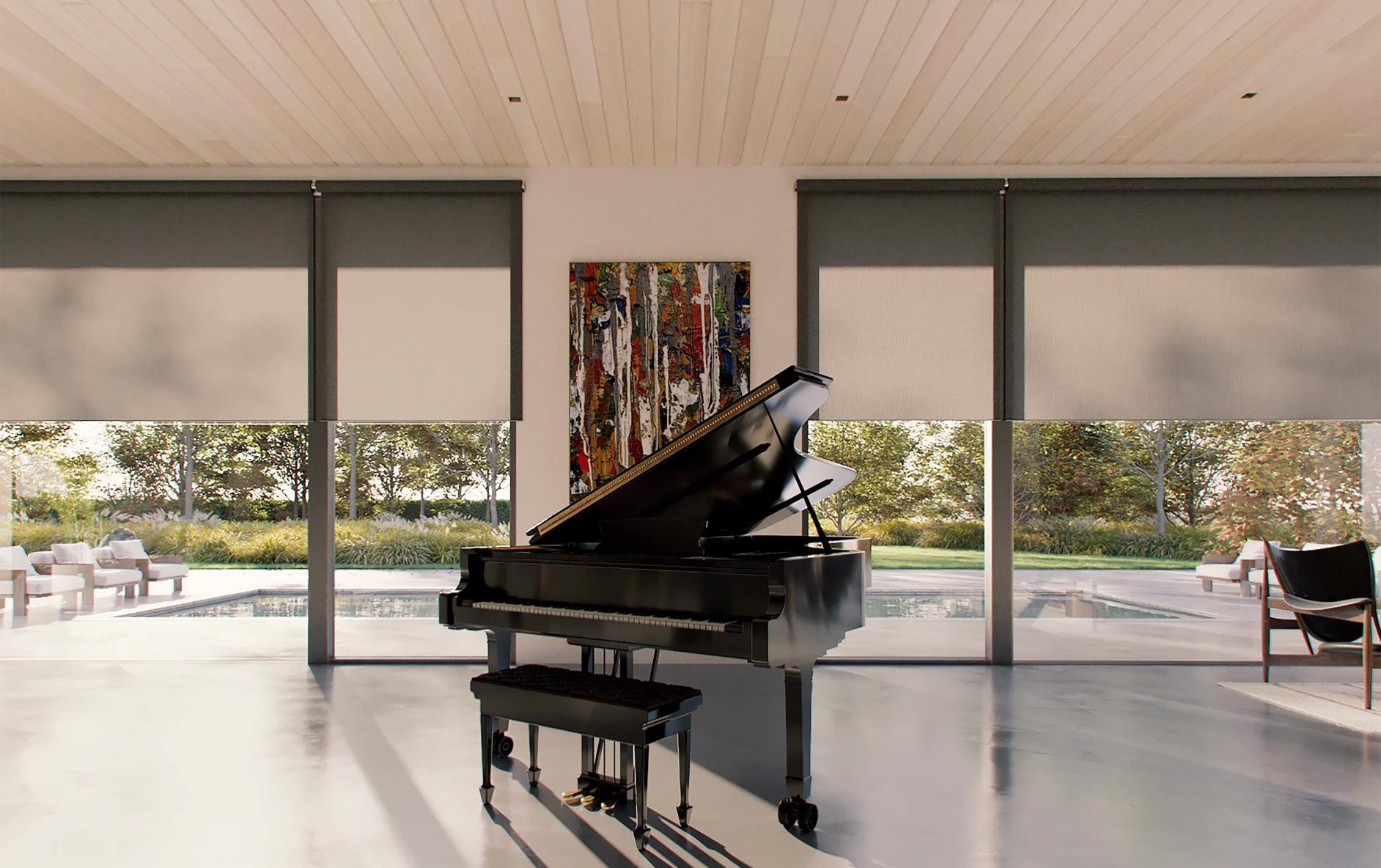
Multiple motorized roller shades controlling daylight around a piano room
Solar and openness fabrics

A more open weave preserves more outward view and daylight; a tighter weave improves glare and privacy. Nighttime privacy changes when the interior is brighter than outside.

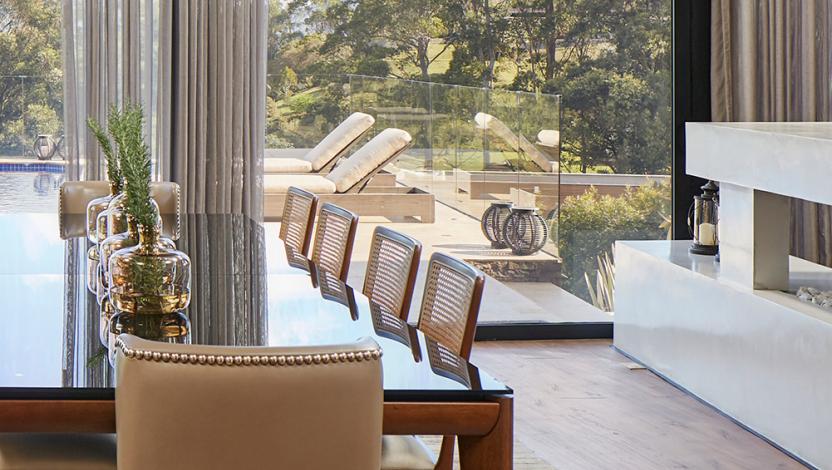
Motorized drapery framing a large dining-room opening
Decorative drapery

Sheer, lined and blackout drapery change stack size, fullness, weight and track selection. The fabricator must approve the motor and carrier capacity.

Designer reviewing motorized shade fabric samples beside a window
View samples in the actual room

Color, texture, glare and outward view change with orientation and time of day. Approve a real sample at the window—not only a small digital swatch.

Control4 interface coordinating shades, lighting and comfort
Control4 is the experience layer

Supported treatments can be named, grouped, positioned and tied to routines. Exact commands and feedback depend on the manufacturer, processor and driver.

What “blackout” really means

1. Blackout fabricBlocks light through the material itself. This does not address perimeter gaps.
2. Head detailA pocket, fascia or top treatment limits light above and around the roll.
3. Side channelsCapture the fabric edges to reduce the bright vertical lines common to roller shades.
4. Sill or overlapControls light below the hembar; drapery can add another overlapping layer.
Client expectation: “blackout fabric” describes the fabric. “Blackout room” describes the entire installed opening. A theater or sensitive bedroom needs the second conversation.

Control4 functions to verify before ordering

Open, close and stop

The basic commands should work from the app, touchscreen, keypad and approved routines.

Percentage positioning

Confirm whether the exact driver supports discrete position commands and reports the current position.

Tilt

Blinds, louvers and shutters require a separate tilt capability that a simple raise/lower driver may not expose.

Groups

Name windows by room and elevation so homeowners can control one treatment, one room or a whole façade.

Feedback

Verify whether Control4 knows the actual position after local, manufacturer-app or manual operation.

Failure behavior

Define what remains available if the network, automation controller, shade bridge or cloud service is offline.

Prewire, pocket and ordering checklist

1. Build a shade schedule

Number every opening and record finished width, height, orientation, treatment type, fabric, roll direction, motor side and control group.

2. Coordinate structure

Provide blocking for brackets and tracks. Confirm substrate, fasteners, pocket dimensions and access panels with the shade manufacturer.

3. Reserve the pocket

Single and dual rollers need different depth. Coordinate sprinklers, diffusers, lighting, curtain pockets and ceiling transitions.

4. Place power correctly

Route the manufacturer-approved cable to the specified drive side and keep every connection accessible and labeled.

5. Measure finished openings

Verify dimensions after the relevant finishes are complete. Square, level and plumb matter on tall or grouped windows.

6. Commission every position

Set upper/lower limits, alignment, groups, keypad actions, routines and safe obstacle clearance; then document the final names.

A simple client explanation

“Roller shades are the clean universal choice. Dual rollers give us daytime view and nighttime privacy. Blinds add tilt. Honeycomb shades suit softer or retrofit applications. Drapery works across wide glass and adds design presence. We choose the treatment and fabric first, then coordinate the power, pocket and Control4 driver so the finished room works exactly as expected.”

Want the shade pockets and wiring solved before drywall?

Send Denali Tech the window schedule, elevations, ceiling plans, interior details and privacy goals. We can coordinate treatment types, fabrics, motor locations, power, pockets, keypads and Control4 scenes before construction closes.

Official references

Related planning guides