SANUS CFR2115 mini AV rack
A compact 34-inch cabinet for focused systems—provided the complete equipment, power, airflow, wiring, and service plan truly fits inside 15 rack spaces.

A 15U rack supporting a finished theater system
The video shows one completed system. Rack size should always be selected from the current equipment schedule, not copied from another project.
Compact outside, carefully budgeted inside
One rack unit equals 1.75 inches of vertical mounting space, so 15U provides 26.25 inches of rack-rail height inside the cabinet. That space disappears quickly once shelves, power equipment, ventilation panels, network hardware, control processors, amplifiers, and other components are counted. A smaller cabinet can look cleaner in the room, but only when the system is intentionally limited and every rack unit has a job.
Three parts of the 15U space budget
Rack-mount devices use their listed U height. Non-rack equipment usually needs a shelf that also consumes rack space.
Blanking, ventilation, power protection, and possible backup power are part of the system—not leftover details added after the rack is full.
Accessible connections, cable bend room, and sensible spare capacity can prevent a compact rack from becoming impossible to maintain.
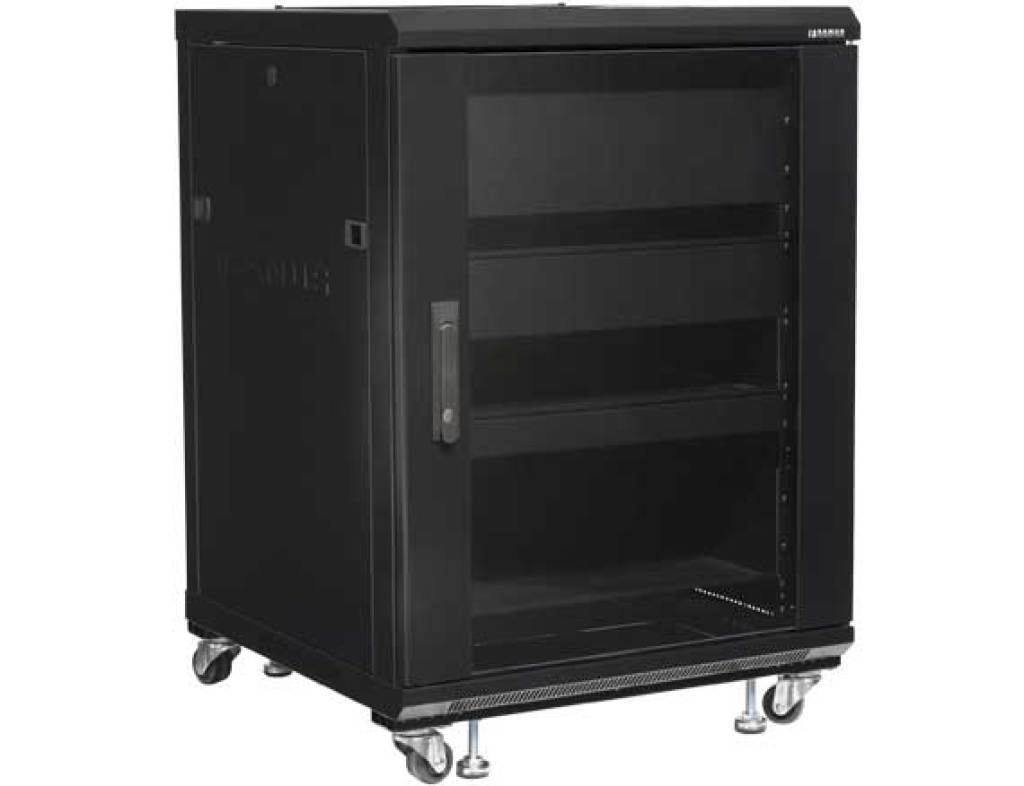
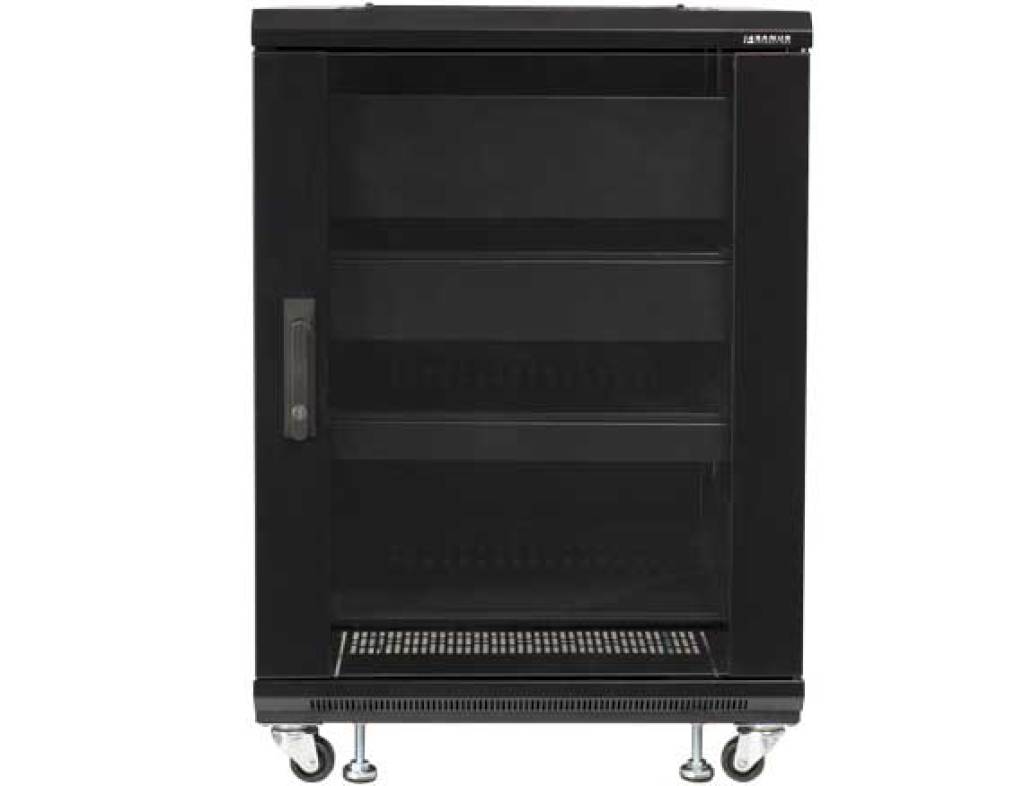
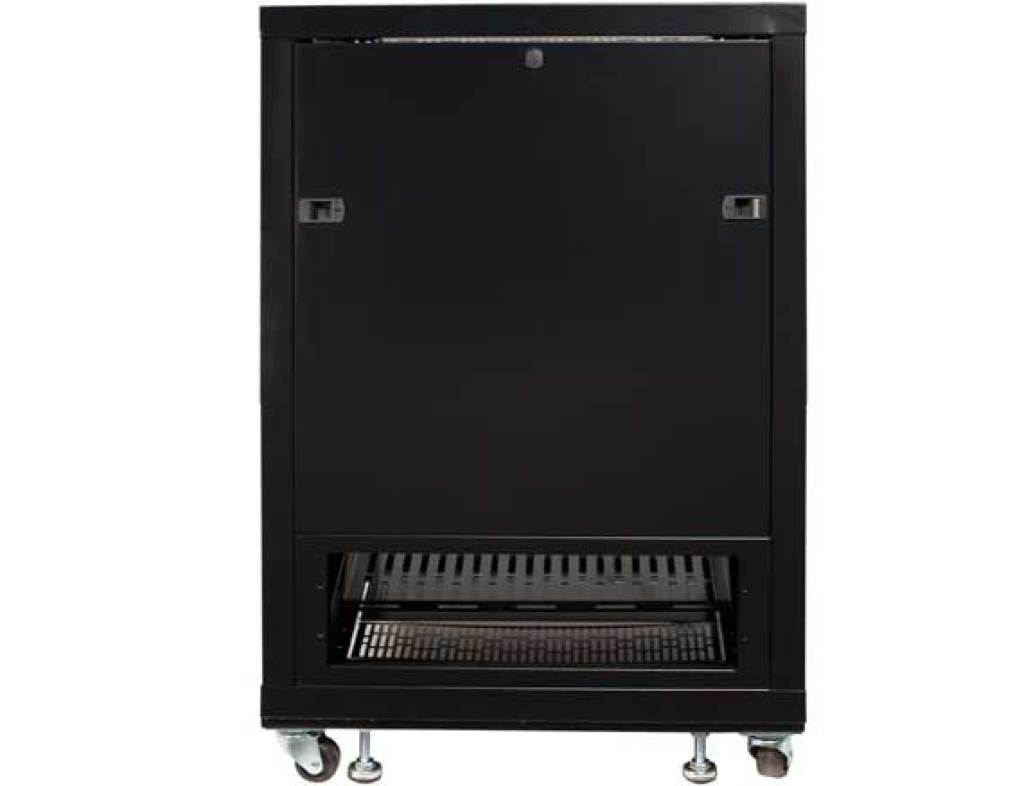
Front, angle, and rear access
These SANUS manufacturer views show the empty CFR2115 from the angles that matter during planning. The soft violet background keeps the black cabinet visible without a bright white block.
When 15U fits—and when it does not
A 15U rack may fit when
- The equipment list is focused and unlikely to grow dramatically.
- The theater or smart-home equipment does not share the rack with many additional systems.
- Power, network, control, shelves, and ventilation all fit on the rack drawing.
- The room provides good front and rear service access.
Choose a larger rack when
- Distributed audio, video, cameras, networking, and control all return to one location.
- Large amplifiers, receivers, battery backup, or multiple shelf devices consume significant space.
- The plan already fills nearly every rack unit before installation begins.
- The home is likely to add rooms, sources, cameras, or network equipment later.
15U, 18U, or 27U?
Compact and focused
The smallest of these three options. Best when the component list is complete, modest, and carefully documented.
Check your equipment listA little more breathing room
A useful middle step for projects that outgrow 15U but do not need a larger floor-standing cabinet.
See the 18U buildMulti-system capacity
Better suited when theater equipment shares the rack with more networking, control, audio, video, cameras, or power hardware.
See the 27U guideConfirm more than the outside dimensions
- Make a line-by-line rack elevation that includes shelves, blanking, cooling, protected power, and spare space.
- Confirm the usable internal depth and leave clearance for plugs, connectors, cable bends, and airflow.
- Measure the installation path and final service area, including door swing and removable-panel clearance.
- Verify the room’s electrical supply, grounding, ambient temperature, ventilation, and floor conditions.
- Plan how every low-voltage cable enters, turns, is supported, and remains reachable after the rack is loaded.
- Check the rating of each shelf and accessory rather than relying only on the rack’s total capacity.
Manufacturer sources
Specifications and cabinet features were checked against the SANUS CFR2115 product page, the SANUS Component Series introduction sheet, and the CFR2100 installation manual. Product images in the gallery are SANUS manufacturer views; the hero and video show Denali Tech’s project.
Reviewed August 17, 2026. Confirm current availability, included parts, accessory compatibility, shelf ratings, and installation requirements before specifying or reusing a CFR2115.
Want a compact rack without creating a service problem?
We can turn the equipment list into a rack elevation and confirm the space, power, cooling, wiring, and access before installation.