Smart Home Planning for Designers and Architects: Keep Technology Clean
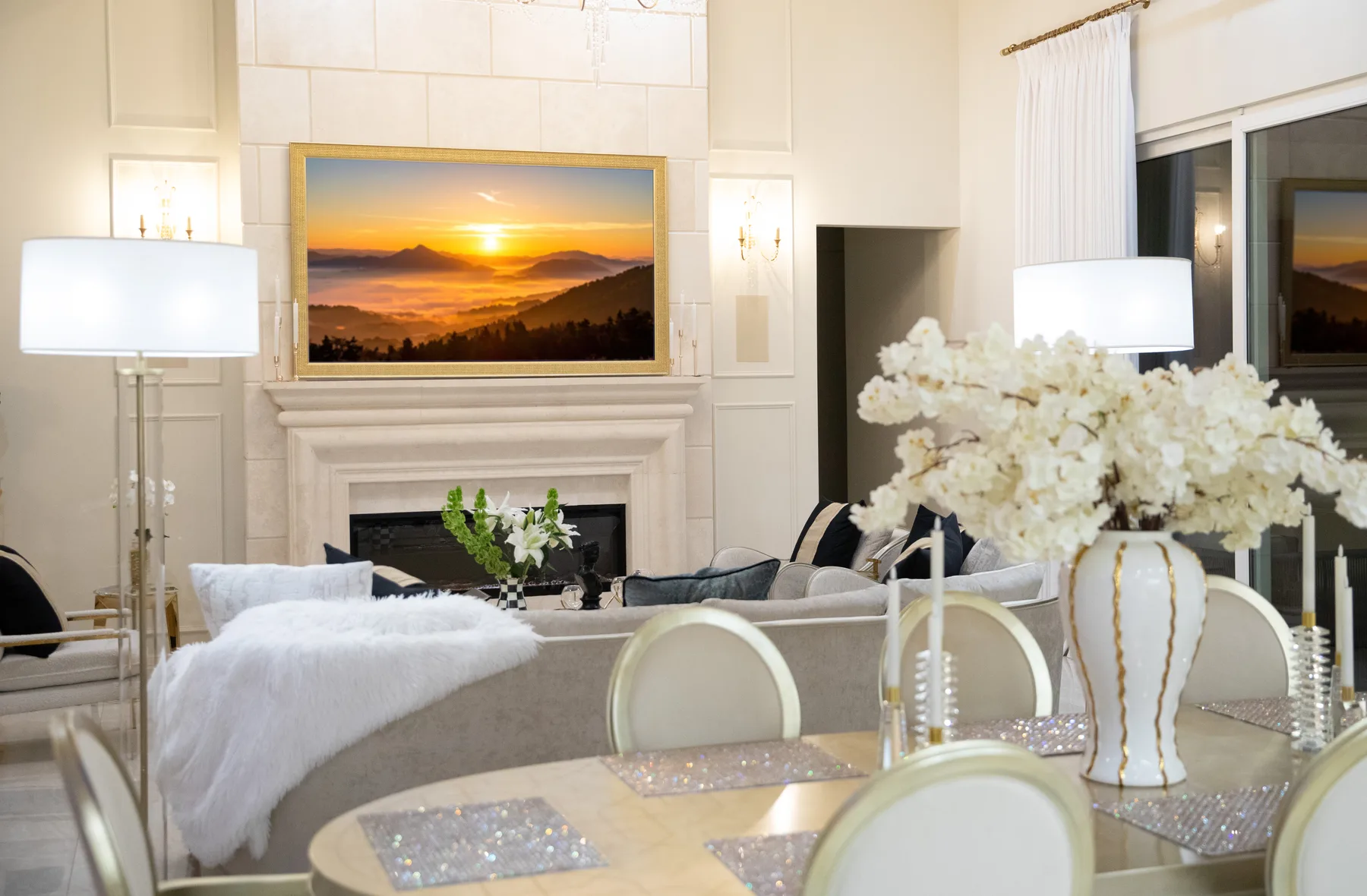
The best smart home technology does not fight the design. It supports the room quietly.
Designers and architects can avoid a lot of visible clutter by bringing technology planning into the project early.
Quick answer: How designers and architects can plan smart lighting, shades, AV, speakers, WiFi, cameras, and controls without cluttering the finished space.
Coordinate the visible technology palette early
Keypads, touchscreens, shade pockets, speakers, displays and access points all affect elevations and reflected-ceiling plans.
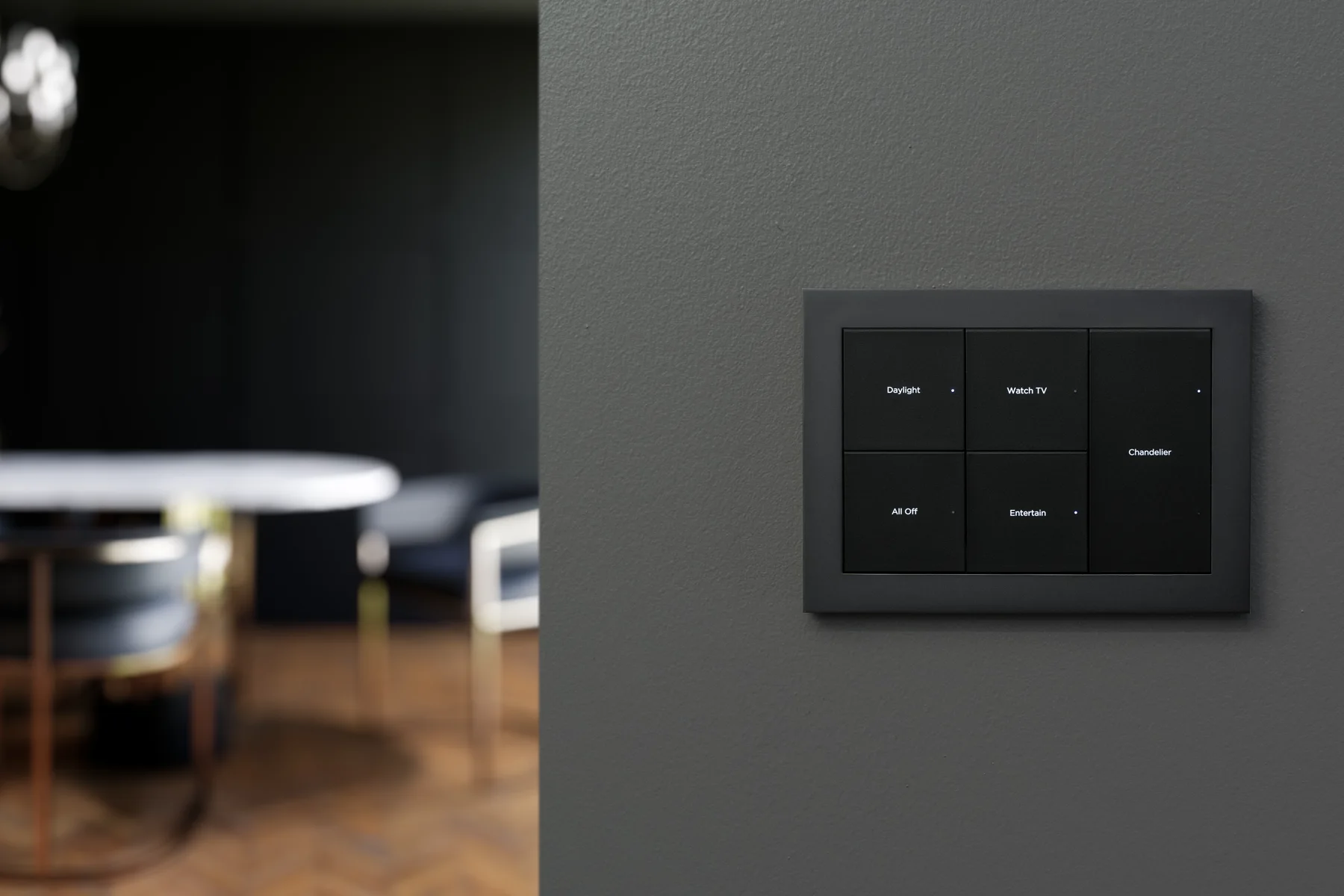
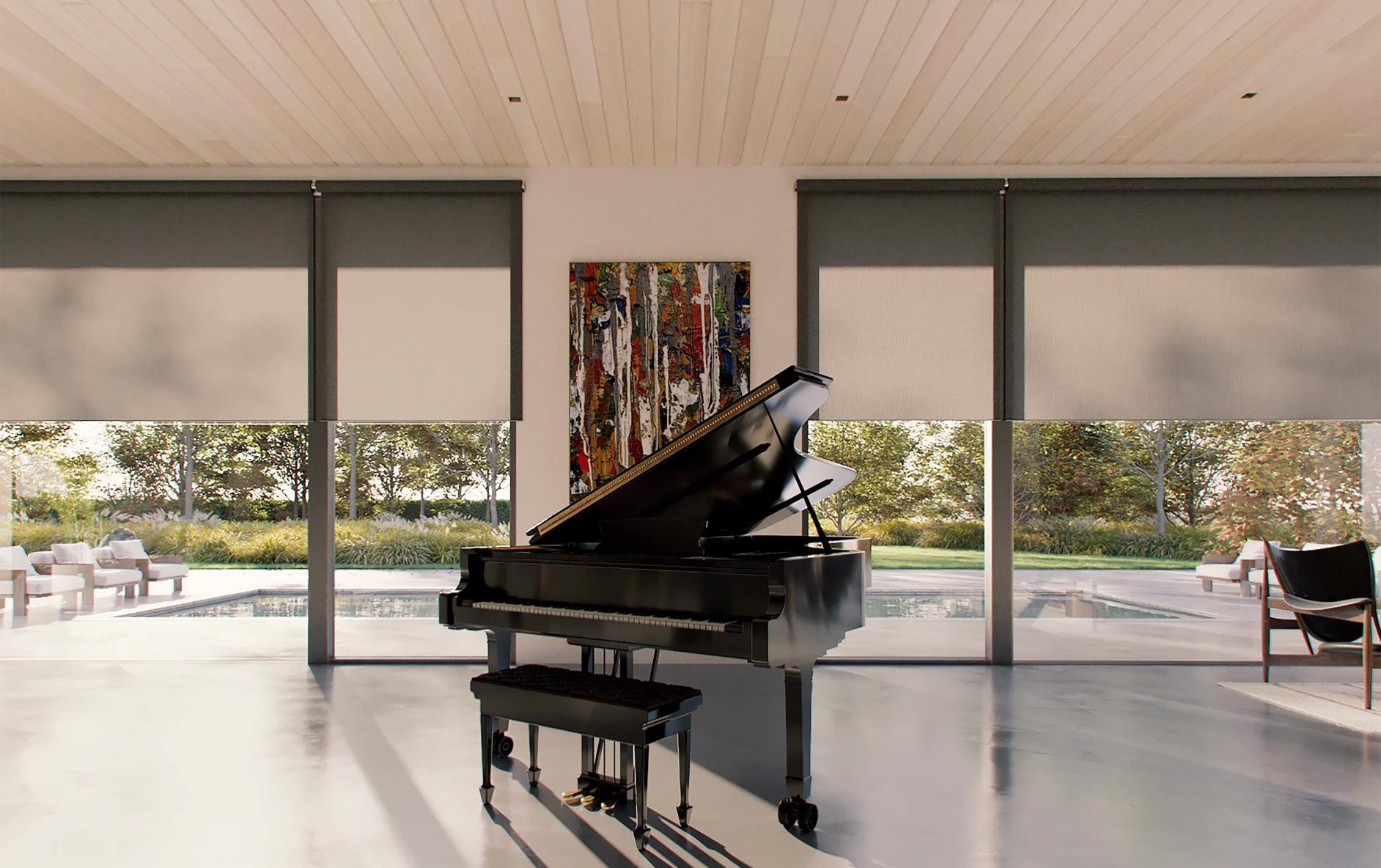
Coordination set: technology reflected-ceiling plan, device elevations, keypad schedule, shade details, display sections and an approved visible-device finish board.
Technology decisions affect sightlines
TV height, speaker visibility, keypad locations, shade pockets, camera placement, and access point locations can all affect how a room feels.
If those decisions happen after the design is complete, the result can feel like hardware was bolted onto the space.
What should be coordinated early
The goal is not to turn designers into technicians. It is to make sure the technology team has enough room, access, and finish information to keep the final space clean.
- Display locations
- In-wall and in-ceiling speaker locations
- Lighting keypad layout
- Motorized shade pockets and power
- Network access point locations
- Camera placement
- Rack and ventilation needs
Clean design still needs service access
Hidden AV is only good if it can still be serviced. Equipment closets, rack airflow, cable labeling, and access panels matter.
Denali Tech balances a clean finished look with a system that can be maintained after the project is done.
What should the design team approve before rough-in?
Use one coordinated drawing set rather than separate markups that quietly disagree. Place speakers and access points on the reflected-ceiling plan alongside lights, vents, beams, and sprinkler locations. Put displays, keypads, touchscreens, and shade controls on elevations where their alignment and reach can be reviewed with furniture and millwork.
For each visible device, record the proposed location, finish, dimensions, mounting detail, and approval owner. A physical finish sample or a full-size wall mockup can settle a decision that looks different on a small screen. Mark unresolved selections clearly so a provisional product does not become an accidental final choice.
Can all the equipment disappear into cabinetry?
Some equipment can be concealed, but the cabinet needs to be designed around the actual equipment and service path. Reserve the manufacturer-required airflow, cable space, door clearance, and a way to remove a component without dismantling finished millwork. A closed cabinet that looks tidy is not enough if it traps heat or blocks wireless coverage.
Before releasing fabrication drawings, ask the integrator and cabinetmaker to review an equipment schedule and cabinet section together. Confirm who supplies ventilation openings, structural support, electrical outlets, trim, and finish repairs. The useful deliverable is a coordinated detail with named responsibilities, not a promise that technology will somehow stay invisible.
Want this planned the right way?
Denali Tech can coordinate with designers, architects, and builders so smart home technology supports the design instead of cluttering it.
Send Project DetailsOr message us on WhatsApp
Primary guidance
Control4 resources for designers · CEDIA resources for architects, builders, and designers · CEDIA designer guide. Reviewed August 15, 2026. The article’s coordination recommendations are professional design guidance; final drawings, code compliance, structural support, electrical work, product clearances, and finish approvals belong to the responsible project professionals.
Final thought
The strongest design decision is often a small one made before fabrication: a keypad aligned with the trim, an accessible shade pocket, or a cabinet that allows an amplifier to be removed. Approve those details while they are still drawings, and the finished technology can support the room instead of competing with it.