Network and control
Home-run Ethernet for access points, televisions, controllers, cameras, work areas, and other fixed endpoints.
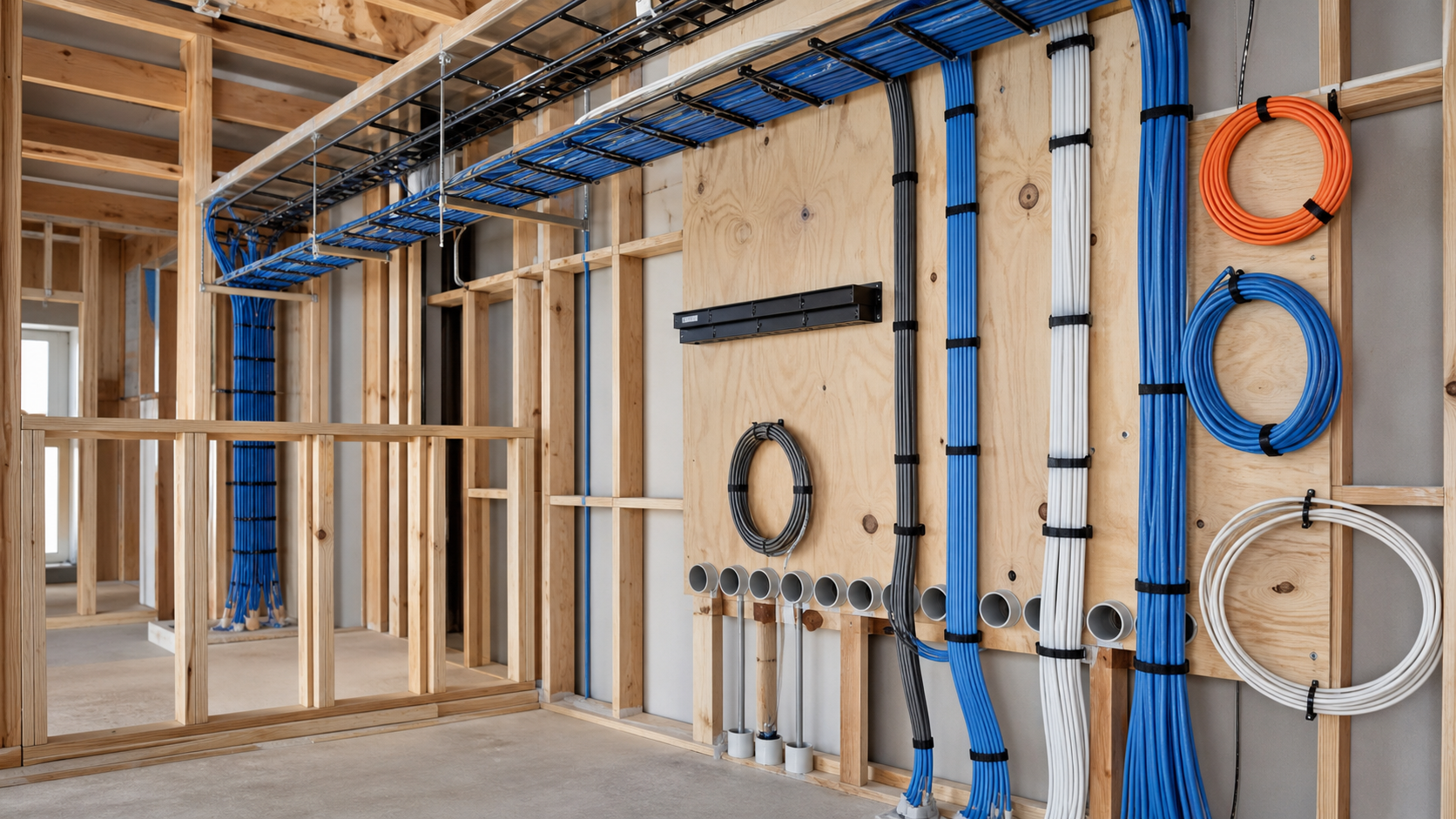
Low-voltage wiring and rack planning for a smart home prewire
Quick answer: A useful prewire is a room-by-room plan tied to a central equipment location. It covers network, displays, audio, cameras, shades, control, door stations, and future pathways—then labels, tests, photographs, and documents every run before drywall hides it.
Cable is inexpensive while framing is open. Access after drywall is not. The important decision is where each run begins, ends, and can be serviced later.
Start with the floor plan and the way each room will be used. Mark television walls, WiFi access-point locations, speaker positions, camera views, shade pockets, touchscreens, door stations, and any equipment that needs a hardwired network connection.
Then choose the central rack or structured-panel location. It needs enough wall or floor space, dedicated power, ventilation, lighting, cable entry, internet-provider access, and a route for future additions.
Home-run Ethernet for access points, televisions, controllers, cameras, work areas, and other fixed endpoints.
Speaker, subwoofer, display, and conduit paths based on the actual furniture and screen plan.
Power and control pathways for motorized shades, gates, doors, sensors, and future automation points.
| Location | Typical prewire | Planning note |
|---|---|---|
| Television wall | Power coordination, Ethernet, video pathway or conduit, soundbar/speaker path | Confirm mount type, display height, recessed boxes, and service access. |
| Ceiling access point | Home-run Ethernet for PoE | Place from a wireless design, not centered only for appearance. |
| Camera position | Home-run Ethernet or specified camera cable | Confirm view, mounting surface, nighttime lighting, and ladder access. |
| Speaker zone | Home-run speaker cable and optional subwoofer path | Coordinate grille positions with lights, HVAC, beams, and millwork. |
| Shade pocket | Specified power/control cable and accessible termination | Coordinate motor side, pocket size, and window-treatment details early. |
Conduit is most valuable where the future cable cannot be predicted or replaced easily: finished television walls, projector locations, detached structures, long service paths, and specialty rooms. It should have practical bend radius, pull access, a pull string, and a documented destination.
Every cable should carry a durable identifier at both ends that matches the drawings. Before insulation and drywall, photograph every wall and ceiling area with enough context to locate the cable later. After trim-out, test the runs and record the result.
Builder coordination milestone: Denali Tech should review the low-voltage rough-in before insulation. That is the last inexpensive moment to correct a missed route, blocked box, wrong speaker position, or undersized rack location.
The wire disappears, but its destinations stay visible: ceiling access points, a documented PoE switch, and a serviceable equipment rack.
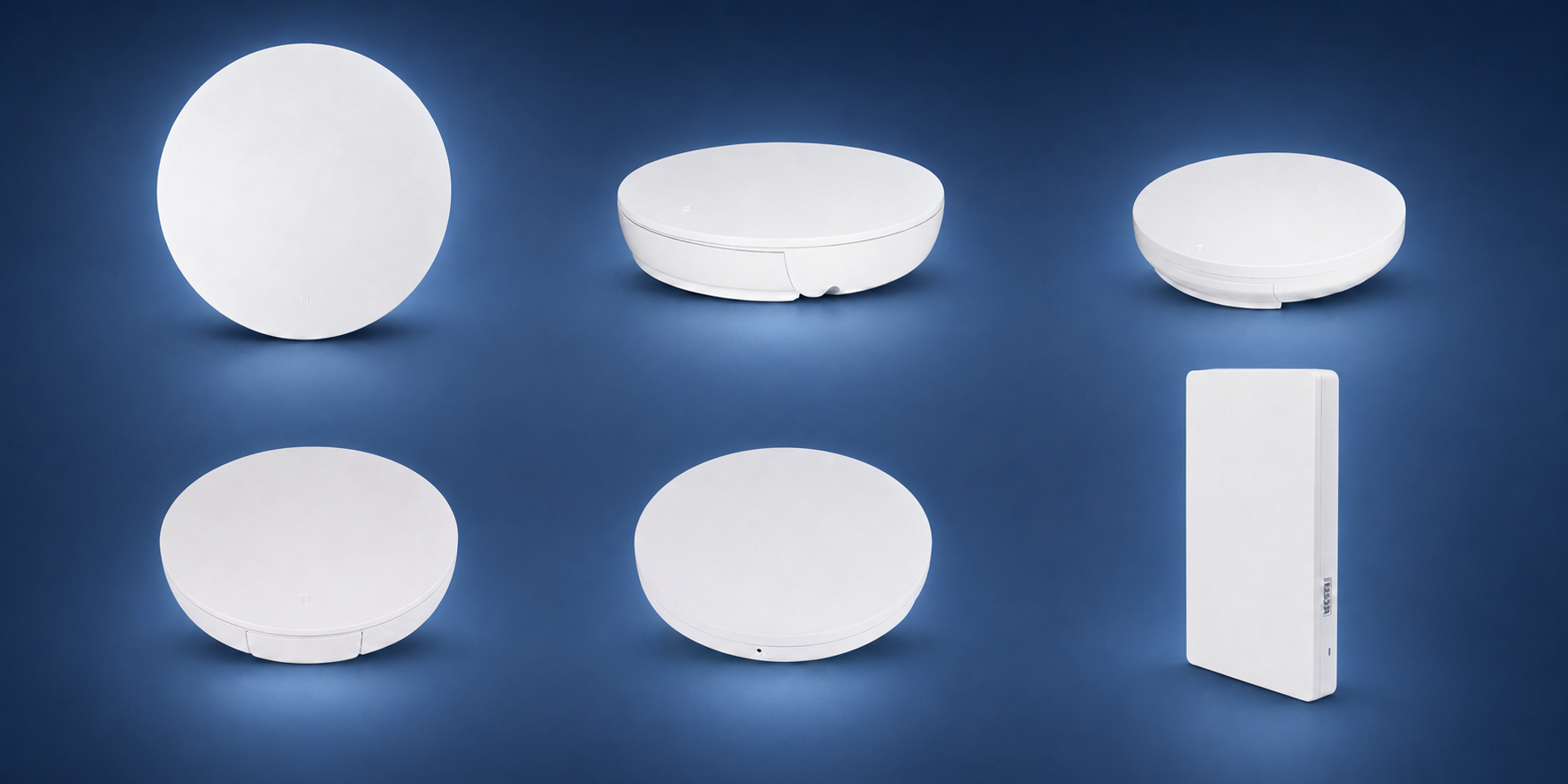
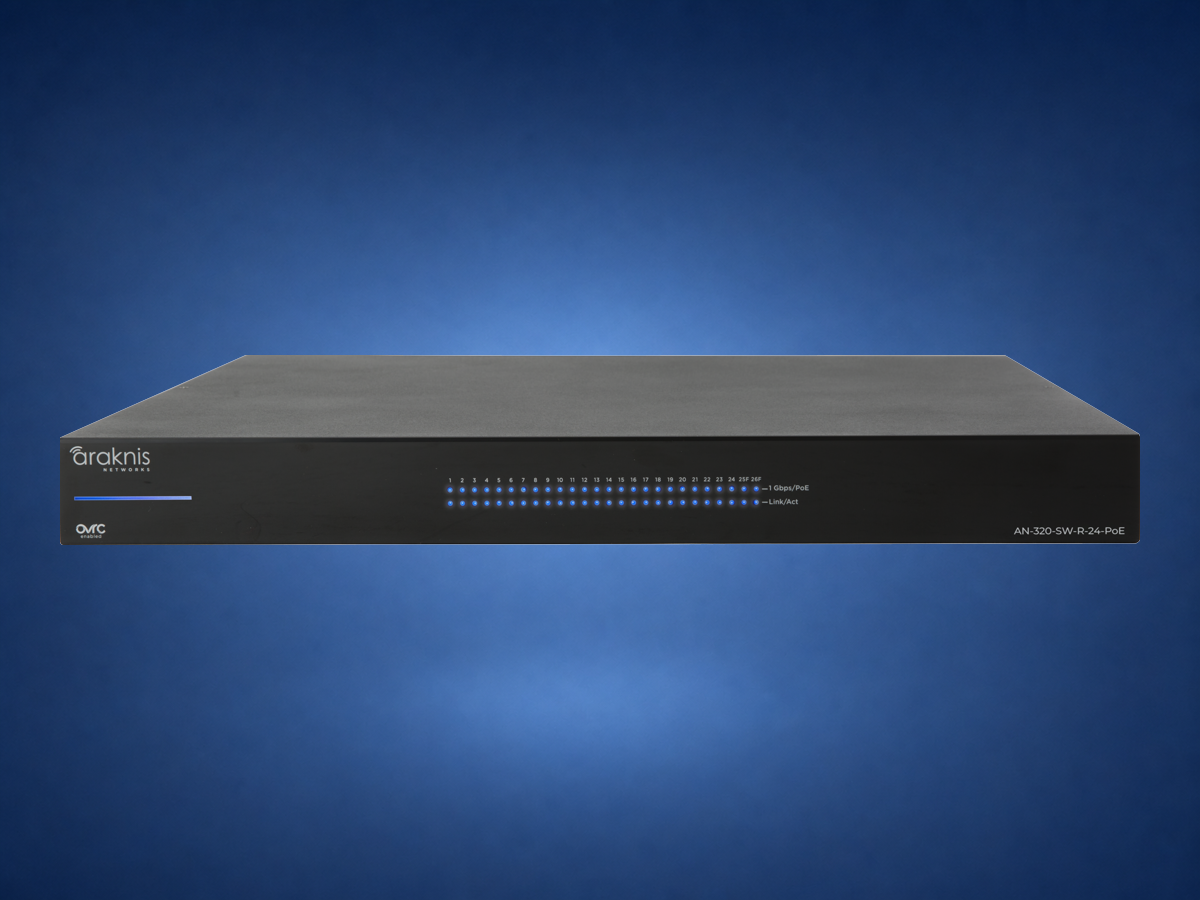

Network, display, camera, audio, and shade/control paths are often worth planning early because they are hard to add cleanly later.
No. WiFi still needs wired access points and network infrastructure. A wired foundation makes wireless work better.
Yes. The best time to coordinate is before rough-in, not after drywall.
Wirepath overview · Wirepath structured-wiring systems. Product families reviewed August 15, 2026. Cable type, fire rating, pathway, separation, grounding, bend radius, termination, testing, and permitted work depend on the application and local code. The approved project drawings and electrical/low-voltage requirements control.
Send photos of the room, rack, wiring, TV wall, or outdoor space. Denali Tech can help decide whether the right first step is design, cleanup, prewire, replacement, or support.