Design the outcome
Define what “Watch,” “Listen,” “Away,” or “Goodnight” should do in plain language before selecting hardware.
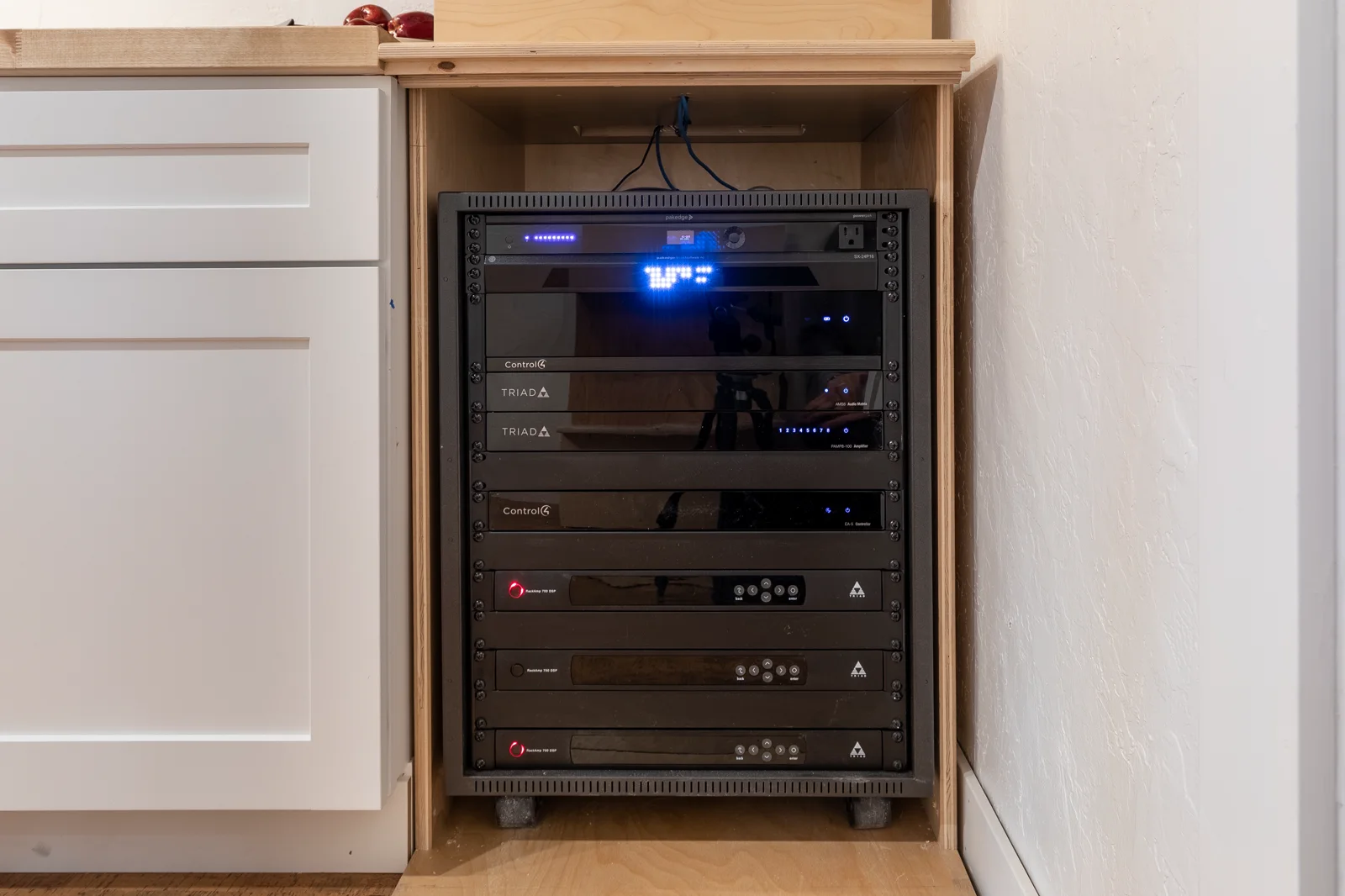
One finished rack can carry the control, network, power, video, audio, and service layers.
Quick answer: The products are not six separate smart homes. Control4 is the interface and automation layer; Araknis carries network traffic; WattBox supports power and recovery; Luma supplies video surveillance; Binary moves video; Episode or Triad handles audio; and OvrC helps the service team see supported devices after installation.
You should experience one simple system. The rack behind it can contain several specialized layers, each chosen for a specific job.
| Layer | Typical role | What the homeowner notices |
|---|---|---|
| Araknis network | Router, switching, PoE, and wireless access points | Apps, streaming, cameras, and control respond consistently across the home. |
| WattBox power | Protection, outlet organization, selected remote resets, and UPS options | Fewer blind unplug-and-replug service steps. |
| Control4 | Rooms, scenes, remotes, touchscreens, schedules, and app control | One familiar way to operate lights, media, shades, climate, and selected security views. |
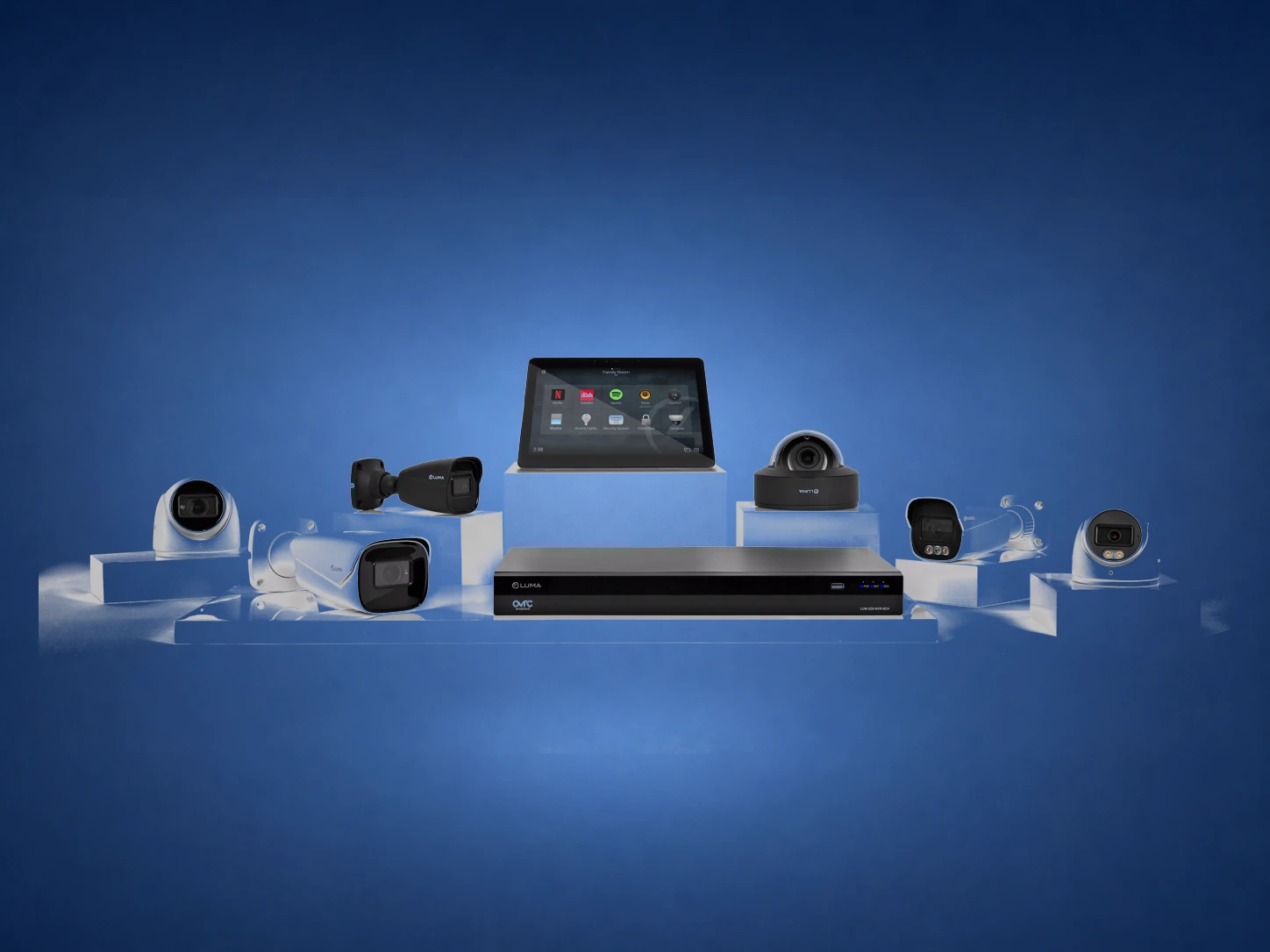
| Luma cameras | Camera and recording layer | Useful views, recorded events, and camera access from the chosen interface. |
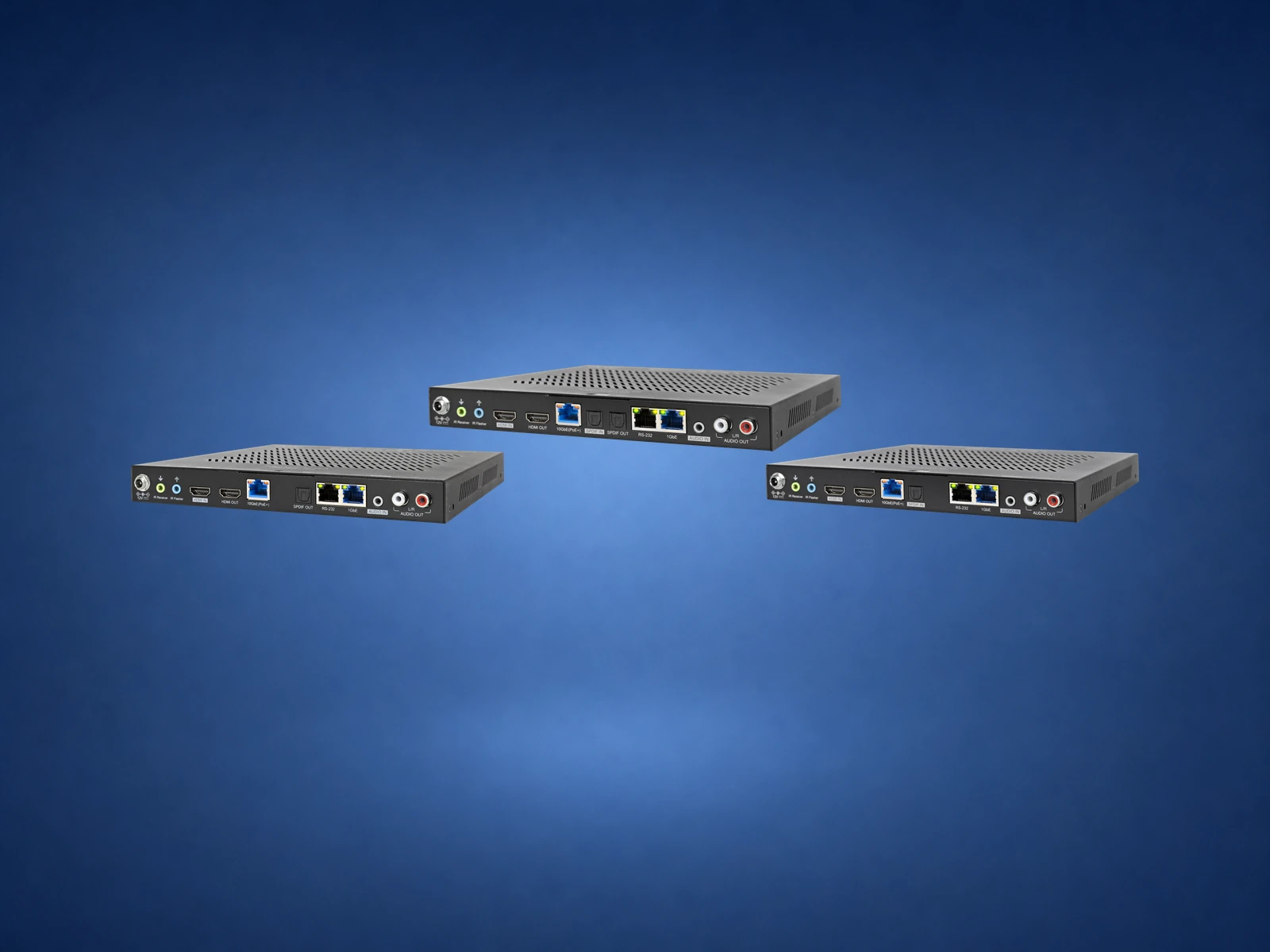
| Binary video | HDMI extension, matrix switching, or networked video distribution | Sources reach the right displays without a pile of boxes in every room. |
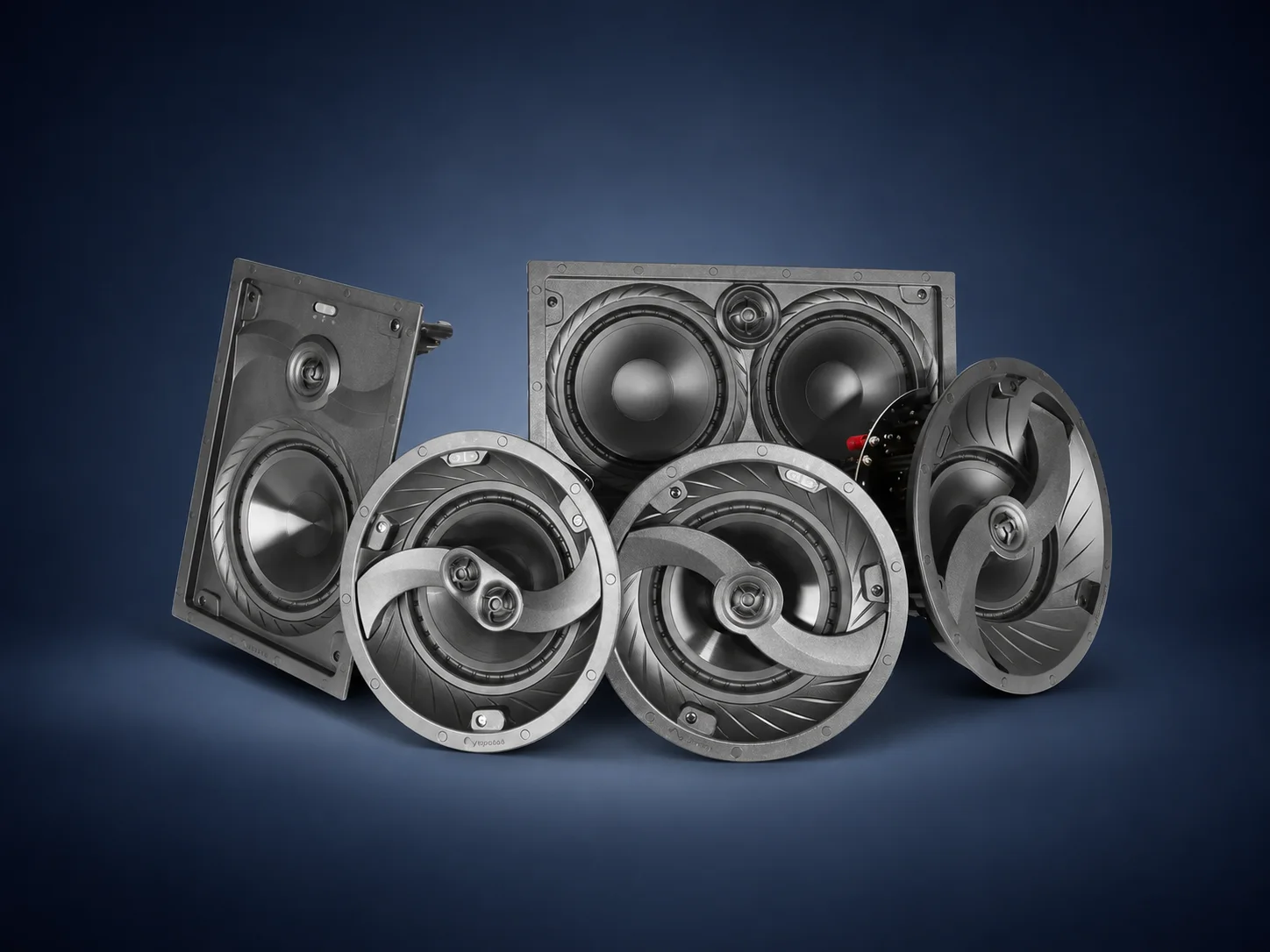
| Episode or Triad audio | Speakers, subwoofers, amplifiers, and room-specific audio | Music and television sound fit the room instead of fighting it. |
The Control4 interface starts the activity. The network carries commands and streaming data. Binary delivers the video path if sources are centralized. Episode or Triad supplies the audio. WattBox supports the equipment in the rack. If a supported source stops responding, OvrC can give the technician a better first look.
No single brand makes the experience reliable by itself. A weak access-point plan can make the app feel slow. Poor rack power can make a healthy controller appear unreliable. Incorrect video cabling can look like a television problem.
Define what “Watch,” “Listen,” “Away,” or “Goodnight” should do in plain language before selecting hardware.
Document which network, power, control, and signal-path components each experience depends on.
Label the rack, save drawings, photograph wiring, and explain what can be diagnosed remotely.
No. A single television and a few lights may need a much smaller design. An existing home may already have cameras or audio worth keeping. The right question is whether each retained product has a clear role, a compatible control path, and an owner for future support.
Denali Tech planning approach: keep working equipment when it serves the home well, replace the layer that is causing the limitation, and avoid adding a new platform unless it simplifies the finished experience.
These visuals show the categories you may hear during design. The model is selected only after the room count, wiring, bandwidth, load, and service requirements are known.
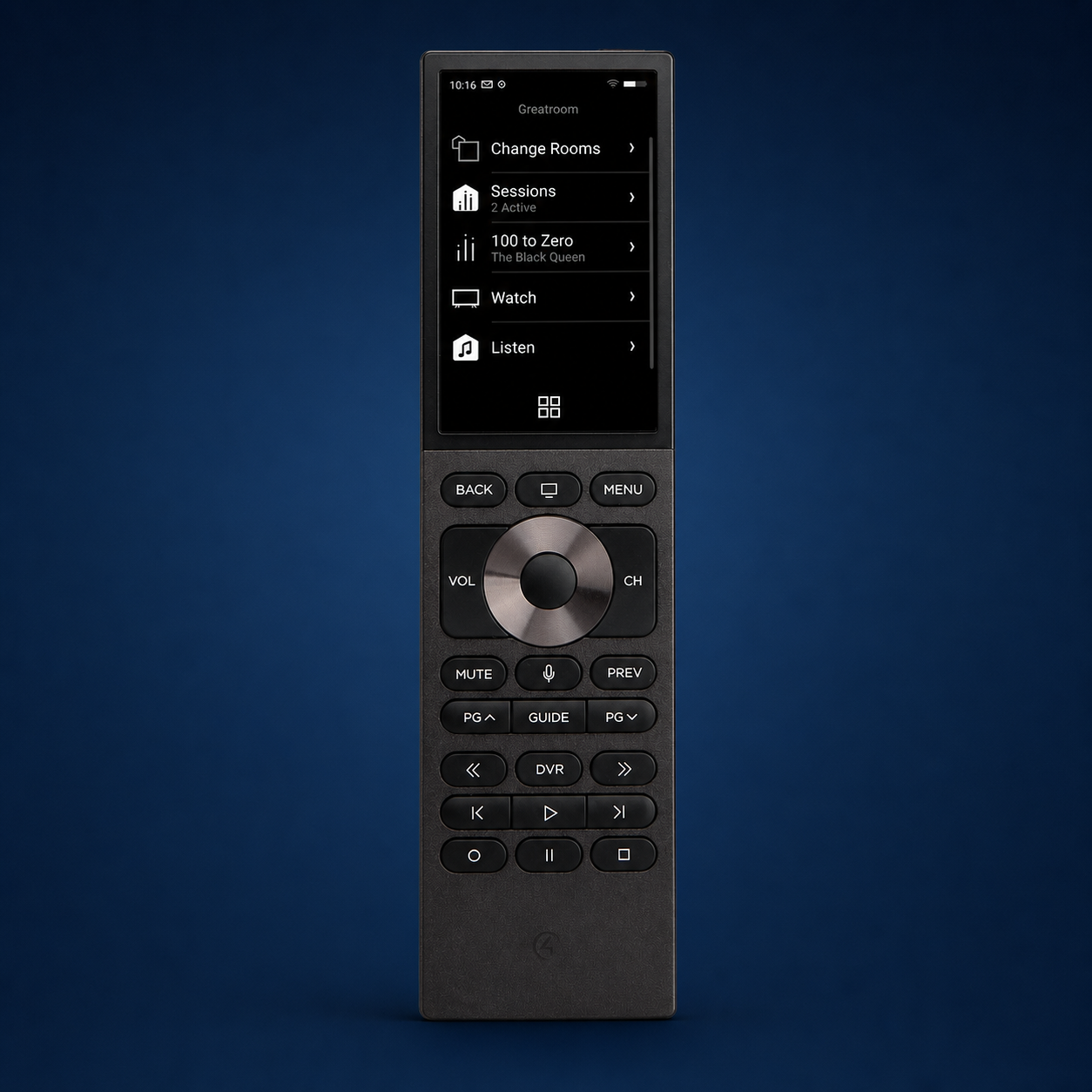
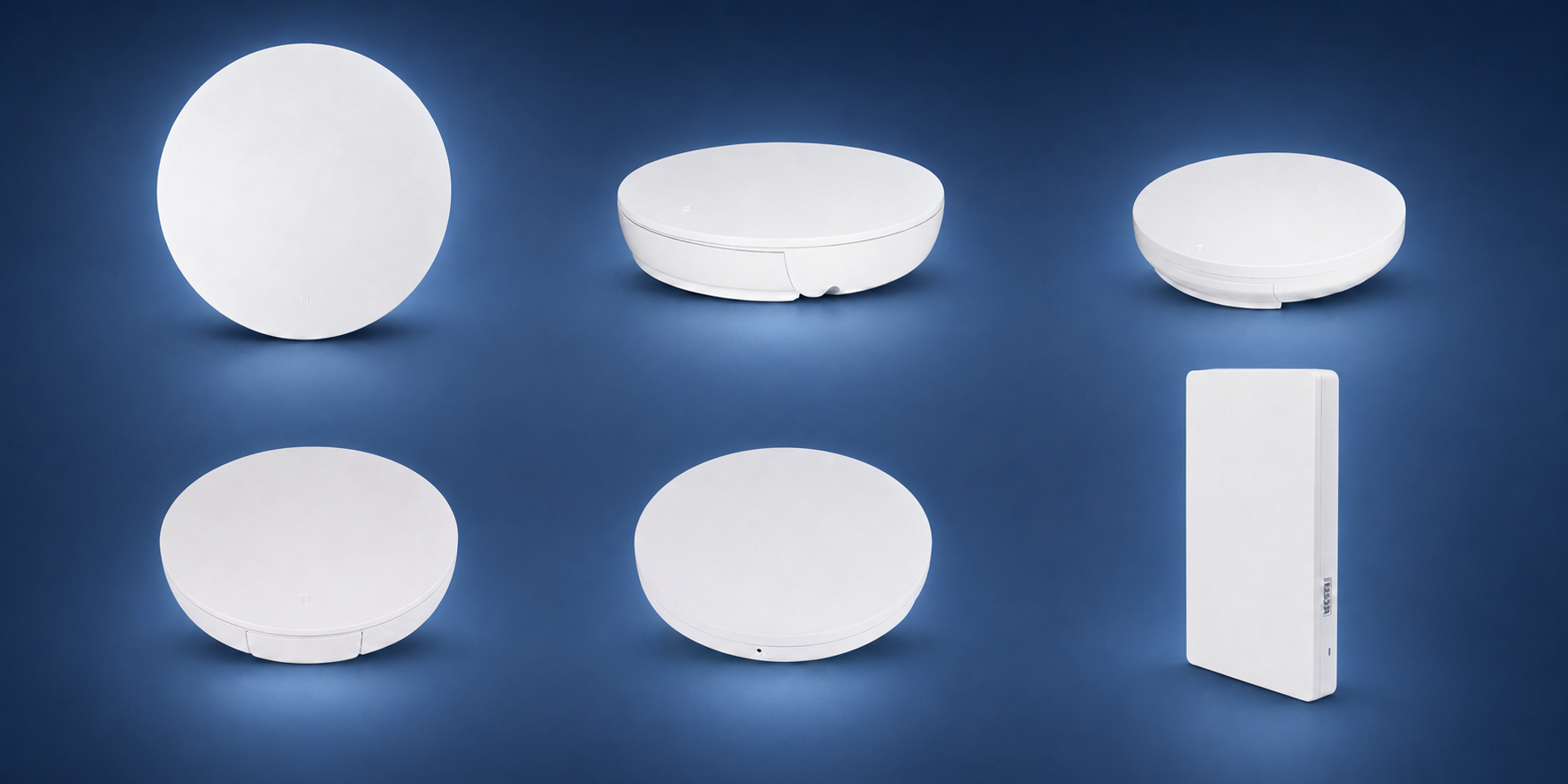
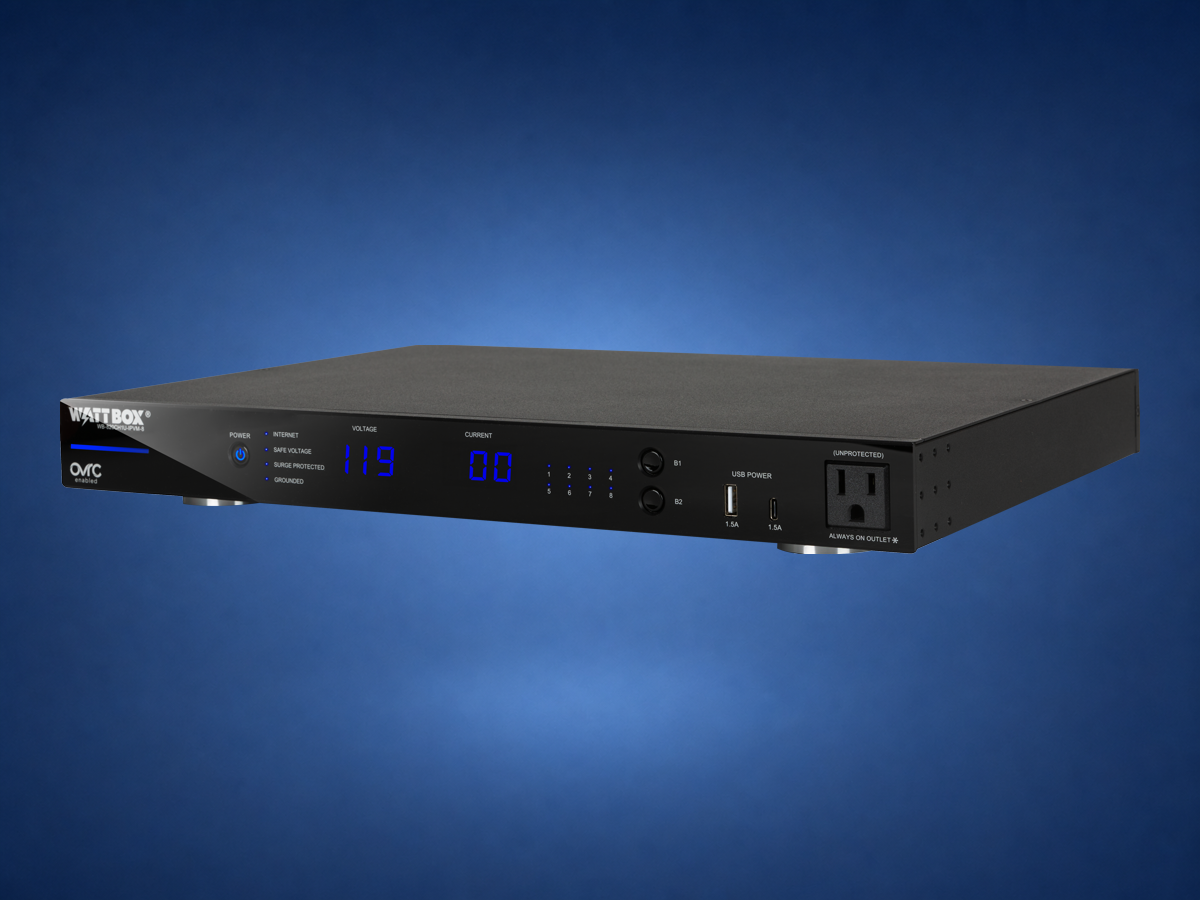
No. The right stack depends on the home, budget, existing equipment, and service goals.
Consumer devices can be fine for simple rooms, but larger homes need planning, support, wiring, power, and one control strategy.
Snap One brand directory · Control4 product catalog · Araknis overview · WattBox overview. Brand roles reviewed August 15, 2026. This article explains system architecture; it does not mean every brand or product is required, mutually compatible, or currently available. The project design and exact SKUs control.
Send photos of the room, rack, wiring, TV wall, or outdoor space. Denali Tech can help decide whether the right first step is design, cleanup, prewire, replacement, or support.