The best brand is the one with the right job.
A reliable smart home is rarely built around one logo. Control, lighting, audio, networking, cameras, power, and wiring each need a clear owner—and the pieces still have to work together as one home.
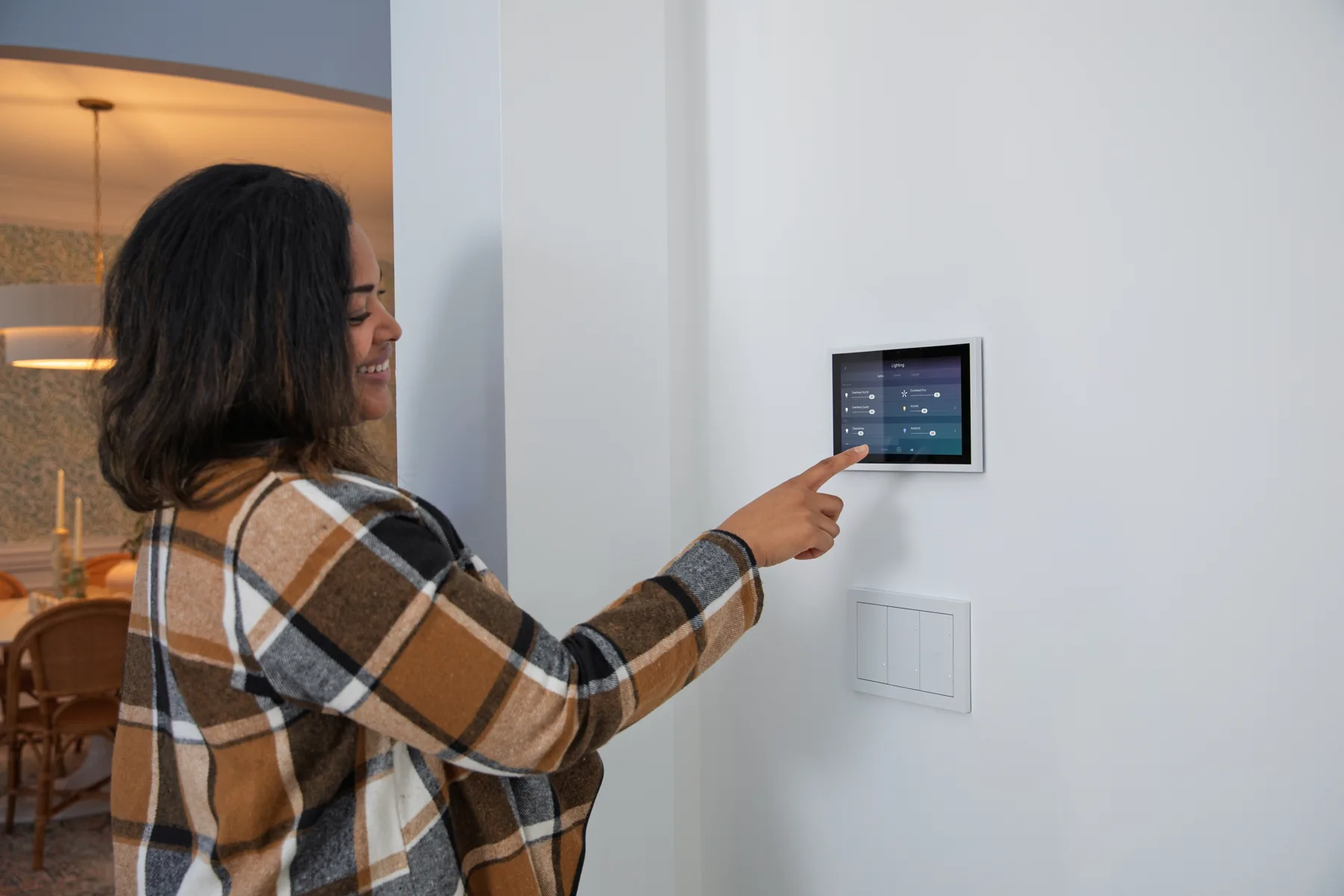
Pick each brand for a specific responsibility, confirm the integration between them, and make sure someone can support the complete system after installation.
Think in layers—not a shopping cart.
The products you touch are only the top layer. The network, power, wiring, programming, and remote-service plan underneath determine whether the experience stays smooth.
Experience
Remotes, touchscreens, apps, keypads, and the scenes your family uses every day.
Subsystems
Lighting, shades, audio, video, cameras, climate, access, and other home functions.
Infrastructure
Network, wiring, racks, mounts, signal distribution, ventilation, and protected power.
Service
Documentation, remote visibility, updates, backups, replacement planning, and support.
The six decisions that shape the system.
These are not universal rankings. They are the roles we evaluate for Chicago-area homes, based on the house, the people using it, the existing equipment, and the service expectations.
Whole-home control: Control4 or URC
ExperienceControl4 is a strong fit when many compatible subsystems need one personalized experience. URC Total Control is another professionally installed whole-home platform; URC Complete Control is focused on single-room A/V control.
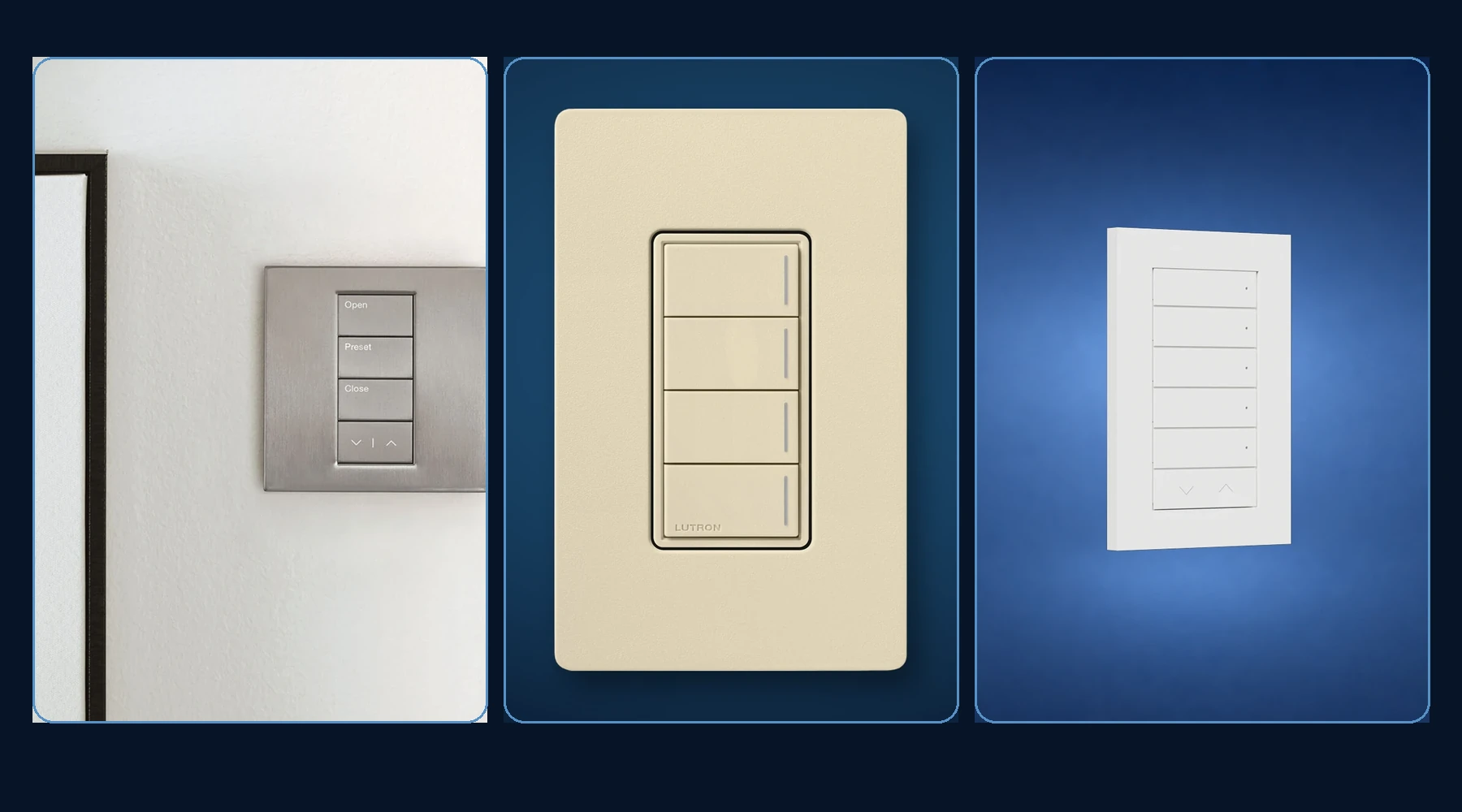
Lighting and shades: Lutron or Control4
ComfortLutron’s current residential families include Caséta, RadioRA 3, and HomeWorks QSX, each aimed at a different scale and design level. Control4 lighting can be considered when lighting and whole-home automation are being designed together.
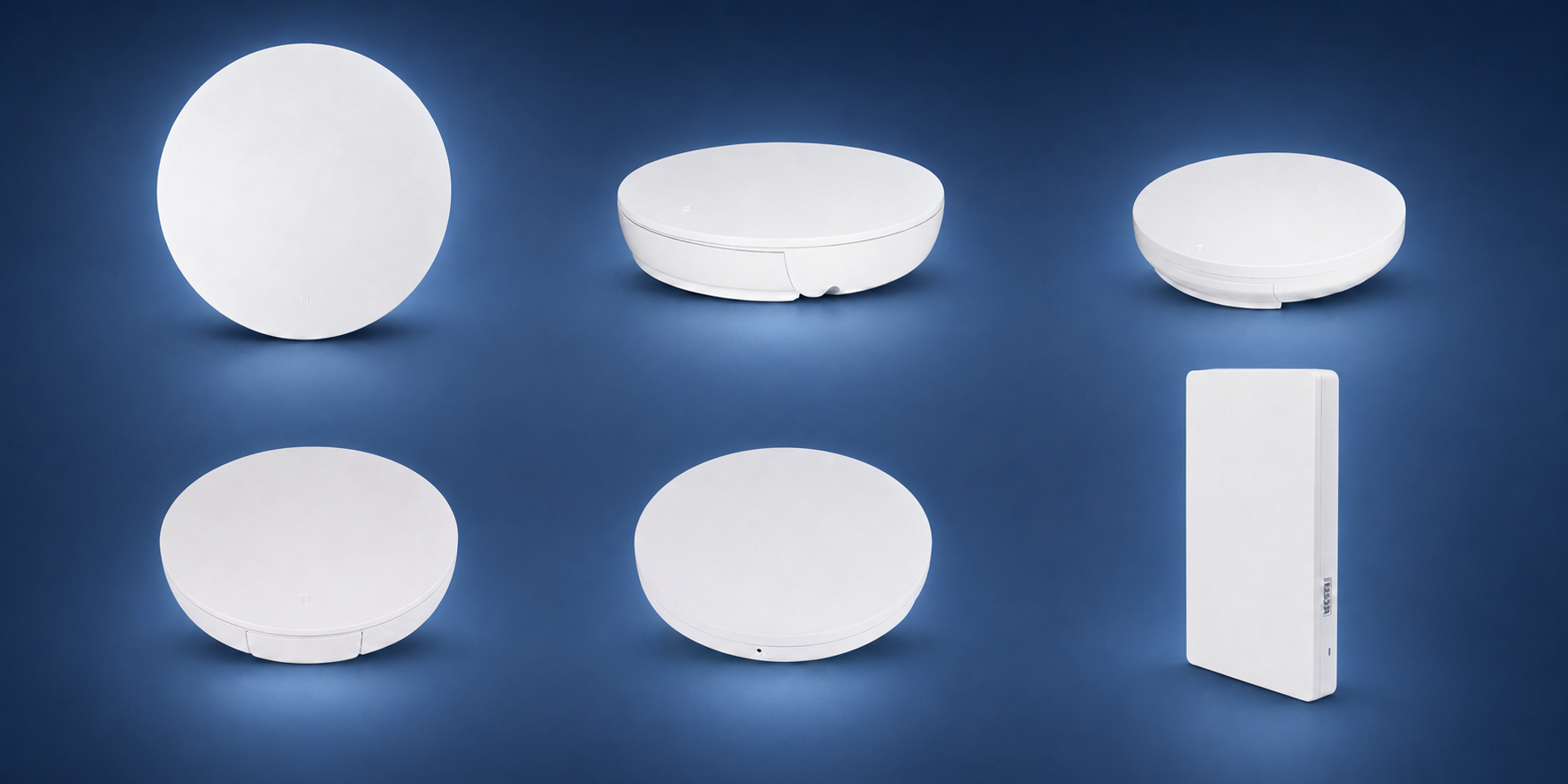
Network: Araknis with OvrC
FoundationAraknis offers professional routers, switches, and indoor or outdoor access points with OvrC management. The result still depends on a wired design, correct PoE and port budgets, access-point placement, RF conditions, and client devices.
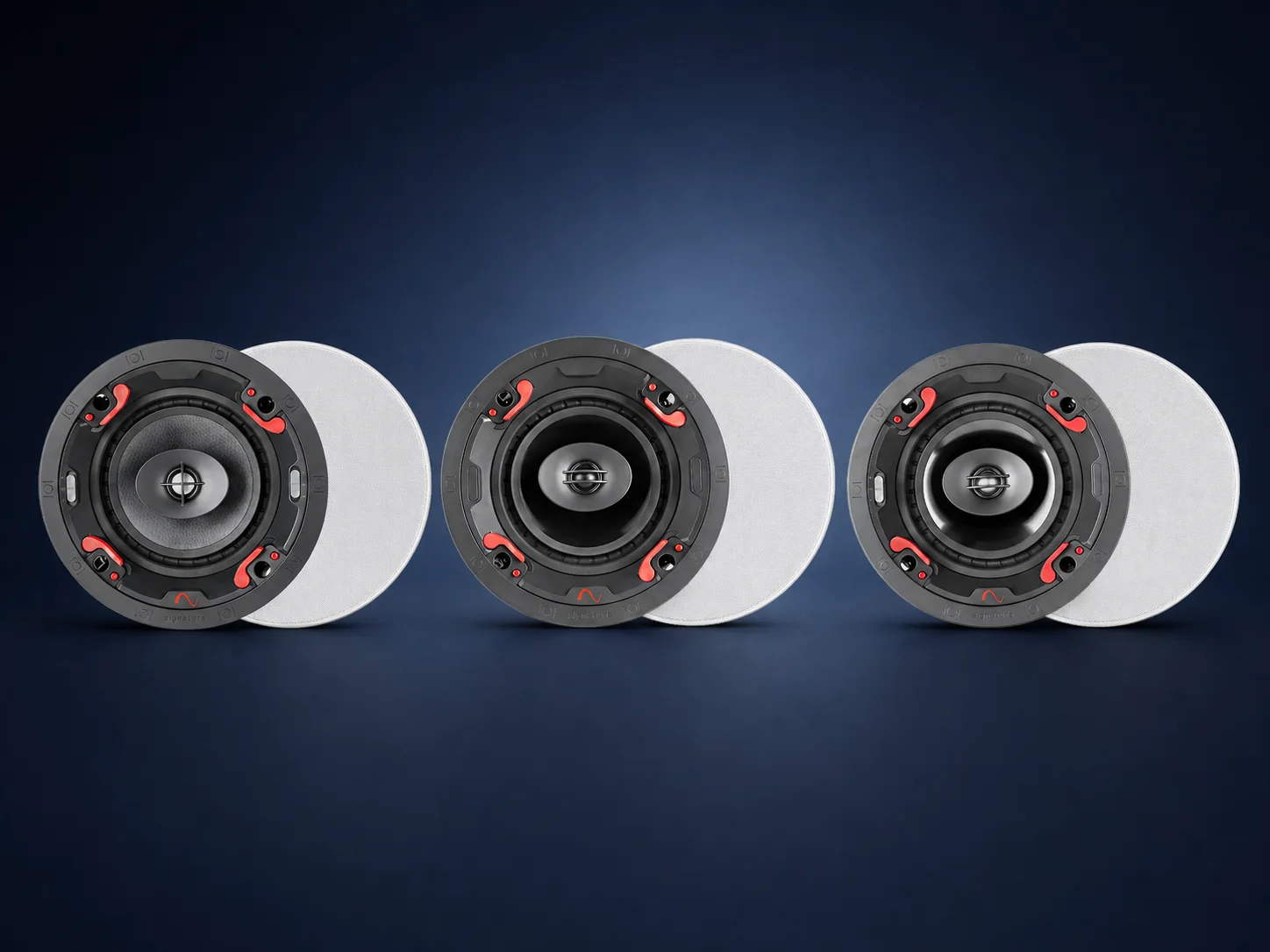
Audio: Sonos, Episode, or Triad
EntertainmentSonos fits app-led and modular whole-home audio. Episode offers architectural and outdoor speaker options for integrated projects. Triad is considered when the room, placement, finish, and performance goals call for a more custom loudspeaker solution.
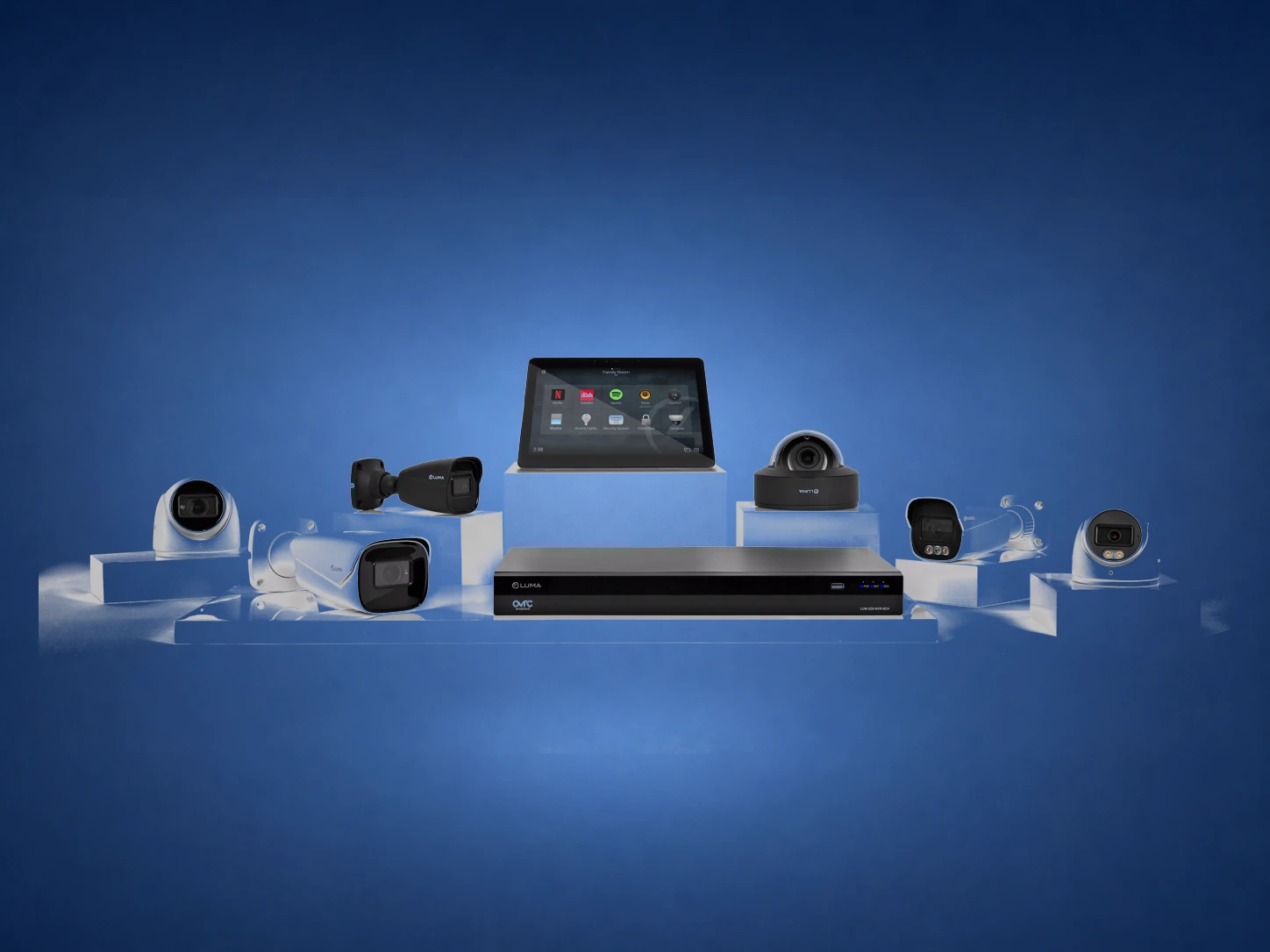
Cameras and recording: Luma
VisibilityLuma offers cameras and network video recorders that can be planned with OvrC and Control4. Camera shape, lens, resolution, low-light performance, mounting position, recording capacity, and notification goals matter more than a single headline specification.
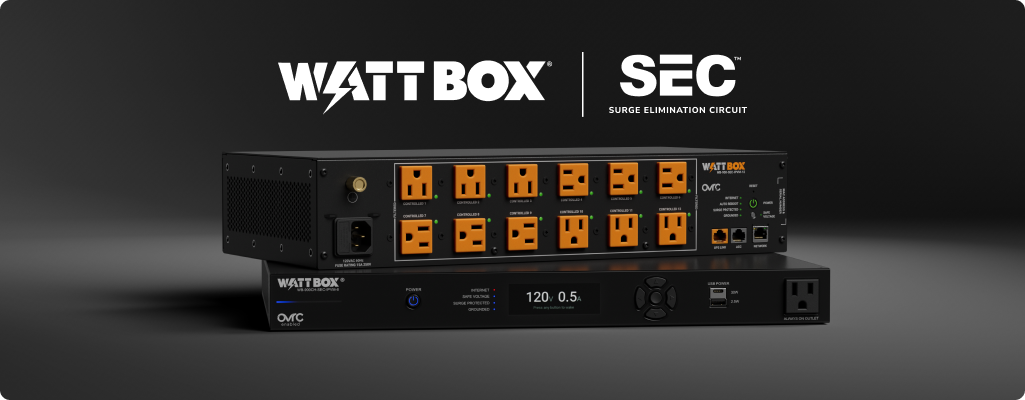
Power and service: WattBox with OvrC
ProtectionWattBox spans compact power products, IP-controlled rack units, and compatible UPS options. Capabilities vary by model, but selected units can provide outlet control, metering, sequencing, surge protection, and OvrC visibility.
Infrastructure brands still matter.
Binary, Strong, and Wirepath are not usually the products a homeowner opens an app to use. Their work is physical: carry the signal, support the equipment, and preserve an organized service path.
Binary
HDMI extension, matrix switching, and media-over-IP products are selected for distance, bandwidth, format support, topology, and upgrade expectations.
- The endpoints and signal format must be verified
- Cable distance and pathway affect the design
- Distributed video needs a network and control plan
Strong and Wirepath
Racks, mounts, enclosures, bulk wire, connectors, and structured-wiring parts need correct dimensions, ratings, ventilation, pathway, and access.
- Mount ratings must match the display and wall
- Rack depth and ventilation must fit the equipment
- Cable type and termination must match the application
The stack changes with the house.
These are examples of how responsibilities can be divided—not fixed packages. Exact products are chosen only after the rooms, wiring, equipment, budget, and desired experience are understood.
Simplify without rebuilding everything
Possible direction: retain sound equipment, improve the network, add focused lighting or shades, and choose Control4 or URC only where unified control adds real value.
Design before the walls close
Possible direction: plan wiring, rack space, network, lighting, shades, speakers, cameras, power, and control as one coordinated scope.
Keep the control proportional
Possible direction: use a programmed Control4 or URC interface, appropriate audio and video equipment, protected power, and a serviceable equipment location.
Ask these questions about every brand.
A premium logo does not guarantee a good system. The important details are compatibility, ownership, documentation, and what happens when the home changes later.
- What exact job does this brand own in the system?
- Which exact models and integrations are being proposed?
- What keeps working if the internet is unavailable?
- Which features require subscriptions or cloud services?
- Who has the project files, credentials, and documentation?
- Can another qualified professional service it later?
- What is the expansion and replacement path?
- How will software updates and backups be handled?
Brand roles checked against official sources
Reviewed August 17, 2026: Control4 whole-home solutions, URC Total Control, URC Complete Control, Lutron residential system comparison, Sonos whole-home sound, Araknis, OvrC, and WattBox. Brand and product names belong to their respective owners. “Best” means the right fit for a documented project and support plan—not a universal ranking. Features, models, compatibility, subscriptions, and availability can change.
Compare the systems before choosing.
Want a brand plan built around your home—not a sales list?
Tell us what you want the home to do, what equipment already exists, and which rooms matter most. We will help map the simplest supportable path.