Too many apps and remotes
TV, music, lights, shades, climate, and cameras all feel separate and annoying to use.
Lights, climate, locks, cameras, music, theater, and shades should not feel scattered across apps and remotes. Denali Tech builds smart home control systems around how the home is actually used.
TV, music, lights, shades, climate, and cameras all feel separate and annoying to use.
Automation should match how your family uses the home, not a generic package.
Devices work sometimes, break after updates, or depend on a weak network underneath.
Start with what you want the home to do, what feels frustrating now, and whether the project is an existing system, remodel, or new build.
We identify the controller, remotes, network, rack, and scenes before recommending a reset or replacement.
We plan wiring, keypads, rack space, network, TVs, shades, and lighting control before walls close.
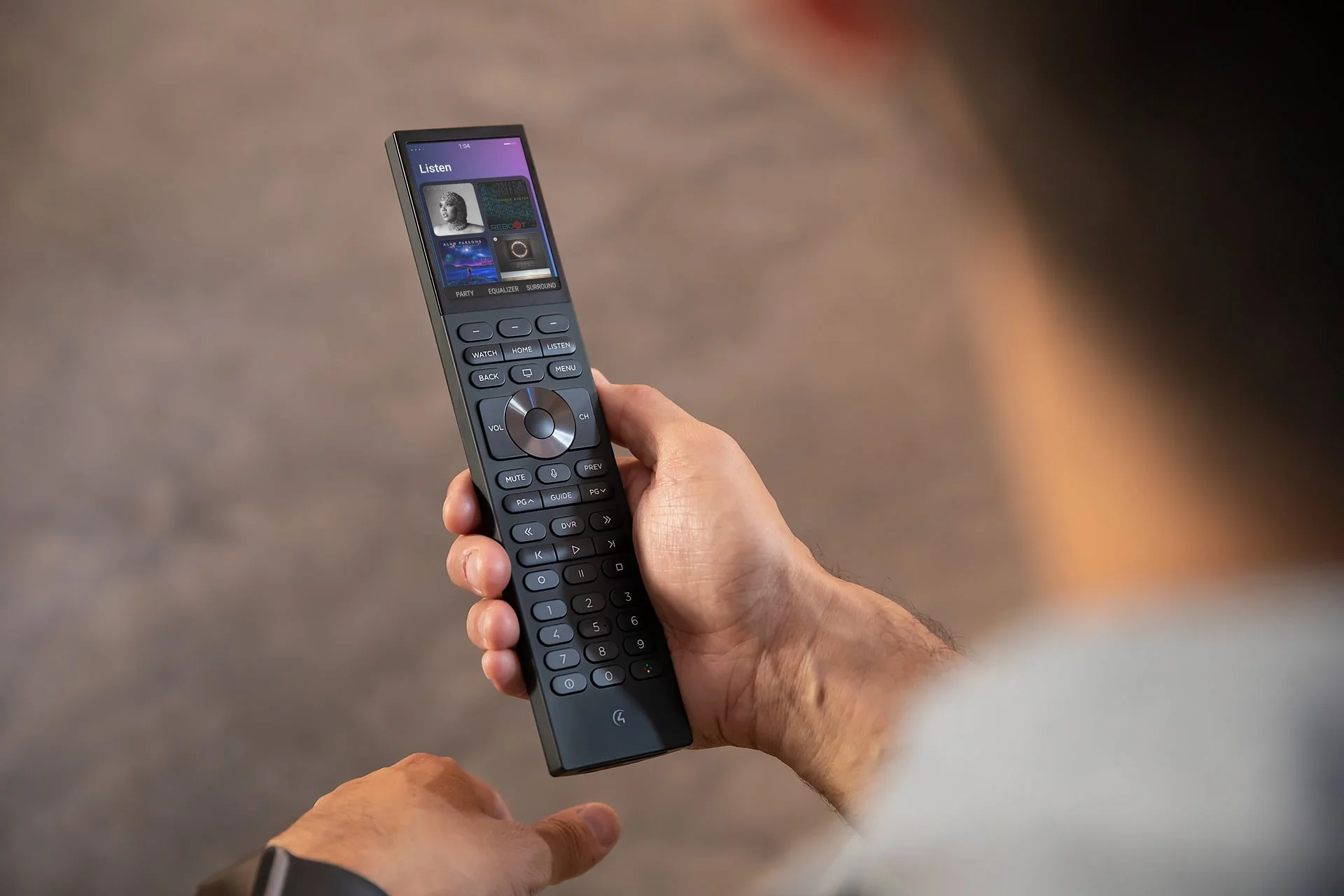
We simplify the parts your family touches: remotes, app access, scene names, favorites, and walkthrough notes.
A familiar remote, touchscreen, or app should give the family the same clear path to lighting, entertainment, climate, and everyday scenes.
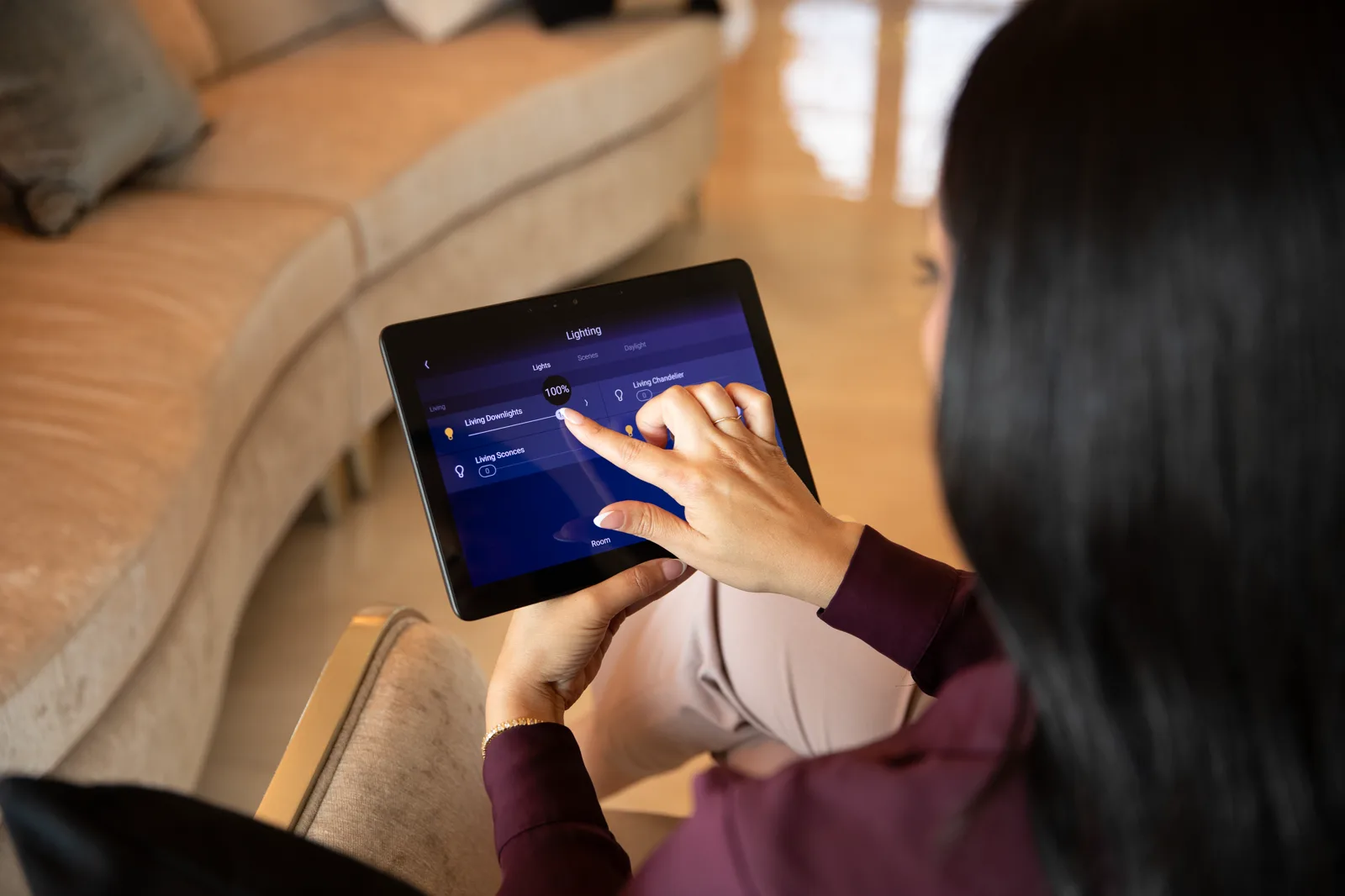
Understand where voice control and Apple devices fit without creating a second control system.
Coordinate the generator, network, UPS, managed power, and safe recovery sequence.
See how snow-melt status and homeowner controls can fit into the larger system.
Plan humidity, ventilation, sensors, and useful automation without hiding important controls.
Coordinate technology, millwork, lighting, wiring, and finish decisions before construction closes.
See the roles of Control4, Araknis, WattBox, Luma, Binary, Episode, and Strong.
Yes. We start with an audit so we know what is reusable, what is undocumented, and what needs to be reprogrammed.
That depends on the rooms, equipment, and support needs. The right answer may be a full control platform or a smaller remote and network cleanup.
Photos of remotes, touchscreens, the network rack, TV equipment, and any rooms that are hard to control help us prepare.
Send a short note about the rooms, systems, and problems. Photos of remotes, racks, panels, or equipment areas help.