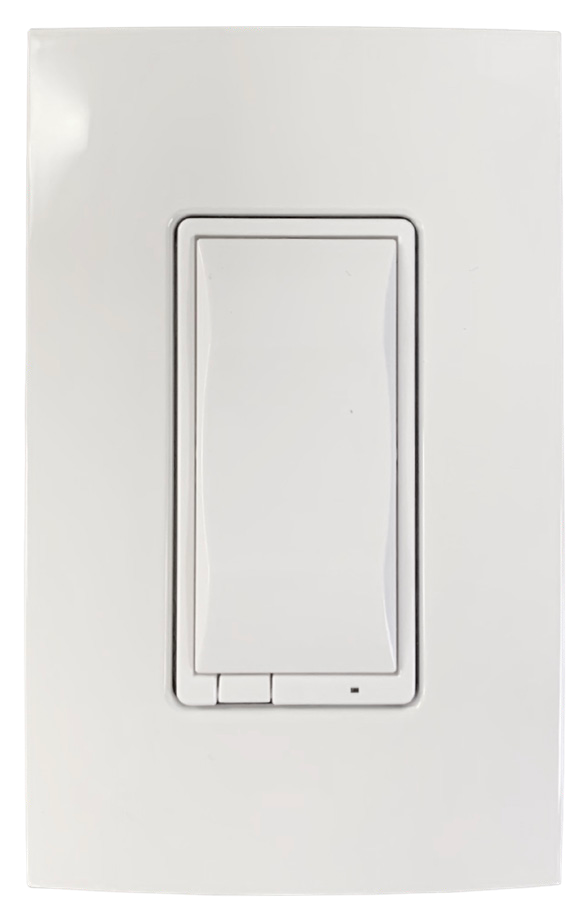
Brightness control
Essential dimmer
Turns a compatible dimmable load on and off and adjusts its brightness. The small lower controls make local level changes straightforward.
C4-V-FPD120 · 120VSee the dimmer, switch and auxiliary keypad together—then choose where a familiar paddle is all the room really needs.
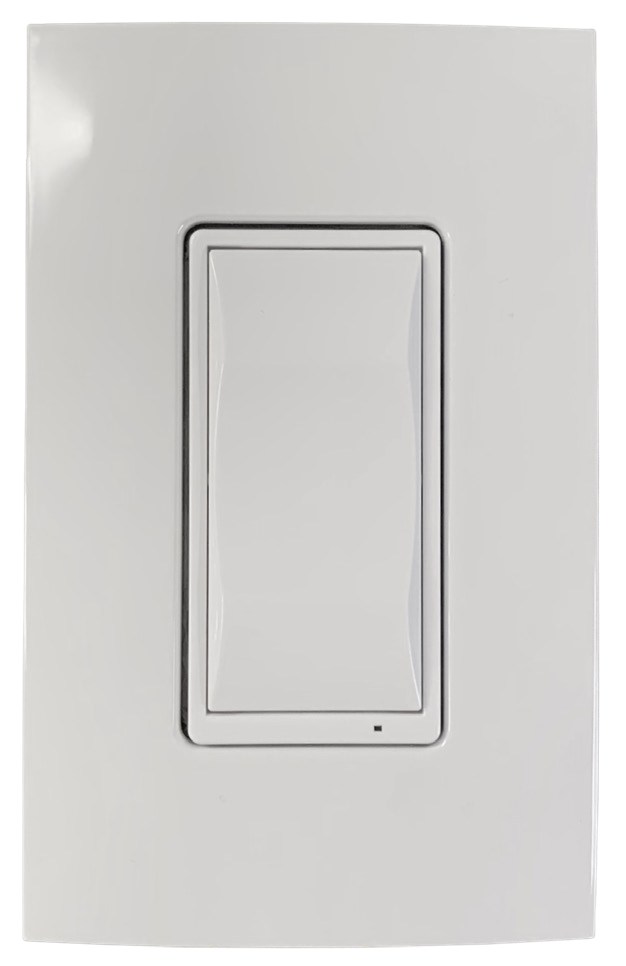
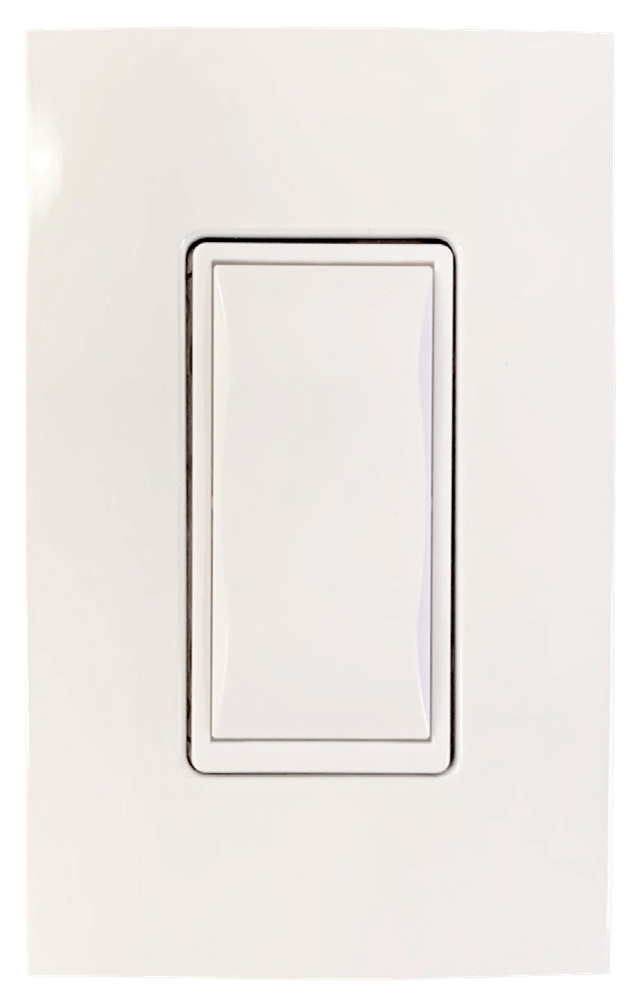
The quick answer: Essential is the practical Control4 choice for rooms that need reliable smart lighting but do not need engraved scene buttons. It looks familiar, joins the same Control4 system and keeps the wall easy for anyone to use.
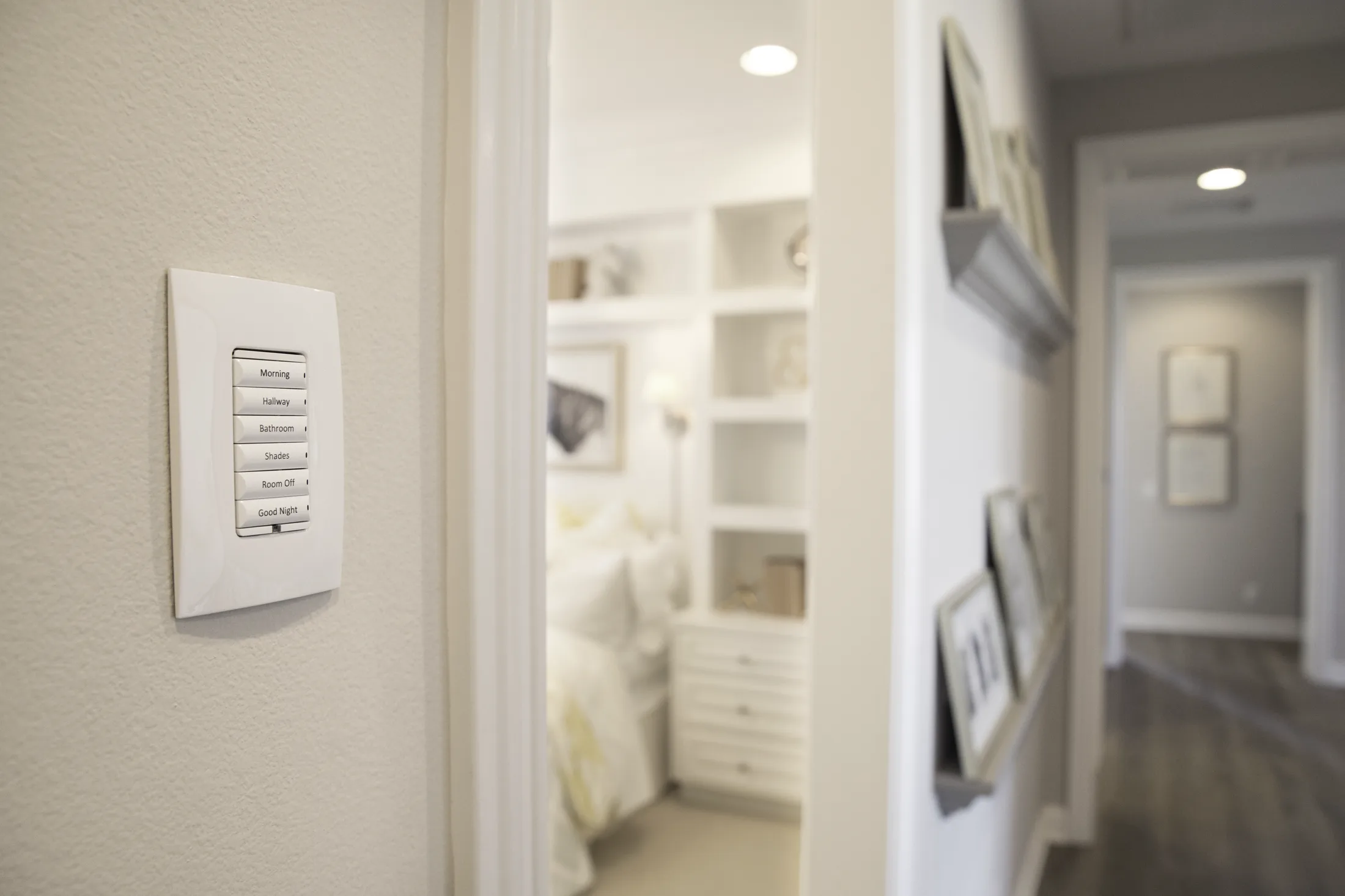
Essential keeps secondary rooms familiar. At the entry, kitchen or bedside, an engraved Control4 scene keypad can add named whole-home actions without changing how those simple paddles work.
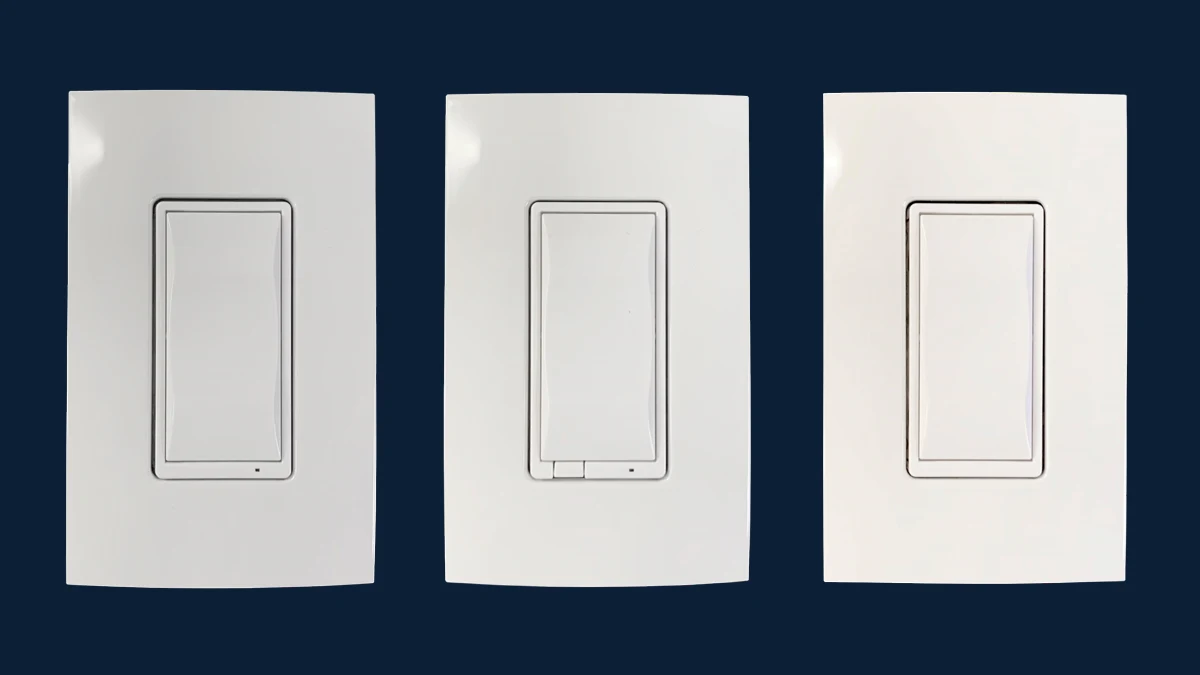
The faces are intentionally similar. What changes is the electrical job behind the paddle.
Turns a compatible dimmable load on and off and adjusts its brightness. The small lower controls make local level changes straightforward.
C4-V-FPD120 · 120VControls loads that should simply turn on or off, including many lighting types and selected motors or pumps when properly specified.
C4-V-SW120277 · 120–277VAdds familiar control from another wall in a 3-way, 4-way or 5-way arrangement. It works with an Essential dimmer or switch rather than controlling a load by itself.
C4-V-AUX · up to 5 per loadUse it where the natural action is simply “turn this light on,” “turn it off,” or “make it brighter.” Save multi-button keypads for the walls that need several named scenes.
Familiar local control, plus scheduled or whole-home behavior when needed.
A simple paddle is faster than a scene keypad for a single light.
Reliable smart control without paying for buttons the room will not use.
Useful for schedules, arrival routines and an “all off” command elsewhere in the home.
Adjust lights from Control4 interfaces alongside the rest of the home.
Automate selected lights around daily routines, sunset or occupancy logic.
An Essential-controlled light can be included in Welcome, Away and Goodnight scenes.
Essential can coexist with other Control4 wireless and centralized lighting.
The best projects mix device types. The right answer depends on how many actions belong at that wall—not on making every room identical.
One local light or a straightforward second control location.
An important room that needs several scenes or whole-home actions.
One familiar rocker paddle with a single blue status LED.
Configurable buttons, backlit engraving and more visible feedback.
No button engraving.
Custom labels can make scene actions obvious.
Simple, economical smart lighting in more rooms.
More control at the wall or a premium architectural finish.
Essential devices ship in white, with color-change kits available in Snow White, Light Almond and Black. Compare a physical sample with the wall paint and nearby receptacles before ordering.
Confirm whether the connected load should vary in brightness or only turn on and off.
Check bulb or fixture type, wattage, voltage and dimming method—not every LED behaves the same.
Confirm neutral, line, load, box depth and every multi-way location before selecting devices.
Decide which schedules and whole-home scenes should include that light.
Product details and images were checked against the current Control4 Wireless Lighting Comparison Table, Essential Dimmer data sheet, Essential Switch data sheet and Essential Auxiliary Keypad data sheet. Final load compatibility, color availability and wiring must be confirmed for the project.
We can map the loads, keypad locations and everyday scenes before the lighting package is ordered.