A familiar paddle for rooms that do not need scene buttons.
Four real placements to compare in your home
Start here before talking about model numbers. These views show how each family feels in a finished room and how much visual attention it takes on the wall.
The four main directions
This is the easiest way to begin the conversation. Each direction can be customized after we choose the overall style.
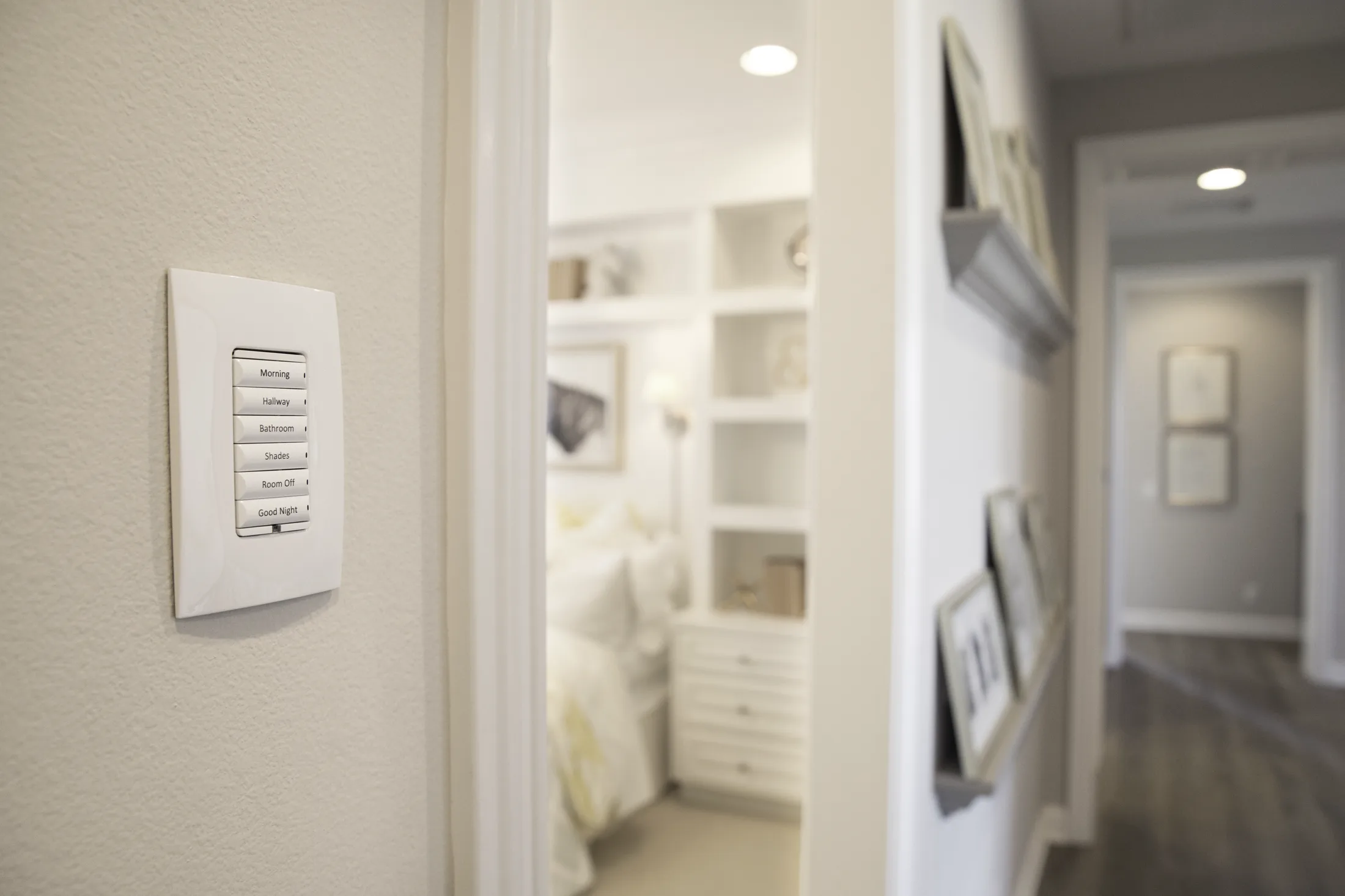
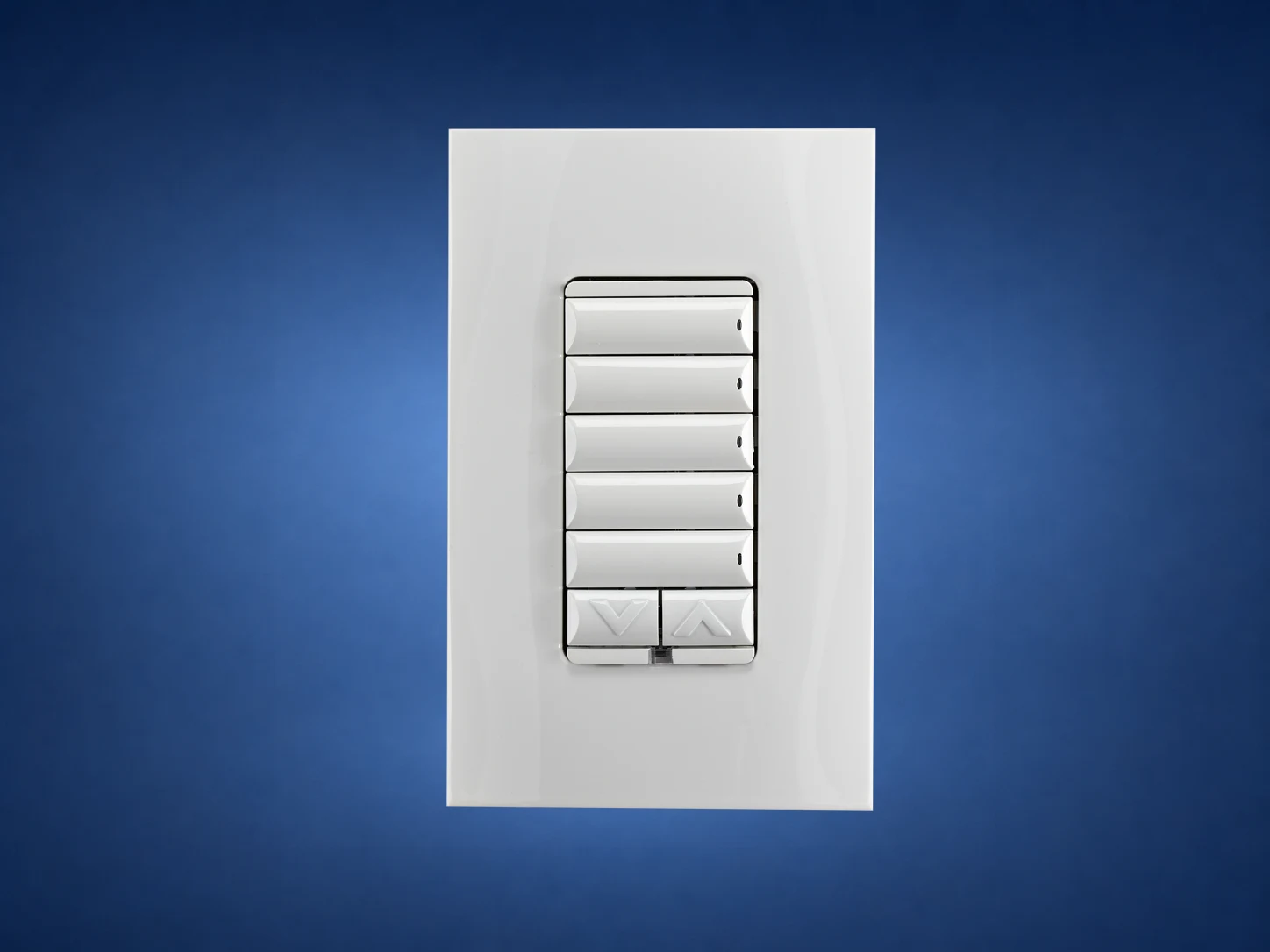
Control4 Contemporary with engraved buttons for everyday scenes.
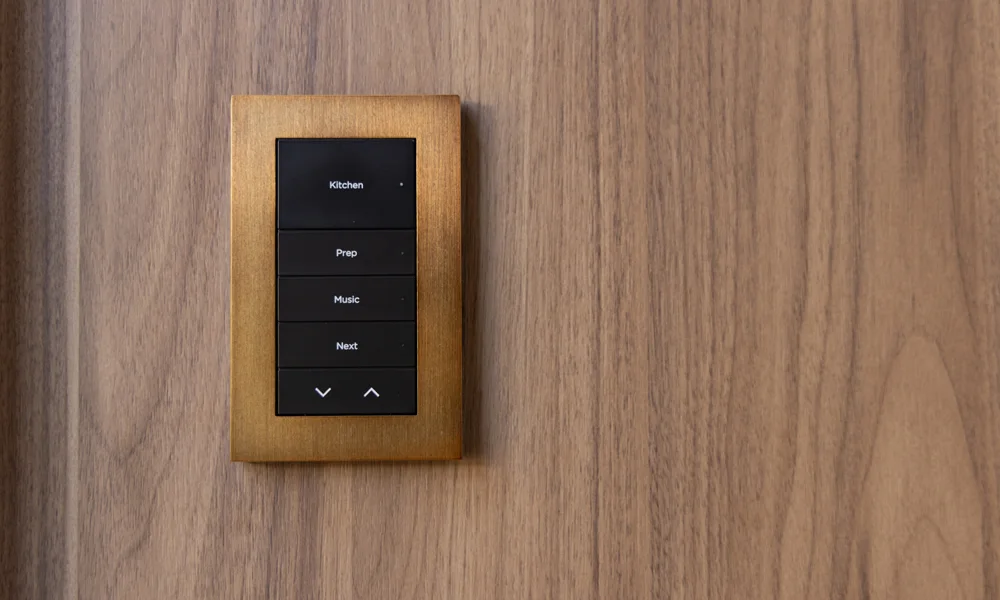
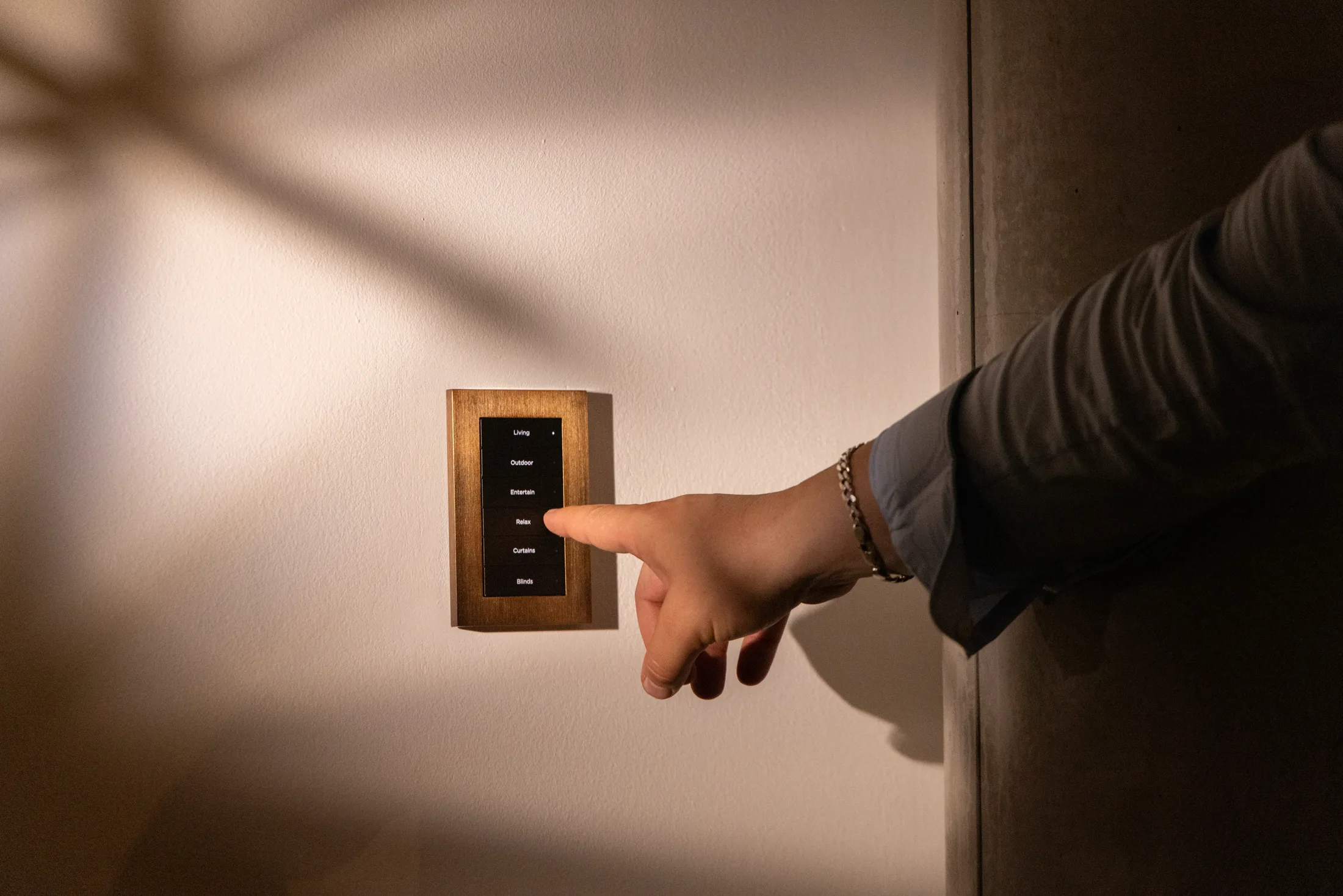
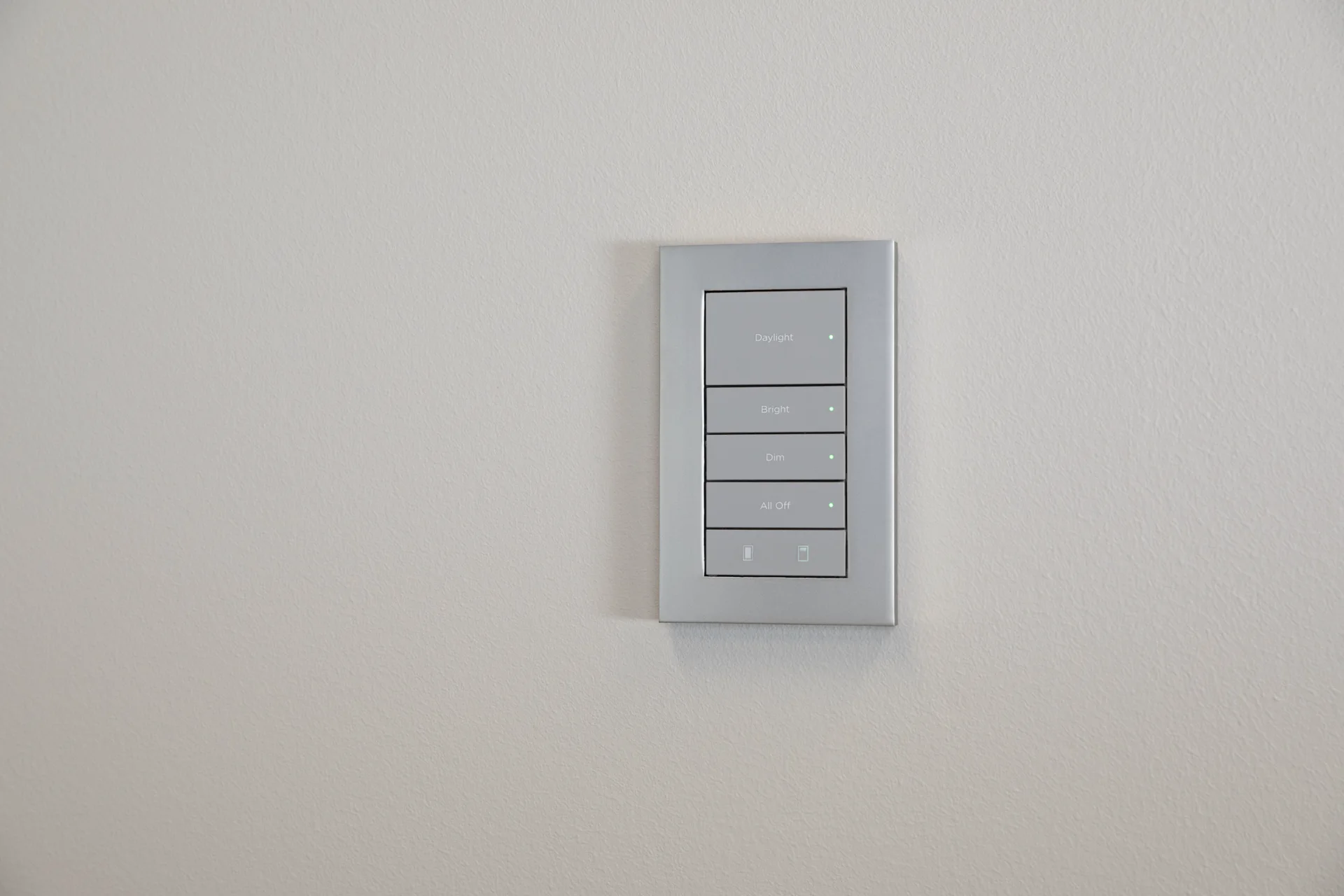
Lux by Control4 when finish and wall design are a priority.
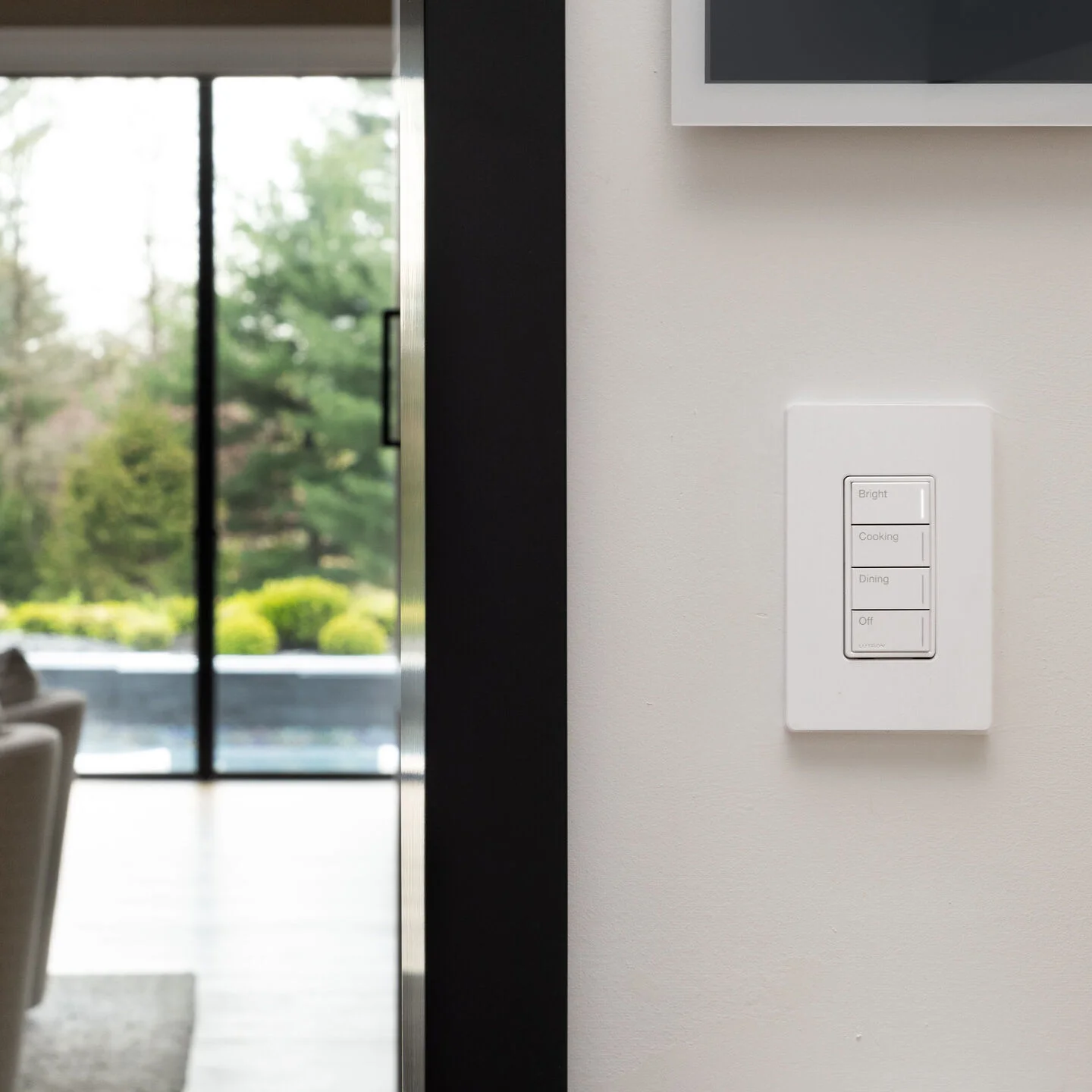
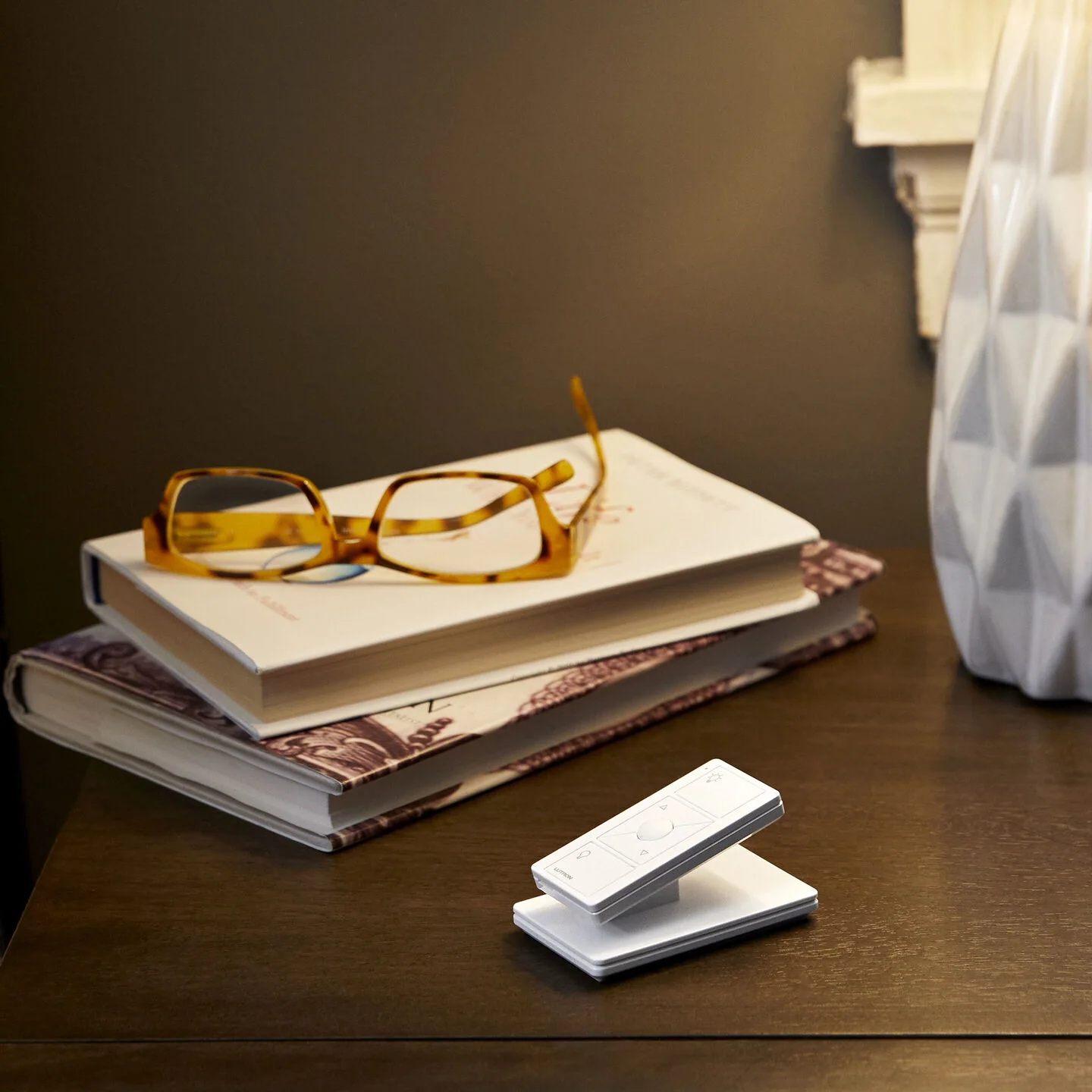
Sunnata for permanent wall control and Pico for flexible extra locations.
Control4 Contemporary
The flexible everyday choice
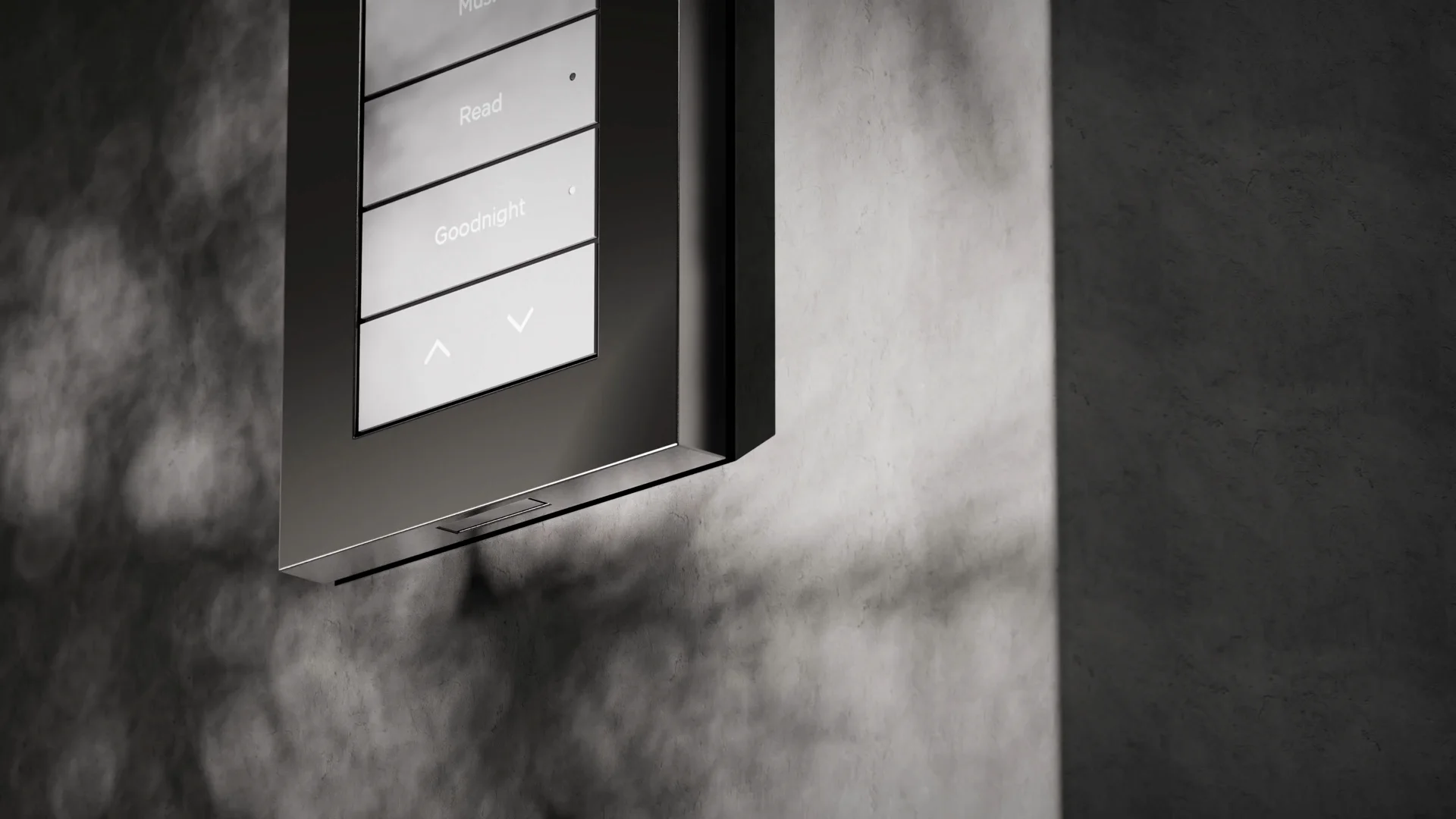
Contemporary keypads replace a group of ordinary switches with clear, engraved actions. The buttons can control lighting scenes, shades, music and other Control4 features.
- Multiple button layouts
- Backlit custom engraving
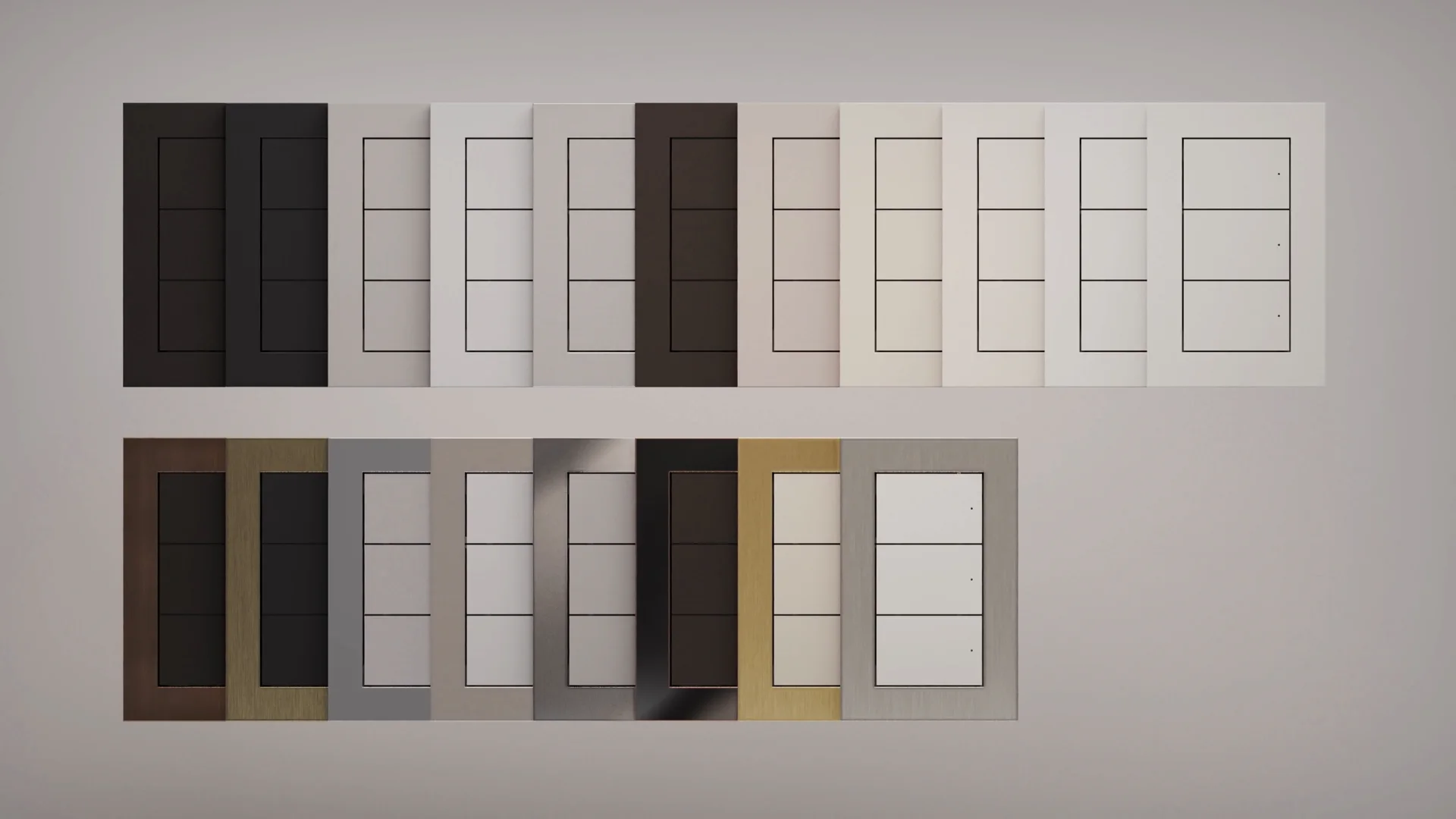
- Several colors and finishes
- Works well in both finished homes and new construction
Lux by Control4
The architectural choice
Lux is designed for spaces where the keypad should feel like part of the interior. Metal finishes, clean edges and engraved buttons make it a strong fit for kitchens, primary suites and formal rooms.
- Premium metal and designer finishes
- Clean magnetic faceplates
- Wired and wireless choices
- Coordinates with other Lux wall devices
Lutron RadioRA 3
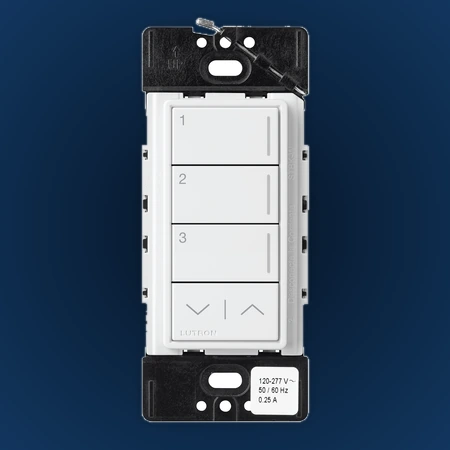
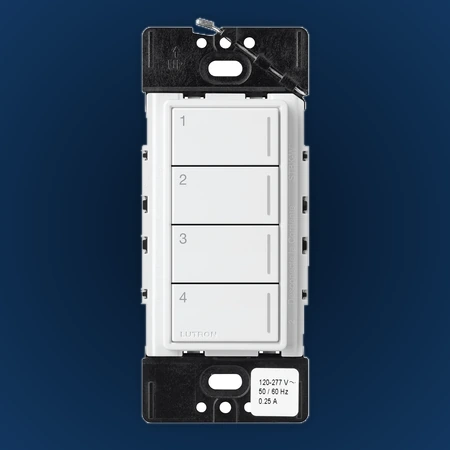
Sunnata keypad layouts
The face stays consistent. Choose the number of buttons based on how many actions should be available from that wall.
Explore Sunnata layouts and finishes →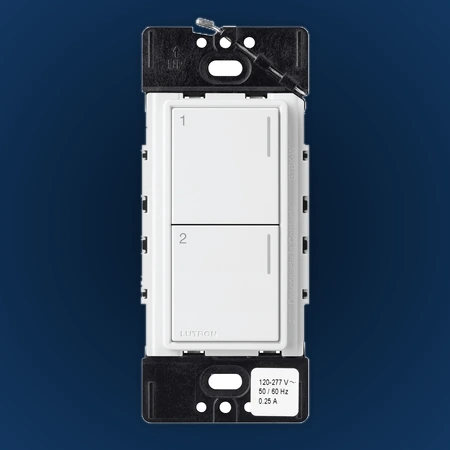
Two useful supporting controls
Not every wall needs a full engraved keypad. These simpler options can make the overall plan cleaner and more practical.
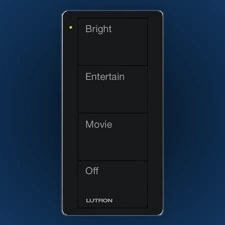
Lutron Pico
Flexible scene control
Pico can be used on a wall, on a tabletop pedestal or as a handheld control. It is useful when a convenient extra control location is needed.
Explore Pico styles and placement →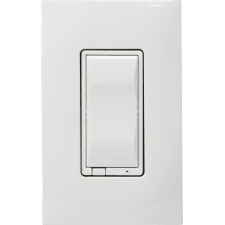
Control4 Essential
Simple paddle control
Essential keeps a familiar switch appearance. It is a good choice for hallways, closets and other rooms that do not need several engraved scenes.
Explore Essential dimmers and switches →Keep the buttons simple
The best labels describe how the room should feel—not the electrical circuit behind the wall.
Entry
Welcome · AwayStart or finish the day with one clear action.
Kitchen
Bright · Cook · Dinner · OffUseful scenes for the way the room is actually used.
Family room
Bright · Entertain · Movie · OffLighting that follows the activity.
Primary bedside
Reading · Shades · GoodnightNighttime control without reaching for a phone.
Before the keypads are ordered
Once the visual direction is selected, we confirm the details that make the finished system work properly.
Choose the finish
Compare it with paint, stone, cabinetry and nearby hardware.
Choose the actions
Keep the most-used scenes on the wall and leave rare adjustments in the app.
Confirm the design
We verify wiring, lighting loads, device type and system compatibility.
One important detail: some models are scene controls only, while others also dim the light connected at that wall. They can look similar from the front, so we confirm the correct version during design.
See the finishes in real rooms
Product details were checked against current Control4 and Lutron documentation. Product availability, finishes and compatible accessories should be confirmed for the final proposal.
Official references and verification
Control4 lighting controls · Lutron Sunnata keypads. Product families and visible options reviewed August 15, 2026. Finish, engraving, button layout, electrical requirements, and system compatibility vary by exact product and region; confirm the final specification before ordering.
Ready to choose the keypad style for your home?
We can compare finishes, select button labels and create a room-by-room lighting-control plan.