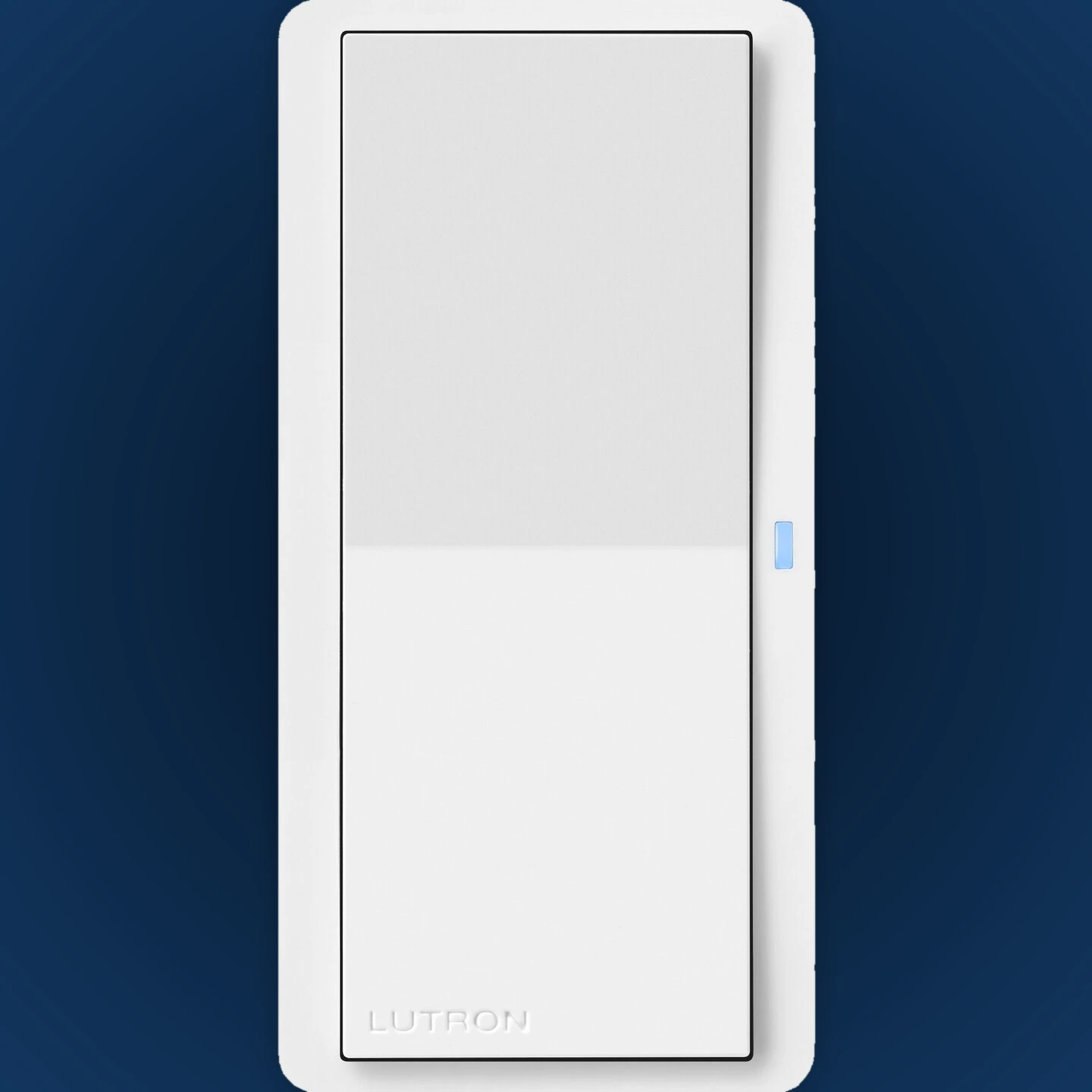
Pico paddle
Best for: simple on and offA large paddle-style surface that feels natural to anyone entering the room.
- Simple two-action control
- Coordinates with Sunnata and Diva styles
- Excellent for an extra switch location
Compare Pico paddle, 3-button and 4-button controls—then choose wall, tabletop or handheld placement.
The quick answer: Pico is the flexible choice when you need convenient lighting, shade, audio or scene control without opening the wall or adding line-voltage wiring at that location.
These three placements show how the control can fit different rooms. The control can look permanent on the wall or stay movable where it is most useful.
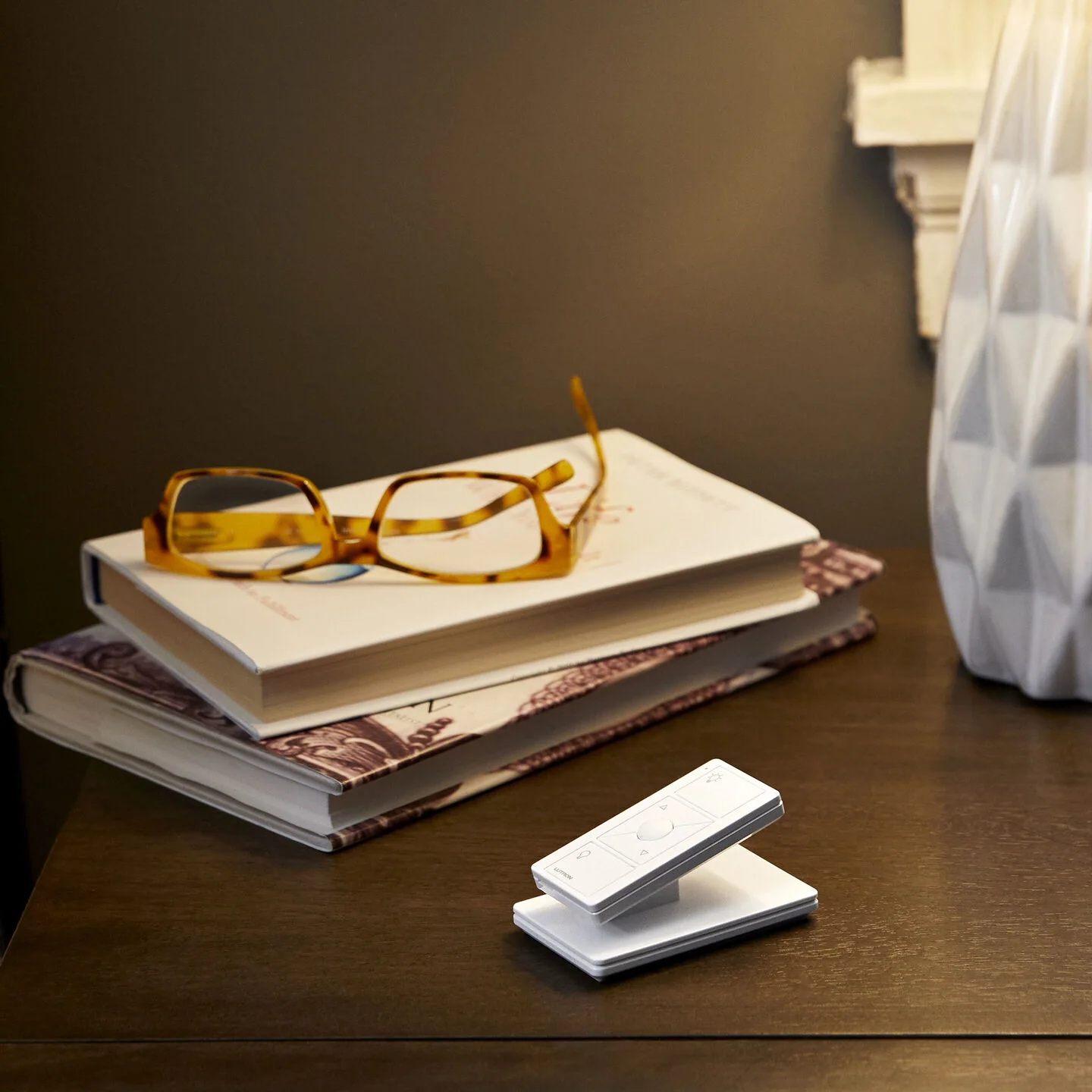
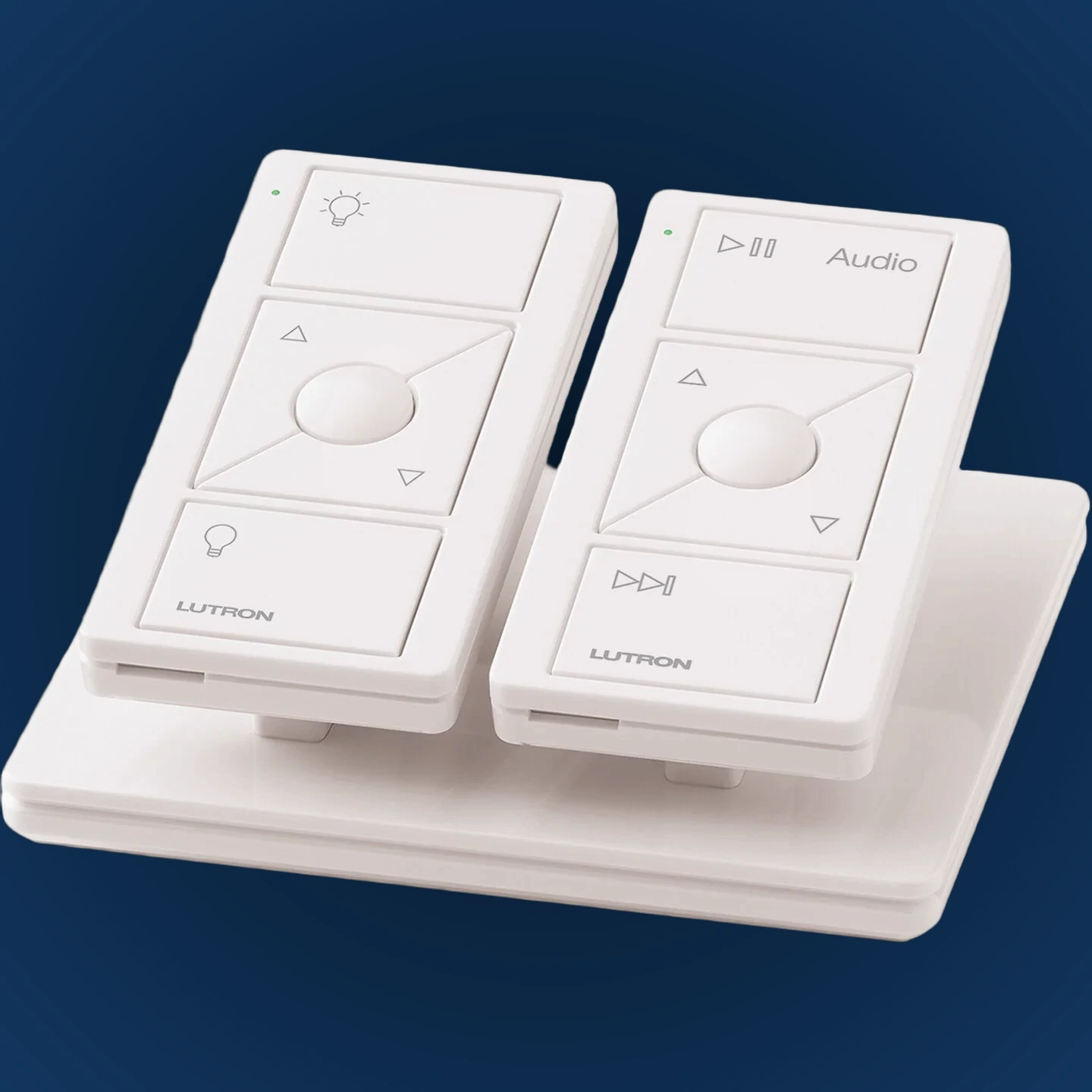
The best Pico is the one whose buttons make immediate sense in that location.
A large paddle-style surface that feels natural to anyone entering the room.
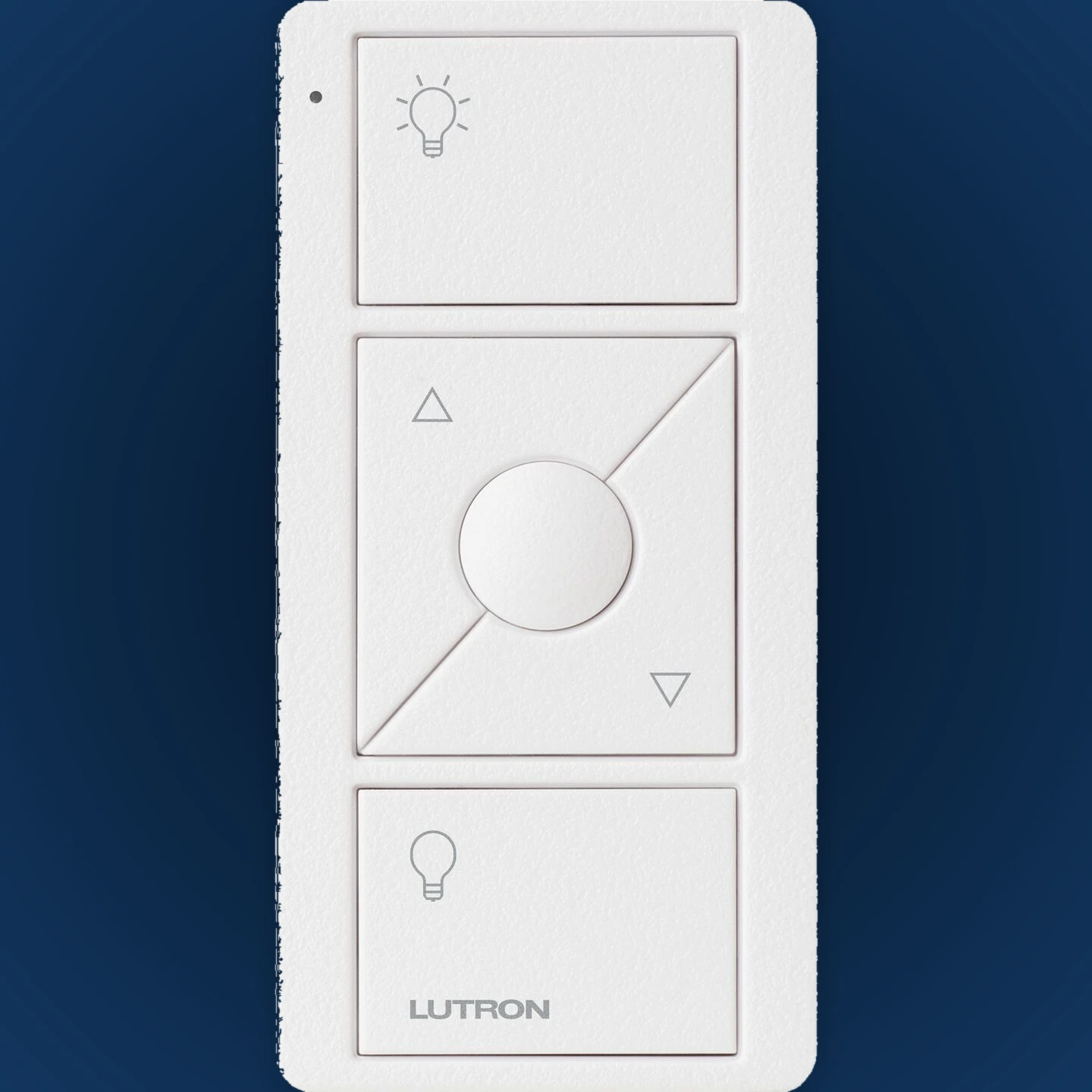
Direct on/off or open/close actions, level adjustment and a favorite preset.
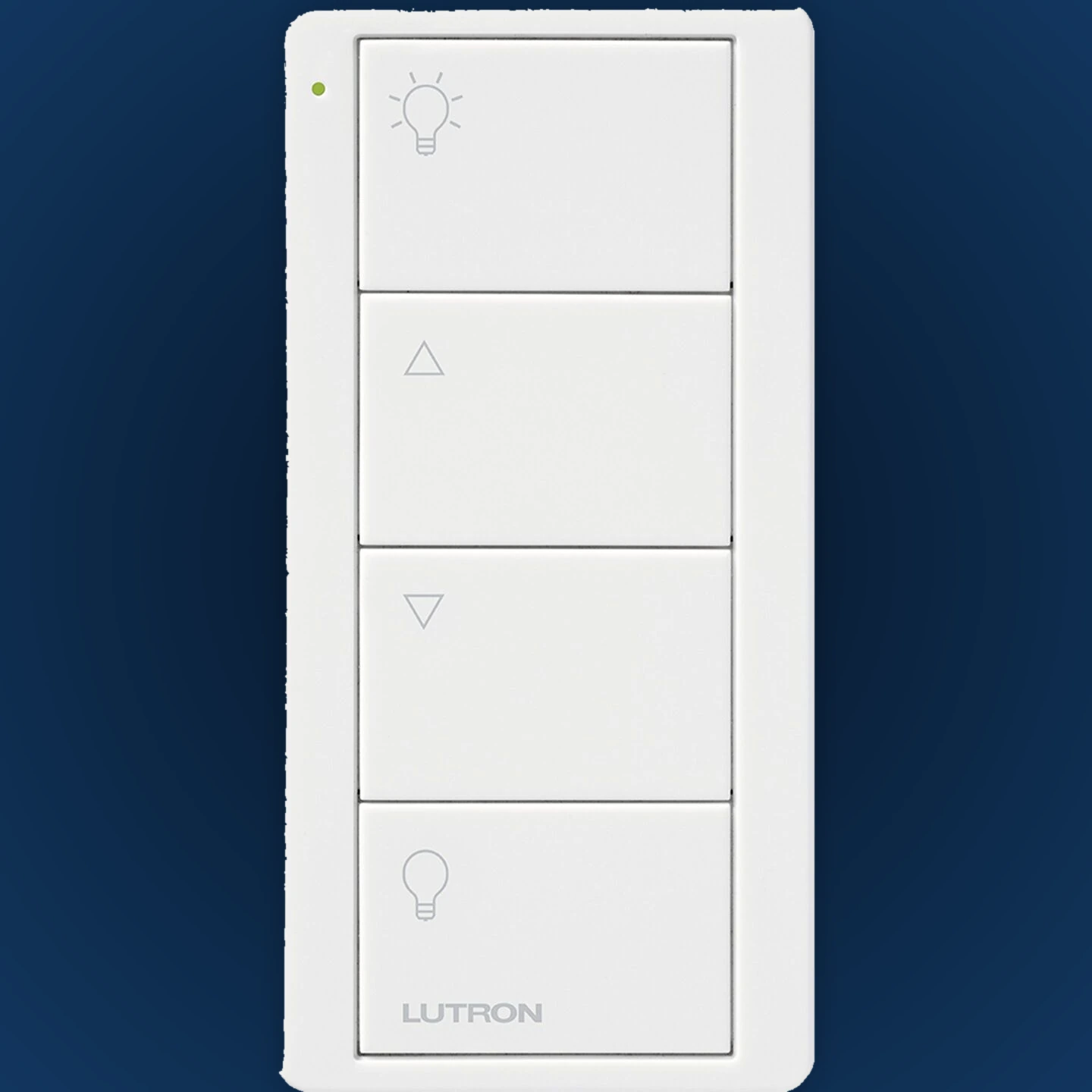
Four direct buttons can recall lighting scenes or coordinated groups.
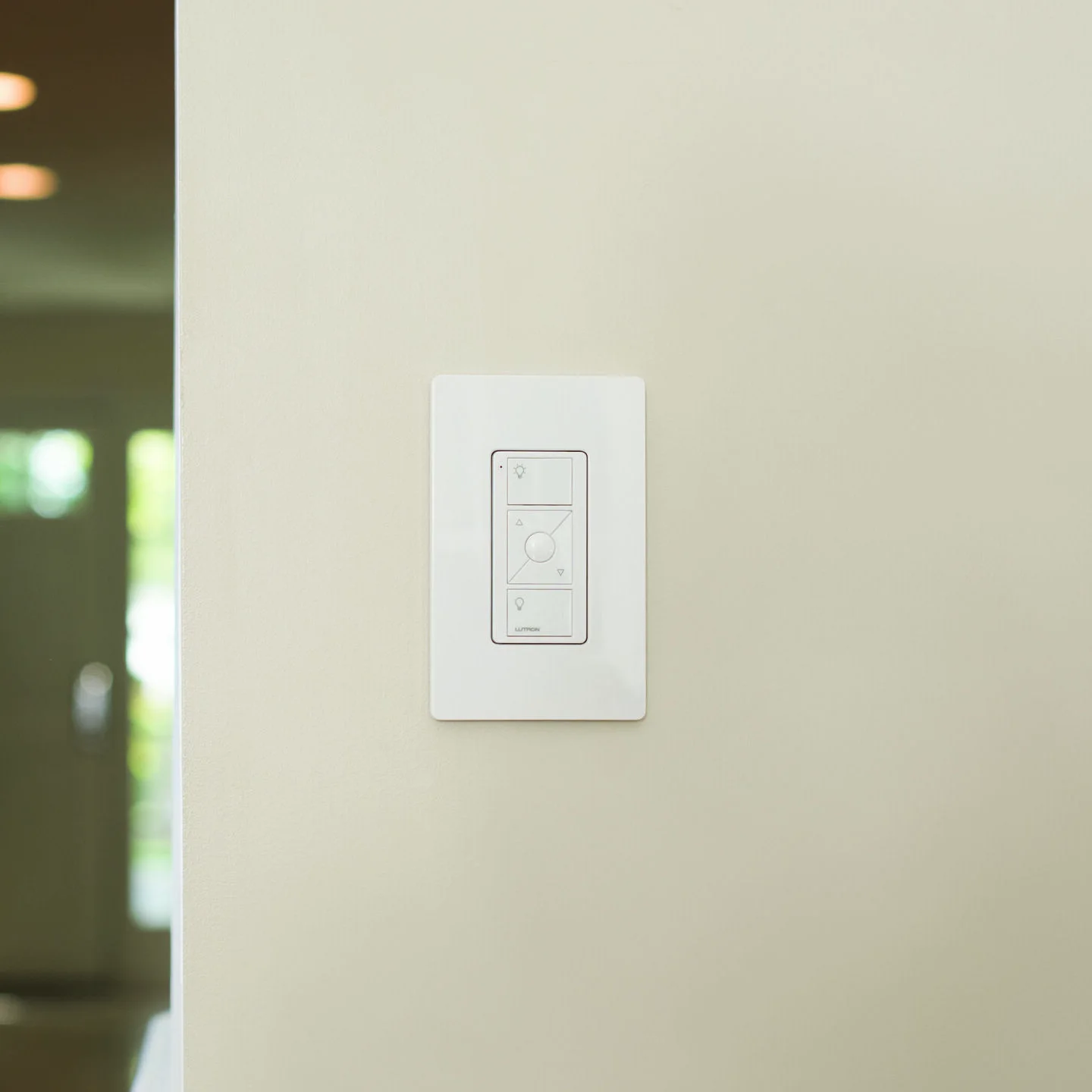
Pico can feel permanent on the wall or remain movable. The same control can be placed where it is genuinely convenient.
Use a wallplate adapter for the appearance of a standard wall control—without cutting a new wired box.
Good for hallways, bedside walls and extra control points.Dock one, two or three Pico controls in a stable pedestal beside a sofa, bed or favorite chair.
Good for rooms where seated control matters.Keep the control portable or use an accessory clip where a fixed wall location would not help.
Good for flexible, occasional or changing locations.Both can trigger scenes. The right choice depends on whether the location should feel permanent, flexible or directly connected to the wall wiring.
You want a wall, tabletop or handheld control without adding power wiring at that spot.
You want a line-powered RadioRA 3 keypad with scene light bars, coordinated wall hardware and custom engraving.
Availability varies by model. These seven finish families cover the current white, warm neutral and dark directions shown by Lutron.
A 2-button Pico creates a simple whole-home command point.
A 4-button scene Pico keeps favorite room modes close.
A tabletop Pico can control shades without reaching for a phone.
Add convenient control on an indoor wall near the outdoor space.
Choose lighting, shades, audio or scene control.
Select paddle, 2/3-button or 4-button Pico.
Plan wall mount, tabletop pedestal or handheld use.
Confirm compatibility, markings, accessories and color.
Compare the Lutron Pico product page, Lutron Pico selection guide, and RadioRA 3 compatibility overview. Final model, markings, accessories and finish should be confirmed before ordering.
We can plan Pico and Sunnata locations together, choose clear button functions and keep the finished system easy to use.