2-button
Best for: entries and hallwaysTwo large buttons keep the purpose unmistakable.
- Welcome and Away
- On and Off
- Open and Close
Compare the Sunnata 2-button, 3-button with raise/lower, and 4-button keypads before choosing what belongs in each room.
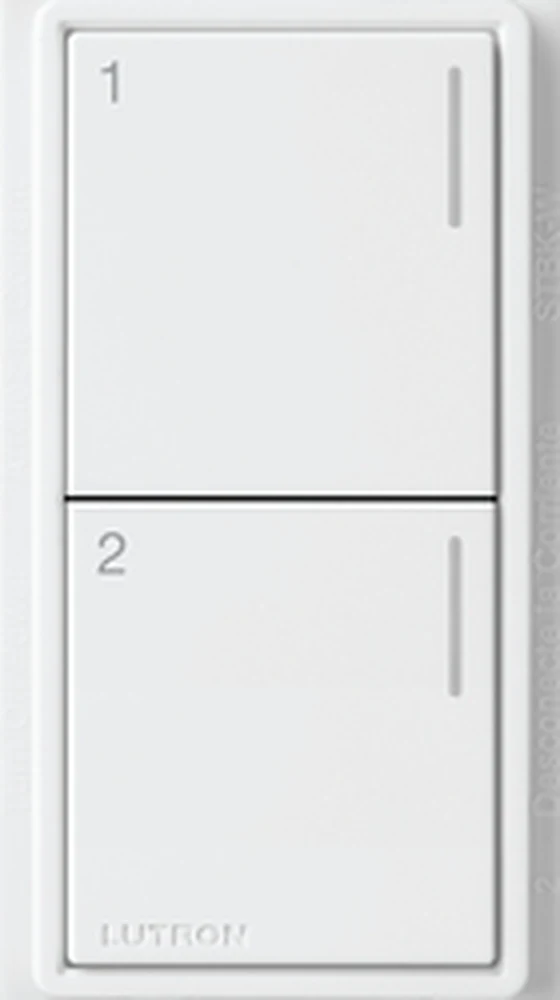
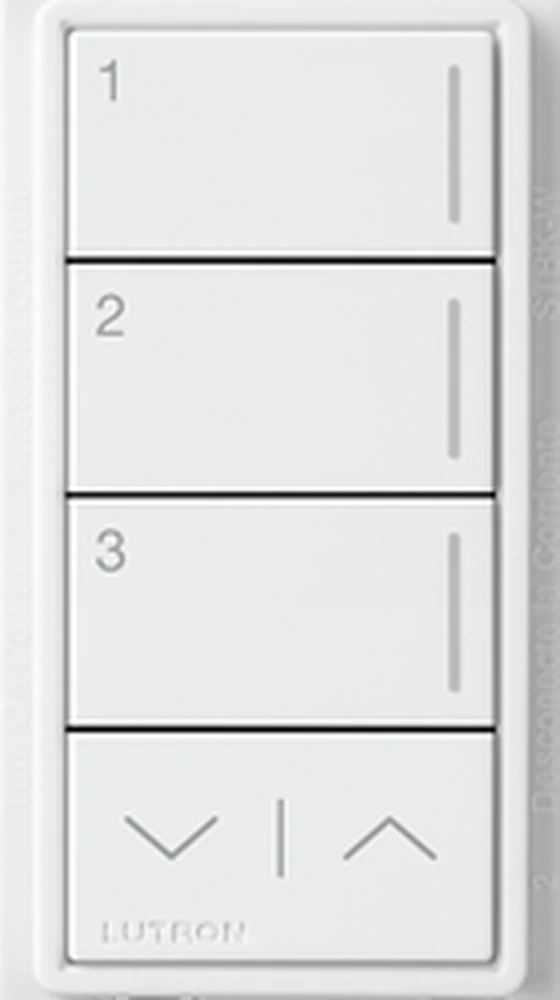
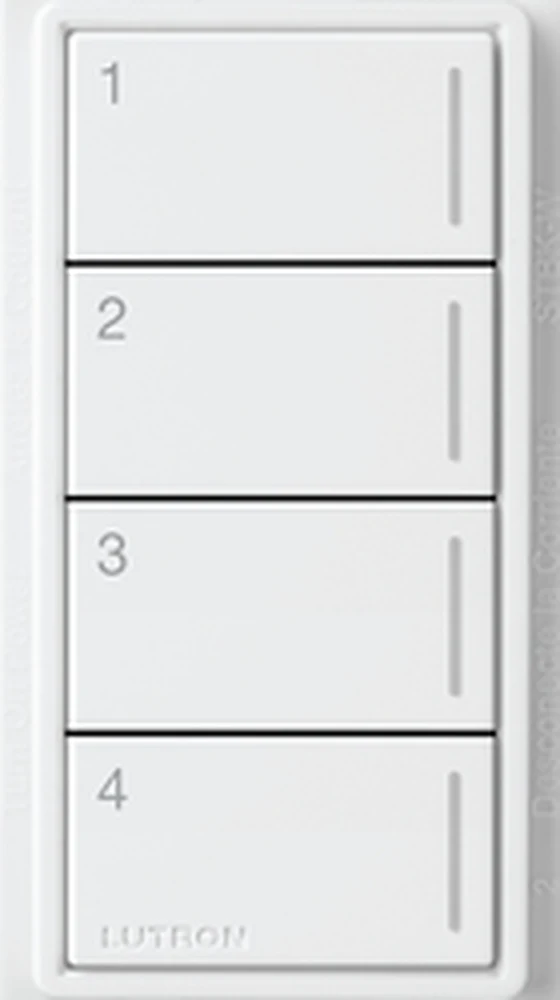
The quick answer: choose 2-button when simplicity matters most, 3-button with raise/lower when you want scenes plus easy adjustment, and 4-button when four direct actions are more useful than level controls.
The installed view matters as much as the button count. These examples make it easy to compare white and dark finishes, single-gang and multi-gang placement, and the clean front profile.
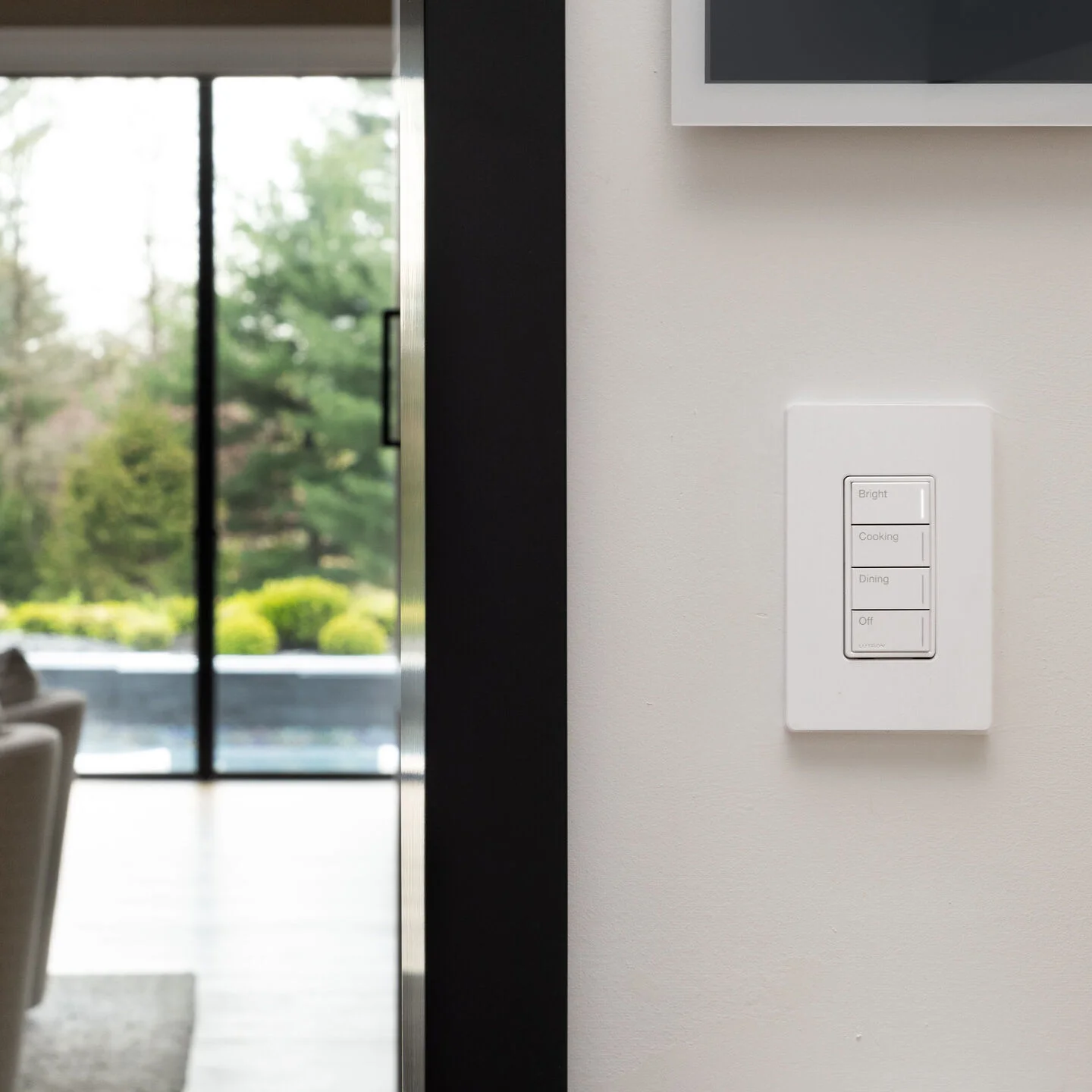
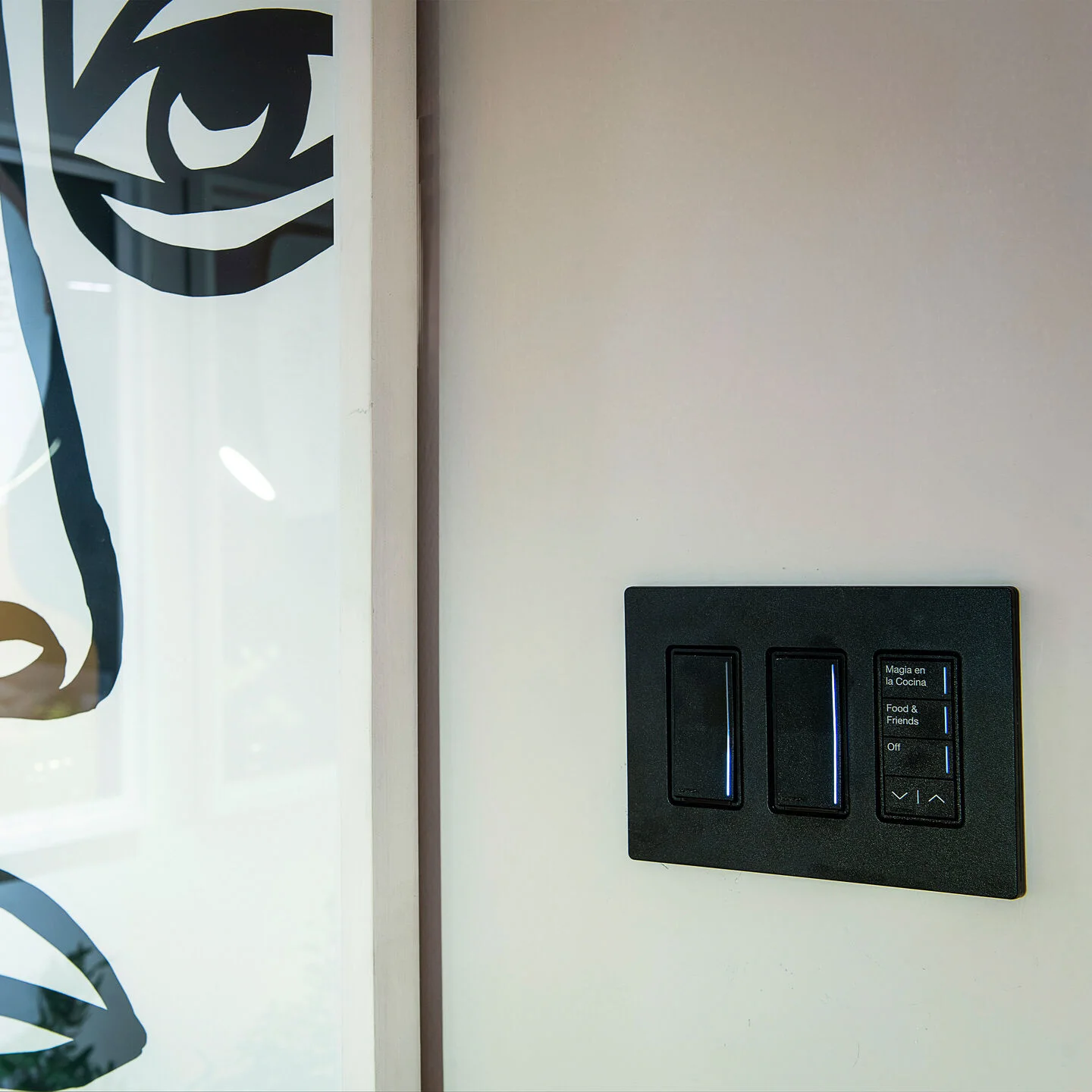
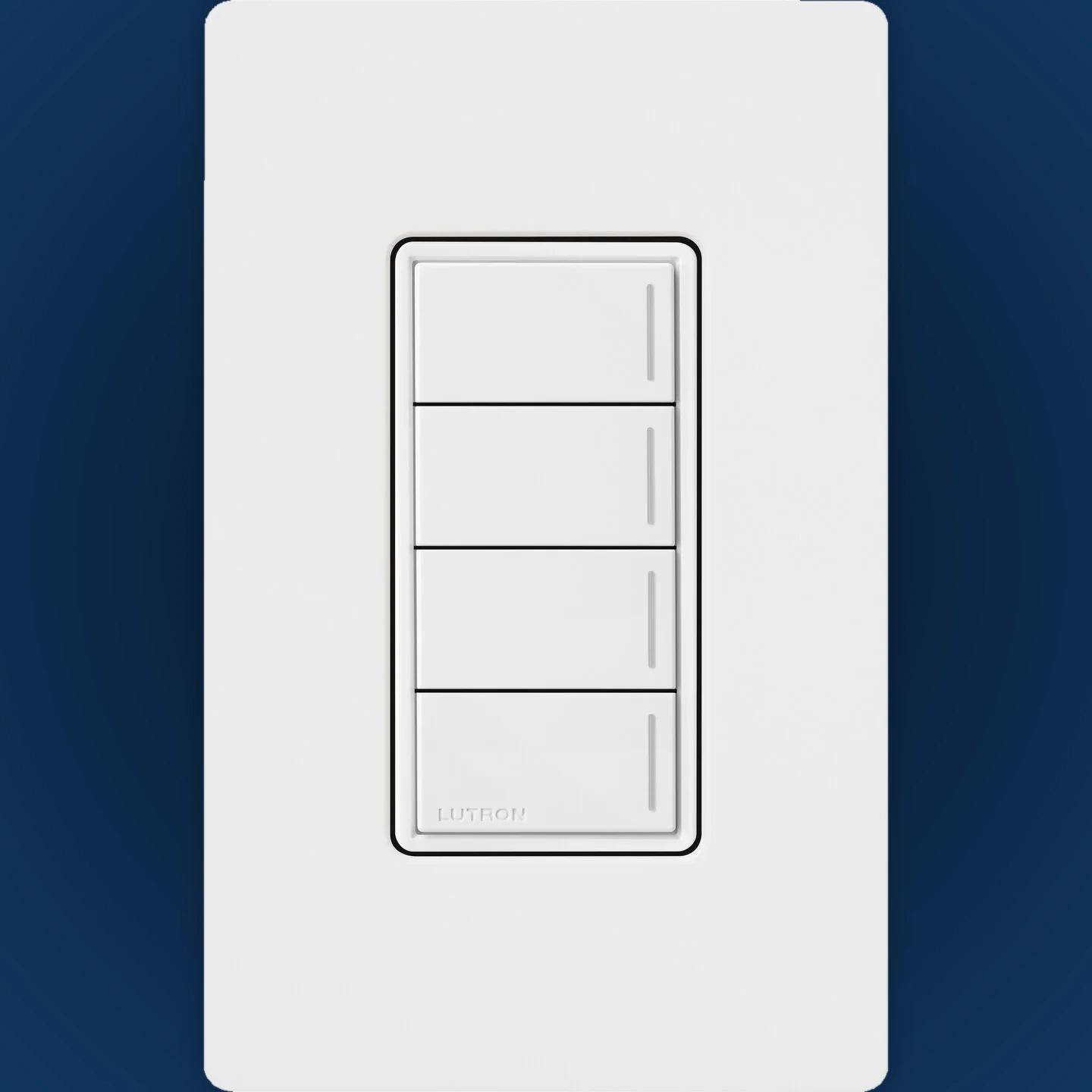
All three keypads share the same Sunnata appearance. The decision is simply how many direct actions should be visible on that wall.
Two large buttons keep the purpose unmistakable.
Three scenes plus a dedicated way to make the active scene brighter or softer.
Four named actions are available without moving through a menu.
The fronts look nearly identical. The difference is what the device does behind the wall.
A dedicated scene and system control point. It sends commands to RadioRA 3 but does not directly dim the light connected at that wall.
Useful when the load control is located elsewhere.Combines keypad scene control with direct control of a compatible lighting load at the same location.
Useful when one wall device needs to do both jobs.RadioRA 3 Sunnata controls are offered in 20 satin and four gloss finishes. This selection shows eight useful design directions; compare physical samples before the final order.
From architectural whites and warm neutrals to darker statement colors, the keypad can blend in or create deliberate contrast.
Use short labels that describe the result. The person entering the room should understand the keypad without opening an app.
A clear 2-button location at the main door.
A 4-button layout for four distinct moments.
Three scenes with raise/lower for easy adjustment.
Nighttime actions in a compact layout.
Choose 2-button, 3-button with raise/lower, or 4-button.
Confirm standard keypad or hybrid keypad for that location.
Approve concise text or icons for each action.
Compare the keypad and wallplate against the real room.
Compare the Lutron Sunnata product page and finish selector with the RadioRA 3 Sunnata specification. Final engraving, finish, wiring and compatibility should be confirmed before ordering.
We can plan the room actions, confirm keypad or hybrid models, and coordinate finishes before the controls are ordered.