Network and control rack
Prioritize clean outlet mapping, remote service, and battery support for the core devices that keep the house reachable.
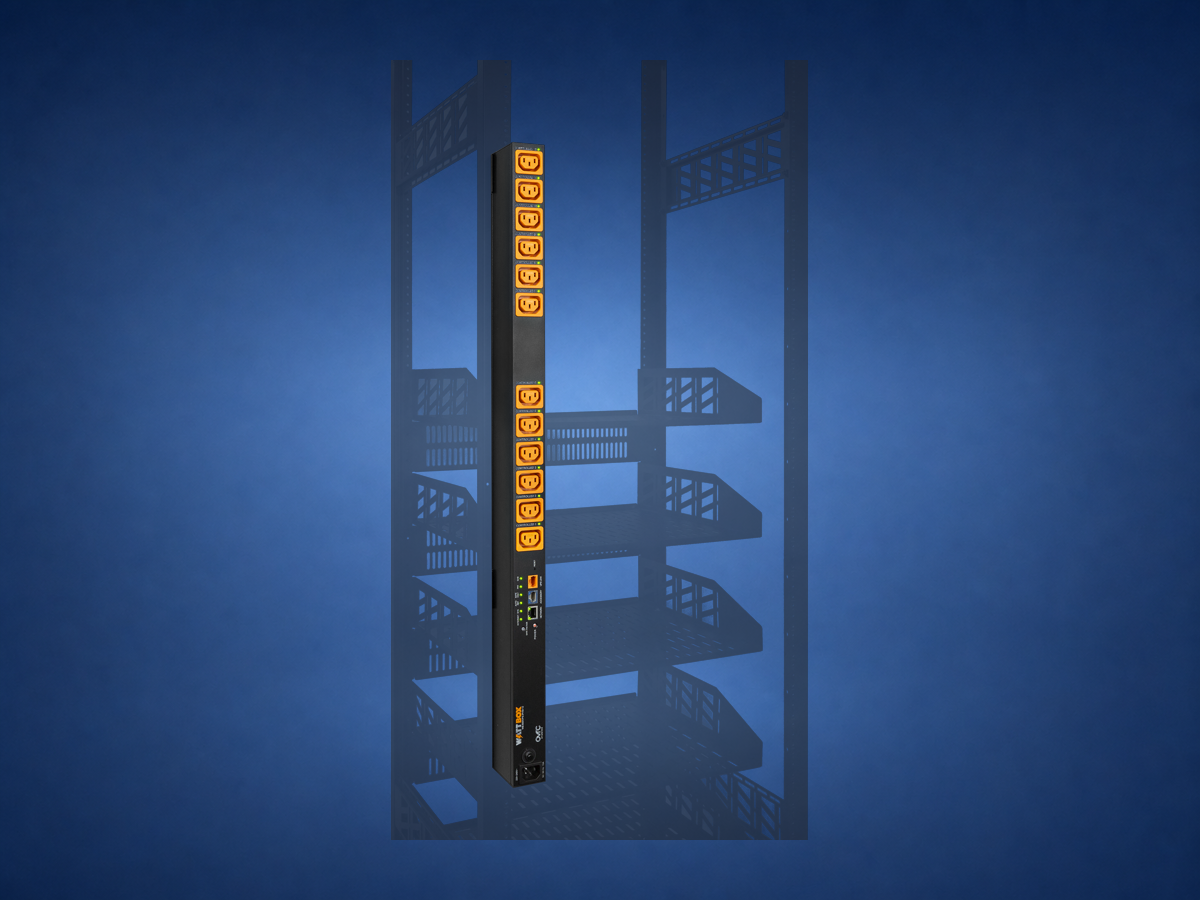
Protection, recovery, and battery backup solve different problems.
Quick answer: A basic surge protector addresses a limited protection job. Managed power adds labeled outlets, controlled recovery, monitoring, and a service workflow. A UPS adds temporary battery runtime. A dependable rack may use all three ideas, but they are not interchangeable.
The right comparison is not “cheap strip versus expensive strip.” It is protection versus control versus continuity.
| Power tool | Primary job | What it does not do |
|---|---|---|
| Basic surge protector | Provides a level of surge protection for attached devices. | Does not identify a frozen component, provide a restart plan, or keep equipment running during an outage. |
| Managed power | Organizes outlets and allows documented local or remote recovery of selected equipment. | Does not repair bad wiring, weak WiFi, failed hardware, or utility-side problems. |
| UPS | Supplies temporary battery power to selected critical equipment. | Does not provide unlimited runtime or replace proper grounding, protection, and service planning. |
A network rack can contain the internet handoff, router, PoE switches, automation controller, camera recorder, music sources, and video distribution. If every device is placed on one anonymous strip, a small troubleshooting step can take the entire house offline.
A designed layout separates critical network and control equipment from devices that may need an occasional reset. It also reserves UPS capacity for the equipment that benefits from short outage protection instead of wasting battery runtime on every amplifier and display.
Prioritize clean outlet mapping, remote service, and battery support for the core devices that keep the house reachable.
Plan startup behavior, amplifier load, ventilation, and which sources can be safely power-cycled.
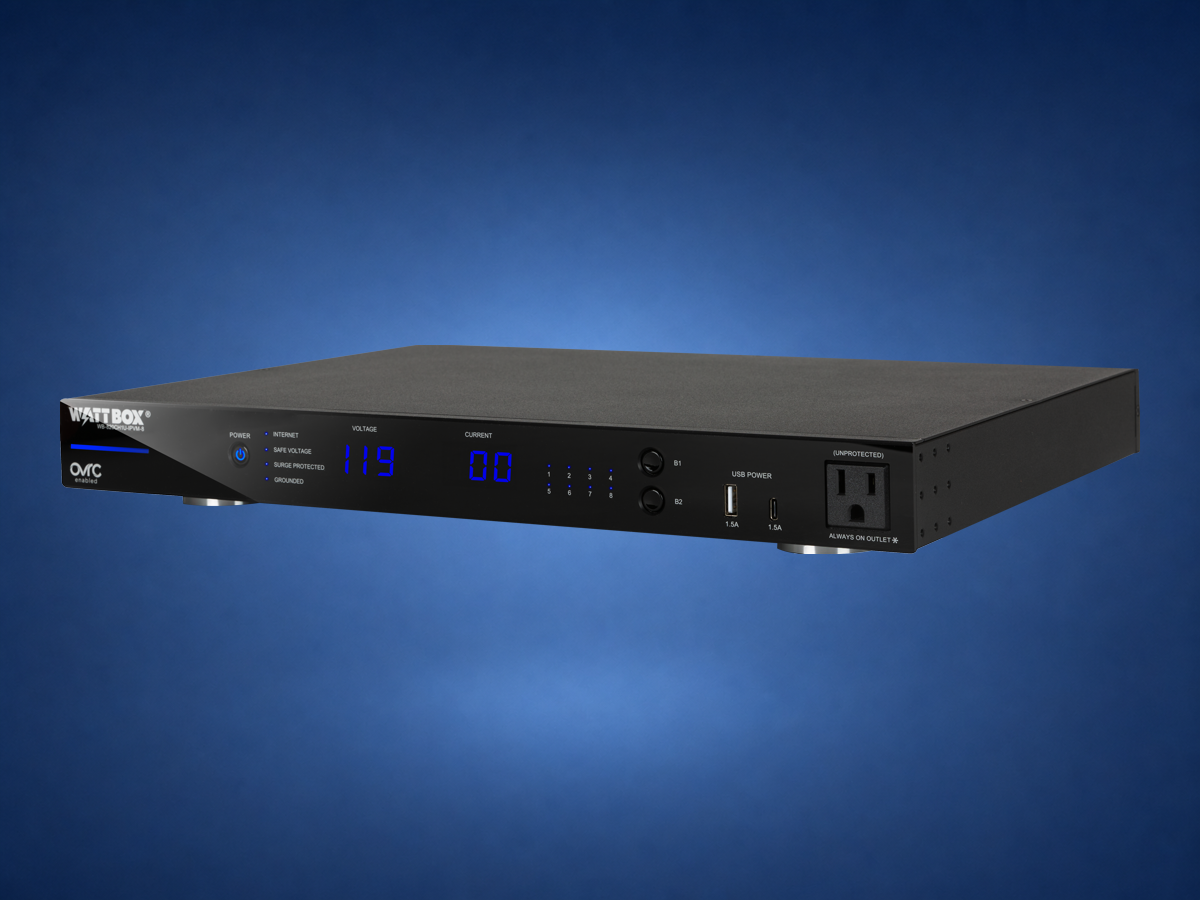
Use a compact solution that fits the enclosure while preserving access for future display or streaming-device service.
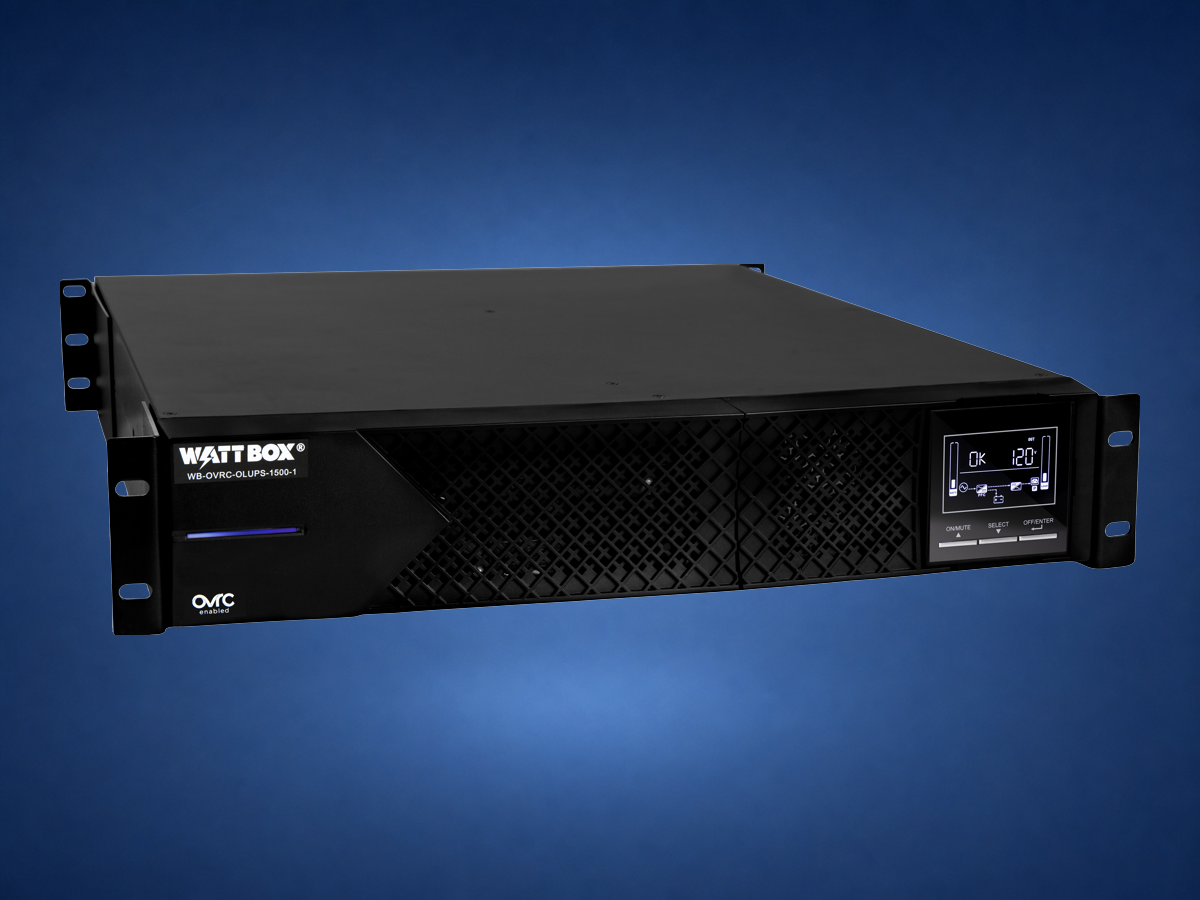
The decision starts with consequences. If a short outage drops the router, controller, and camera recorder at once, the system may take several minutes to recover in the wrong order. A correctly sized UPS can bridge brief interruptions and reduce that cascade.
Large amplifiers, projectors, and other high-draw equipment need separate load planning. The goal is not the biggest UPS; it is a realistic runtime target for the critical devices.
Useful homeowner question: “After a short power interruption, which systems should remain available, and which devices should recover automatically without anyone opening the rack?”
Form factor follows location: a vertical unit can preserve rack spaces, a 1U unit gives clear front access, and an online UPS belongs where power continuity is part of the design.
No. It is useful anywhere equipment uptime and support matter, but it should be sized to the project.
No. It can help recover equipment, but weak coverage, bad wiring, or poor network design still need to be fixed directly.
Usually yes when the project includes a rack, control system, cameras, or multiple connected rooms.
WattBox power overview · WattBox IP power · WattBox UPS systems. Product roles reviewed August 15, 2026. Surge protection, managed power, power conditioning, and battery backup solve different problems. No device guarantees protection from every electrical event; grounding, branch-circuit design, load, and local code still matter.
Send photos of the room, rack, wiring, TV wall, or outdoor space. Denali Tech can help decide whether the right first step is design, cleanup, prewire, replacement, or support.