Legacy Control4 NEEO Review & Halo Upgrade Guide
Model: Control4 NEEO
Control4 remote quick chooser
Each remote balances touchscreen control and physical buttons differently. Start with how you use the room, then choose the design that feels most natural.
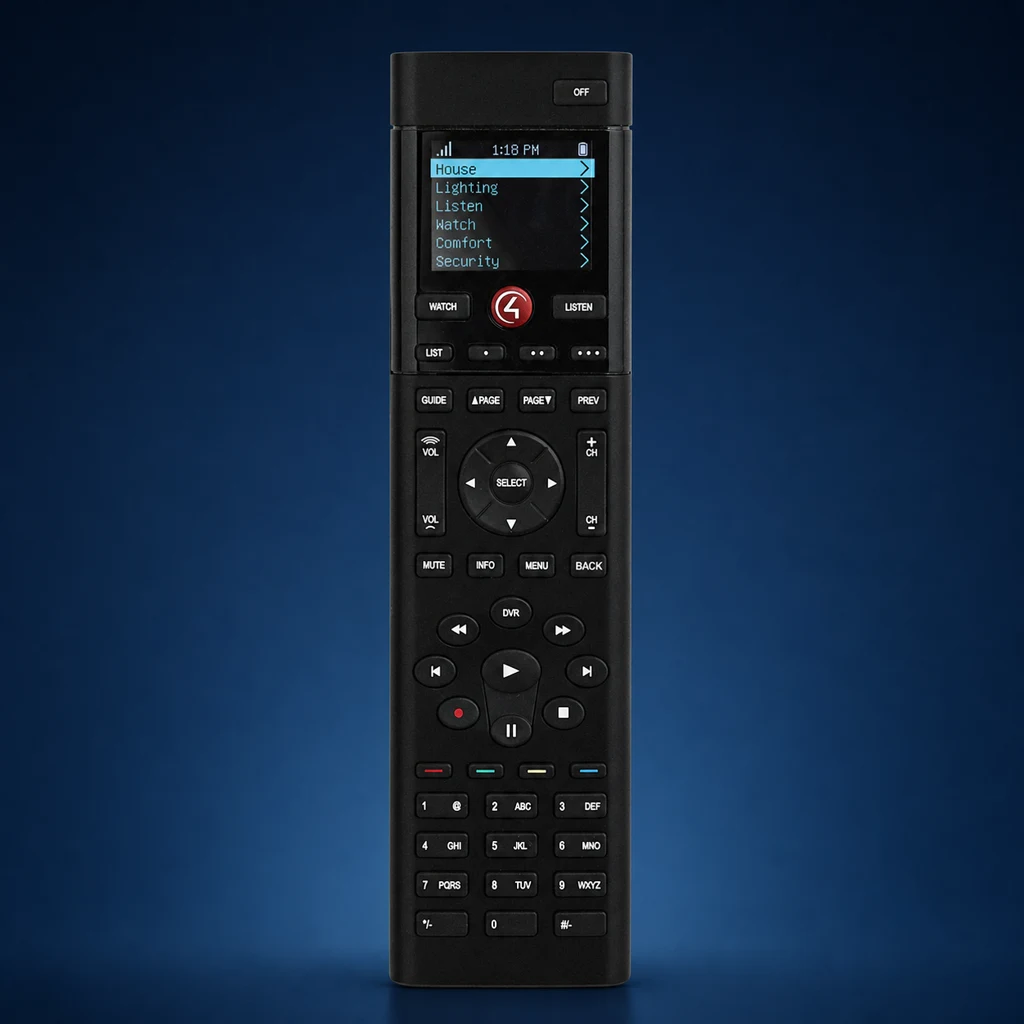 SR-260
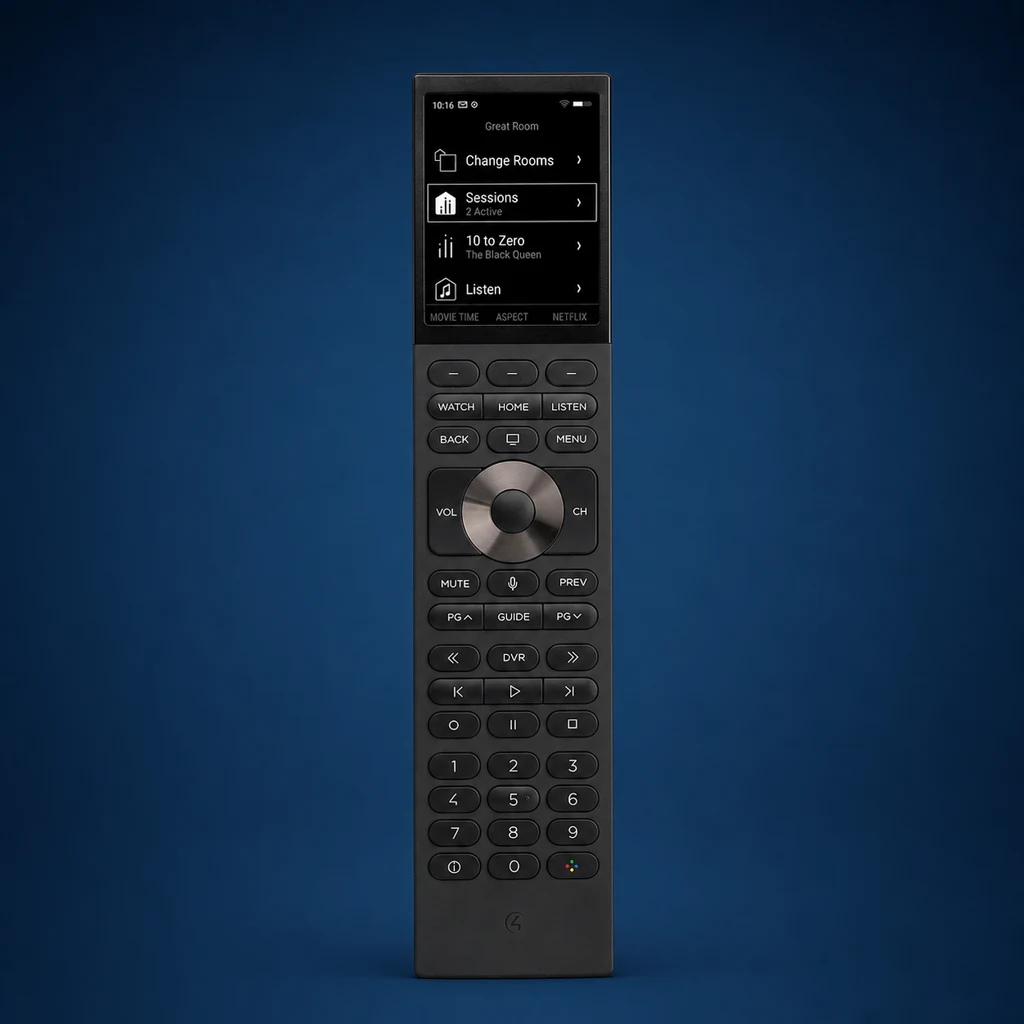 Halo
Halo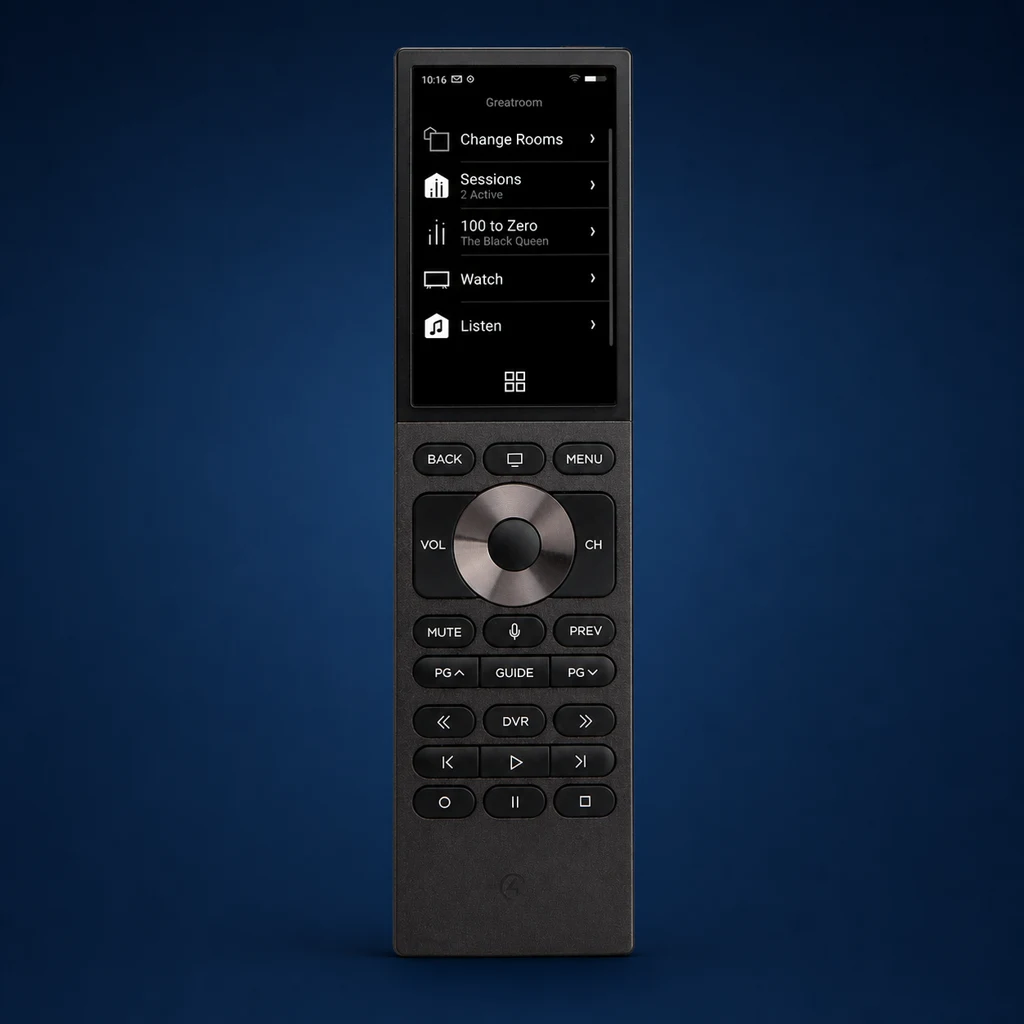 Halo Touch
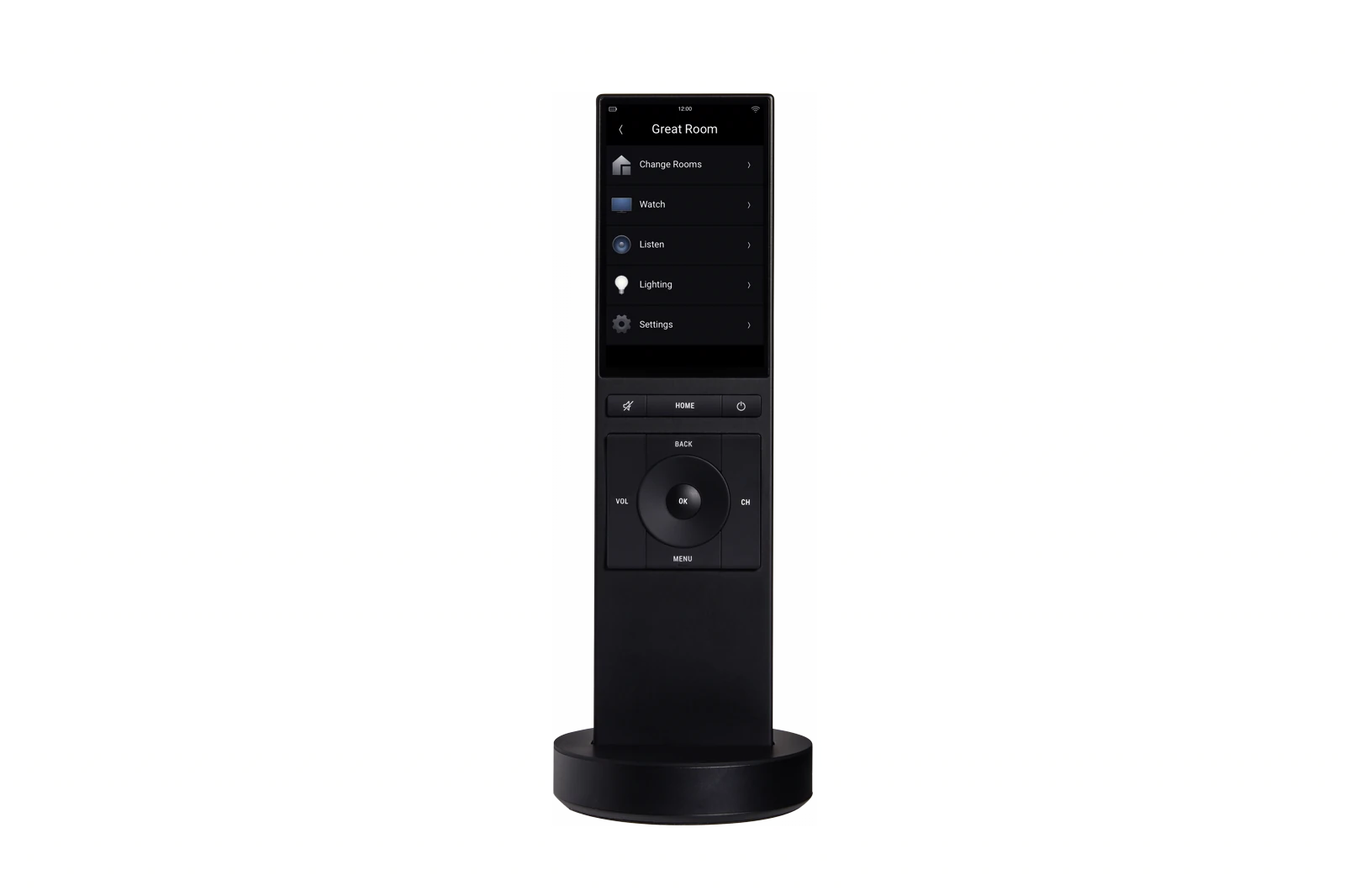
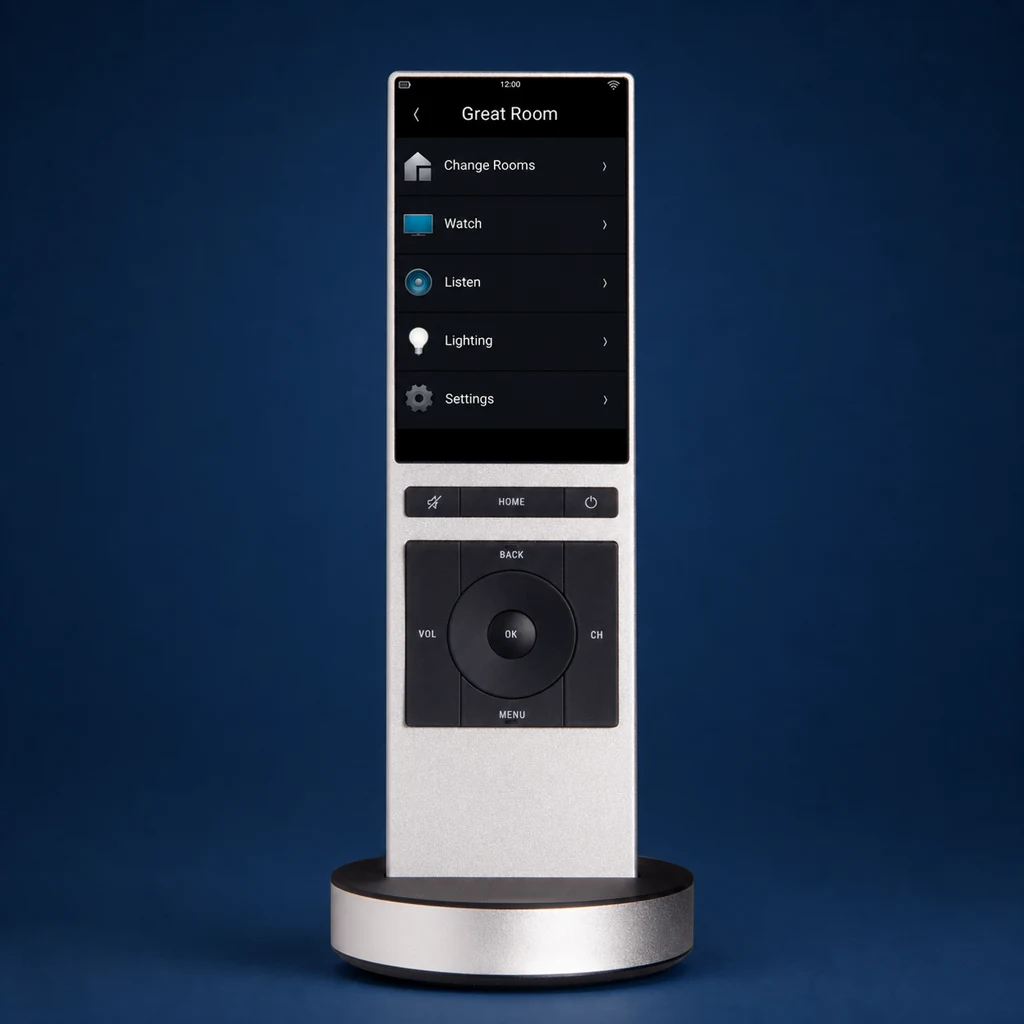 NEEO
NEEOIf your home already has NEEO: it is no longer part of Control4's current Halo lineup. Compare its daily controls with Halo and Halo Touch, then have compatibility and support confirmed before choosing a replacement.
See the NEEO design clearly
NEEO was built around a slim touchscreen body with only the most-used physical controls. These official views show its proportions and black and silver finishes without cropping the remote.
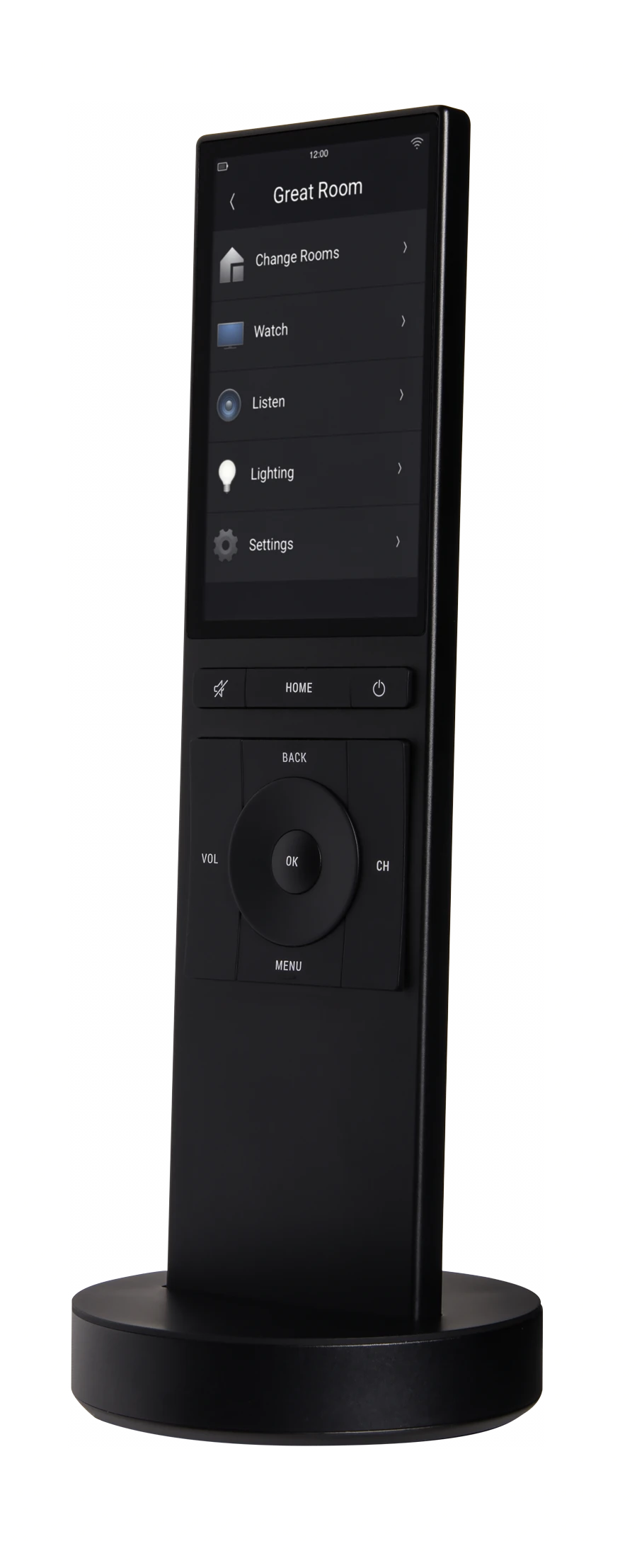
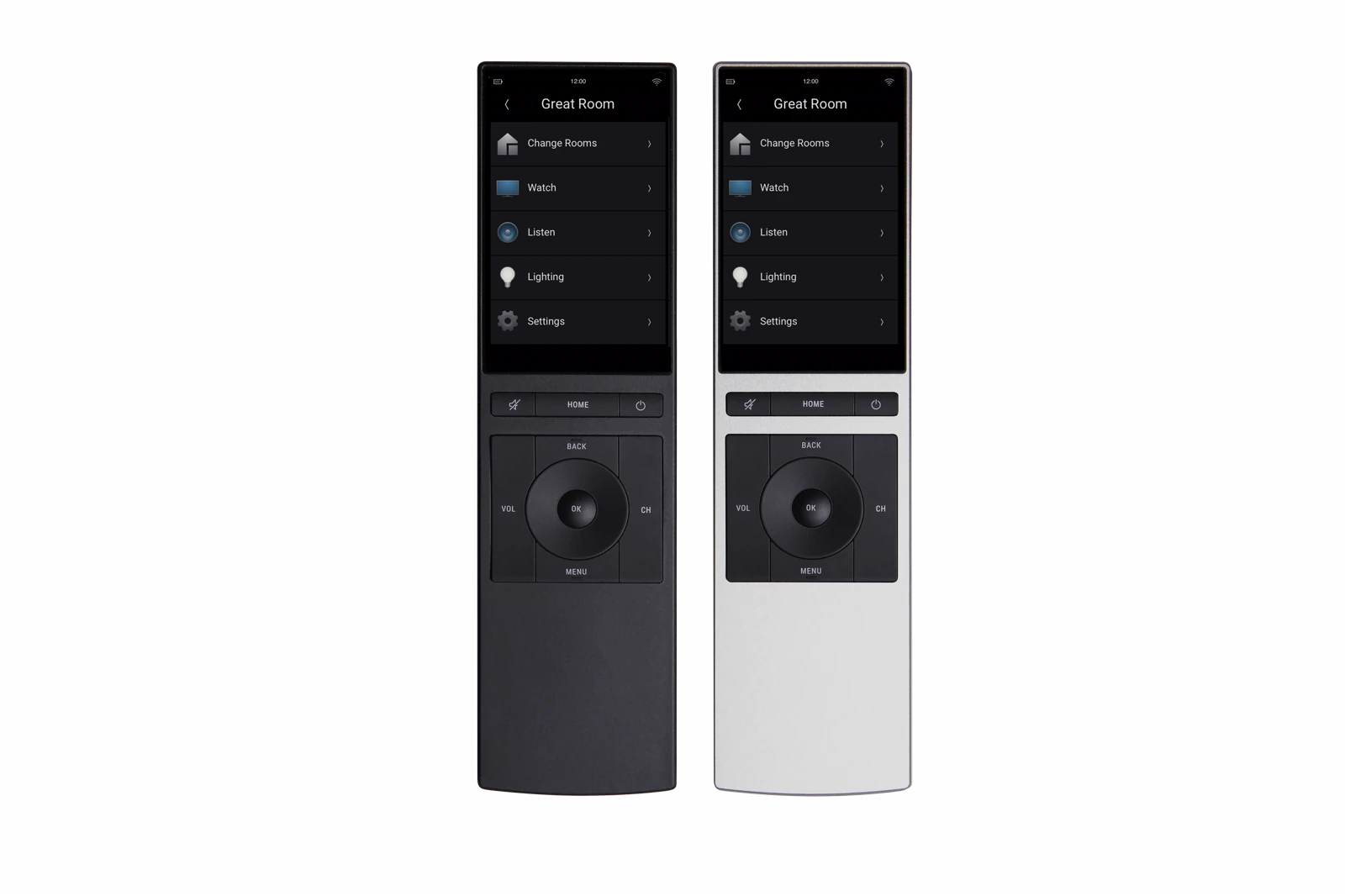
The Control4 NEEO was designed as a slim touchscreen remote for Control4 OS 3 systems. This is now a legacy-product guide, not a recommendation to buy one as a current model. It explains the published features, limits, battery specification, and replacement questions for homes that already have NEEO.
What Is the Control4 NEEO Remote?
The Control4 NEEO is a 3.2-inch touchscreen remote released for Control4 OS 3. Control4's documentation lists entertainment, lighting, scenes, locks, garage doors, thermostats, and programmed custom buttons among its interface functions, with some setup and favorites managed elsewhere in the Control4 system.
Key Specifications
- Design: Sleek, minimalist two-tone aesthetic
- Display: Color touchscreen interface
- Battery: Rechargeable lithium-ion battery
- Charging: Docking station or USB charging
- Connection: 2.4 GHz Wi-Fi to the Control4 system; IR output, when needed, comes from the controller or connected emitters
- Compatibility: Works with Control4 systems
- Interface: Touchscreen with contextual controls
What the NEEO feels like day to day
1. Sleek, Minimalist Design
The NEEO has one of the cleanest remote designs in the Control4 lineup. The two-tone body, touchscreen, and reduced button count make it feel more like a modern smart device than a traditional universal remote.
2. Touchscreen Interface
The NEEO touchscreen makes navigation more visual than older remote layouts. You can see room names, device icons, favorites, and dynamic controls clearly, and the interface updates based on what you are doing.
3. Wi-Fi control with controller-based device commands
The NEEO itself communicates with the Control4 system over 2.4 GHz Wi-Fi. It does not emit infrared. When legacy equipment needs IR, the Control4 controller or connected IR emitter sends those commands, so the handheld remote does not need line of sight to the device.
4. Rechargeable Battery with Docking Station
The NEEO uses a built-in 1270 mAh lithium-ion battery and included charging dock. Control4's installation guide states up to five days of battery life and notes that recharge frequency increases as a rechargeable battery ages.
5. Extensive Smart Home Control
The NEEO interface supports several Control4 categories, subject to the project and software version:
- TVs, cable boxes, streaming devices
- Audio systems (receivers, amplifiers, speakers)
- Smart lights (Lutron, Philips Hue, etc.)
- Motorized shades and blinds
- Thermostats
- Security systems
- Other functions exposed by compatible Control4 drivers
6. Cleaner Everyday Navigation
The NEEO is built for people who want fewer visible buttons and a cleaner interface. That makes it appealing in rooms where aesthetics matter just as much as function.
Battery Life: What to Expect
Battery life varies by model, but here's what to expect:
Published battery guidance: Control4 states up to five days, not a guaranteed household runtime. Usage, Wi-Fi conditions, screen activity, temperature, and battery age affect the result. The built-in battery is not user-replaceable.
Factors That Affect Battery Life:
- Screen brightness: Higher brightness drains battery faster
- Screen activity: Longer and brighter display use can reduce runtime
- Wi-Fi conditions: Poor connectivity and repeated reconnection can affect operation
- Frequency of use: More frequent interaction generally increases power use
- Battery age and temperature: Rechargeable capacity changes with age and operating conditions
The included dock gives the remote a regular charging location. Its convenience depends on placing it where the household will actually return the remote and where power can be provided cleanly.
NEEO strengths and tradeoffs
✅ Pros
- Compact design - Slim two-tone body with a 3.2-inch touchscreen
- Visual navigation - Presents supported rooms, favorites, media, and system controls graphically
- No direct AV line of sight - Commands pass through the Control4 system
- Charging dock included - Control4 states up to five days, with actual runtime varying
- Project programming - Buttons and supported functions can be configured within a compatible Control4 project
❌ Cons
- Requires professional programming - Not DIY-friendly
- Legacy hardware - Condition, battery health, charging hardware, and replacement availability vary
- Needs a compatible Control4 system - It is not a stand-alone universal remote
- 2.4 GHz Wi-Fi only - Coverage and network design affect response
- Fewer hard controls - Some households are more comfortable with Halo or SR-260
- Dock placement matters - The rechargeable remote needs an easy-to-reach charging location
Should you keep or replace a NEEO?
The NEEO is useful for:
- Homeowners who value design and aesthetics
- People who want intuitive, modern interfaces
- Those who want network-based control without pointing at the AV equipment
- Users who prefer touchscreen or modern button layouts
- Families who want easy-to-use smart home control
You might want to consider alternatives if:
- You only need to control a TV and cable box
- You prefer using your phone or tablet
- You're on a tight budget
- You want a DIY solution without professional installation
- You prefer traditional button-heavy remotes
Common Questions About the NEEO
Can I program it myself?
Control4's user guide allows a homeowner to perform the NEEO's guided network and system setup. Dealer programming is still required when the underlying Control4 project, rooms, devices, bindings, or custom buttons need changes.
How long does the battery last?
Control4 states up to five days. Actual runtime varies with use, Wi-Fi conditions, settings, temperature, and battery age, and the built-in battery will require more frequent charging as it ages.
Is the touchscreen better than a button-heavy remote?
That depends on the room and the user. The NEEO looks cleaner and feels more modern, but some homeowners still prefer dedicated physical buttons for muscle memory and speed.
Can it control smart lights?
Yes. Through Control4, the NEEO can control lights, shades, climate, entertainment, and other connected systems from one interface.
Official references
Control4 NEEO data sheet · current Control4 remotes. Reviewed August 17, 2026. NEEO is legacy hardware, so condition, battery health, software support, charging hardware, and replacement availability vary. Confirm the active Control4 software version and project configuration before planning continued use or an upgrade.
Our verdict
The Control4 NEEO can remain useful in a compatible existing system. Its clean design and touchscreen may still appeal, but battery age, Wi-Fi support, physical condition, software compatibility, and the availability of service or replacement parts should be checked.
If you prefer more physical buttons, voice input, current hardware support, or a replaceable current model, compare it with Halo and Halo Touch. A NEEO should not be specified for a new project without confirming current availability and support.
Our recommendation: Treat NEEO as an existing-system product. If it works and meets the room's needs, keep it until battery, compatibility, or support makes replacement sensible. For a new purchase, compare Control4's current Halo models.
Ready to Get Your Control4 Remote?
Denali Tech works with Control4 systems in the Chicago area. We can compare the NEEO with current Control4 remotes, check system compatibility, and document the programming or replacement scope.
Message us on WhatsApp or schedule a project review.
Get Control4 Installer Help