Legacy Control4 SR-260 Review & Halo Upgrade Guide
Model: Control4 SR-260
Control4 remote quick chooser
Each remote balances touchscreen control and physical buttons differently. Start with how you use the room, then choose the design that feels most natural.
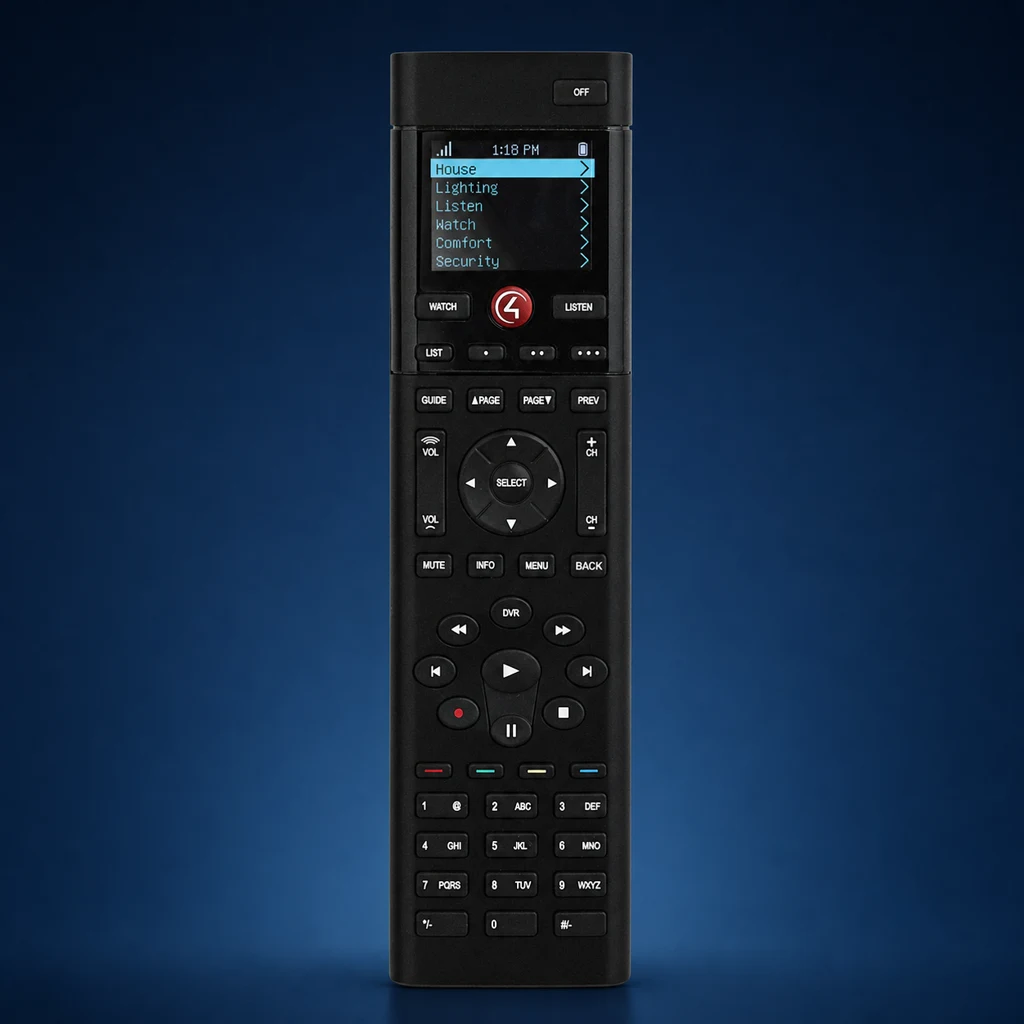 SR-260
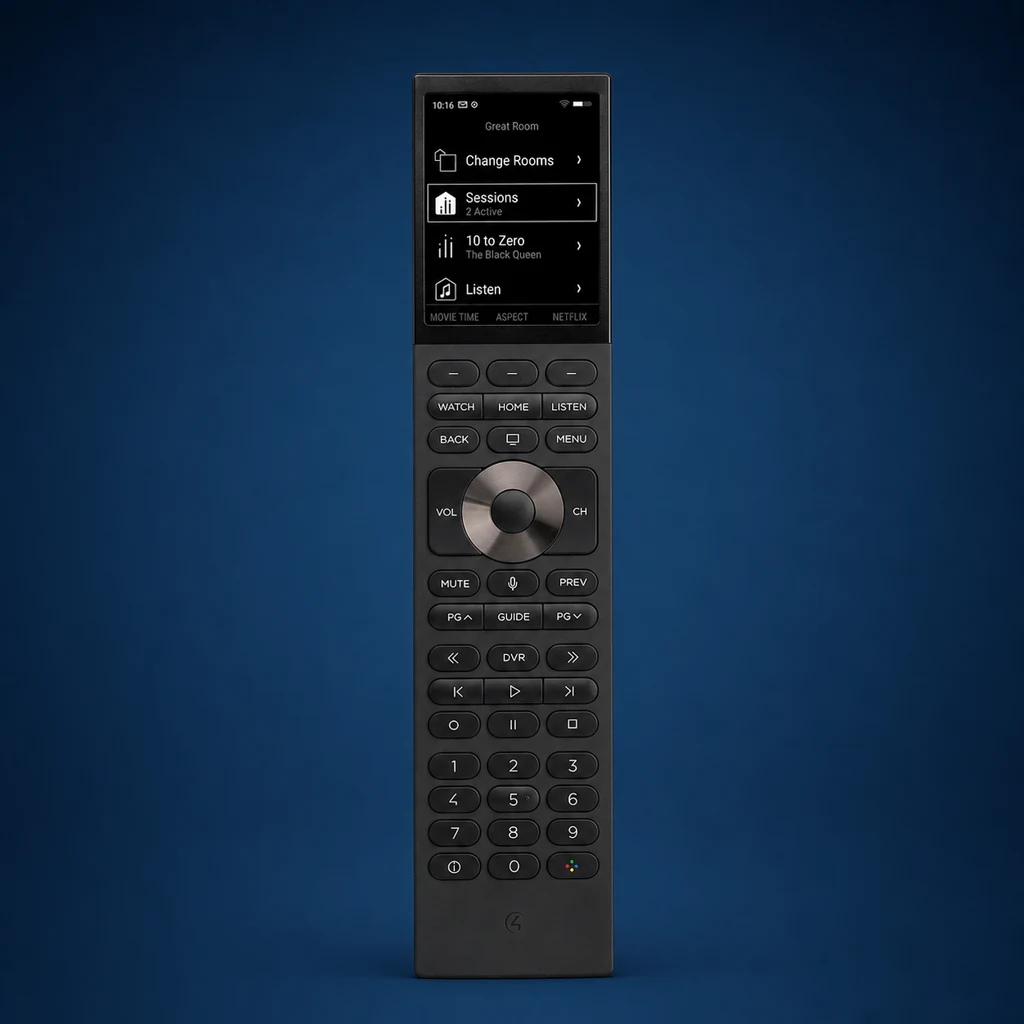 Halo
Halo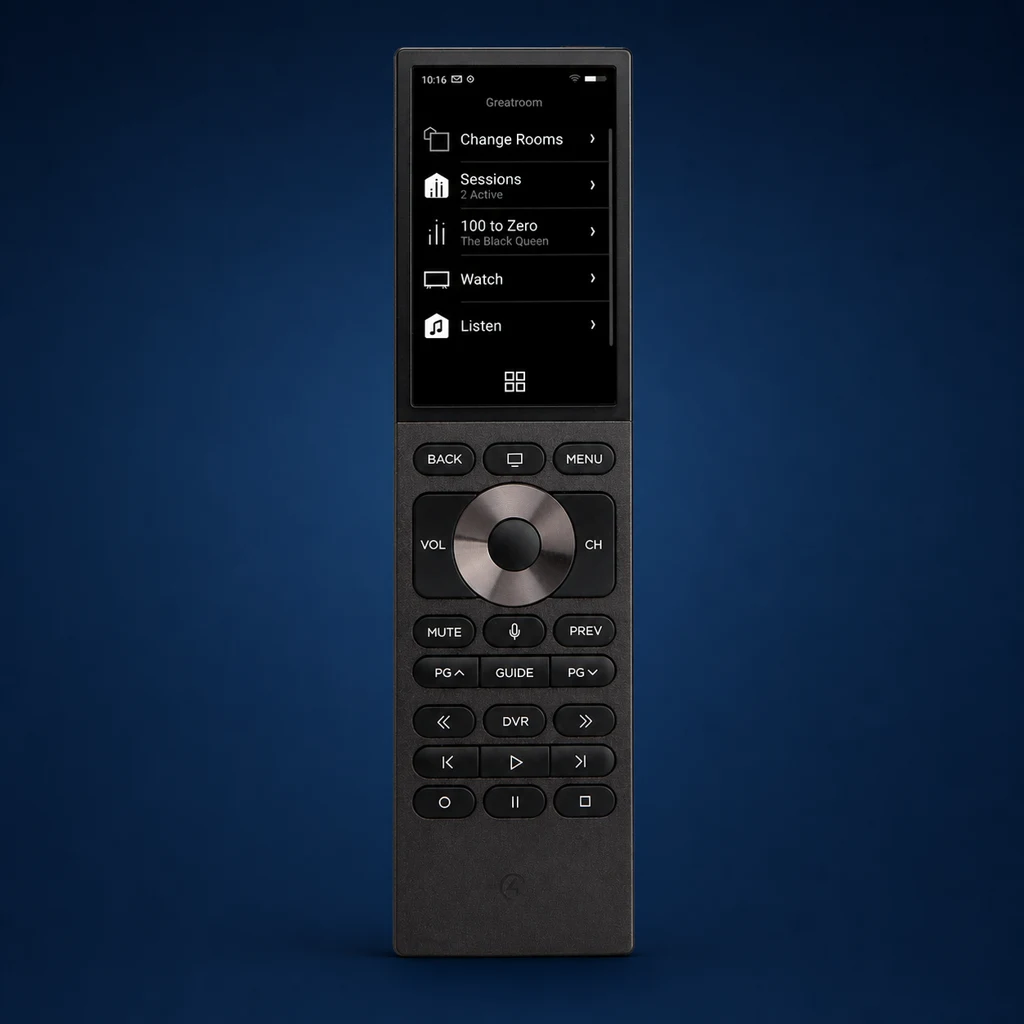 Halo Touch
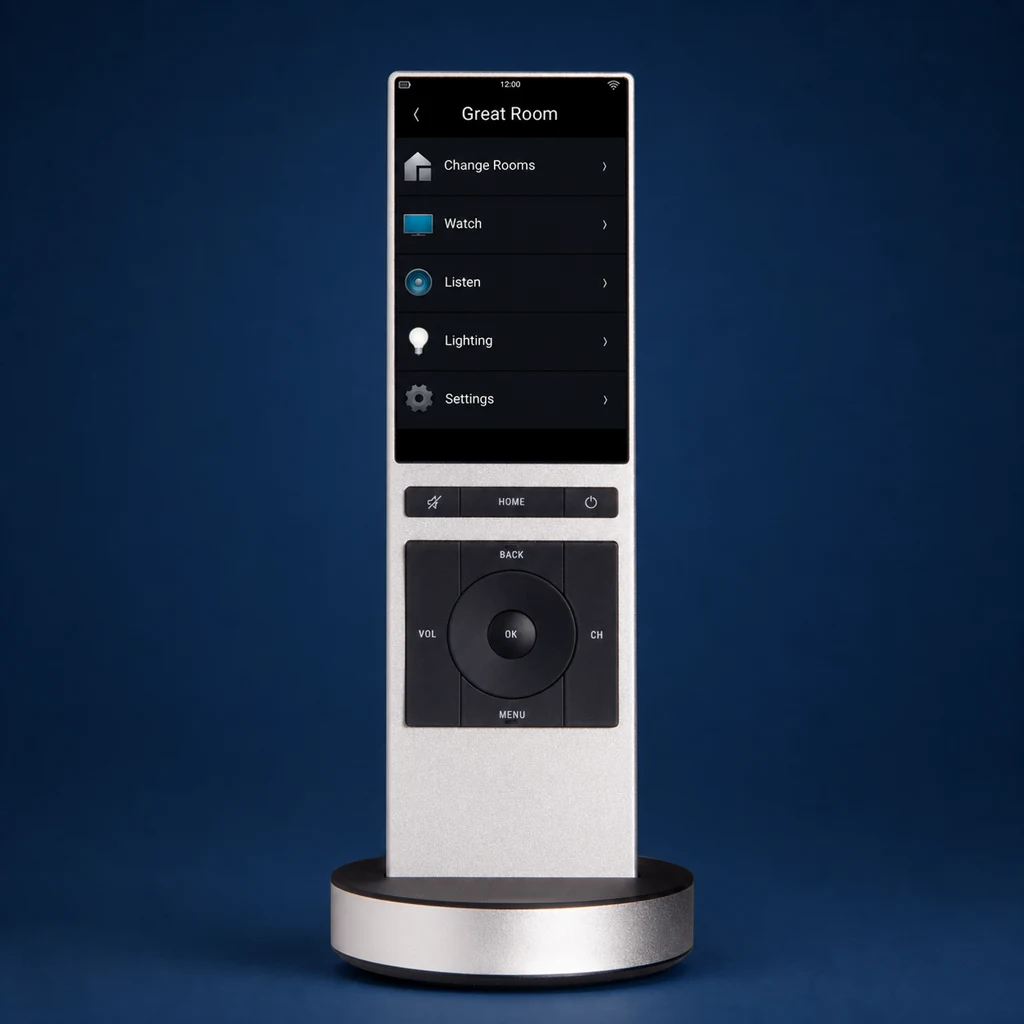 NEEO
NEEOIf your home has an older remote: SR-260 and NEEO are legacy models, while Control4's current lineup centers on Halo and Halo Touch. Compare the everyday controls before deciding whether an upgrade would meaningfully improve the room.
See the SR-260 and its charging option
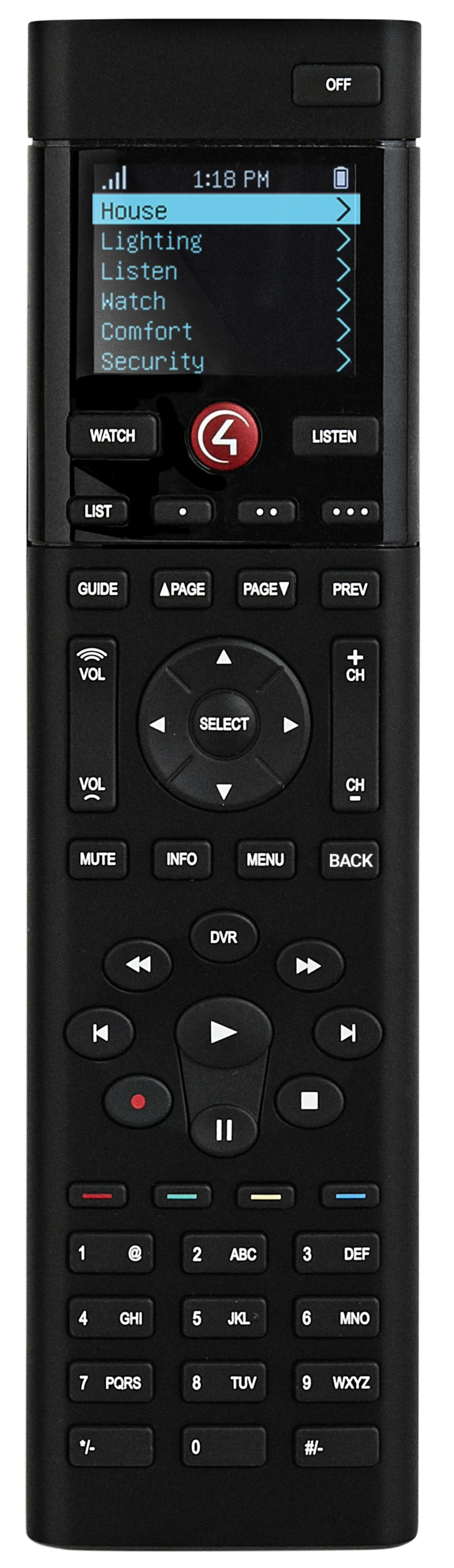
The SR-260 is longer and more button-dense than the current Halo family. It can run on AA batteries, or use the optional rechargeable battery and charging station shown here.
The SR-260 is Control4's classic button-first remote. Its small color display, full physical keypad, Zigbee communication, and optional charging kit made it a familiar interface in many existing systems. It is now best evaluated as legacy hardware: keep it when it remains reliable and comfortable, or compare Halo when newer features would solve a real need.
What is the Control4 SR-260?
Control4 remotes are interfaces for a Control4 project, not standalone universal remotes. A programmed button can coordinate compatible entertainment, lighting, shade, or climate functions, but the available actions depend on the controller, drivers, connected equipment, software version, and project programming.
Control4 Remote Models
- SR-260: Legacy button-based remote with a small display
- NEEO Remote: Legacy 3.2-inch touchscreen remote for OS 3 systems
- Halo: Current 2.8-inch non-touch color display with hard buttons and voice support
- Halo Touch: Current 3.2-inch touchscreen model with hard buttons and voice support
- CORE Controllers: Current Control4 controller family; EA controllers are common in legacy projects
- Control4 App: Mobile interface whose local, remote, and cloud features depend on the system generation and applicable Control4 service
What makes the SR-260 different?
1. Programmed system actions
Control4 remotes communicate with the Control4 system to run programmed actions. For example, a "Watch TV" activity can turn on compatible AV equipment and may also adjust lights or shades when those actions are deliberately included and tested.
2. A layout built for muscle memory
The small color OLED supplies source and room context, but the SR-260 is primarily operated by feel. Its 50 physical buttons suit viewers who regularly use channel numbers, a DVR, transport controls, or direct shortcuts.
3. Zigbee instead of home Wi-Fi
SR-260 communicates through the Control4 Zigbee mesh. It does not need line of sight to equipment, but response still depends on controller placement, mesh health, interference, software, and the programmed device path.
4. Optional rechargeable power
The standard remote accepts four AA batteries. An optional rechargeable battery and charging station can give it a permanent landing place, but availability and condition should be confirmed for legacy equipment.
5. Programmed room activities
Watch, Listen, Room Off, custom buttons, and color-key shortcuts can be programmed around the actual room. The remote feels simplest when source names and shortcuts reflect what the household really uses.
Battery Life: What to Expect
SR-260 battery life depends on the power option and use:
SR-260: Uses AA batteries. Runtime varies with battery type, backlight settings, use, radio conditions, age, and the condition of the remote; do not promise a universal number of months.
Factors Affecting Battery Life:
- Display and backlight settings: Brighter or longer display use can reduce runtime on rechargeable models
- Frequency of use: More frequent interaction generally increases power use
- Network and radio conditions: Poor connectivity can affect response and power behavior
- Battery condition: Chemistry, age, temperature, and charging habits affect actual runtime
SR-260 strengths and tradeoffs
✅ Pros
- Full physical keypad - Fast, familiar control without relying on touch
- Zigbee communication - Operation does not depend on the home's Wi-Fi coverage
- Replaceable AA batteries - The standard power option is simple to service
- Optional charging kit - A docked setup is possible when compatible accessories are available
- Proven room interface - A well-programmed unit can remain comfortable in an existing system
❌ Cons
- Legacy hardware - Condition and replacement availability vary
- Small display - It cannot provide the richer visual navigation of Halo Touch
- No current Halo voice features - Voice may be a reason to consider upgrading
- Control4 required - It is not a stand-alone universal remote
- Programming required - The experience depends on the existing project and button mapping
Should you keep or replace an SR-260?
Keep the SR-260 when:
- The Zigbee connection and buttons remain reliable.
- The household already knows the layout and prefers tactile control.
- The small display provides enough information for that room.
- No desired feature justifies changing working hardware.
Consider Halo or Halo Touch when:
- You want voice support, graphical favorites, or a more current interface.
- The old remote, battery contacts, display, or optional charging kit has become unreliable.
- The existing project is being upgraded and compatibility has been verified.
- A touchscreen would make scenes, rooms, or media easier to understand.
For current choices, read the Halo review, Halo Touch review, or the four-remote comparison.
Common questions about the SR-260
Can I use Control4 remotes without a Control4 system?
No. These remotes are designed for a compatible Control4 project and controller. CORE is the current controller family; EA controllers remain in many existing systems.
How long do batteries last?
SR-260 uses four AA batteries unless fitted with the optional rechargeable kit. Control4 does not publish one guaranteed household runtime; use, settings, radio conditions, temperature, battery chemistry, and age all matter.
Can I program it myself?
Adding and assigning a remote to the project requires Control4 programming tools and compatible system software. Homeowner personalization may cover selected favorites, scenes, or routines, but it does not replace project configuration or compatibility testing.
What if I lose the remote?
A compatible Control4 app may provide another interface when the controller, account, network, software, and required Control4 service are available. A dealer can also confirm whether another current remote can be added to the project.
Official references
Control4 SR-260 data sheet · current Control4 remotes · Halo data sheet. Reviewed August 17, 2026. Compatibility, charging accessories, condition, and available replacements must be confirmed for the exact system.
Our verdict
A reliable, well-programmed SR-260 can still be the right remote for an existing room. Its strengths are tactile control, Zigbee communication, replaceable batteries, and a familiar layout. Upgrade when Halo's newer interface, voice support, or charging design solves a real need—not simply because the SR-260 is older.
Before changing it: confirm the controller, Control4 OS version, project health, Zigbee mesh, desired features, and the household's preferred button layout.
Ready to Get Your Control4 Remote?
Denali Tech works with Control4 systems in the Chicago area. We can compare current and legacy remotes, check compatibility, and document the programming or replacement scope.
Message us on WhatsApp or schedule a project review.
Get Control4 Installer Help